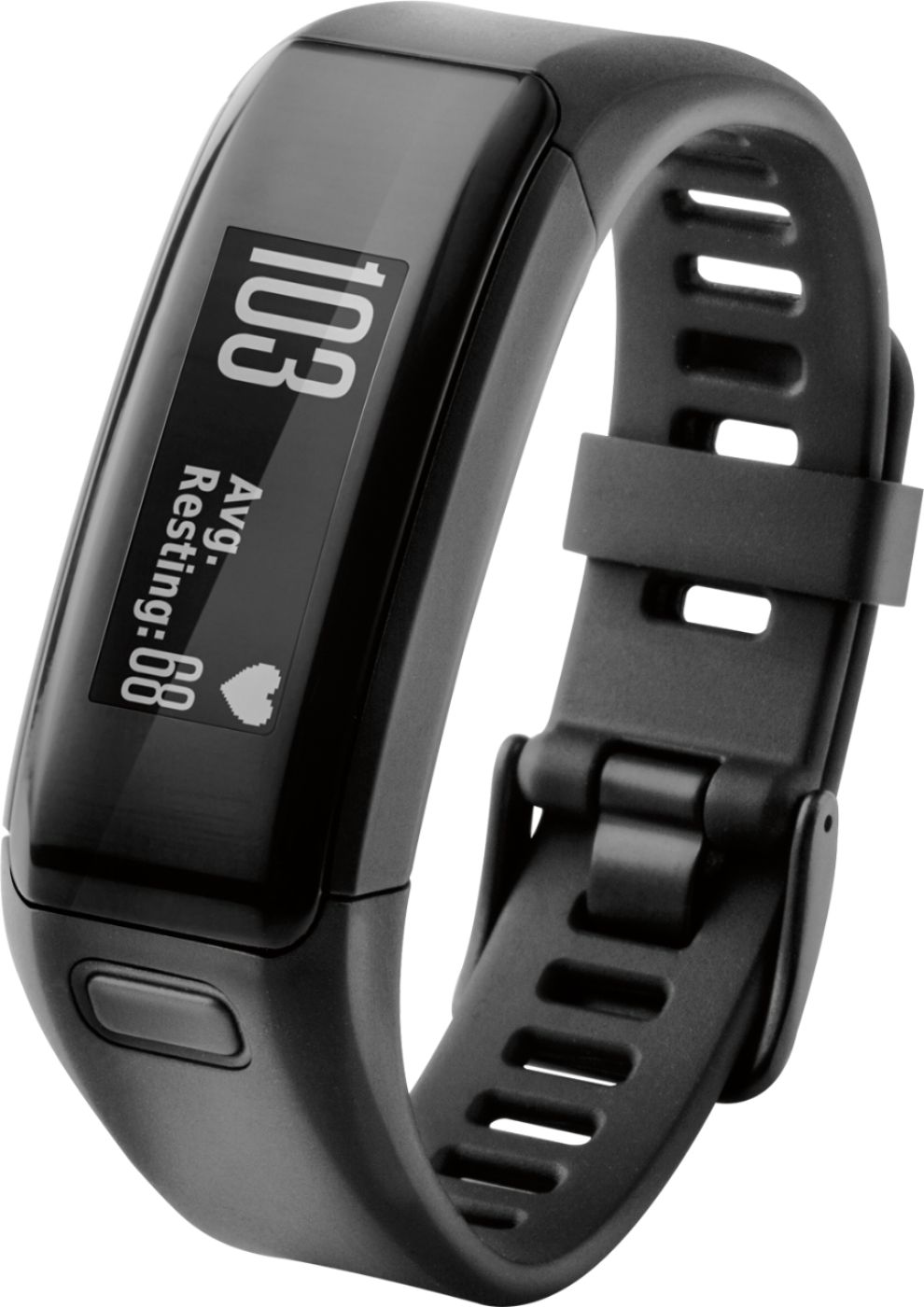
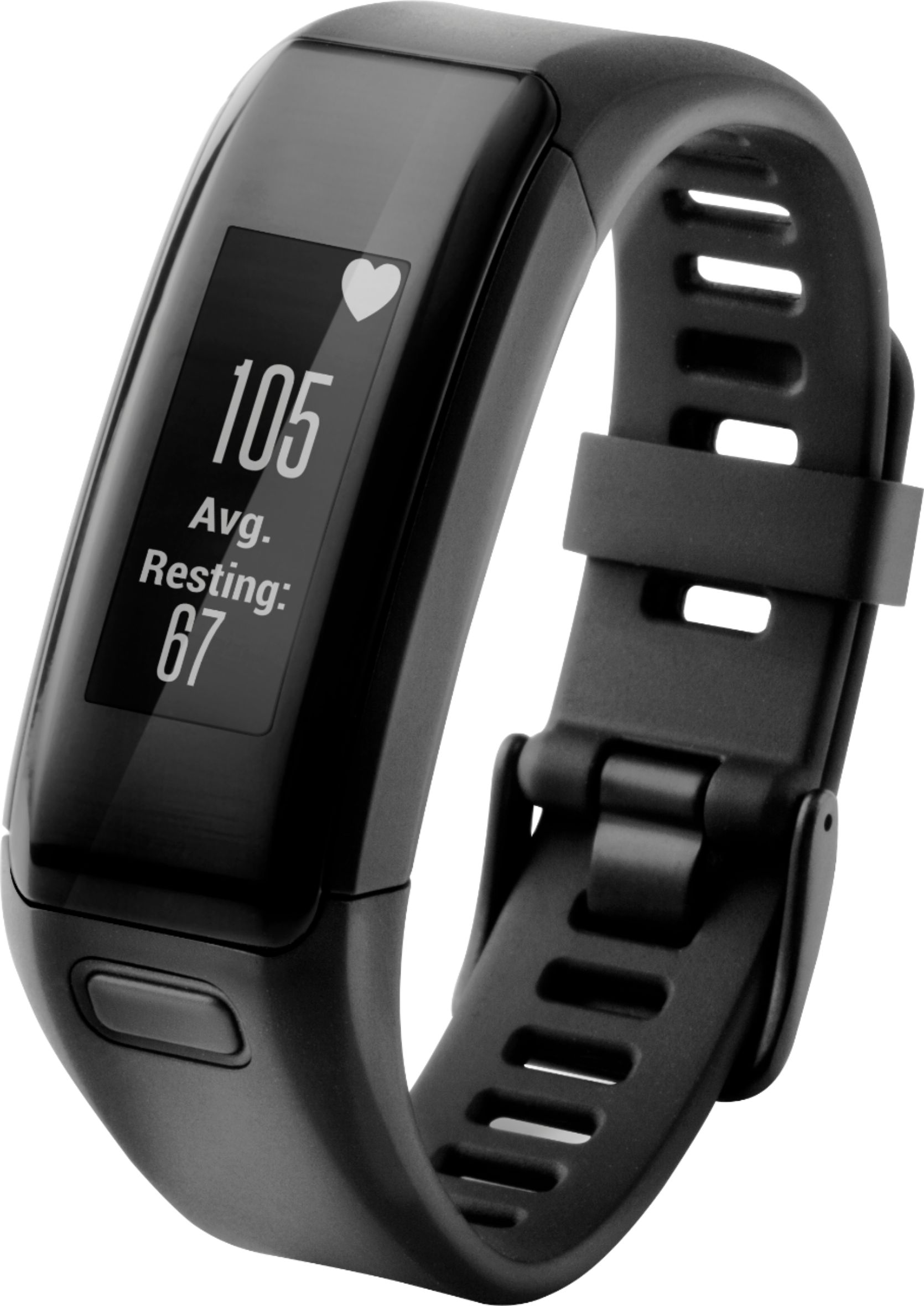
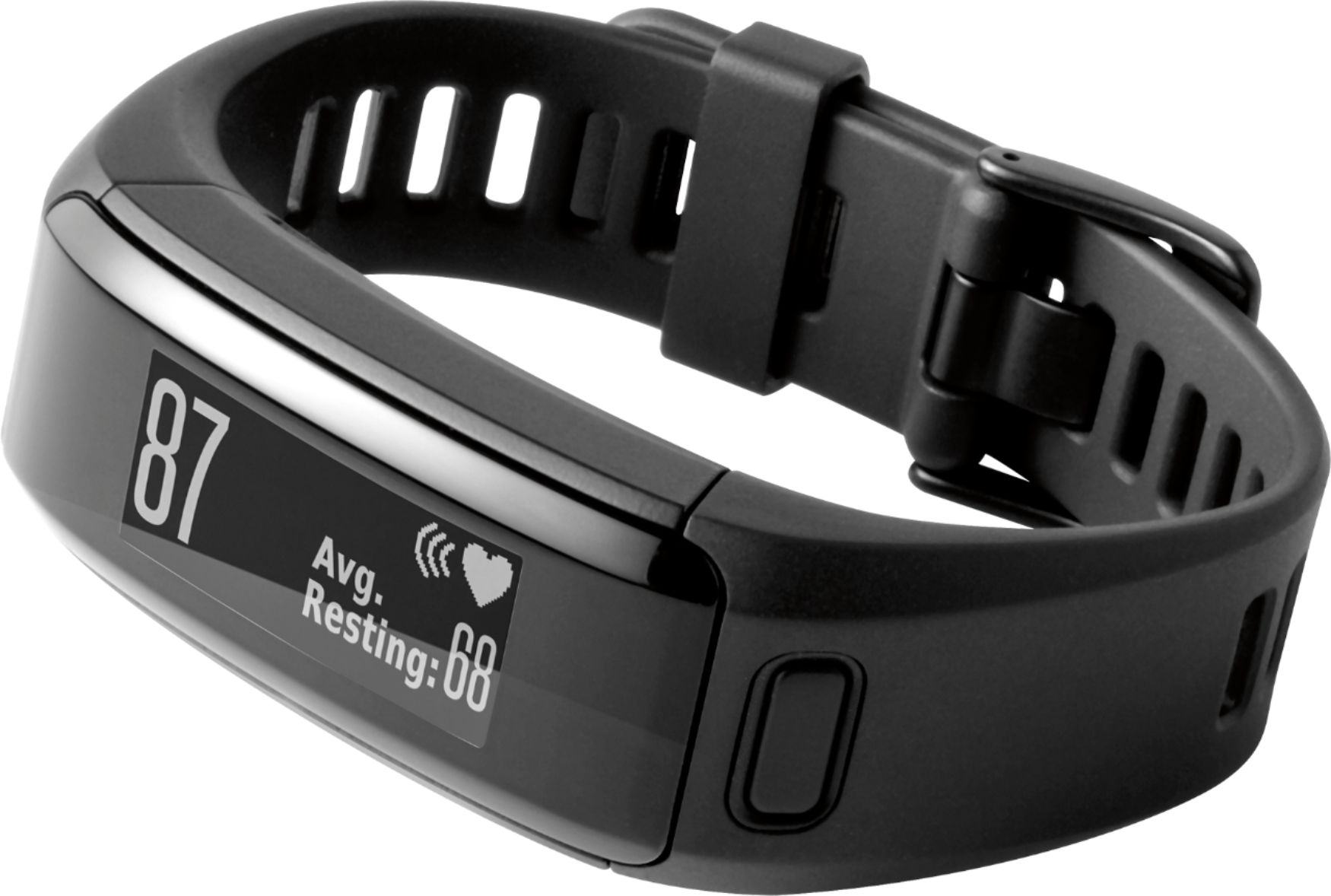
A:AnswerBefore you start your workout you'll have to put it into workout mode by clicking the button on the tracker, and tapping on the icon that looks like a running man. That will start tracking your activity session. Doing this will let the app record your session so you can go back later and view your burned calories separate from the daily burn. If you don't, it will just lump it in with the daily total.
A:AnswerWe don't have a specific availability date yet. I can tell you, however, that once it's available, it'll be sold online only. So keep checking back. You should see the product listed once stock is available. -JPK
A:AnswerAt this time the expected availability date for the extra large vivosmart HR is by the end of November. Once Best Buy receives stock of this device it will only be available on Best Buy's website, and will not be available in stores. Thanks! (KS)
A:AnswerYes, I wore this swimming in the lake this summer. Plus it has a swimming setting to track your exercise while swimming. I haven't used that before so I can't say how well it works.
A:AnswerNo, the vívosmart HR is not a consumer replaceable battery. For replacing the battery please reach out to our product support team in the following link:
www.garmin.com/support
~JH
A:AnswerThe Garmin vívosmart HR Activity Tracker is designed to be used with Garmin Connect which provides weekly challenges to compete with others in Garmin Connect. However, there may be third-party sites that allow users of different brands to compete against each other. {CW}
A:AnswerThe vívosmart HR should reset the steps to zero after the time of day reaches 12:00 AM. If your device is not doing this we would first encourage you to ensure your device has the most current version of software by using Garmin Express. Also, if the update does not help or no update available, please visit www.garmin.com/support to reach out to Garmin Fitness Customer Care further assistance. {CW}
A:AnswerBased on my observation, it seems to be based on sustained elevated heart rate for at least 2 minutes. I haven't had my device require longer than that to start counting Intensity Minutes. And it adequately measured the elevated heart rate each time I have shoveled snow (and measured this period as an Activity), which didn't really involve many measurable steps because my arm movement was focused on the shovel.
How it calculates "intensity" seems to be a combination of factors; it doesn't seem to be a fixed rate for all users. It seems to use what it has measured as your average resting heart rate. But it also seems to factor in your general activity level (in profile settings). My husband easily gets "intensity minutes" just from leisurely walking, but his fitness "level" is lower than mine. We can be walking together at the same pace; he'll get intensity minutes and I will not (even though I'm shorter and working harder to match his stride).
I think there is a page on the Garmin Connect website where you can customize your targets for intensity as percentage of your average resting heart rate, but I haven't done that since this is my first fitness tracker. Sometimes when I take my brisk mid-morning or mid-afternoon walk (each of which is about 10 minutes), it credits 8-10 minutes of the basic intensity rate. This past week, when I was dealing with colder temperatures and deep snow on those walks, it credited those periods with the much higher intensity rate.
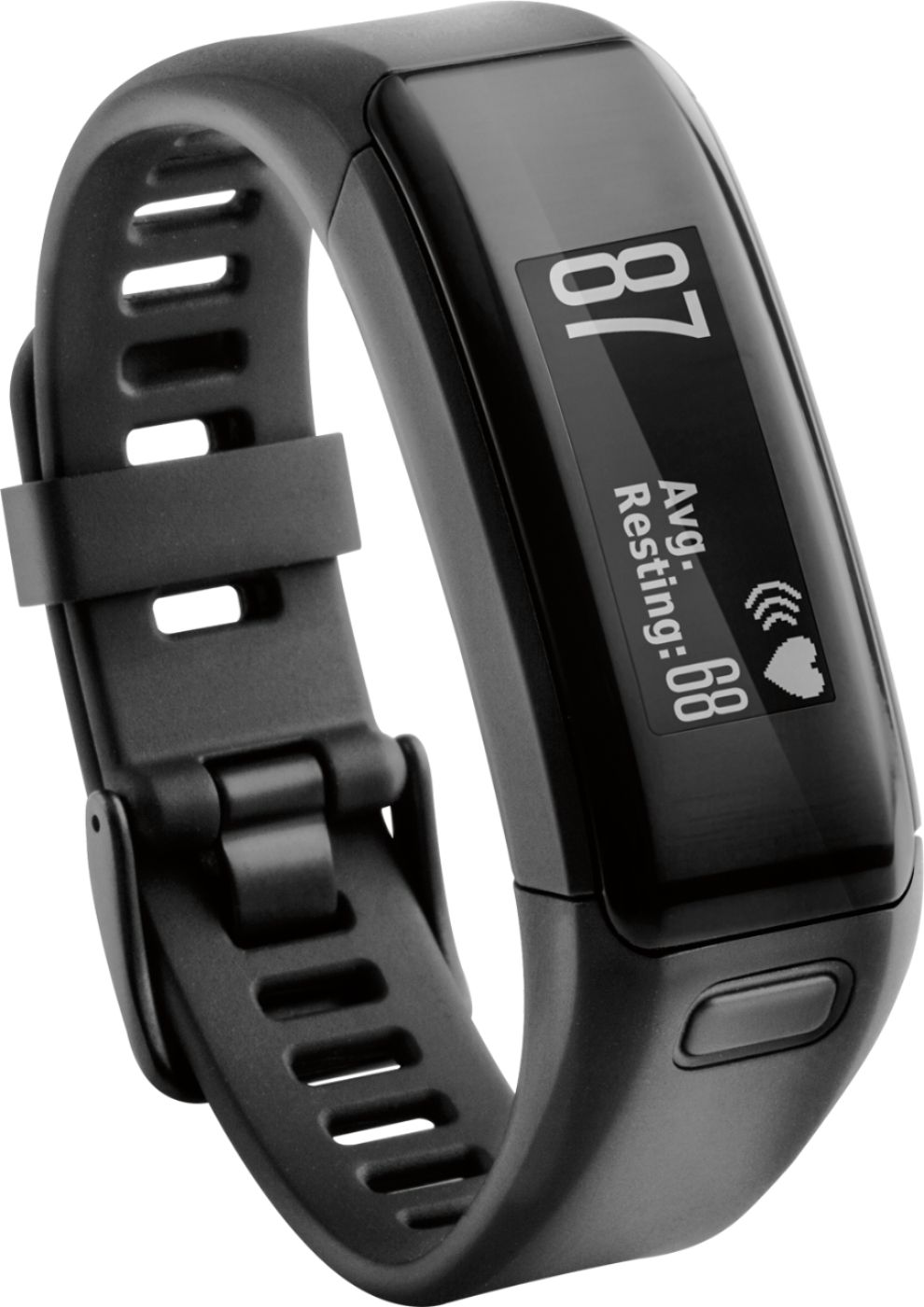
A:AnswerAccording to Best Buy Canada's site, it is available for pre-order listing 12/18 availability. However, Garmin reps stated end of November, but the box with regular size states on the side, the x-large is available at Garmin.com, which doesn't appear to be accurate either.