A:AnswerTo a degree. There is no GPS with this device, but it does measure steps, and you can set your stride length to get a distance measurement. There is, also, a setting for laps, but I have not used it.
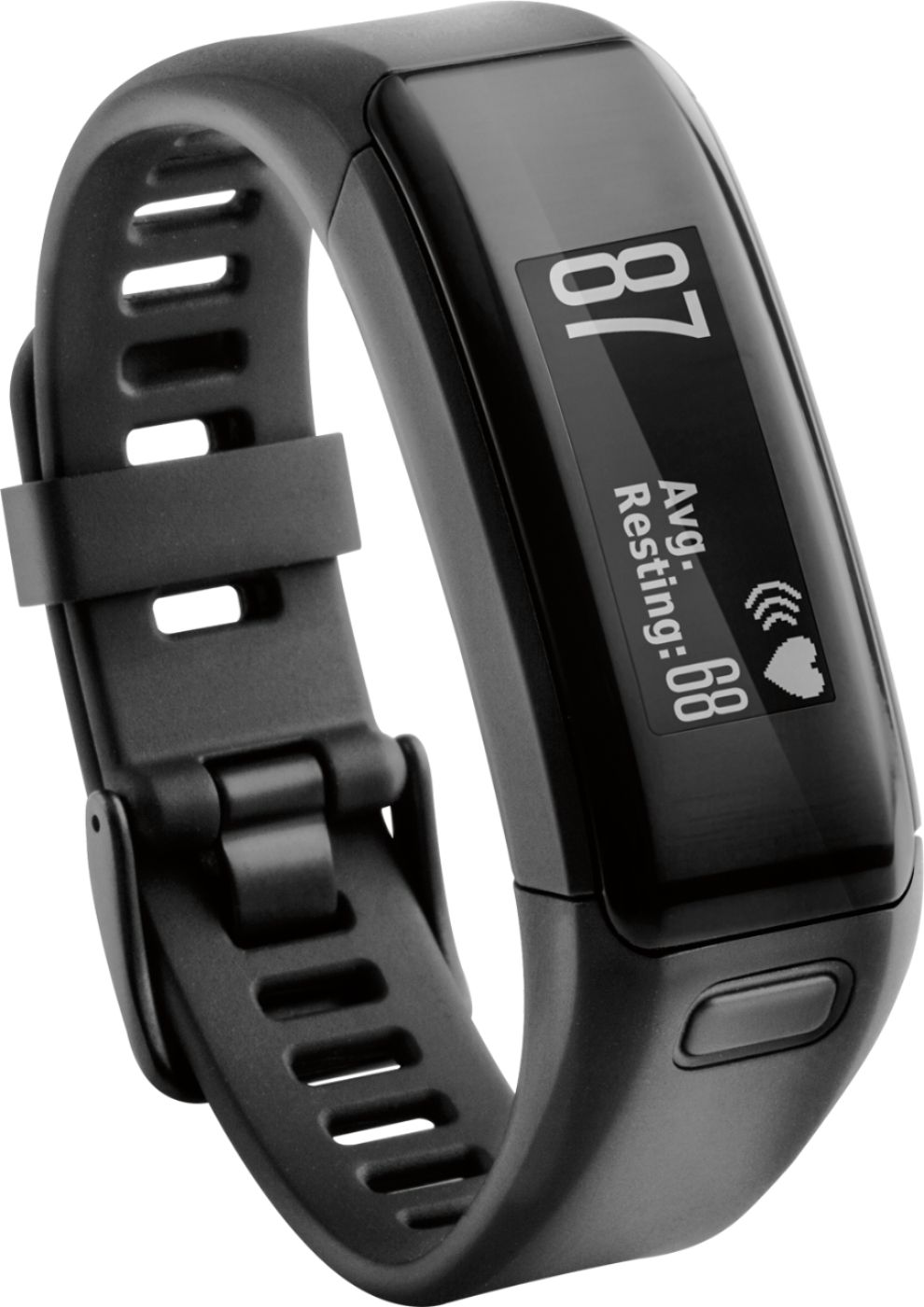
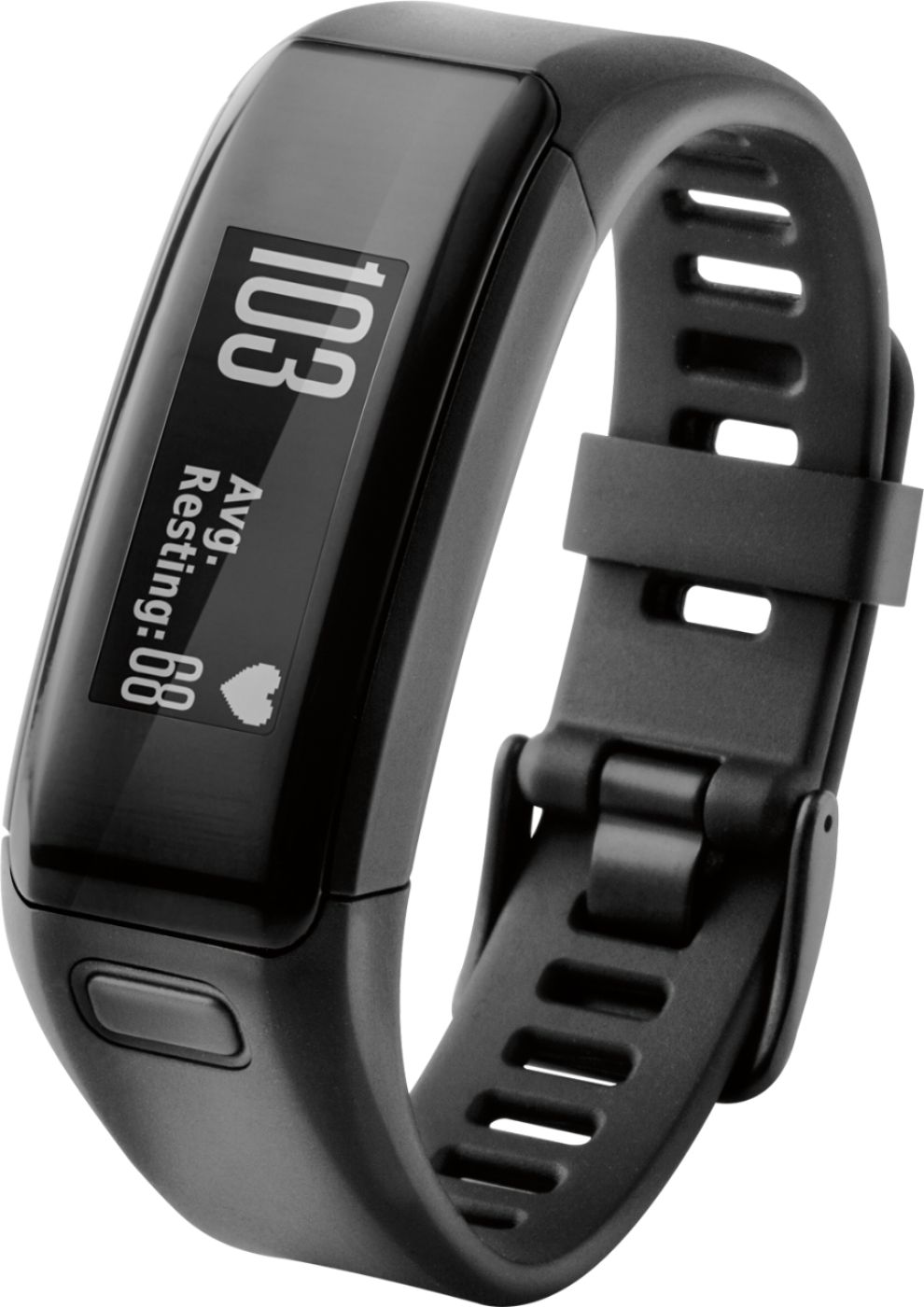
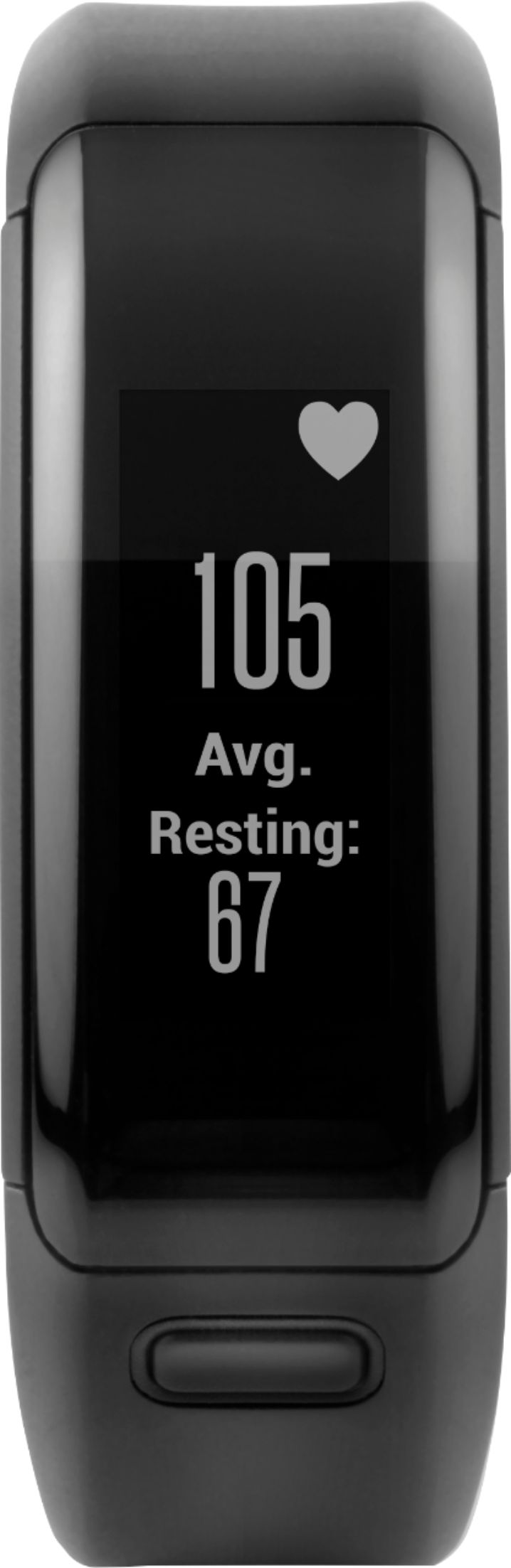
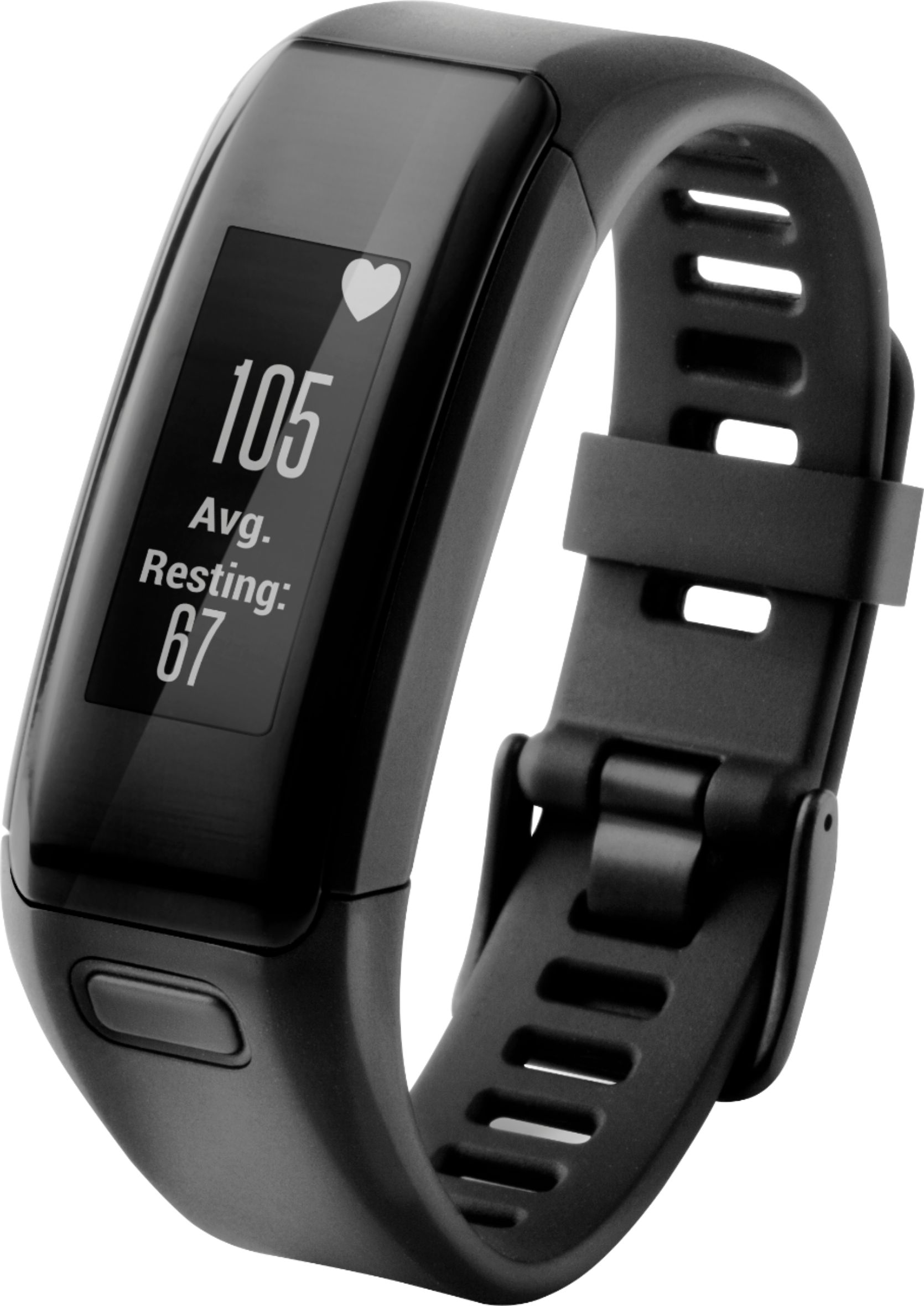
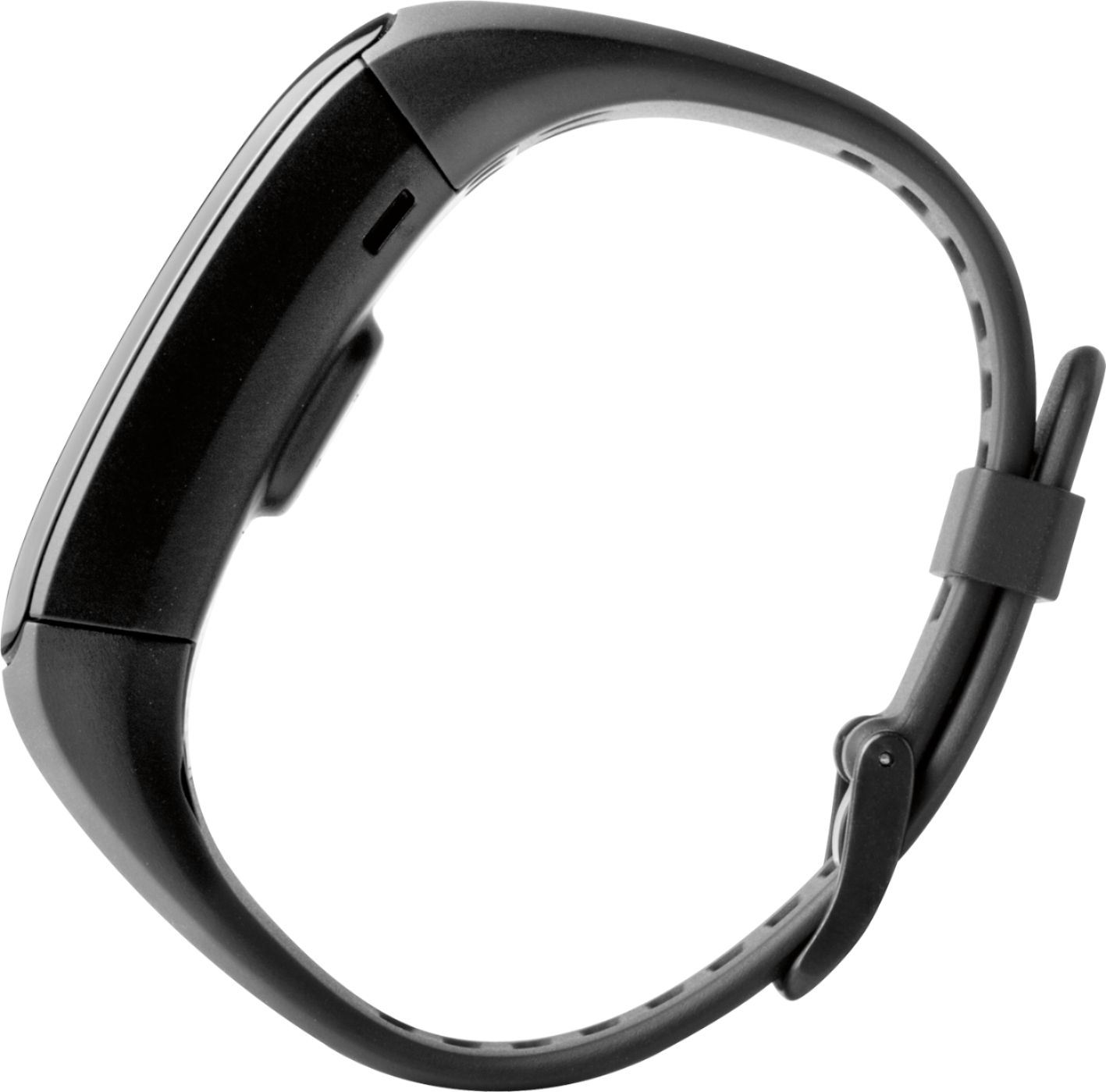
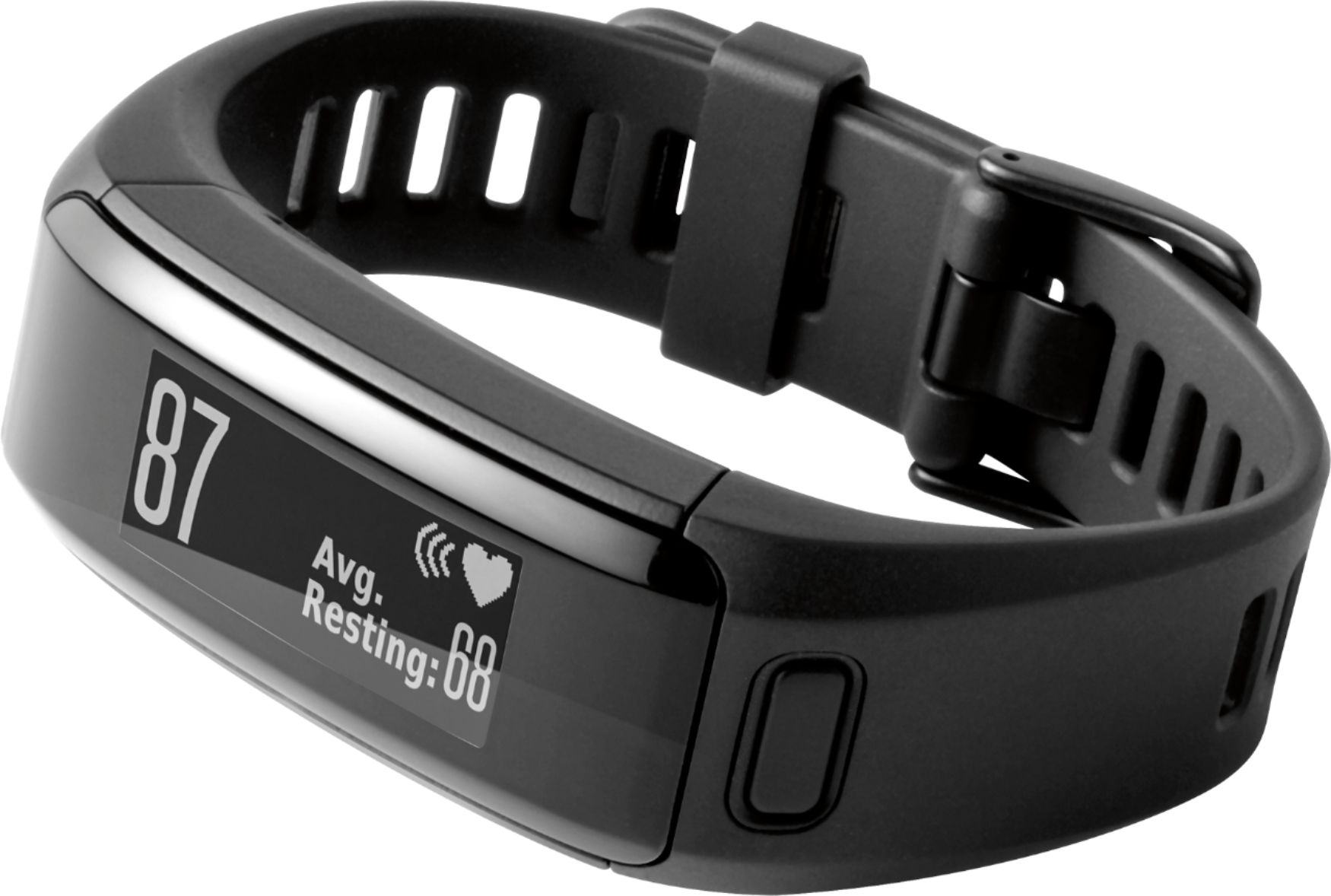
A:AnswerThe vivosmart HR uses both a button to access certain features on the device such as accessing the Menu or starting the timer, as well as a touchscreen to scroll through screens or make selections on the device.
A:AnswerOn the side of the box it gives a picture of how wide the watch is. I have a small wrist so at first the watch felt big but I'm used to it now.
A:AnswerTracks miles, steps and stairs and helps with workouts, it's a watch and activity tracker plus you receive notification on emails and calls and texts.
A:AnswerNo. When you are near your phone,pc or iPad etc. you can synchronize and it will keep all daily information for you. You don't need your phone etc with you unless you want to answer a text, phone call. It will hold daily information until you synchronize.
A:AnswerMy daughter has an iPhone 5s I believe (might be a 6s) and she had NO problems getting it to set up and sync up with her phone. I have a Windows 10 phone and it syncs up easily with it.
A:AnswerNo sure, but the Garmin Vivosmart HR definitely requires charging via USB. It takes a couple of hours. So I do it at night or at work on my computer. I do use the device to track my steps, so I avoid taking it off during the day when I'm out and about.
A:AnswerThat depends on the motion you use for this activity. Steps are recorded based on a natural walking or running movement, including arm movement. If the activity matches this type of movement, then it should record the steps. \tw/