A:AnswerIt has a 'Strength' training option on it. You would need to enter the reps/weight information and then edit it on your Connect account as to what machine you were using.
Debbie with Garmin
A:AnswerYou can set the watch to lap automatically or you can press the button on the lower right to set a manual lap. You may want to go to support.garmin.com where you can find many helpful FAQ's and video's on the functions of the device. As well, you may reach out directly to a product support specialist if you need further assistance.
Debbie with Garmin

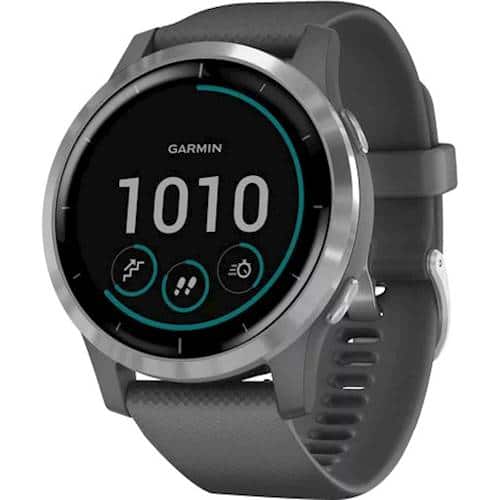
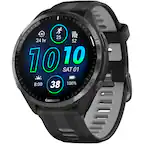
A:AnswerYou can set the watch to read analog or digital. Please go to support.garmin.com where you'll find many helpful FAQ's and video's on the functions of the device and how to set up the watch to meet your needs. You may also reach out to a product support specialist directly from that page.
Creating a Custom Watch Face allows you to select which format you want to set on the device.
Debbie with Garmin
A:AnswerNo, when you use the device it will sync the data to Garmin connect via Bluetooth, USB cable connected to a computer using Garmin Express or Wi-Fi. For more information please go to support.garmin.com where you'll find many helpful FAQ's and video's on the functions of the watch. You may also reach out directly to a product support specialist from that link if you still need assistance.
Debbie with Garmin