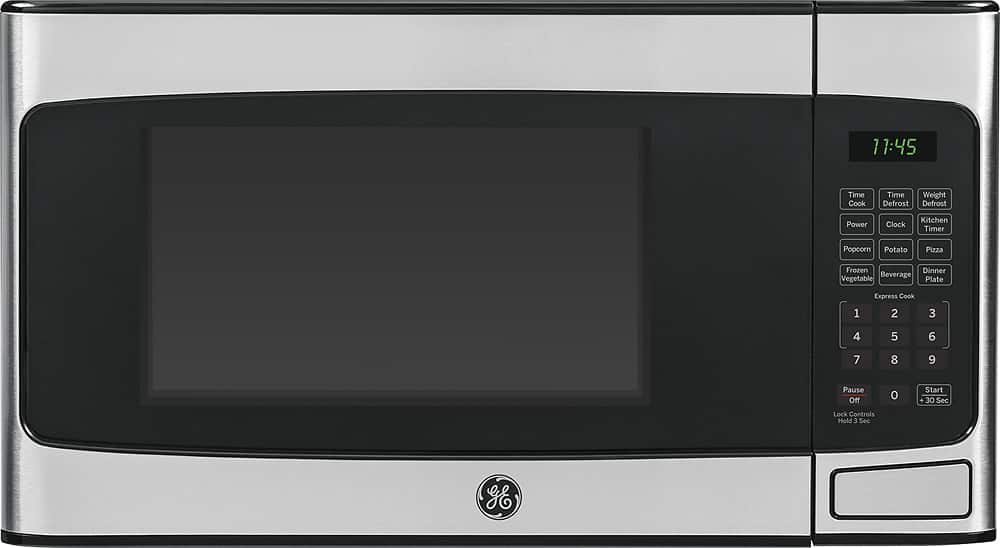
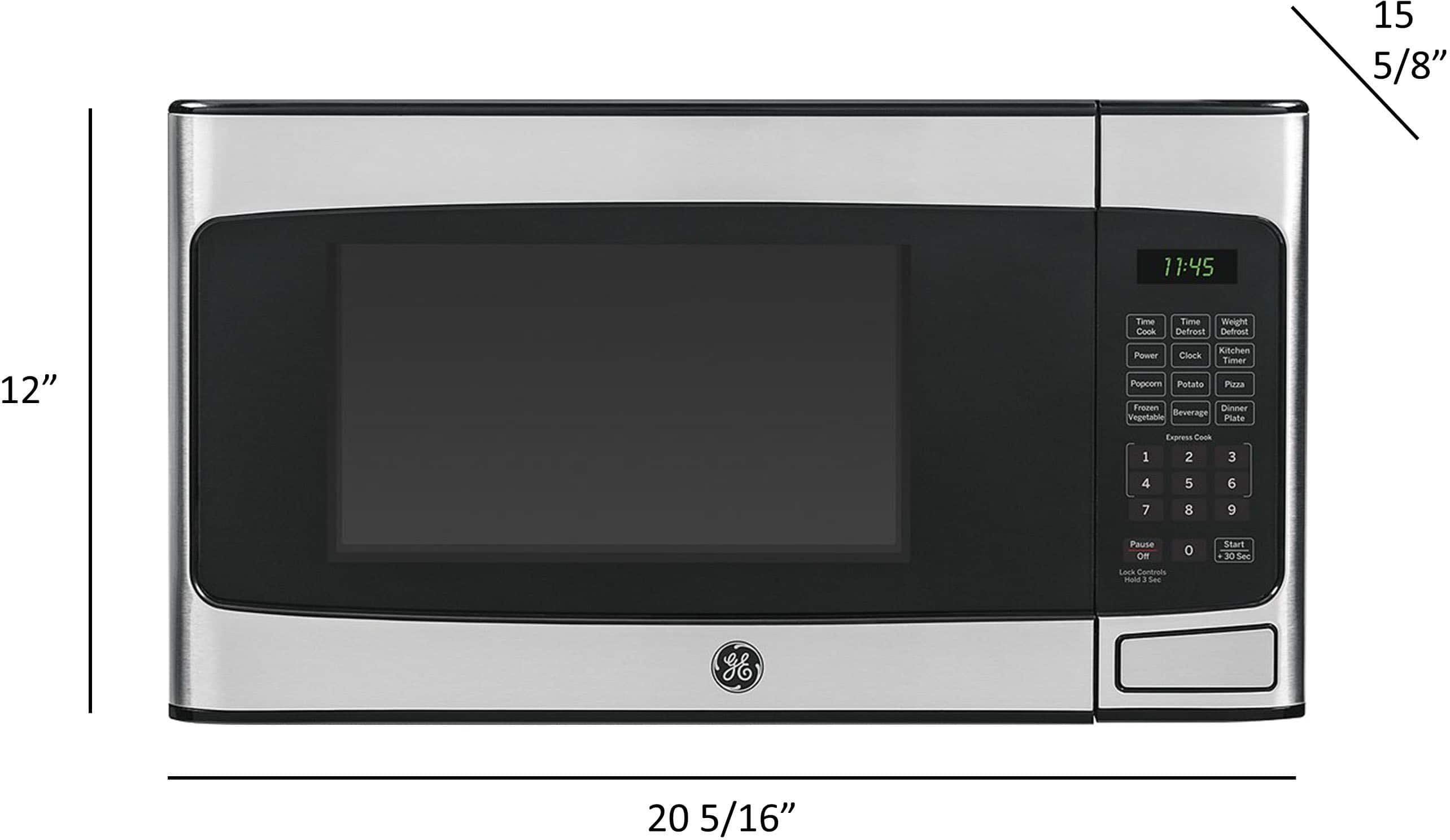
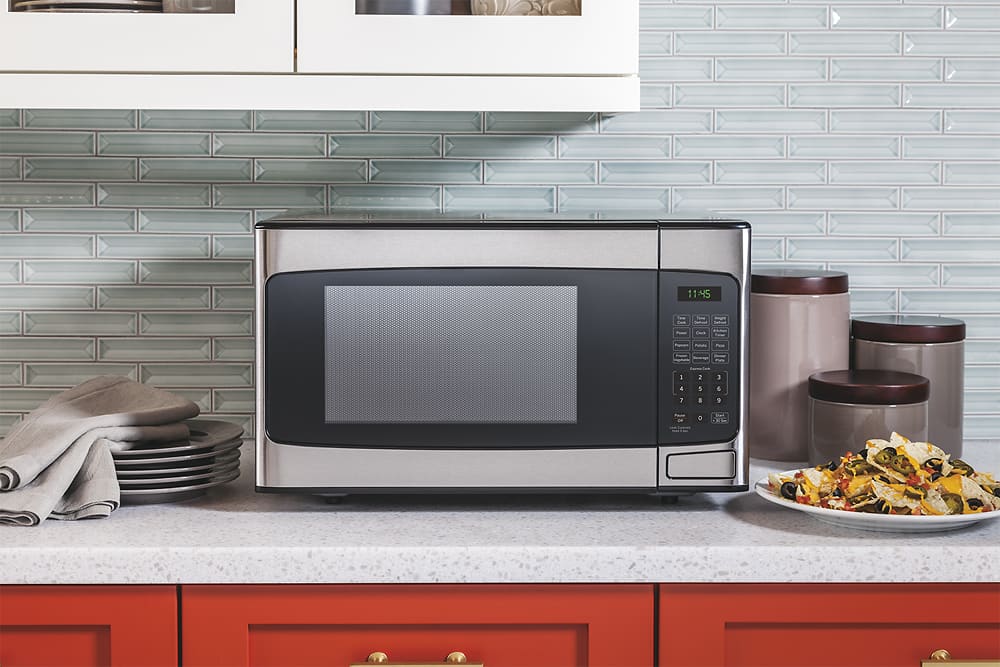
A:AnswerHi Andy - Approximate Product Dimensions: (WxHxD) (in.)
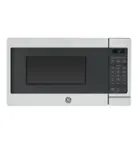
20 5/16 in x 12 in x 15 5/8 in. The front edge of the microwave (measured at door) should sit at least 3" or more back on the counter or shelf to avoid accidental tipping. Microwaves need adequate air clearance on each side, the rear and the top to function properly. This allows good circulation for the intake and discharge air vents. On countertop models, allow 3" of clearance on both sides and the top and 1" clearance in the rear. We suggest to view the following link- MICROWAVE AIR CLEARANCE - COUNTERTOP ONLY MODELS: https://products.geappliances.com/appliance/gea-support-search-content?contentId=21668 - Keep in touch! Sue
A:AnswerHi - GE® Countertop Microwave Oven JES1145SHSS cannot be mounted under a cabinet. Models PEM31SFSS and JEM3072SHSS are compatible with optional Undercabinet Hanging Kit JXA019K (sold separately). Thanks for choosing GE! Sue
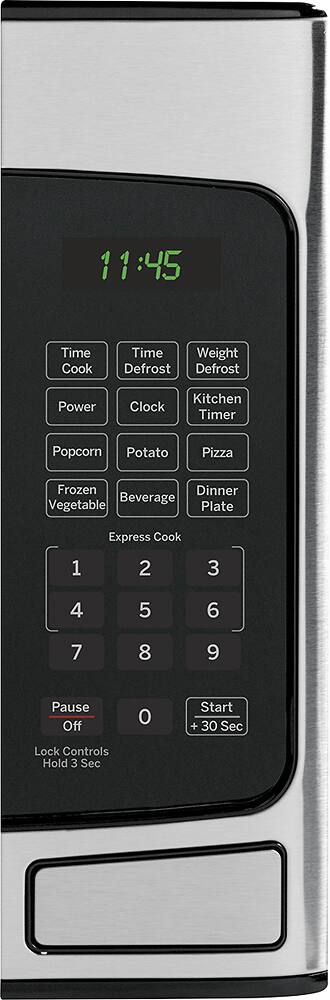
A:AnswerHi Andy - Use the Pause/Off button when you need to start over when you are setting a button feature, or when you need to clear the display. For reference, see page 8 of the Use and Care Manual at the following link: https://products.geappliances.com/MarketingObjectRetrieval/Dispatcher?RequestType=PDF&Name=49-40735.pdf - You can also open the door if you need to check or stir the food. Press Start to resume operation.
Thanks for choosing GE! Sue
A:AnswerHi Gtos - Yes, this is normal. The wiring diagram (mini-manual/schematic) is packaged with each model. The most common location in a countertop model is inside the actual case. It is not consumer accessible and for use by qualified service technicians. Thanks for choosing GE! Sue
A:AnswerThis microwave requires adequate clearance on each side for proper functioning. However, you may check GE microwave oven model # PEM31SFSS or JEM3072SHSS that may suit your requirement.
A:AnswerHi LuluM - The sounds cannot be muted on this microwave. GE® 2.0 Cu. Ft. Capacity Countertop Microwave Oven JES2051DNWW has Beeper Volume option. Press Beeper Volume and choose 0–3 for mute to loud. Thanks for choosing GE! Sue
A:AnswerHi Daisy - Thanks for reaching out to us and for choosing GE! Use the Pause/Off button when you need to start over when you are setting a button feature, or when you need to clear the display. For reference, see page 8 of the Owner's Manual at the following link: https://products.geappliances.com/MarketingObjectRetrieval/Dispatcher?RequestType=PDF&Name=49-40735.pdf - Keep in touch at 1-800-626-2005 or GEAppliances.com - Sue
A:AnswerHi - Thanks for choosing GE! Our microwaves are designed with as quiet an operation as possible. Therefore, you should not be concerned as long as it is heating your foods. Keep in touch! Sue
A:AnswerHi bigmac- GE® 1.1 Cu. Ft. Capacity Countertop Microwave Oven
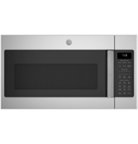
JES1145SHSS is intended for countertop use only. It cannot be mounted over a range. We suggest GE® 1.6 Cu. Ft. Over-the-Range Microwave Oven
JVM3160RFSS with cooktop lighting and two-speed, 300-CFM venting system
to remove smoke, steam and odors. Keep in touch! Sue
A:AnswerHi Tim- Model JES1145SHSS is intended for countertop use only. We suggest GE® 1.6 Cu. Ft. Over-the-Range Microwave Oven JVM3160RFSS (Stainless/Black) or GE® 1.7 Cu. Ft. Over-the-Range Microwave Oven
JVM6172SKSS (Stainless/Gray). Keep in touch! Sue
A:AnswerHi SantaElg- The colon ( : ) will blink / flash when programming a new time of day. To program the clock, press Clock. Enter time of day. Press Clock to set the time. Also, to confirm power, the unit has an interior light that comes on when the door is opened and when it is cooking. Here is the link to the Owner's Manual for instructions on using your microwave: https://products.geappliances.com/MarketingObjectRetrieval/Dispatcher?RequestType=PDF&Name=49-40735.pdf - Thanks for choosing GE! Keep in touch- Sue