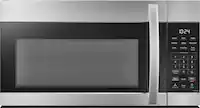
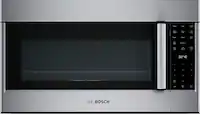
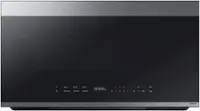
A:AnswerYes, model JVM3160RFSS is the same as model JVM3160rf2ss, so it will fit into this same space. To review installation details, please see the installation instructions manual for this model starting on page 8 by visiting the product page, clicking on the “Features” tab and navigating to the “Manuals & Guides” section.
A:AnswerThe manual can be found on Best Buy's website page for the model and clicking the Features section. You can also search the model number on GE Appliances' website and find a link to the manual at the top of the page or at the bottom, in the Owner Support section.
A:AnswerBoth are referring to the same type of microwave. The difference is that one is a general model number used for websites and the other is for a specific appliance. Let us know if you have any additional questions. -Arnesha@GEAppliances
A:AnswerIn all installations we recommend using the mounting bracket and hardware that will be packaged with the new microwave. We have compared the style of bracket used for your existing model and the one included with the new model. They are completely different.-Vikki@GEAppliances
A:AnswerWe're sorry to hear you're having this issue with the numbers and regular flashing. If the digital display isn't performing as normal, we recommend disconnecting the microwave from power for a couple of minutes before reconnecting; this resets the electrical components and can often resolve a temporary issue. If you aren't able to resolve this, Bodewell (GE Appliances' team of appliance care experts) can be reached at 833-426-3393. A technician would be glad to examine the microwave for any issues. -Sarah@GEAppliances
A:AnswerThe JVM3160RFSS does not offer a convection option. Normal bake or convection baking does not use microwaves. Convection baking is just using a fan to move heat around the oven cavity. -Don@GEAppliances
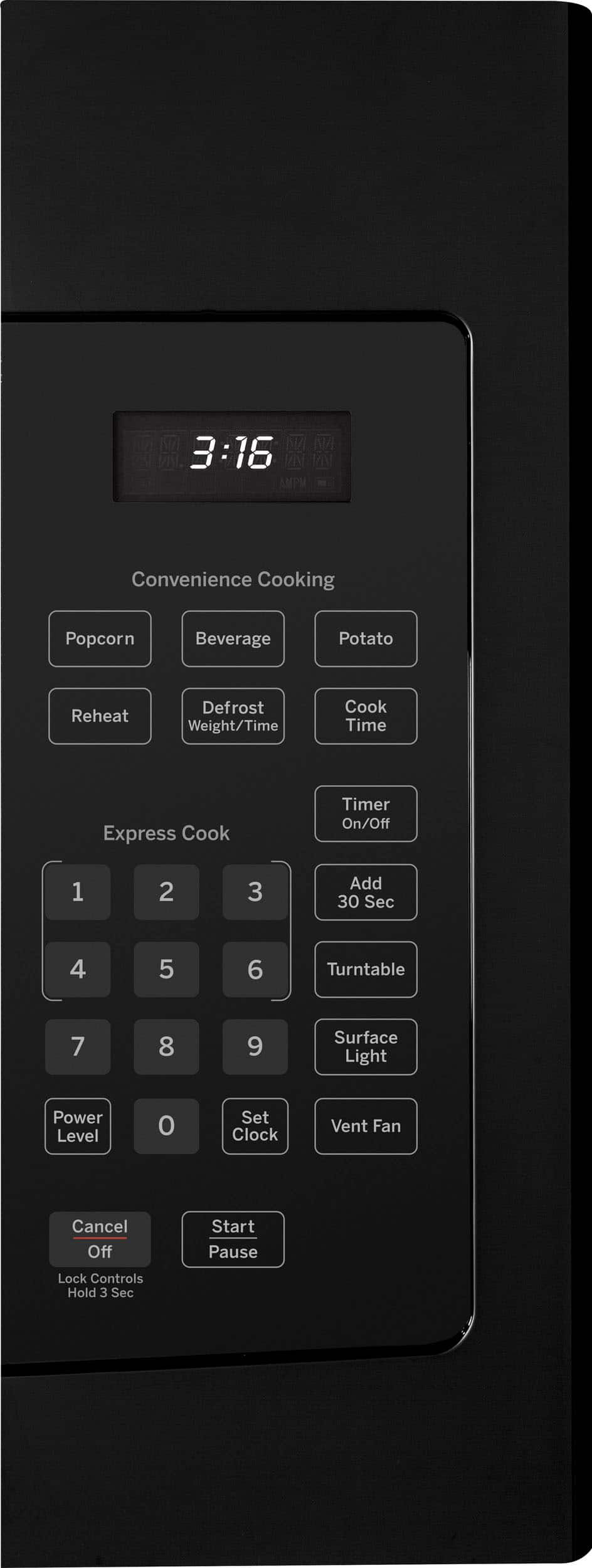
A:AnswerIn the event of a power failure, the clock will need to be reset. Press Set Clock, enter the time and press Start. This model doesn't offer a date function. -Vikki@GEAppliances
A:AnswerFor proper installation, the microwave should not be installed below a cabinet deeper than 13". It is not designed for a flush installation. -Vikki@GEAppliances
A:AnswerWe can confirm that this model would make a great replacement for your prior Spacemaker model. They both have similar dimensions and features and are designed to fit into a 30" wide cabinet opening. For more information on the mounting space required, check out the Specification Sheet, which can be viewed at the bottom of the Features tab on the product page of the Best Buy website. Lauren@GEAppliances
A:AnswerAll of our 30" wide over-the-range models like the JVM3160RFSS would be a comparable replacement. We do recommend using the mounting bracket and hardware that will be packaged with the new microwave. -Vikki@GEAppliances
A:AnswerThe JVM3160DFWW model is a comparable replacement model. We do recommend using the mounting bracket and hardware that will be packaged with the new microwave. -Vikki@GEAppliances
A:AnswerIm sure it could be used as a countertop item. I dont recall the instructions having and specific issues. Its just designed and built with the bracketing pre installed. And then the individual installation location can dictate exhaust ventilation distribution. Being its designed for Over stove it pulls steam and vapors up theough unit and then blows them out where desired.
A:AnswerThis microwave would make a great replacement for your prior Spacemaker model. They both have similar dimensions, capacities, and features and are designed to fit into a 30" wide cabinet opening. For more details on this model, check out the Product Datasheet, which can be viewed at the bottom of the Features tab on the product page of the Best Buy website. Lauren@GEAppliances
A:AnswerThis model would make a great addition to your home. All 30" Over-the-Range Microwaves are approximately the same width and are designed to fit into a 30" wide cabinet opening. Therefore, any of our current 30" Over-the-Range microwave models will work as a replacement for an existing 30" Over-the-Range microwave model. When replacing an Over-the-Range microwave, the mounting bracket included with the new microwave should be used since the mounting bracket is specific to each model. The new screws, bolts and exhaust adapter should also be used. -Don@GEAppliances
A:AnswerThe great news is our over-the-range microwaves will fit in a 30" wide opening. The comparable model we offer today is our JVM6175EKES. We do recommend using the mounting bracket and hardware that will be packaged with the new model. Enjoy! - Vikki@GEAppliances
A:AnswerThe new model you're considering will fit in the same space. The features and internal capacity are not the same as your older Profile model. The model number you provided is not quite correct so we are unable to provide specific differences. The cavity size of the new model is smaller and it does not offer the sensor cooking features you have enjoyed. For all new models, we recommend using the mounting bracket and hardwire that will be packaged with the new microwave. -Vikki@GEAppliances