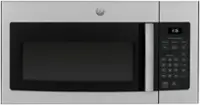
A:AnswerThis is a great replacement choice. The JVM6175DKWW is designed to be installed in the same 30" wide opening as are many of our over-the-range microwaves. We do recommend using the wall mount bracket and hardware that will be packaged with the new model. -Vikki@GEAppliances
A:AnswerOur over-the-range microwaves like the JVM6175SKSS will fit in the same 30" wide opening. We strongly encourage you to use the mounting bracket and hardware that will be packaged with the new microwave. As new iterations and generations of our microwaves are produced, it is always possible the new model will utilize an entirely different style of mounting bracket and the locations identified on the template for the mounting bolts could be different as well. If you'd like to investigate further, we do make the installation templates available for review on our geappliances.com site by searching using your model number. Once on the model specific page, click on the Owner Support tab to see all available literature. -Vikki@GEAppliances
A:AnswerYes, all of GE Appliances’ over-the-range microwaves come with the mounting hardware (mounting bracket, screws, exhaust adapter), top and rear templates, and installation instructions needed to complete the installation process. For more information, see the Parts Included section on page 5 of the Installation Instructions, which can be viewed at the bottom of the Features tab on the product page of the Best Buy website. Lauren@GEAppliances
A:AnswerThis model would be a great addition to your home! All 30" Over-the-Range Microwaves are approximately the same width and are designed to fit into a 30" wide cabinet opening. Therefore, any of our current 30" Over-the-Range microwave models will work as a replacement for an existing 30" Over-the-Range microwave model. When replacing an Over-the-Range microwave, the mounting bracket included with the new microwave should be used since the mounting bracket is specific to each model. The new screws, bolts and exhaust adapter should also be used. -Don@GEAppliances
A:AnswerThis model would make a great addition to your home. All 30" Over-the-Range Microwaves are approximately the same width and are designed to fit into a 30" wide cabinet opening. Therefore, any of our current 30" Over-the-Range microwave models will work as a replacement for an existing 30" Over-the-Range microwave model. When replacing an Over-the-Range microwave, the mounting bracket included with the new microwave should be used since the mounting bracket is specific to each model. The new screws, bolts and exhaust adapter should also be used. -Don@GEAppliances
A:AnswerThese two models offer the same capacity oven and will fit in the same space. The JVM6175DKWW model offers sensor cooking functions that are not offered on the JVM6172DKWW. The sensor cooking features take the guesswork out of microwaving. You select the food item and the microwave determines the correct power level and cook time for that particular item. We do recommend in all cases that you use the mounting bracket and hardware that will be packaged with the new microwave. We're confident either model will serve you well. -Vikki@GEAppliances
A:AnswerThis model would make a great addition to your home. All 30" Over-the-Range Microwaves are approximately the same width and are designed to fit into a 30" wide cabinet opening. Therefore, any of our current 30" Over-the-Range microwave models will work as a replacement for an existing 30" Over-the-Range microwave model. When replacing an Over-the-Range microwave, the mounting bracket included with the new microwave should be used since the mounting bracket is specific to each model. The new screws, bolts and exhaust adapter should also be used. -Don@GEAppliances
A:AnswerPower levels are a percentage of "on time" for the magnetron tube which cycles on and off to obtain the various levels. Each power level gives the microwave energy for a certain percent of the time. Medium (50 percent) power is used for slow-cooking and braising food and uses microwave energy 50% of the time.
A:AnswerWhen replacing an over-the-range microwave, the mounting bracket included with the new microwave should be used since the mounting bracket is specific to each model. The new screws, bolts and exhaust adapter should also be used
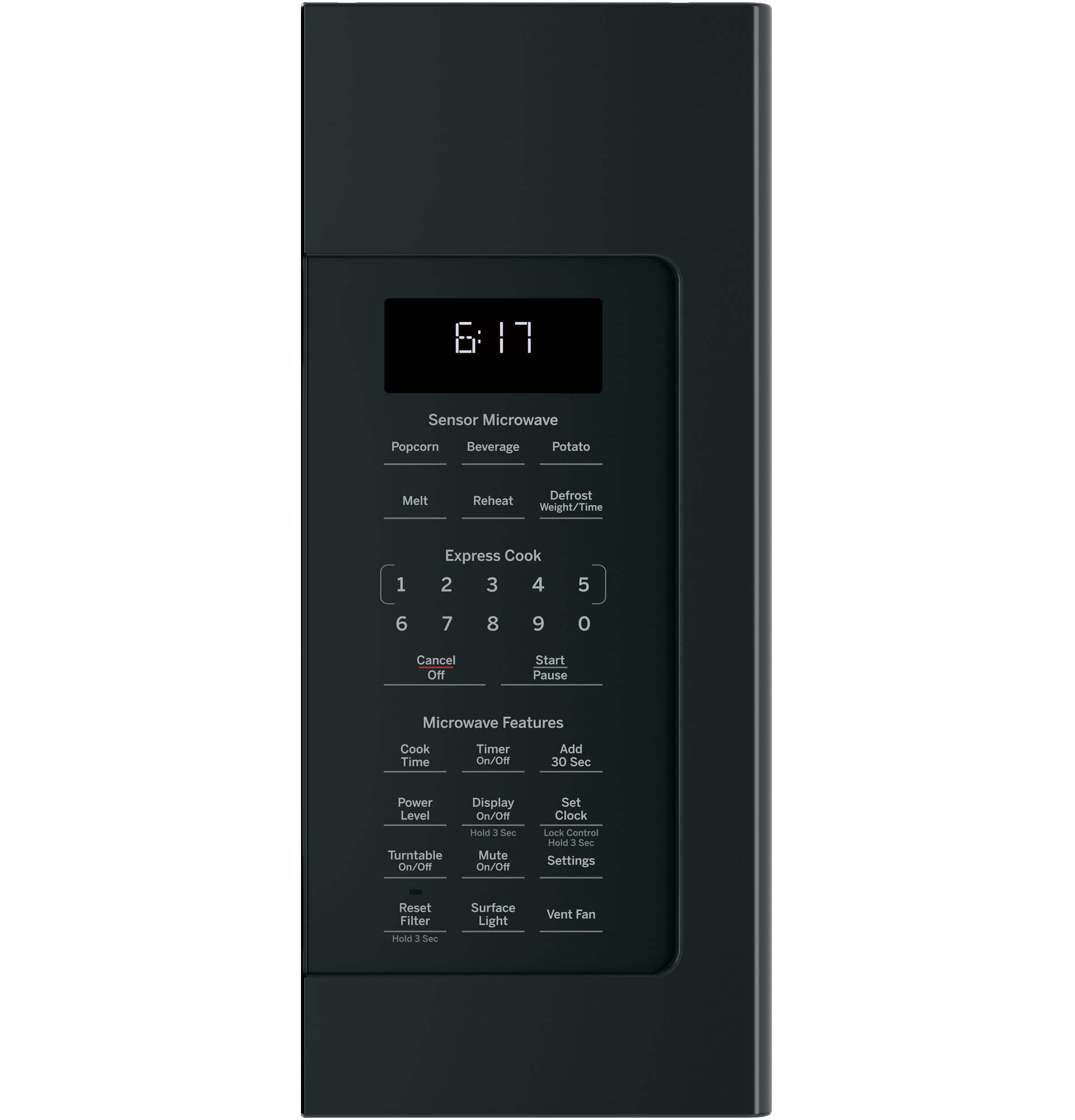
A:AnswerThis model has a Potato sensor cooking pad which automatically adjusts time and power for delicious cooking results. For other vegetables, we recommend using power level 10 with the Cook Time function. For specific vegetable cooking recommendations, see the Cooking Guide for Cook Time on page 9 of the Owner’s Manual, which can be viewed at the bottom of the Features tab on the product page of the Best Buy website.
A:AnswerThis microwave certainly will replace your current microwave! All of our 30" over-the-range microwaves are designed to easily fit in the same space. Please know that you will have to use the hardware and brackets that come with the new unit, as they are model specific.
A:AnswerThe power cord for this microwave oven is located on the back side near the right. We recommend installing this unit with enough space for the power cord to be plugged inside the nearest above cabinetry. Please see the Installation instructions found on the website for more specific details.
A:AnswerThis model would make a great addition to your home. All 30" Over-the-Range Microwaves are approximately the same width and are designed to fit into a 30" wide cabinet opening. Therefore, any of our current 30" Over-the-Range microwave models will work as a replacement for an existing 30" Over-the-Range microwave model. When replacing an Over-the-Range microwave, the mounting bracket included with the new microwave should be used since the mounting bracket is specific to each model. The new screws, bolts and exhaust adapter should also be used.
A:AnswerYou can read through the details of the warranty on page 23 of the Use and Care Manual. This manual can be located in the "Features" section of this product page.