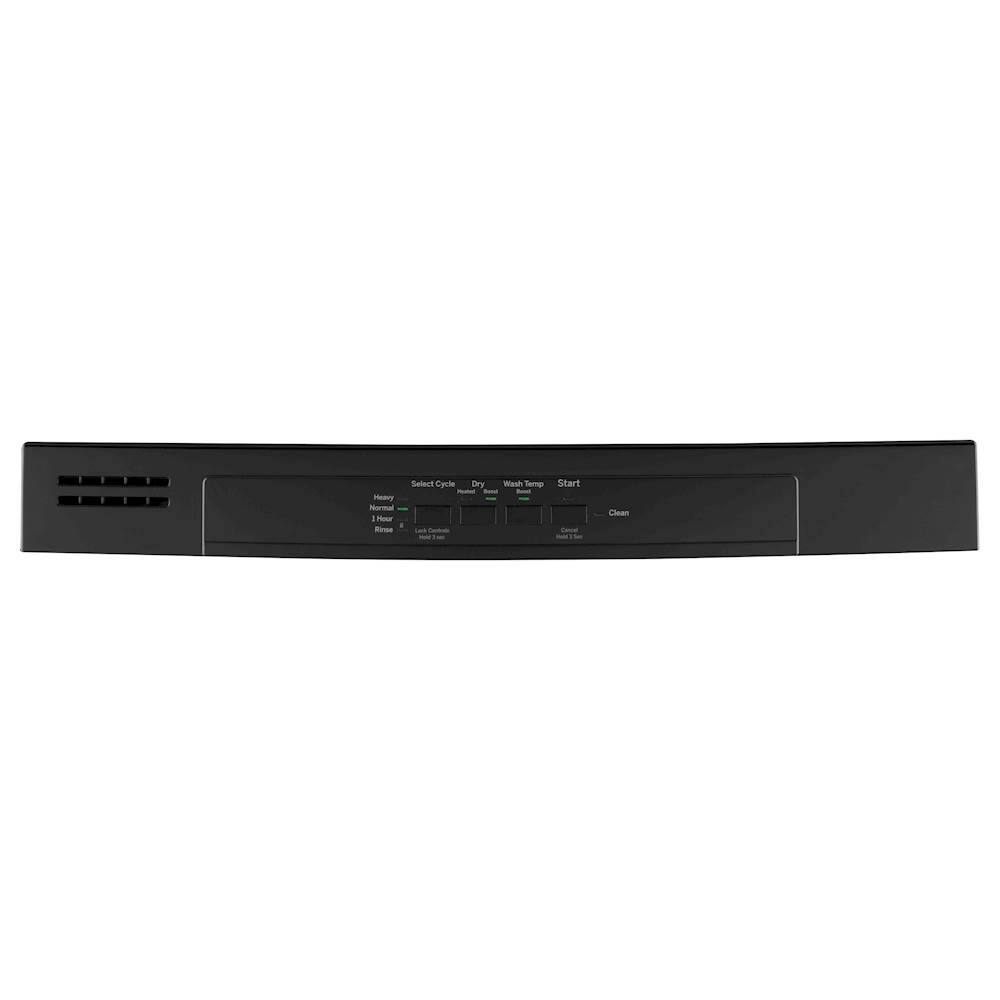
A:AnswerHi Eileen - Thanks for reaching out to us regarding the start light blinking on your dishwasher. We are happy to help. This generally indicates the door was opened or the cycle was interrupted. Press the Start pad once and close the door within 4 seconds to start the dishwasher. Press the Start pad a
second time when the dishwasher is running only if you wish to cancel the cycle. To start a cycle, press the Start pad and close the door within 10 seconds to start the cycle. Opening the door will cause the wash cycle to pause. The dishwasher will beep every minute to remind you to close the door. To restart or resume the cycle, press Start, and close the door within 4 seconds. Also, Clean is displayed when a wash cycle is complete. The light stays ON as a reminder that the dishes are clean. Opening the door or pressing any key while the door is closed will turn the light off. If it is not operating as described, we suggest to reset the electronics by turning off power to the dishwasher at the home circuit breaker for 30 seconds or so. Here's the link to the Use and Care Manual: https://products.geappliances.com/MarketingObjectRetrieval/Dispatcher?RequestType=PDF&Name=49-55122-3.PDF - If you need further assistance, all service is provided by our Factory Service Centers, or an authorized Customer Care® technician. To schedule
service online, visit us at www.geappliances.com/service_and_support/, or call GE Appliances at 800.GE.CARES (800.432.2737). Please have your serial number and your model number available when calling for service. We hope this is helpful. Keep in touch! Sue