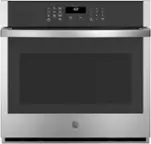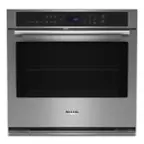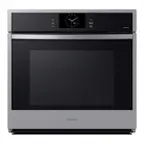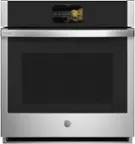

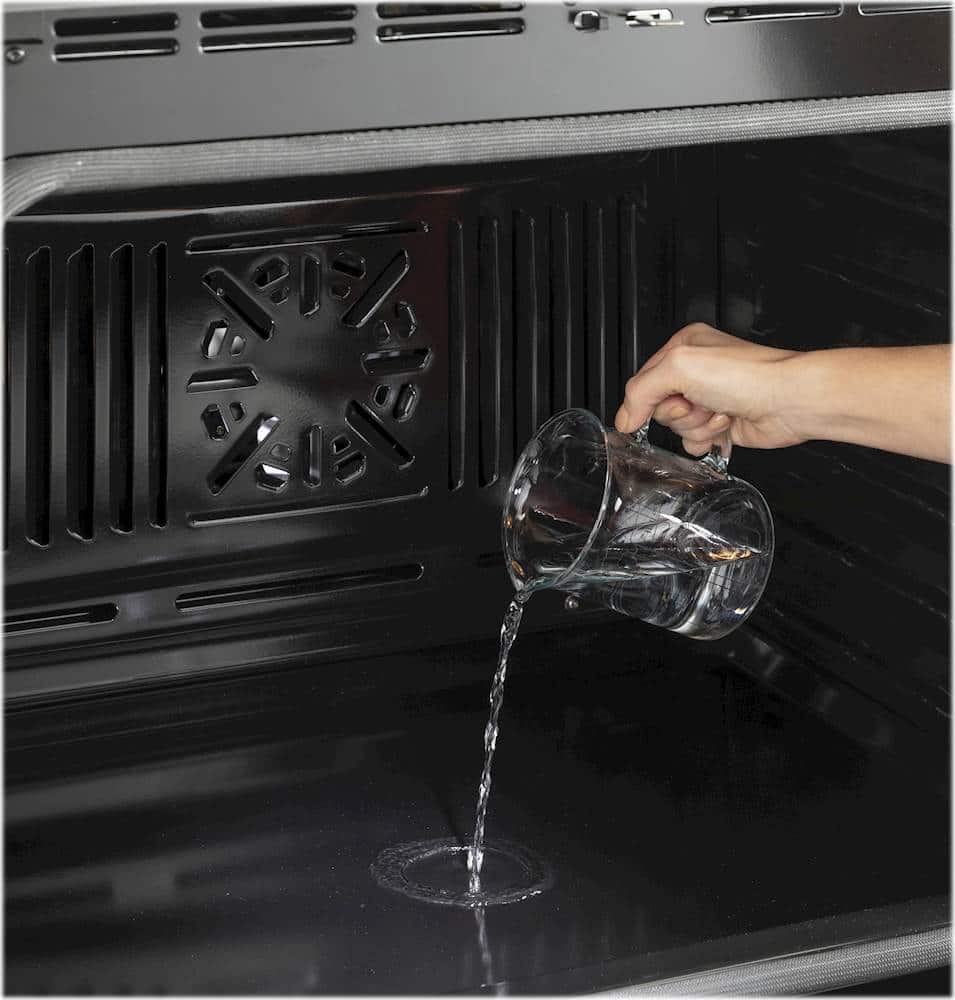


A:AnswerHi zepez - We have great news! The wall oven offers Self-Clean with Steam Clean option. A water line is not required for the Steam Clean option. Steam Clean is intended to clean small spills using water and a lower cleaning temperature than Self-Clean. Simply pour one cup of water into the bottom of the oven, press the Steam Clean pad and then press Start. The Steam Clean cycle is 30 minutes. See Owner's Manual for complete details: https://products.geappliances.com/MarketingObjectRetrieval/Dispatcher?RequestType=PDF&Name=49-2000253.pdf - Thanks for choosing GE. Enjoy! Sue
A:AnswerHi there, thanks for reaching out about this wonderful wall oven. We don't have dimensions available for your current unit as we don't have information on competitor models. However, the cutout dimensions for the GE model are 28 5/8" W x 27 5/16" H x 23 1/2" D. The power junction box is located where the actual electrical conduit is connected from the oven to your household electrical supply. We suggest viewing the installation instructions for additional dimensions and space requirements. Please reach out to us on Facebook, Twitter, or Instagram if any other questions come up. -Mikayla@GEA
A:AnswerHi unclmel - GE® 30" Built-In Single Wall Oven JTS3000SNSS is not convection. This wall oven has thermal or traditional bake technology (Does not have a convection fan in the oven). We also offer GE® 30" Built-In Convection Single Wall Oven JTS5000SNSS. Achieve faster and more even results with a convection fan and third heating element that circulates air for more efficient cooking (True European Convection). Play Video: https://www.youtube.com/embed/XojXLluuIaQ?rel=0 - Learn more at the following link- COOKING - TRADITIONAL AND CONVECTION COOKING SYSTEMS: https://products.geappliances.com/appliance/gea-support-search-content?contentId=34369 - TRUE EUROPEAN CONVECTION SYSTEMS: https://products.geappliances.com/appliance/gea-support-search-content?contentId=18231 - Thanks for your interest! Keep in touch at GEAppliances.com - Sue
A:AnswerHi - Thank you for your interest in this beautiful GE wall oven. We have great news! In comparing the cutout dimensions for your existing model to what is needed for the new model, we are finding no differences. We don't anticipate any issues with your installation. We truly appreciate your loyalty. Kind regards - Vikki@GEA
A:AnswerHello. Thanks for reaching out. You must use a single-phase, 120/208 VAC or 120/240 VAC, 60 Hertz electrical system. We hope this is the information you are looking for, and if you have any additional questions, please reach out. We are happy to help!- Kianna@GEA
A:AnswerThanks so much for your question and interest in this great wall oven! We're happy to help. The dimensions for this wall oven's shipping carton are as follows: 30.3" x 32.3" x 33.5" (LxWxH). Please feel free to contact us any time with questions you may have as we are always here to help! -Chris@GEA
A:AnswerHello,
Thanks so much for reaching out and for your interest in our wall ovens! We cannot speak on sizing guidelines used by other models. This wall oven is not approved to stack above or below another wall oven. This model has both high heat self clean and steam clean options. Let us know if you need anything. Best wishes! Mike@GEA
A:AnswerHi Ellen - Thanks for choosing GE Model JTS3000DNWW! We are happy to address your concern regarding the operating sounds. “Crackling” or “popping” is is the sound of the metal heating and cooling during both the cooking and
cleaning functions. You may hear your oven's heating elements "click" on and off more frequently than in older ovens to achieve better results during baking, broiling, and self-clean cycles. Your range has been designed to maintain a tighter control over your oven's temperature. Also, a cooling fan may automatically turn on to cool internal parts. It may run for up to 1 1/2 hours after the oven has turned off. For reference, see pages 16-17 of the use and care manual at the following link: https://products.geappliances.com/MarketingObjectRetrieval/Dispatcher?RequestType=PDF&Name=49-2000253-1.pdf - We're glad to have you in the family. Keep in touch at GEAppliances.com! Sue
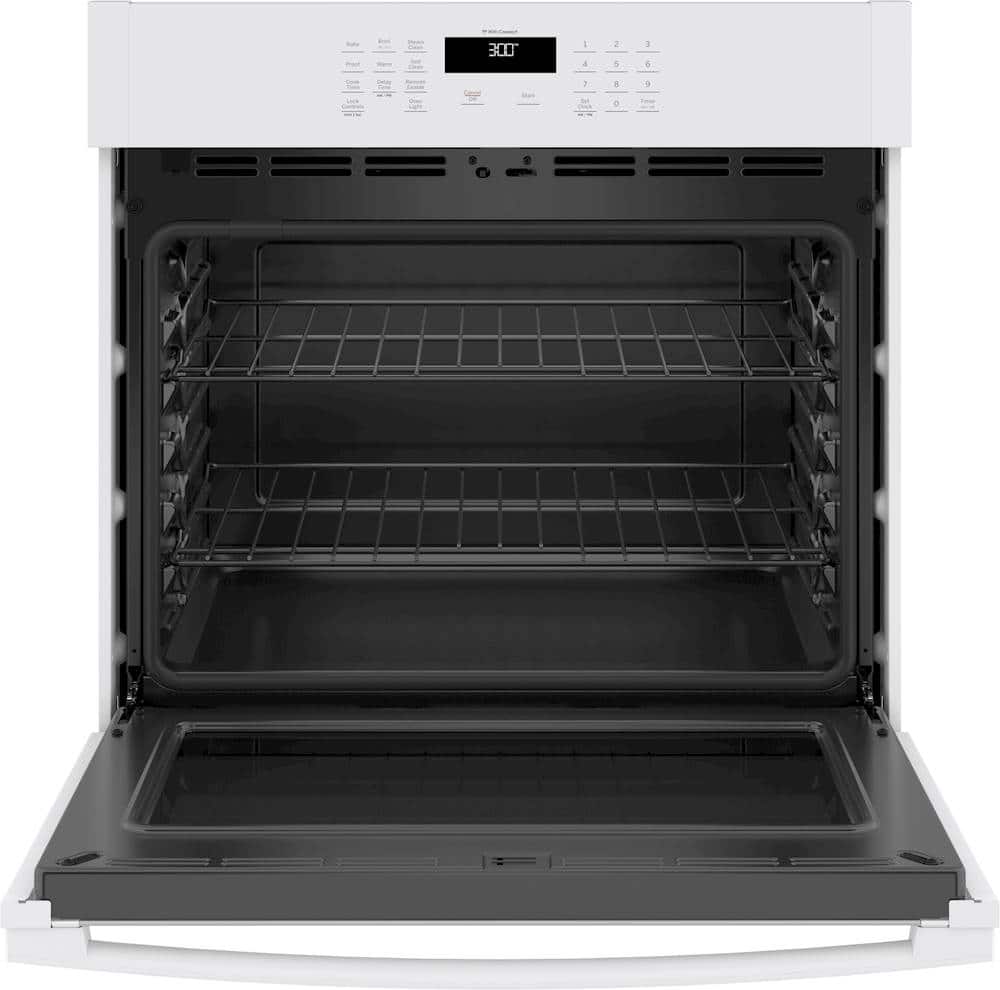
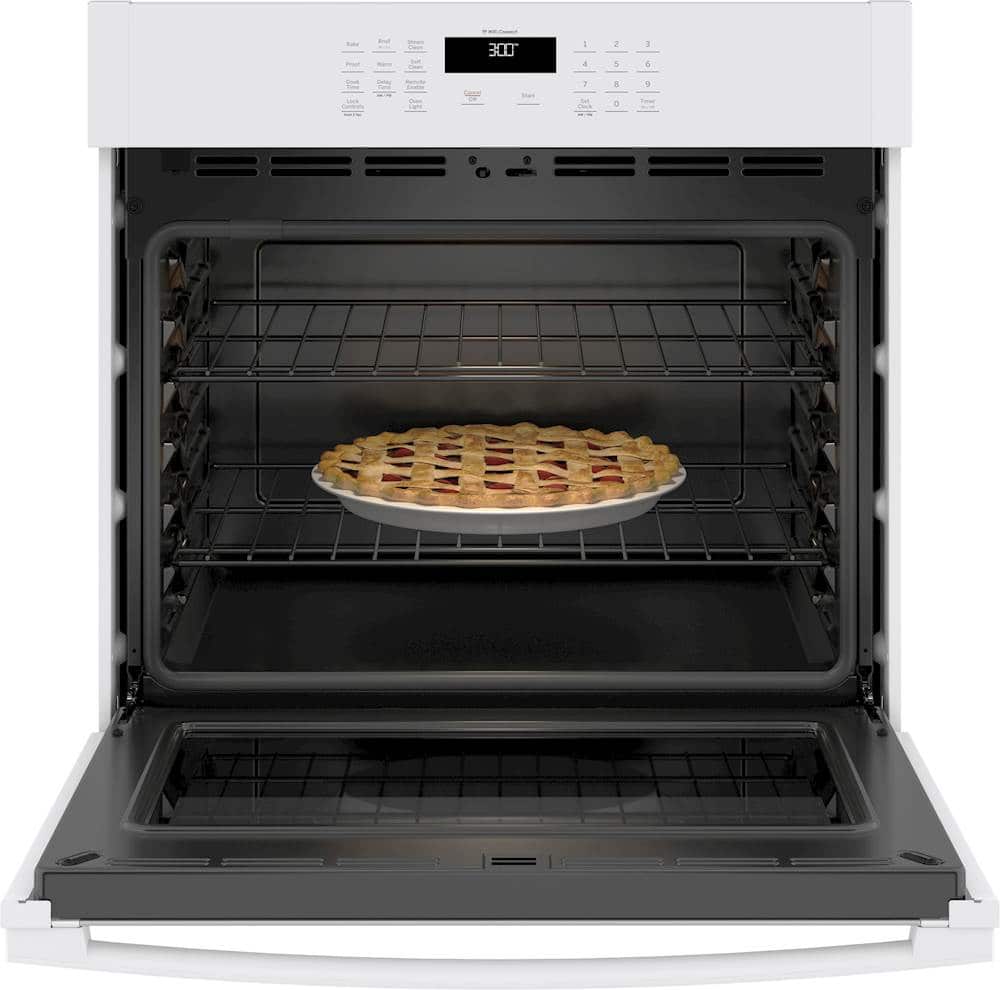
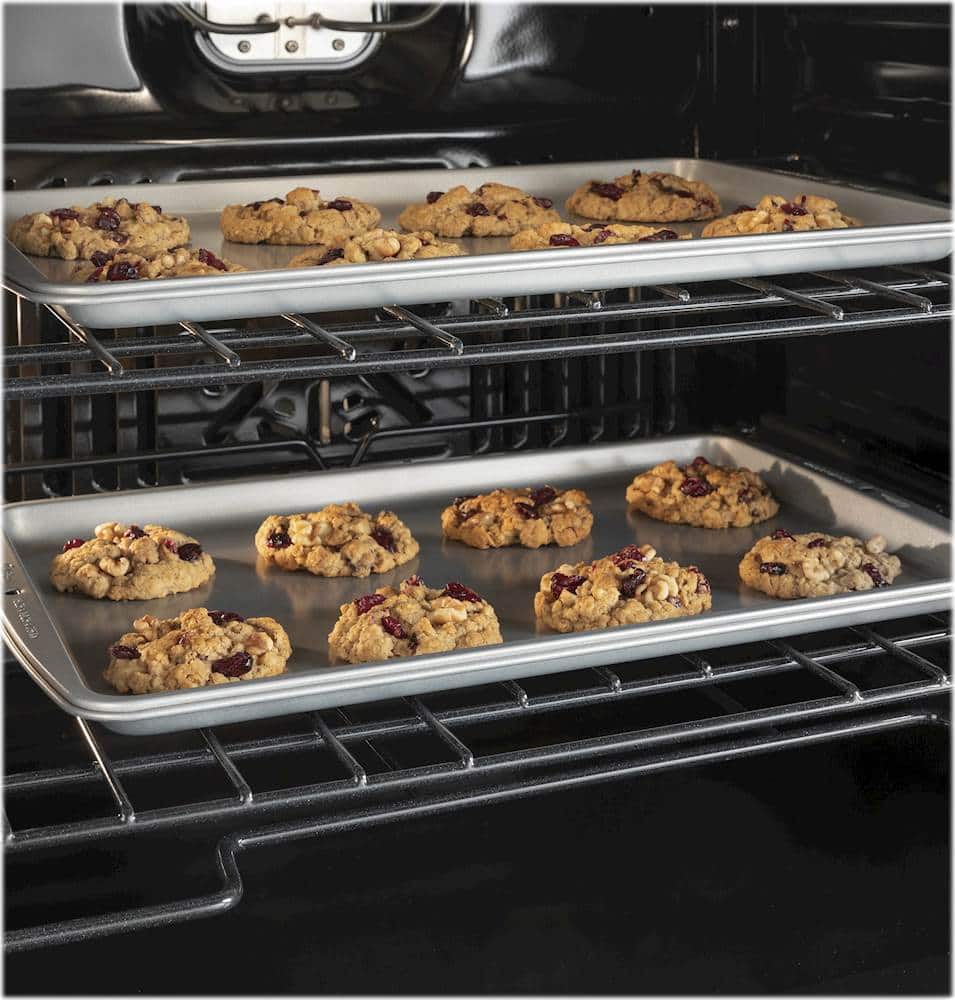
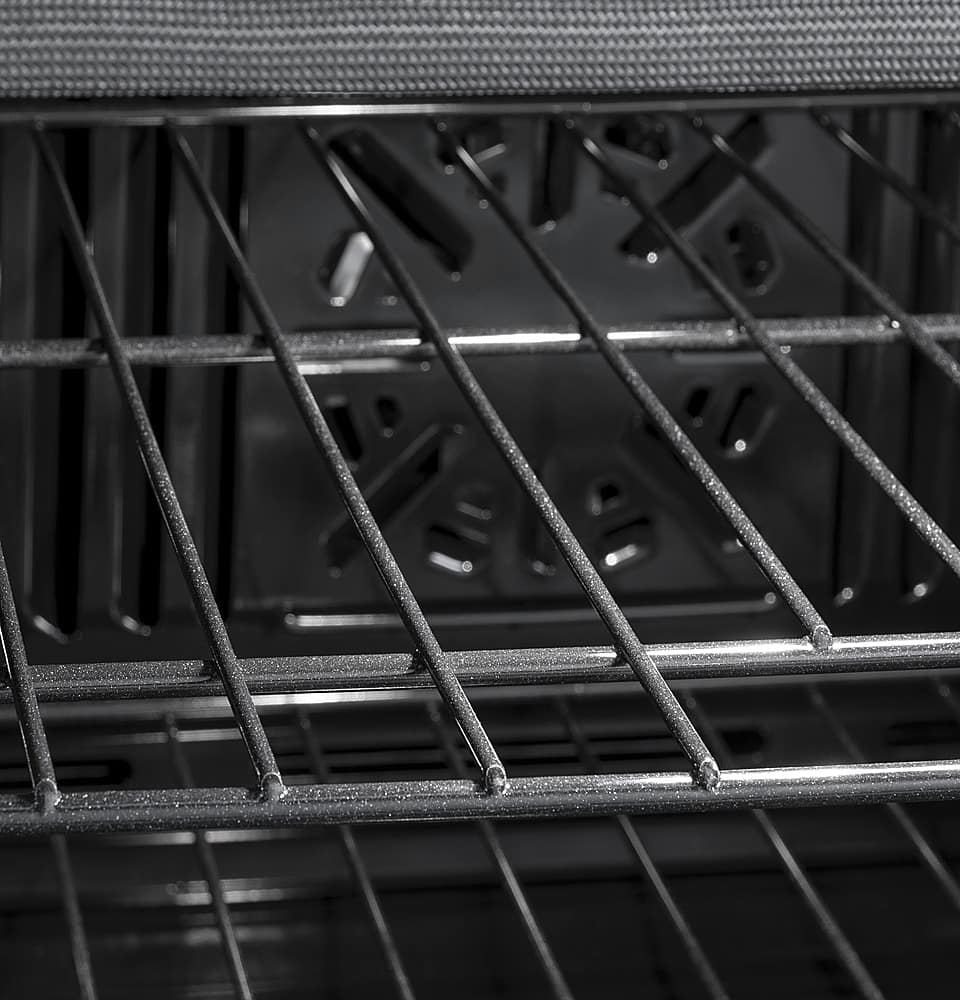
A:AnswerHello MamaRoy - Thank you for the excellent question. We are happy to help. This oven comes with two racks and 6 possible positions. Keep in touch! - JB
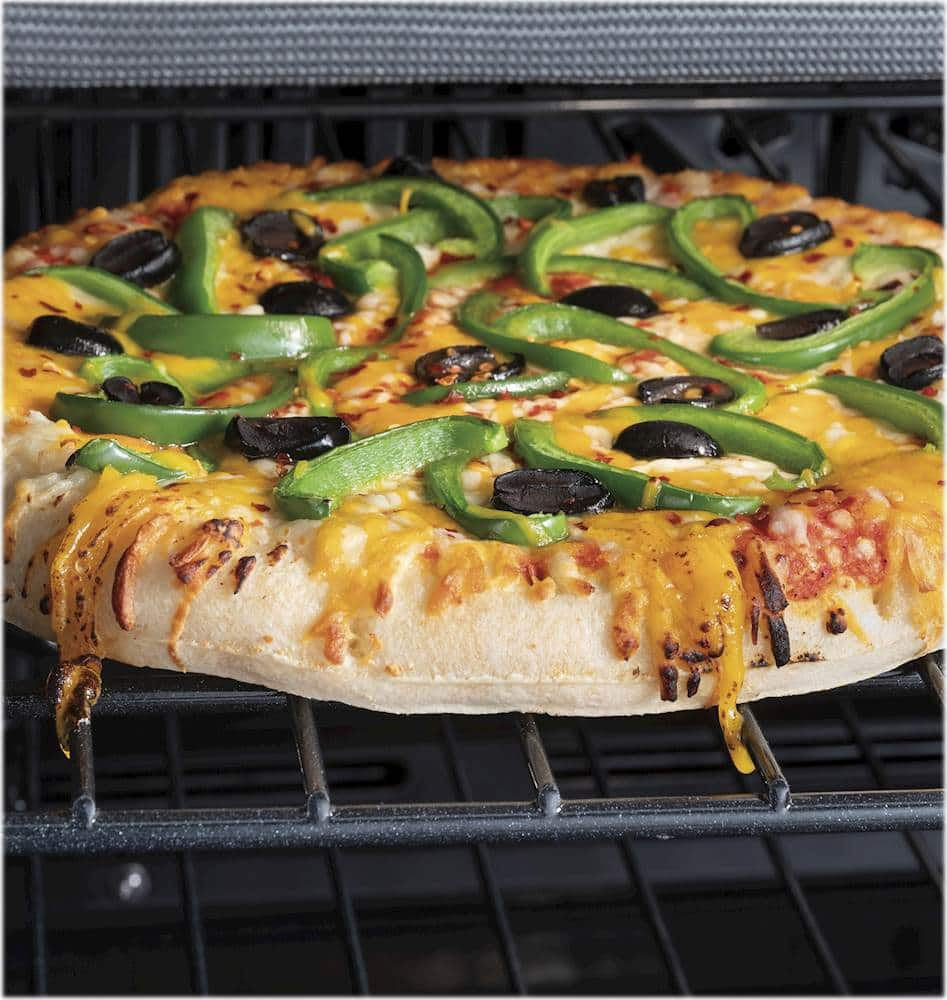
A:AnswerHi - Thanks for viewing GE Model JTS3000SNSS! While the oven does not have a "rapid" pre-heat option, save time by conveniently preheating and monitoring your oven from anywhere using the SmartHQ App. Connect to WiFi for real-time feedback, optimized performance, alerts and more. Many newer models, including JTS3000SNSS, have a Preheat that will signal when the oven has reached a temperature hot enough to add food rather than when the set temperature is reached, typically after about 7-12 minutes depending of the temperature you set. We test our ranges with prepackaged foods, frozen pizzas, baked goods, etc. We put the items in at the beep, and get good results. This can help save time in the kitchen, since you are not waiting longer for the preheat than necessary, in most cases.Recipes can differ, as can a food's preheat requirements. Most foods we tested don't require additional oven heating, though there are always exceptions. If you're finding a recipe isn't cooking properly, then you may want to turn on the oven a little bit before you start your food preparation to give it a little more time. You can also remove unused racks when using the oven for faster preheat, improved efficiency, and optimal performance. Keep in touch at GEAppliances.com. Sue
A:AnswerNo, you do not need to connect it to WiFi. Connecting it gives you anywhere control with remote notifications and allows you to save time by conveniently preheating and monitoring your oven from anywhere using the SmartHQ App.
A:AnswerThe JTS3000SNSS comes with the Sabbath Mode feature. For more details, please review the "Sabbath Mode" section on pg. 9 of the Owner's Manual. -Don@GEAppliances
A:AnswerWe're glad you reached out. Please follow the instructions in the support article on our GE Appliances website titled: "Range - Oven Door Won't Unlock." If this information doesn't prove helpful, we recommend scheduling a service appointment for one of our Bodewell technicians to assess your unit. You can schedule an appointment by calling us at: 833-4BODEWELL (833-426-3393). -Don@GEAppliances
A:AnswerWe do not provide the AWG wiring size or gauge (the physical thickness of the wire) for those trying to wire their house for any cooking appliance. There are too many variables involved, such as: length, type of wire, etcetera. This is a safety issue; if the wrong size wire is used, the insulation covering the wire can overheat, melt and cause a fire. Local electrical codes must always be followed for these situations. Please contact a local licensed electrician for more detailed information. -Don@GEAppliances
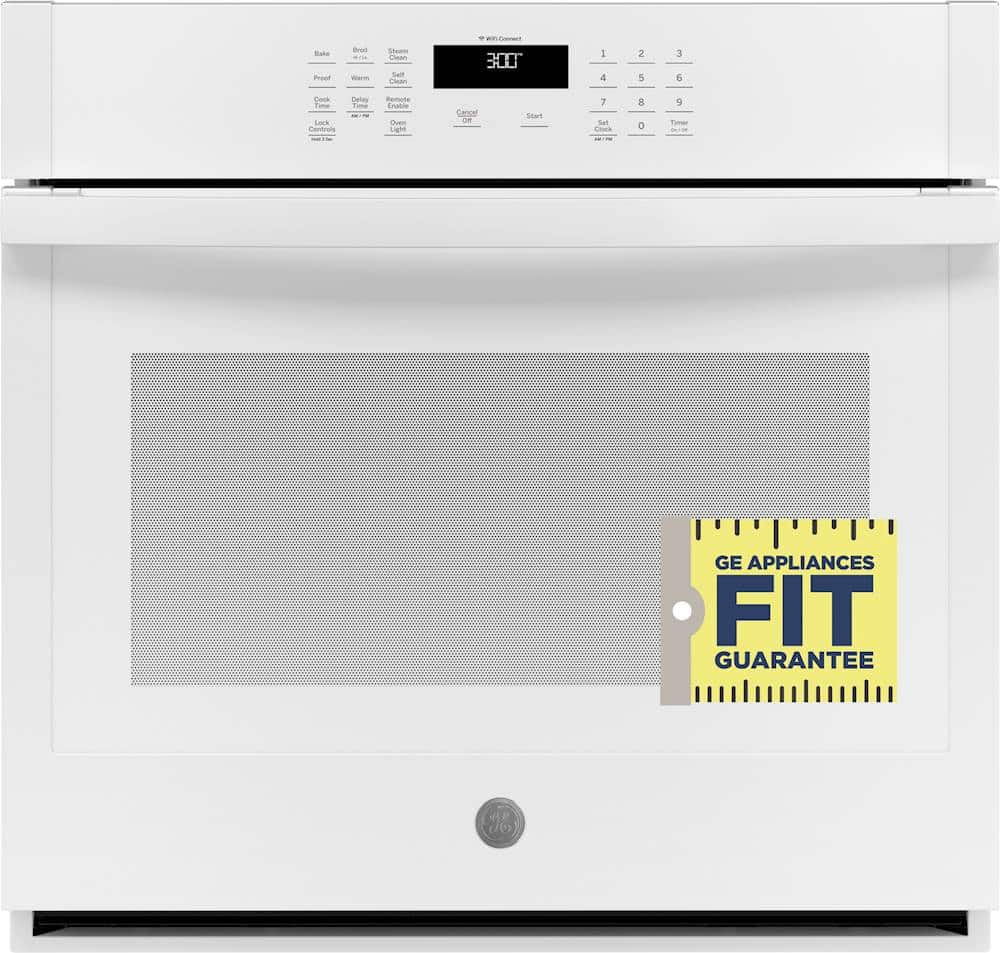
A:AnswerYou must have model JTP15 because the other 2 models are 24" and 27". The dimensions are the following 28 1/4 H x 29 3/4 W x 23 1/2 D however, we do recommend that you confirm and look for the model on the unit. You should find the rating plate on the inside of the door on the front face of the oven. We have a Fit Guarantee for wall ovens that ensures your new 27" or 30" model will fit in the same cutout. If you end up having to modify your cutout we do provide a $300.00 prepaid Visa card. Please reach out to us via a private message on GE Appliances social media like Facebook or X and include a copy of this review, your actual model number and we are happy to confirm and provide more details on the Fit Guarantee. Thank you! Joyce@GEAppliances
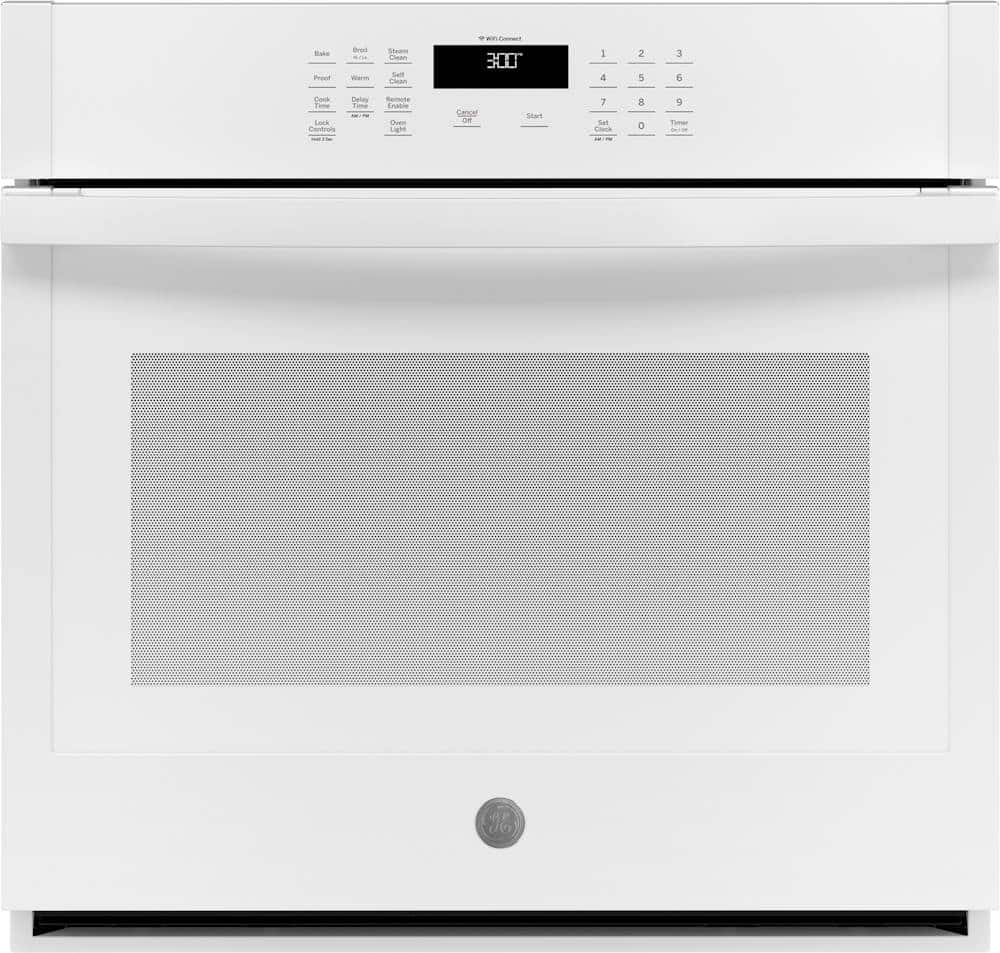
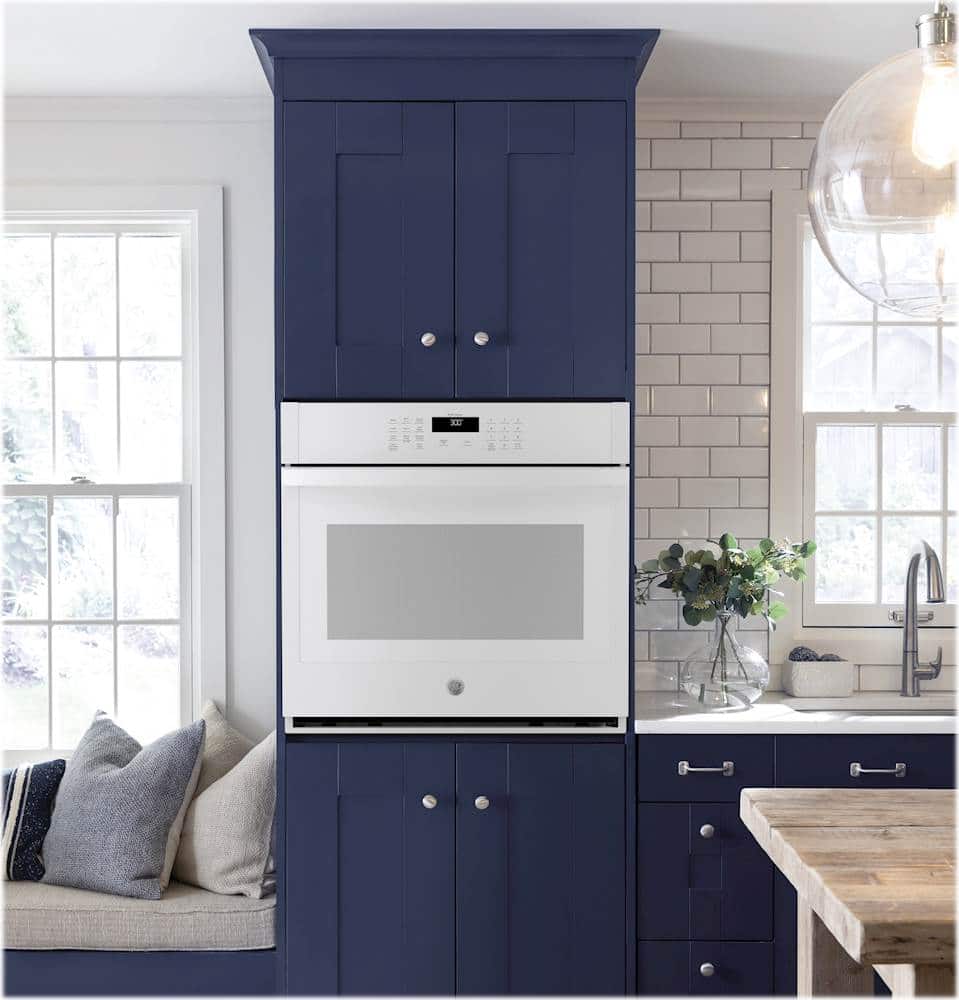
A:AnswerThe open section at the bottom is part of the oven’s intended design and installation. For more information and to confirm compatibility with your space, we recommend reviewing the Installation Guide, which can be viewed at the bottom of the Features tab on the product page of the Best Buy website. Lauren@GEAppliances