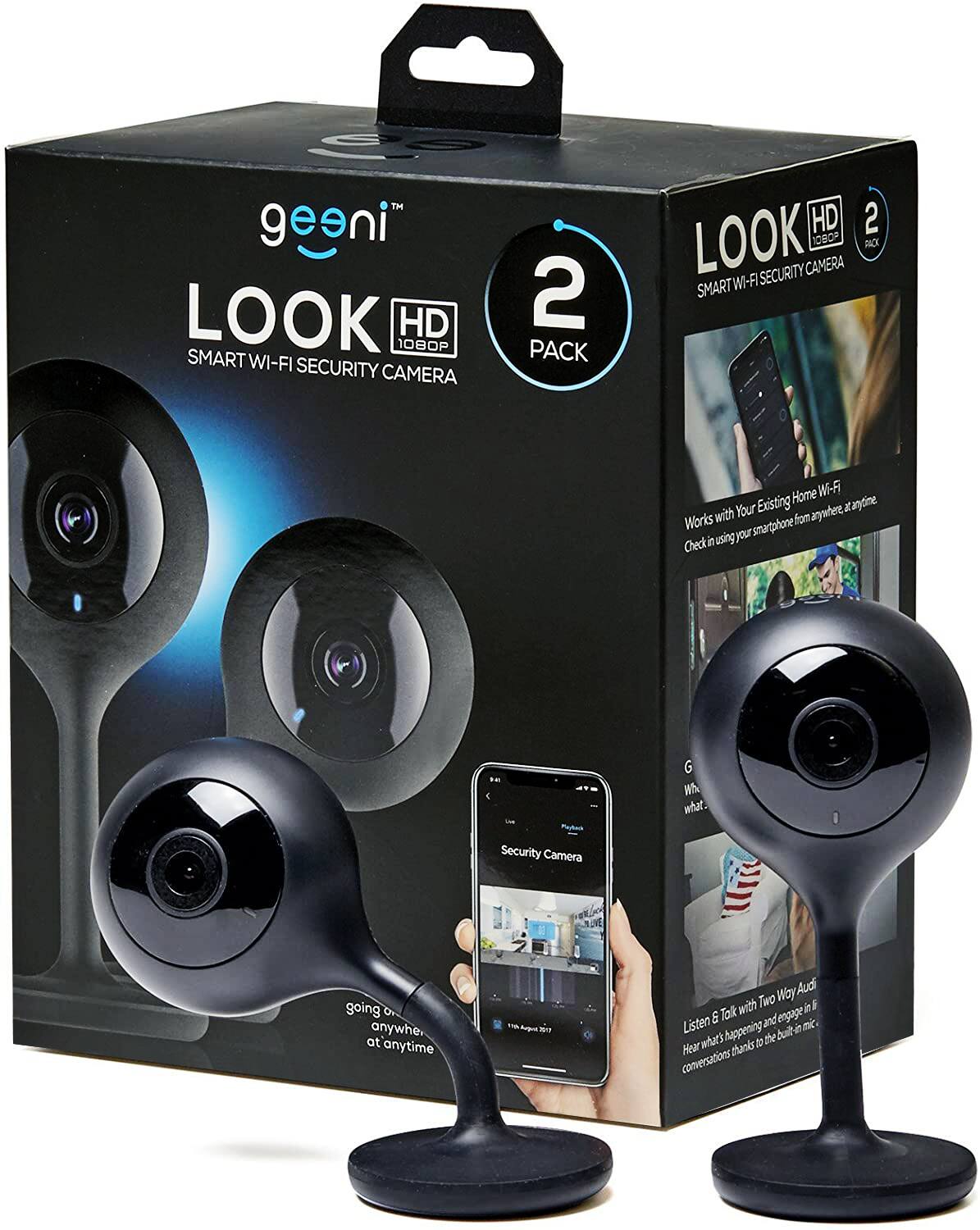
A:AnswerI am glad that you gave this feedback so we can clarify this issue for you. All Geeni devices are designed to work for 2.4 GHz networks for a wider range because 5 GHz networks cannot penetrate through walls and floors. The good news is, most routers nowadays are dual-band and with that regard, we can simply request from your Internet Service Providers to separate the two networks (2.4 GHz and 5 GHz). This will automatically allow your devices to connect to 2.4 GHz networks and connecting your camera using QR mode. Let us assist you in connecting your device, please call us at +1 (888) 232-3143 or send us an email at [email protected]. You may also visit our support website support.mygeeni.com for live chat support. We are available from Mon-Sun from 10:00 AM to 7:00 PM EST.
A:AnswerNo I believe. With a white 720p, a black 1080p/720p (selectable as HD or SD) a DOORPEEK 1080p/720p, a white 1080p/720p that physically move, & a Nighthawk 1080p/720p I have seen that once the unit has been initially programmed, if I unplug it or the power goes out all that needs to be done is restore the power and as long as the wifi network is up again it will automatically reconnect. I think one would have to start from scratch if the unit as reset.