A:AnswerThe answer will depend on how you handle and take care of it. It’s like buying a car—if you drive the new car off of the lot and drive right into a pole, it probably won’t last as long as it would have if you’d driven it carefully and took the time to do regular maintenance.
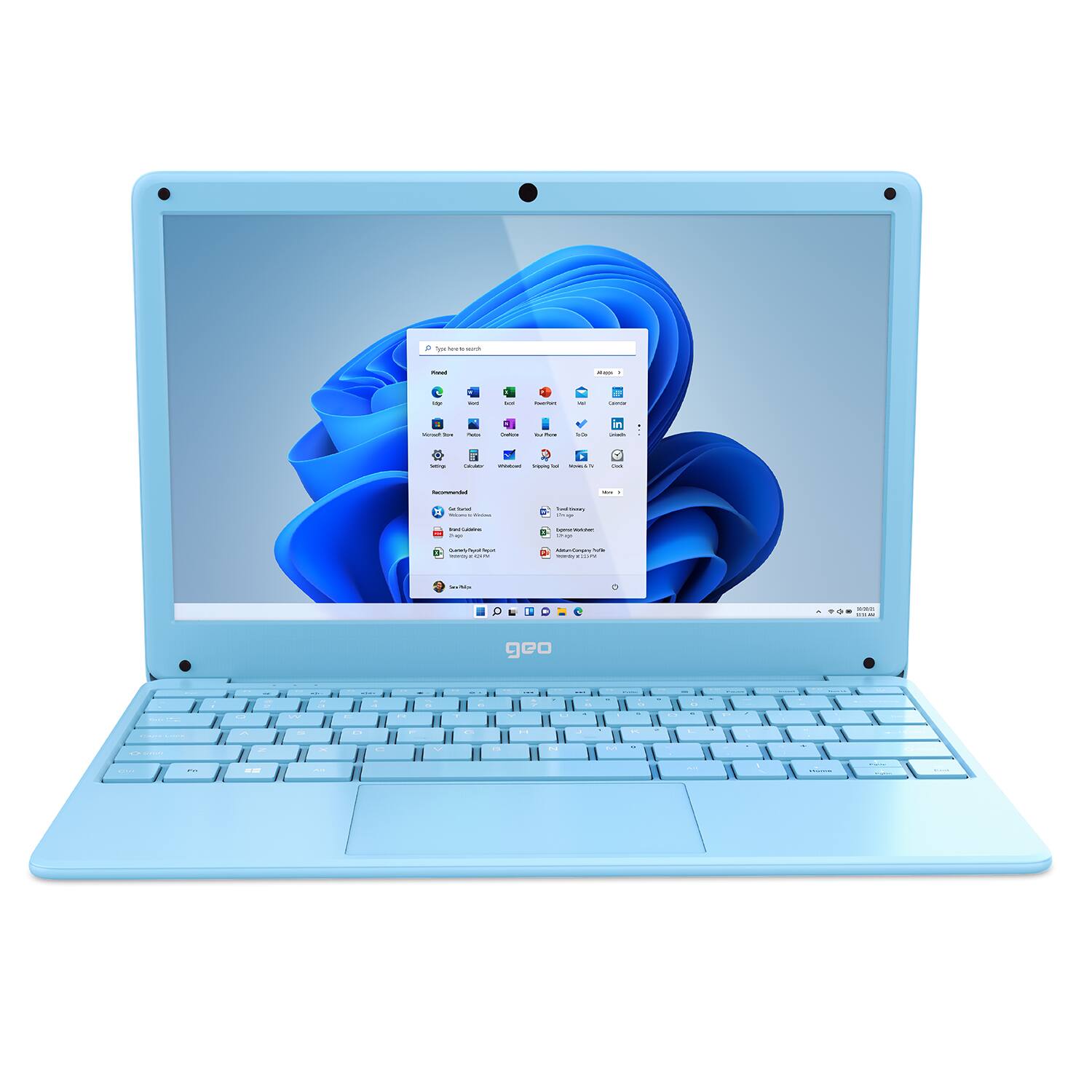
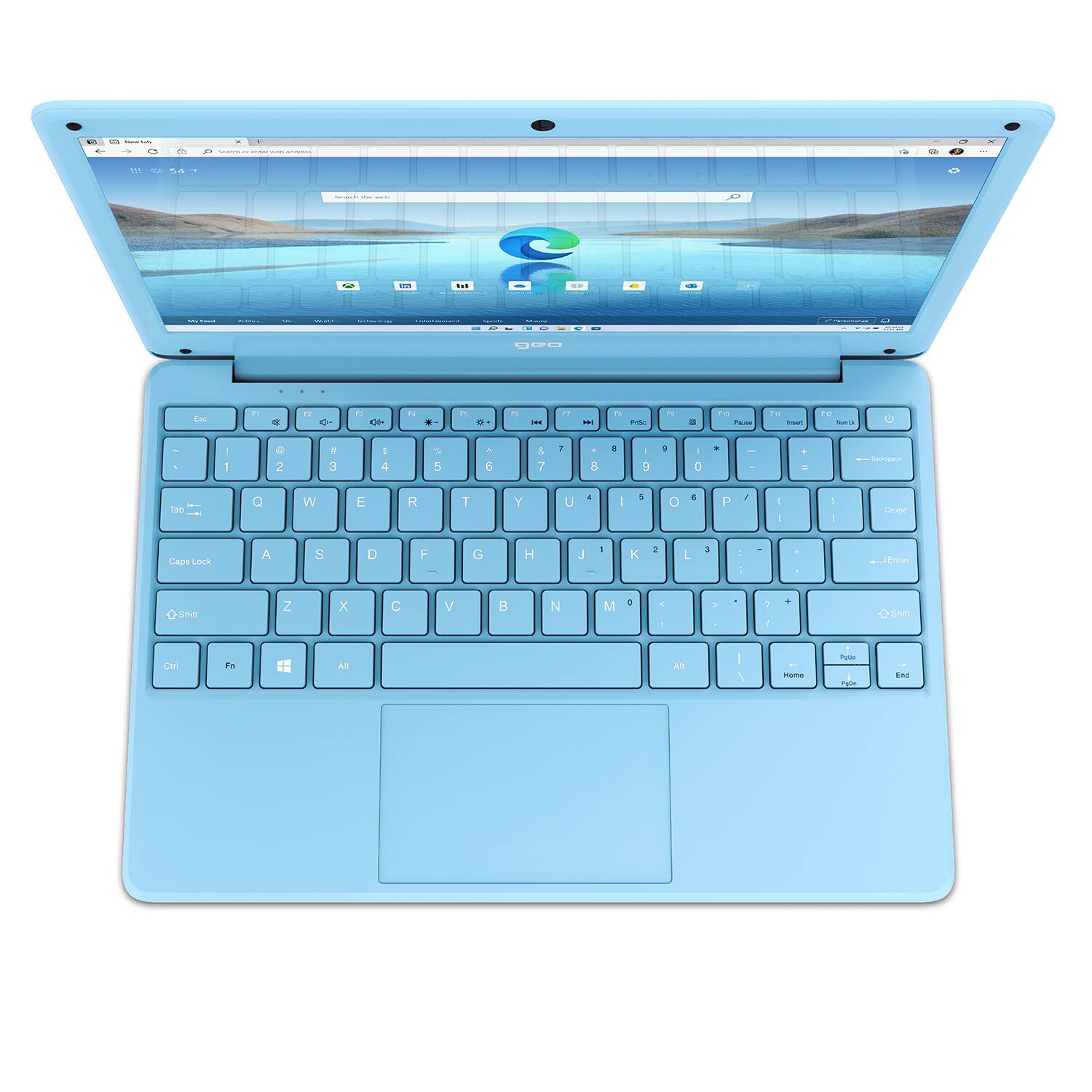
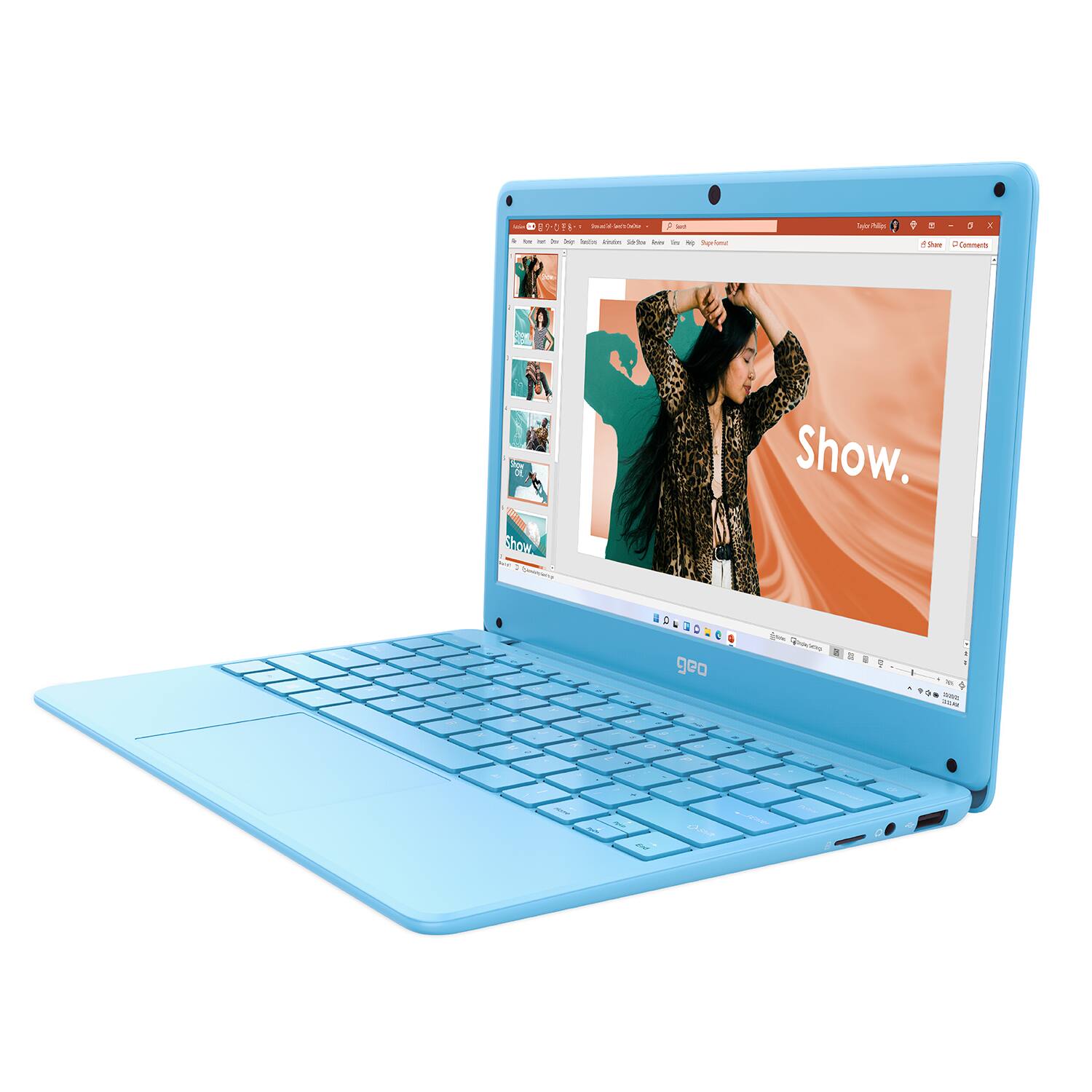
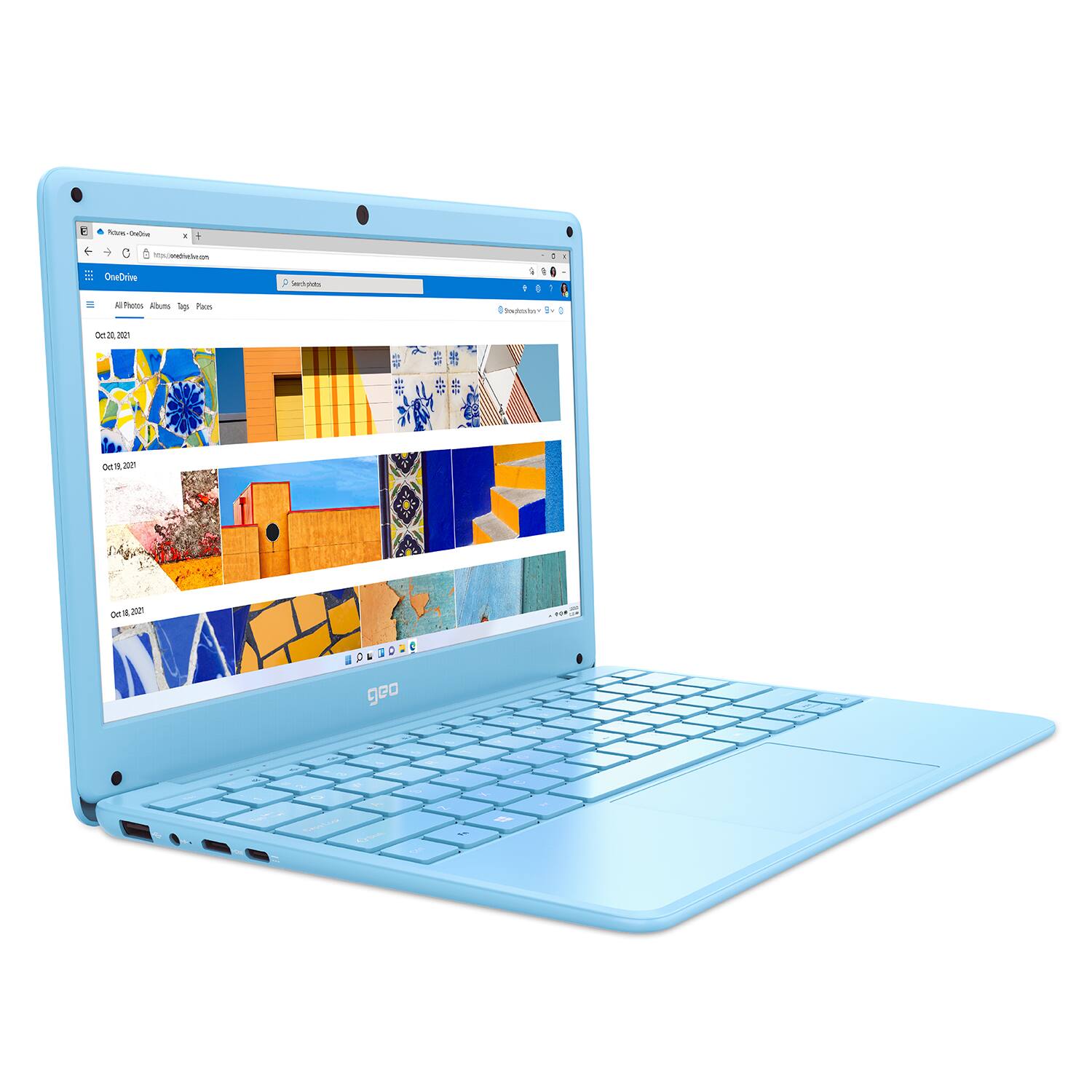
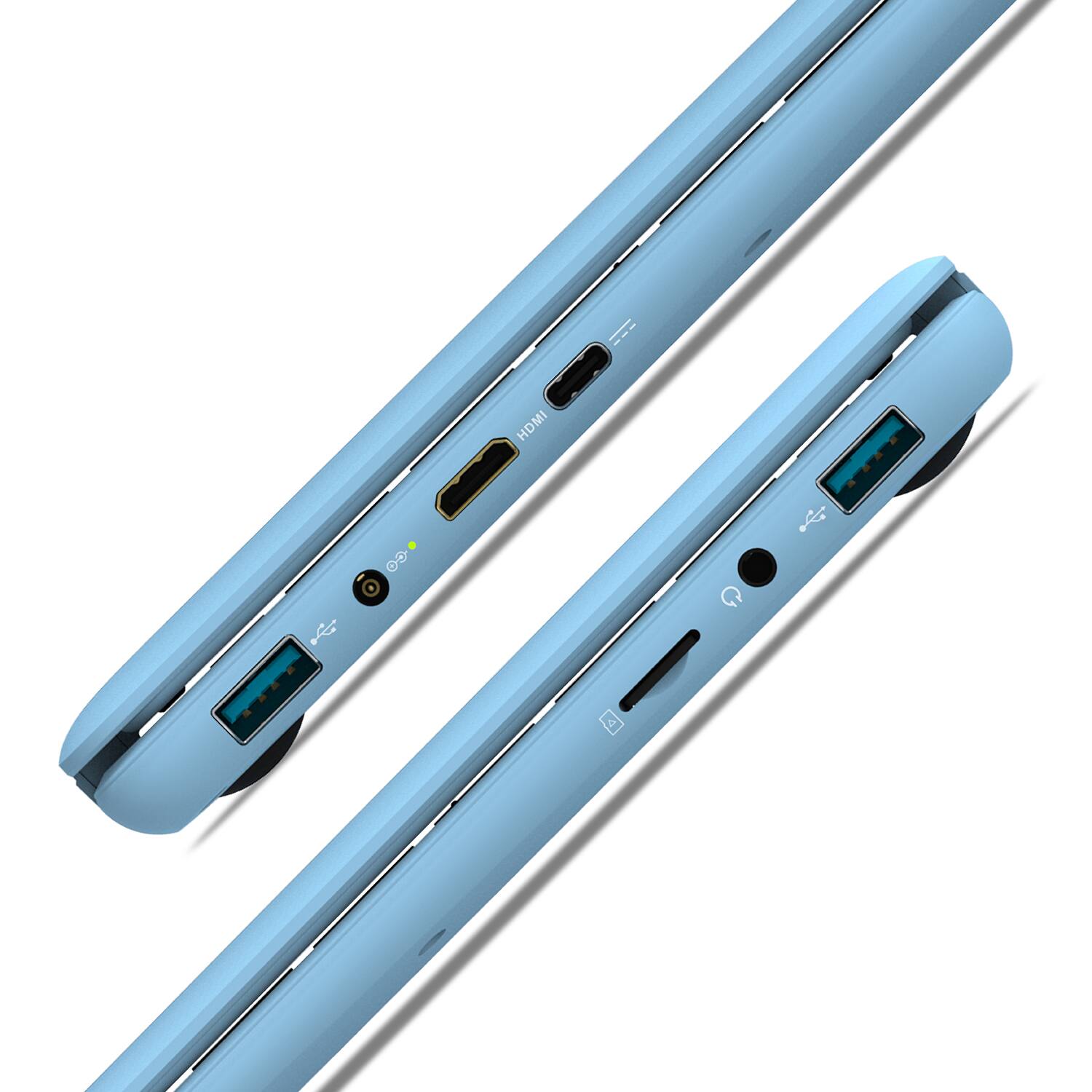
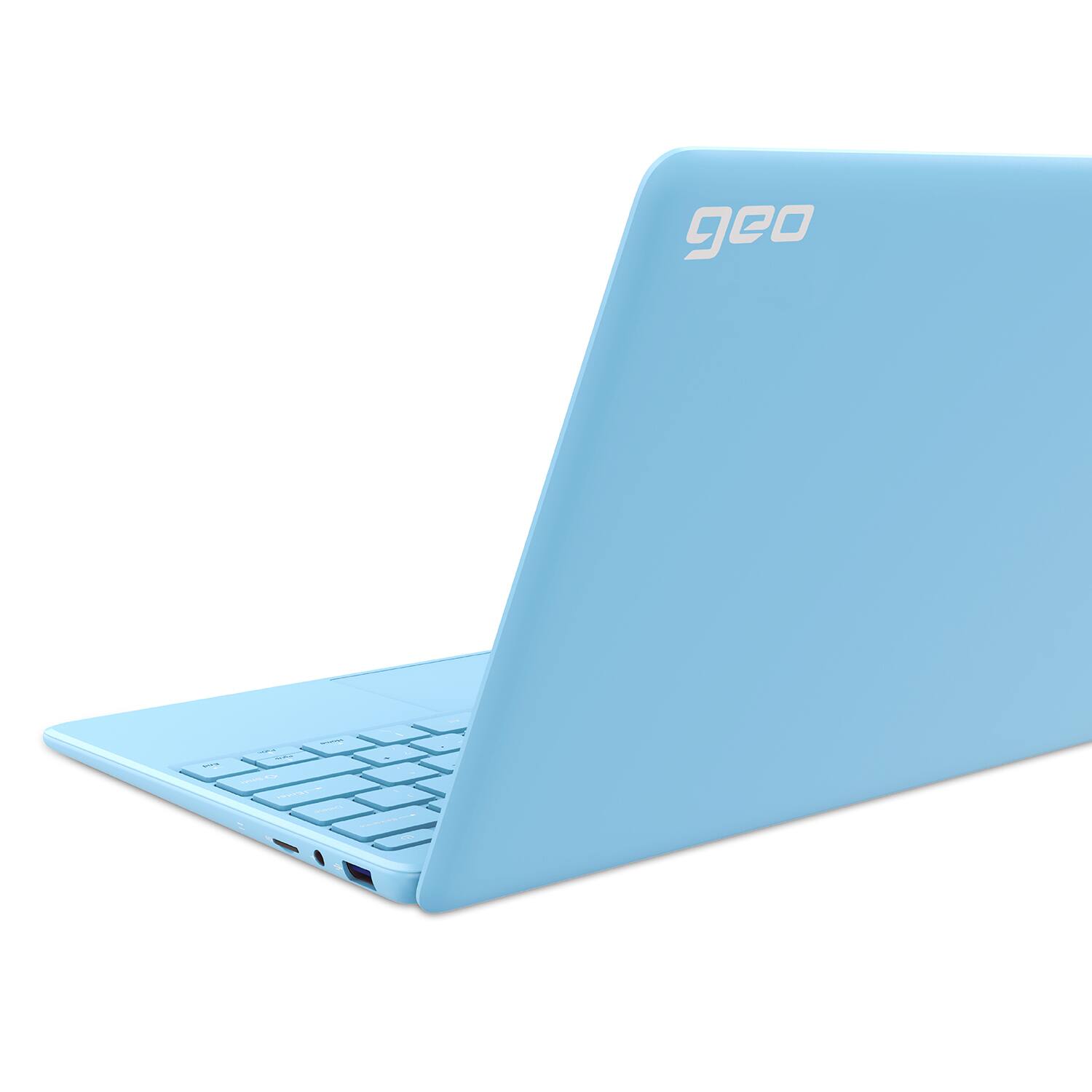
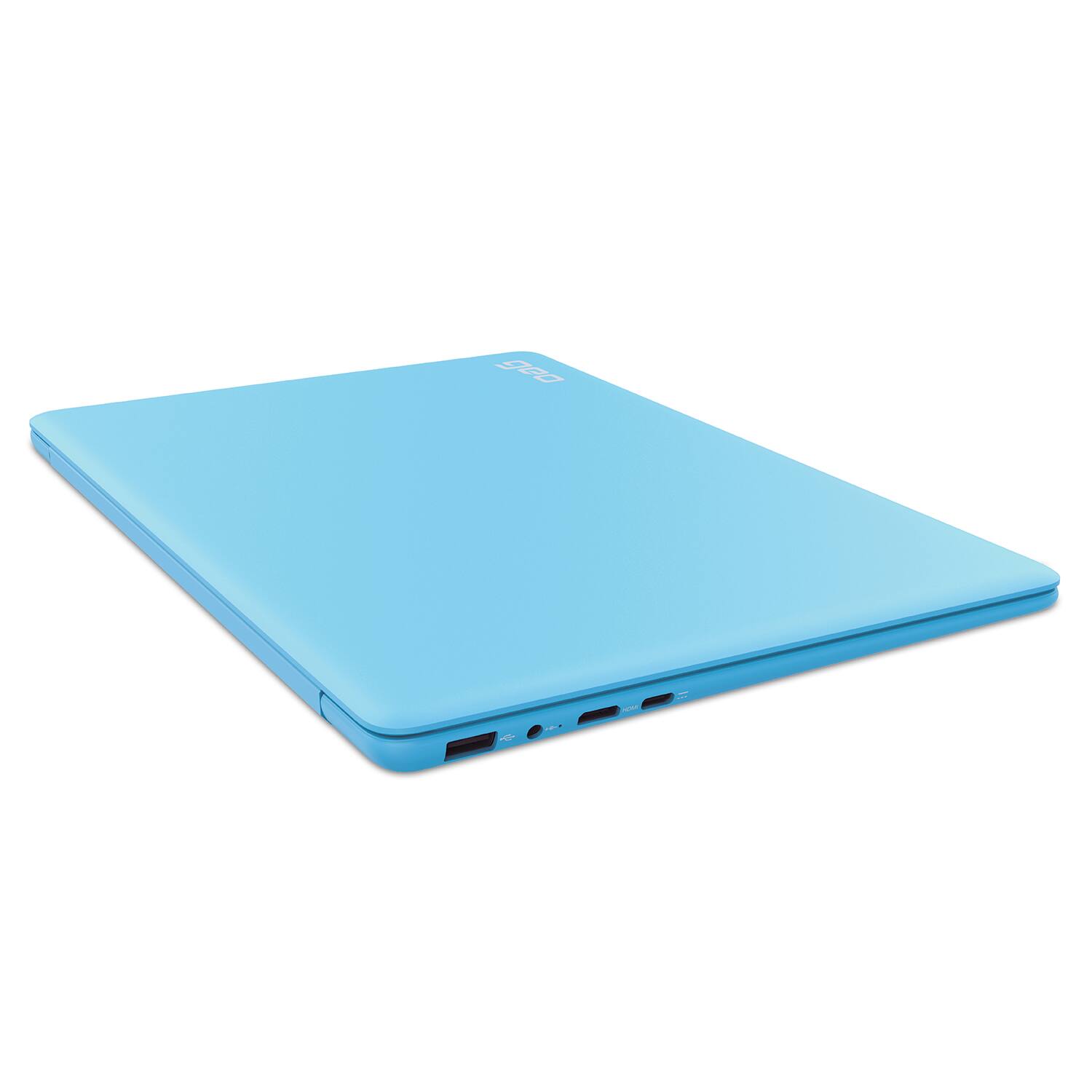
A:AnswerHi there, the GeoBook 120 Minecraft Edition has the following; 2 x USB 3.0 Type A ports, 1 x USB 2.0 Type C port, 1 x Mini HDMI port, 1 x Headphone Jack and 1 x MicroSD card port. I hope this helps!
A:AnswerHi there! The internal components are soldered to the mainboard meaning the RAM cannot be increased. The GeoBook 120 Minecraft Edition is single channel. I hope this helps!
A:AnswerThe GeoBook 120 Minecraft Edition meets the specs for Roblox and Roblox Studio, however Roblox Studio would run better with a GPU. I hope this helps!
A:AnswerAccording to the website, Geo is a UK-based computer brand which just launched into the US. Geo partners with Microsoft and Intel so it looks like they area legit company. The UK-based part might explain why the devices have a bit of design edge to it vs the usual black and silver laptops.
You can see more here: https://geo-computers.com/about-us/
A:AnswerThe GeoBook 120 comes with a 12 month warranty which covers against manufacturing faults. The warranty does not cover accidental damage. I hope this helps!
A:AnswerThe GeoBook 120 includes a 12-month Office-365 subscription which makes it useful for school work, but it is not a gaming laptop with a dedicated graphics card. You can add a MicroSD (up to 128GB) to this device. I hope this helps!
A:AnswerI got it for my son to play Minecraft and Roblox and he has no issues with them running. I’m sure Java edition will work the computer is decent for a child. When it came to Fall Guys I started to see frame rate issues even on low res so anything like Fortnite it won’t ply I’m sure.
For LIght website games, Minecraft and Roblox it’s amazing my 6 year old loves it and is learning mouse and keyboard movement so smooth
A:AnswerHi Nick, Minecraft Java has a minimum requirement of an i3 processor, so the GeoBook 120 Minecraft Edition is better suited to the Bedrock Minecraft that is included with the device. I hope this helps!
A:AnswerIt says 1 year manufacturer warranty but manufacturer insists bestbuy handles that. There is no contract between Geo and bestbuy, but a geek squad protection plan would be wise. During the return/exchange window, bestbuy can help if something goes wrong that isn’t accidental damage, but the protection plan will cover more thoroughly. My sons display went black after a month of use, but luckily, I had a few days left for the return/exchange option and was able to do a swap, which I will be purchasing a protection plan for since the manufacturer is slow in returning emails (they run on overseas hours) and they are misleading about pursuing warranty claims for hardware failure. The machine itself is wonderful value for the money, but because everything is soldered to the motherboard, repair options are limited, and it isn’t upgradable. It’s a great laptop for a kid that loves Minecraft and getting out of windows S mode is pretty simple. If you still have time to get a plan, get one! Geek squad is amazing for working with you in situations where the manufacturer is giving you the run around about a repair. Time is of essence though, so the sooner you reach out and sit down with a geek squad tech, the more options they have to be able to help you if you need repair or warranty replacement. I hope that helps. While it does have a year warranty, it’s a long process, I think the geek squad protection plan is much more consumer friendly, both in cost and efficiency.