A:AnswerHi Crunchytaco,
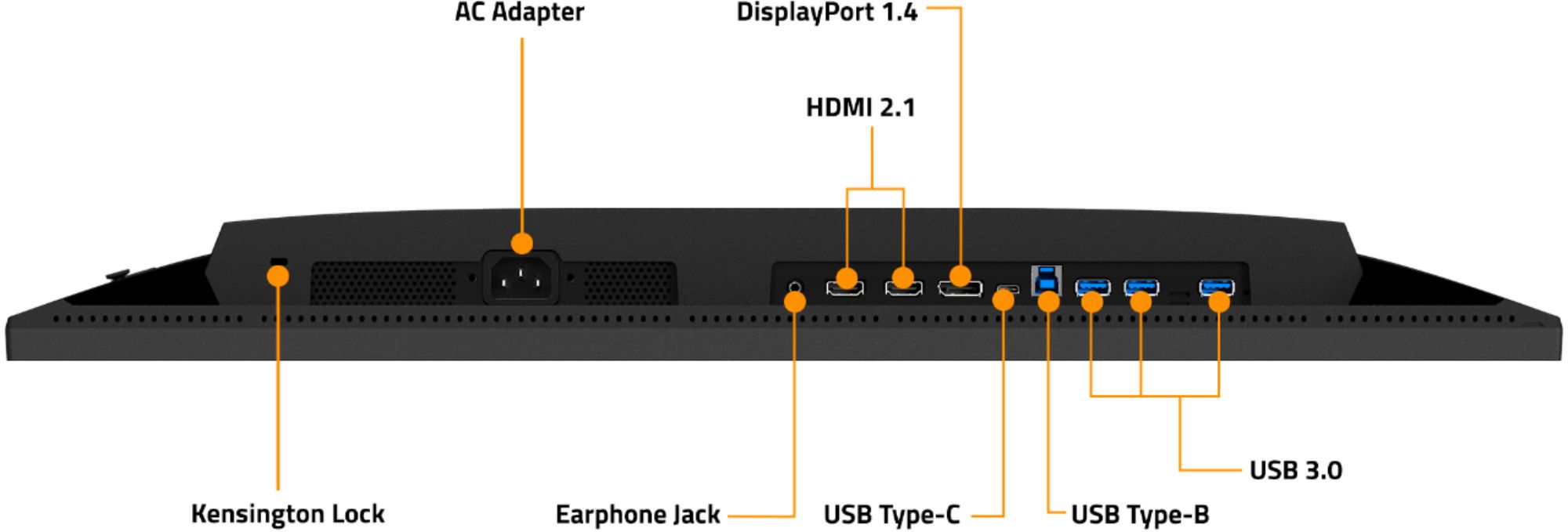
The HDMI cable we include will be HDMI 2.1 allowing you to utilize the higher refresh rate on consoles. We only recommend using a different HDMI 2.1 cable if you need a longer cable.
Hope this helps!
- John
A:AnswerIt stands for "keyboard video switch". You can connect multiple machines and control the one you have selected with one keyboard/mouse.
https://en.wikipedia.org/wiki/KVM_switch
A:AnswerMy monitor was delivered to me, but it did not include a USB-C cable, as stated in the Gigabyte rep's answer. I am posting photos of what cables it does include.
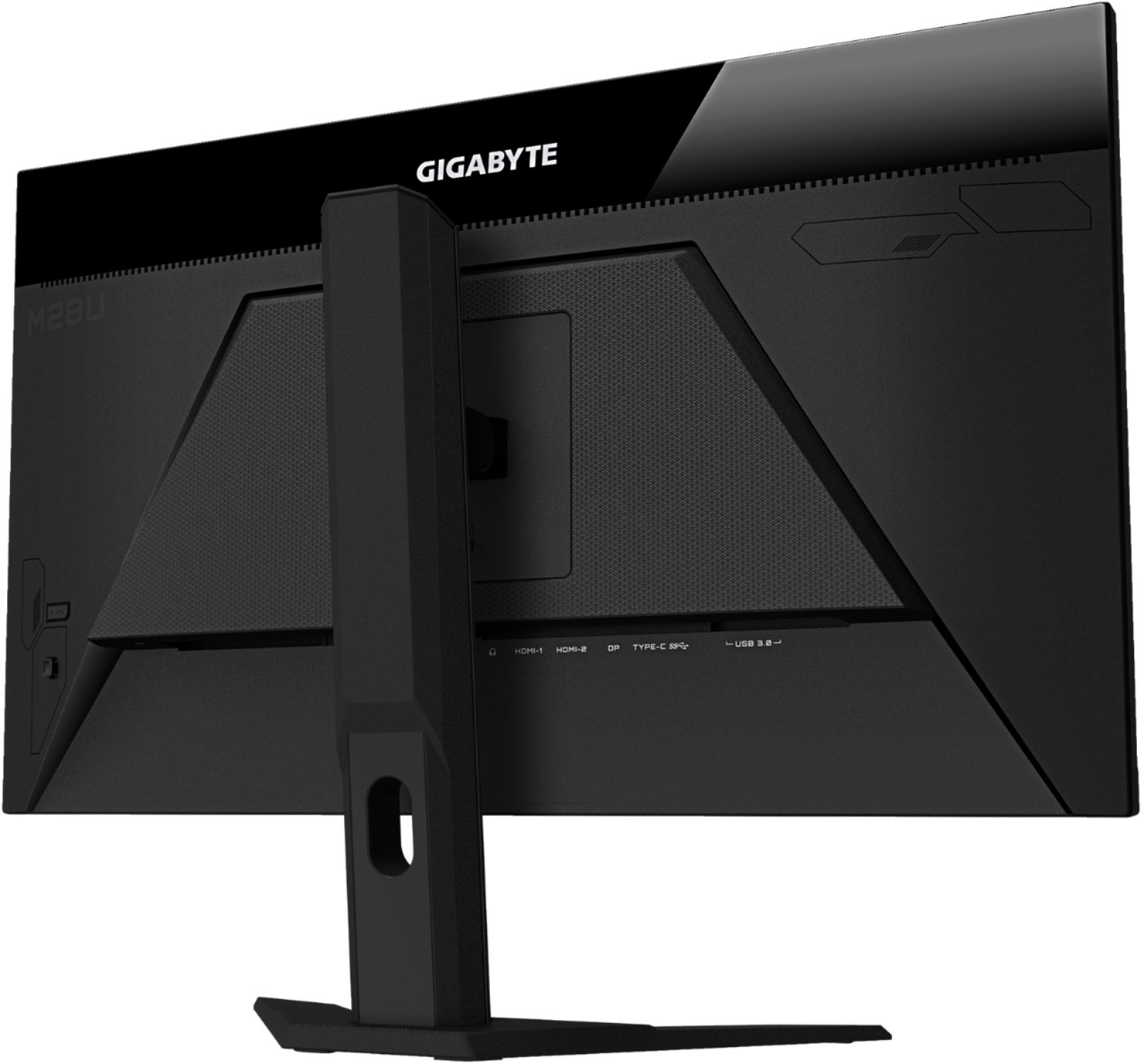
A:AnswerThere could be a number of reasons why it is not on. First make sure the KVM switch in the back is switched to HDMI that you have plugged the PS5 into.
If that is correct maybe the HDMI cable is bad plug the PS5 into another monitor or TV and see if you are getting signal.
And change out the HDMI cable with another one.
I know this question is a month old but this is the first time I've seen it. Hope you are good to go.