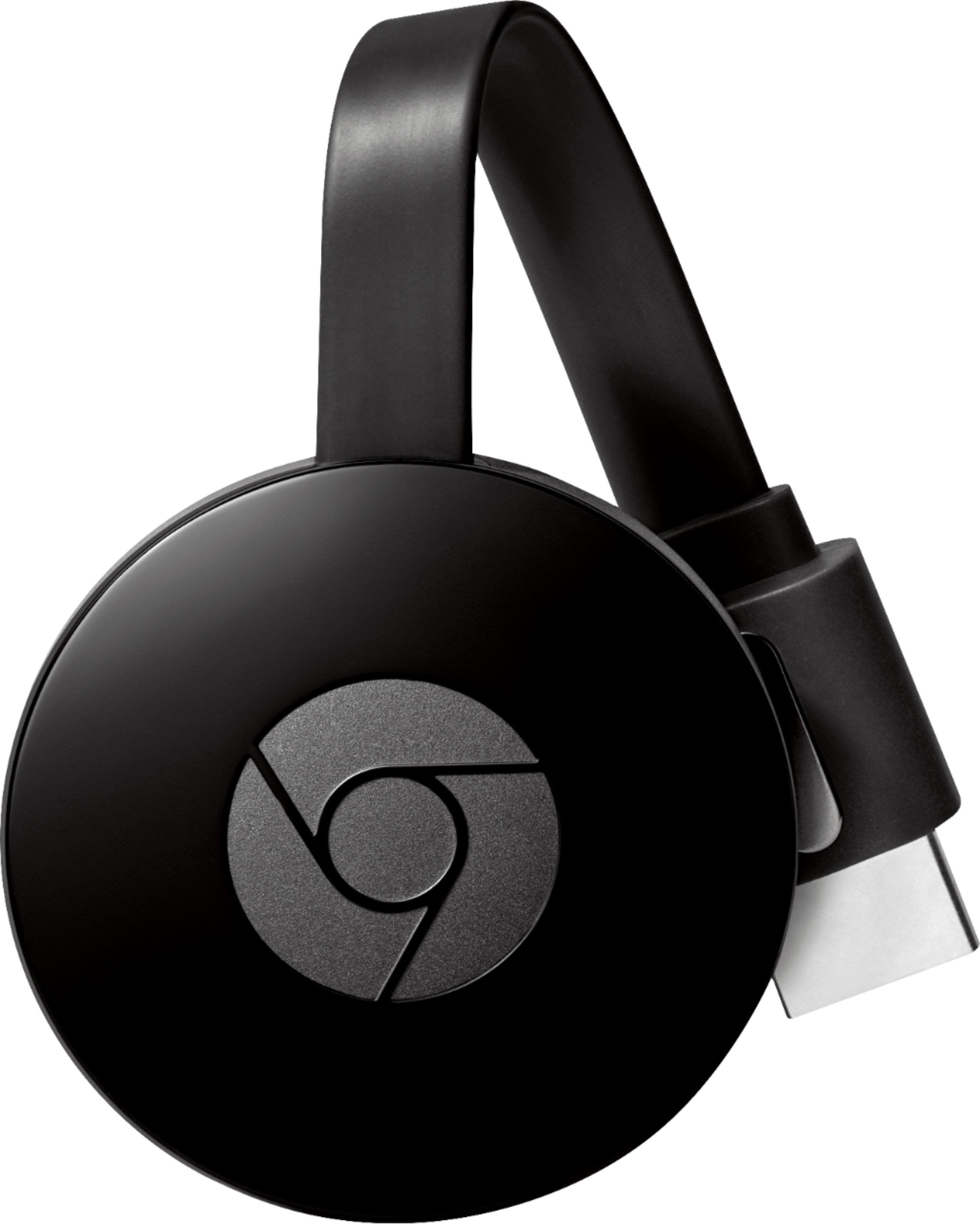
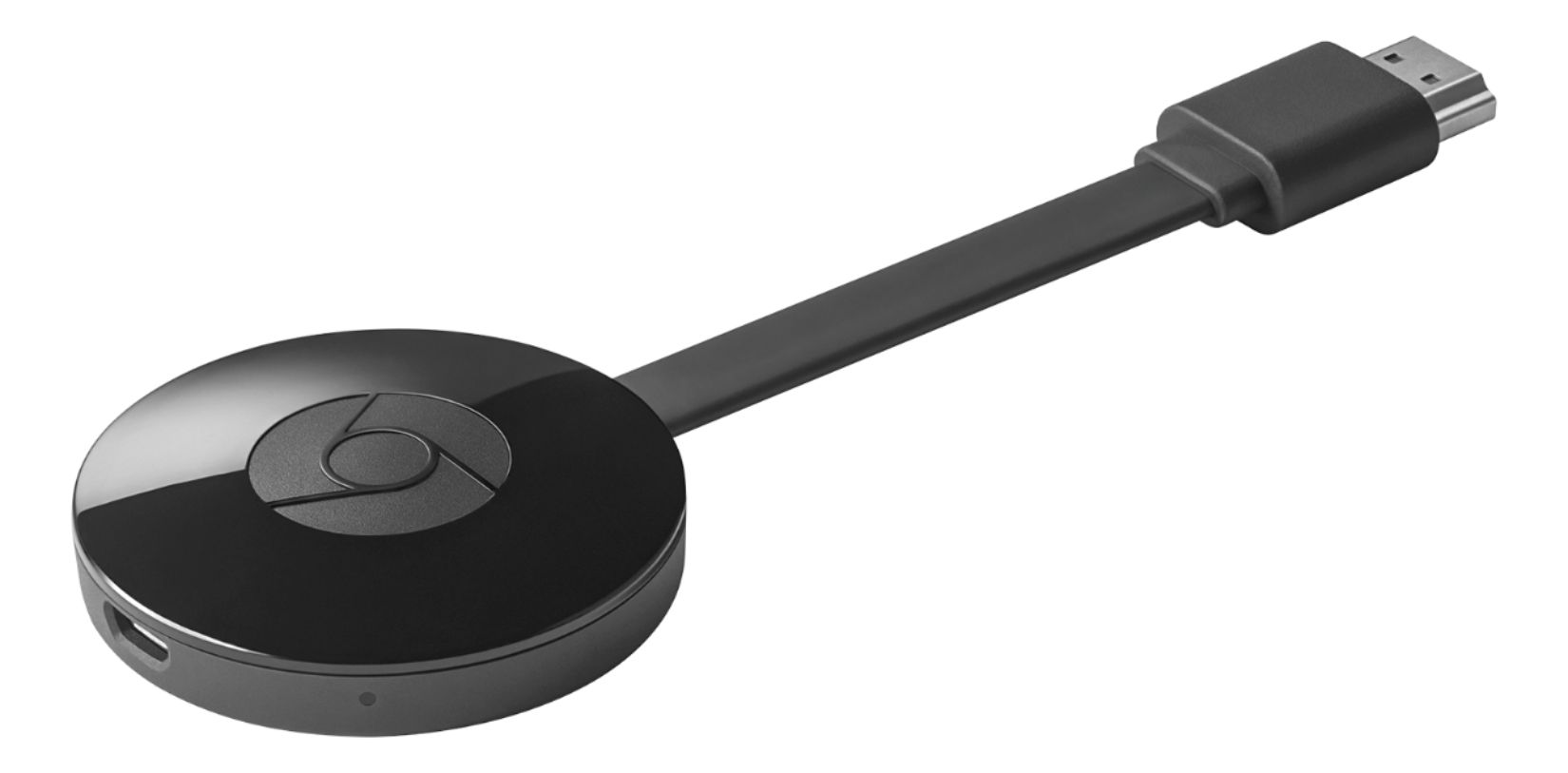
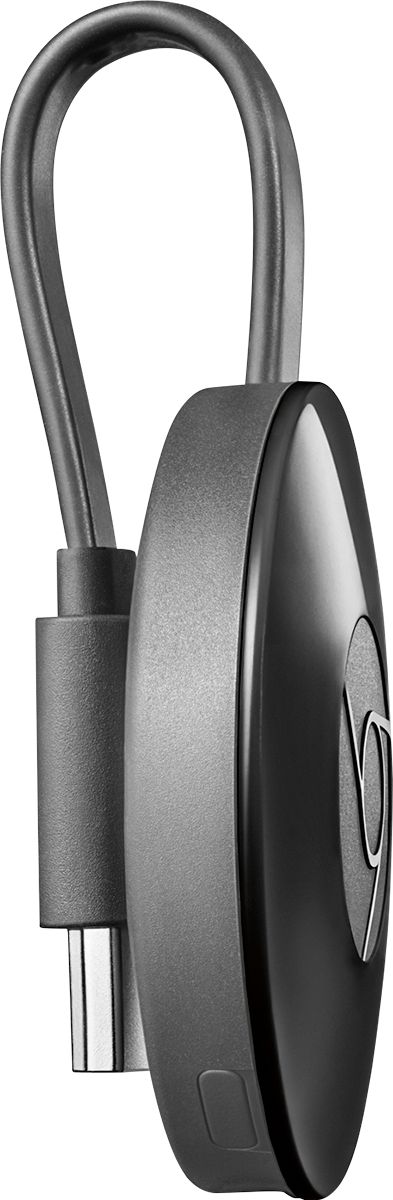
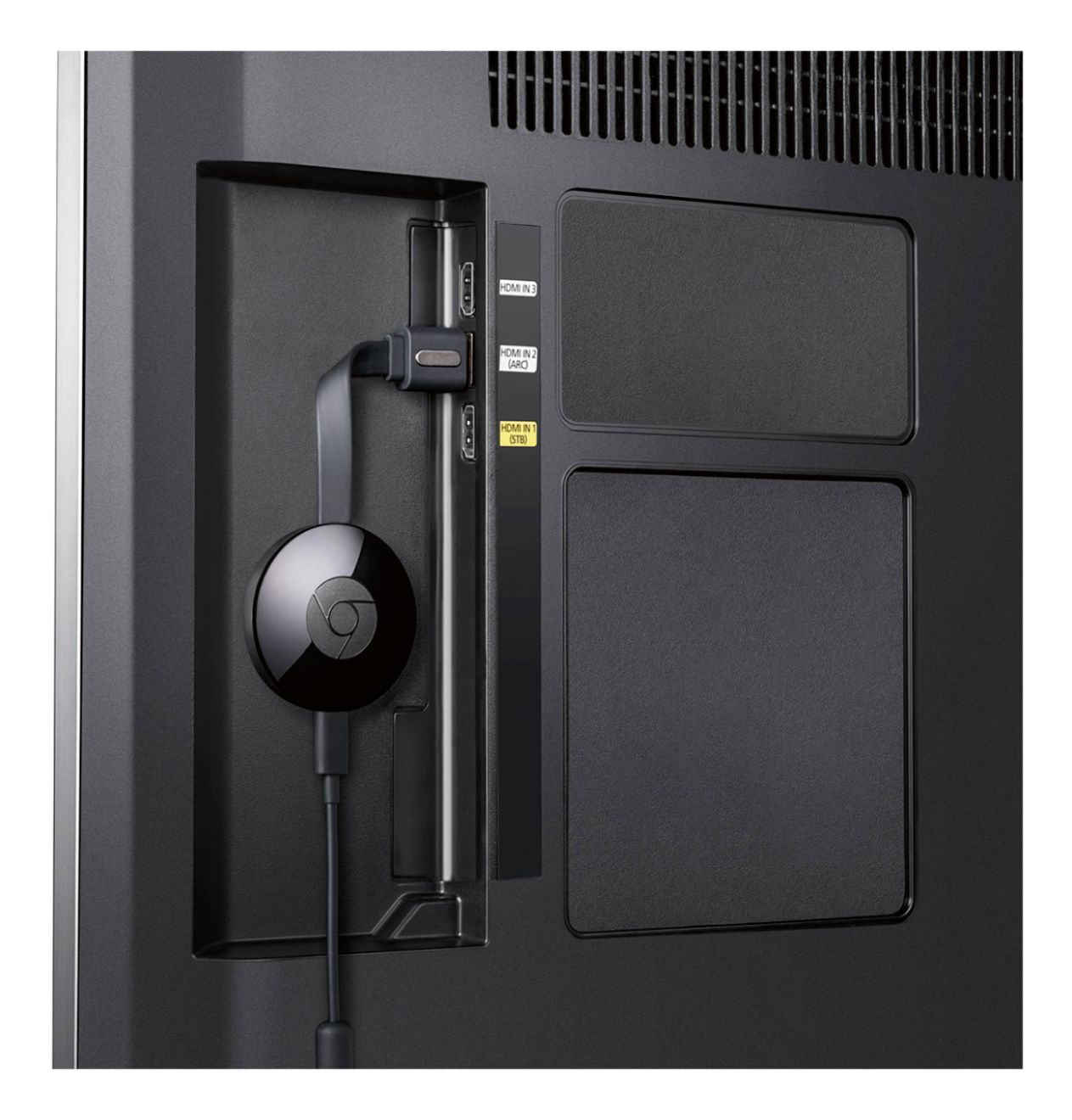
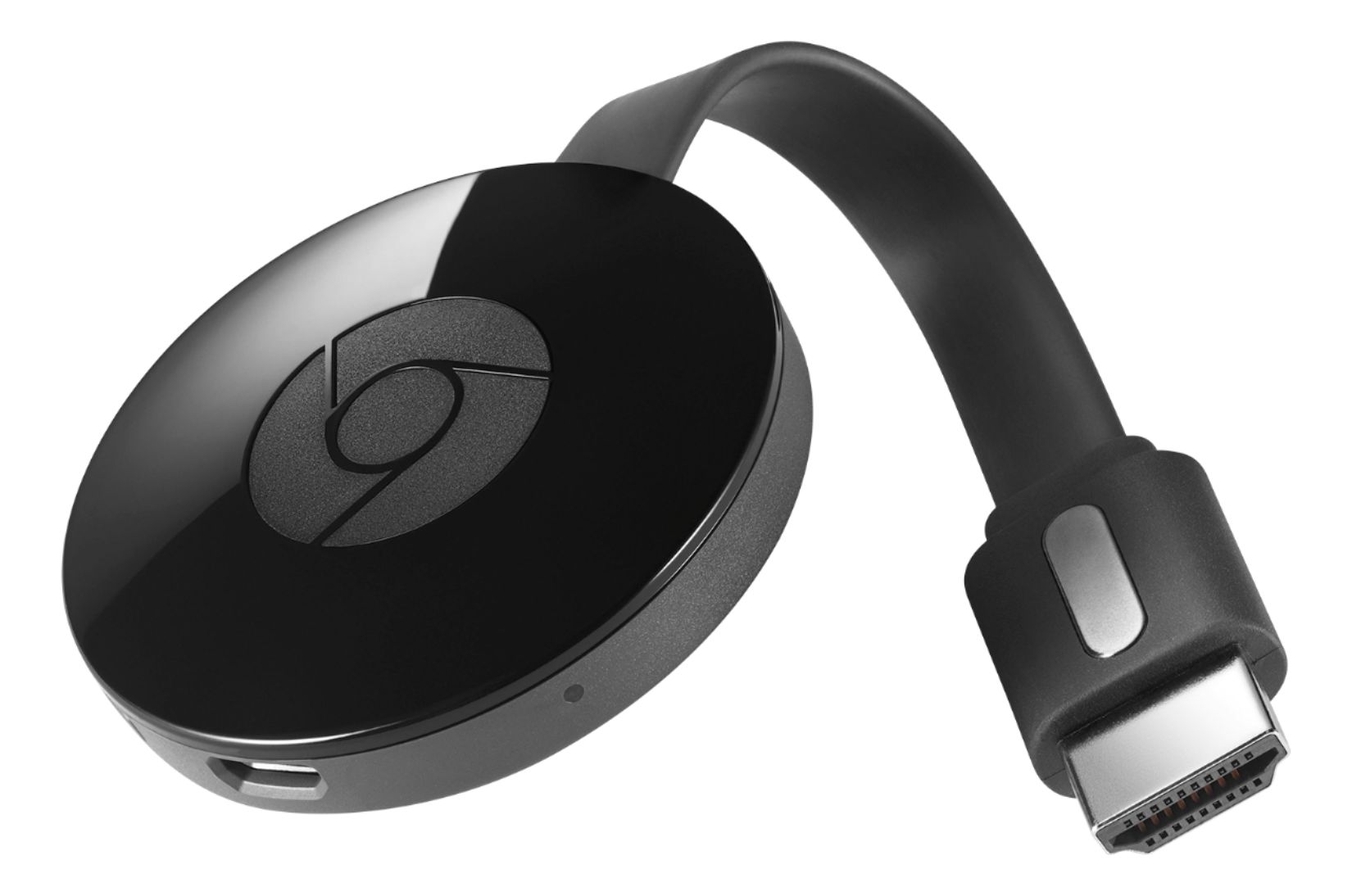
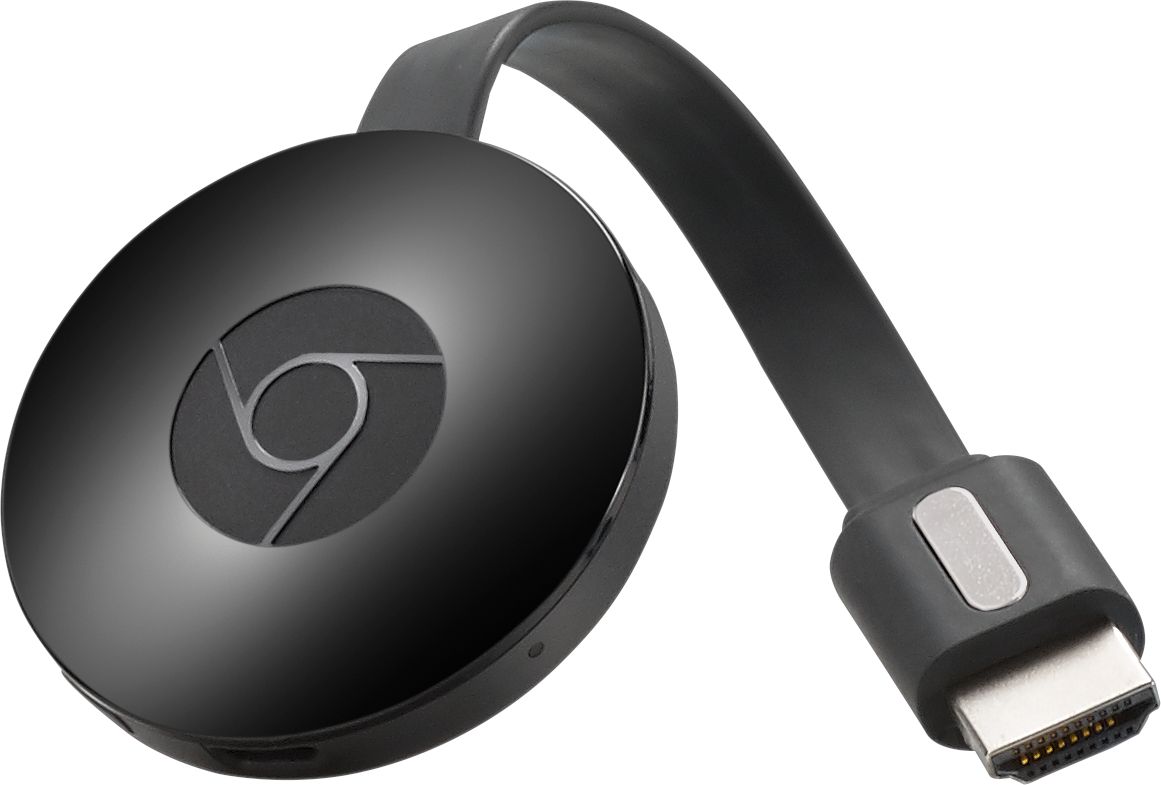
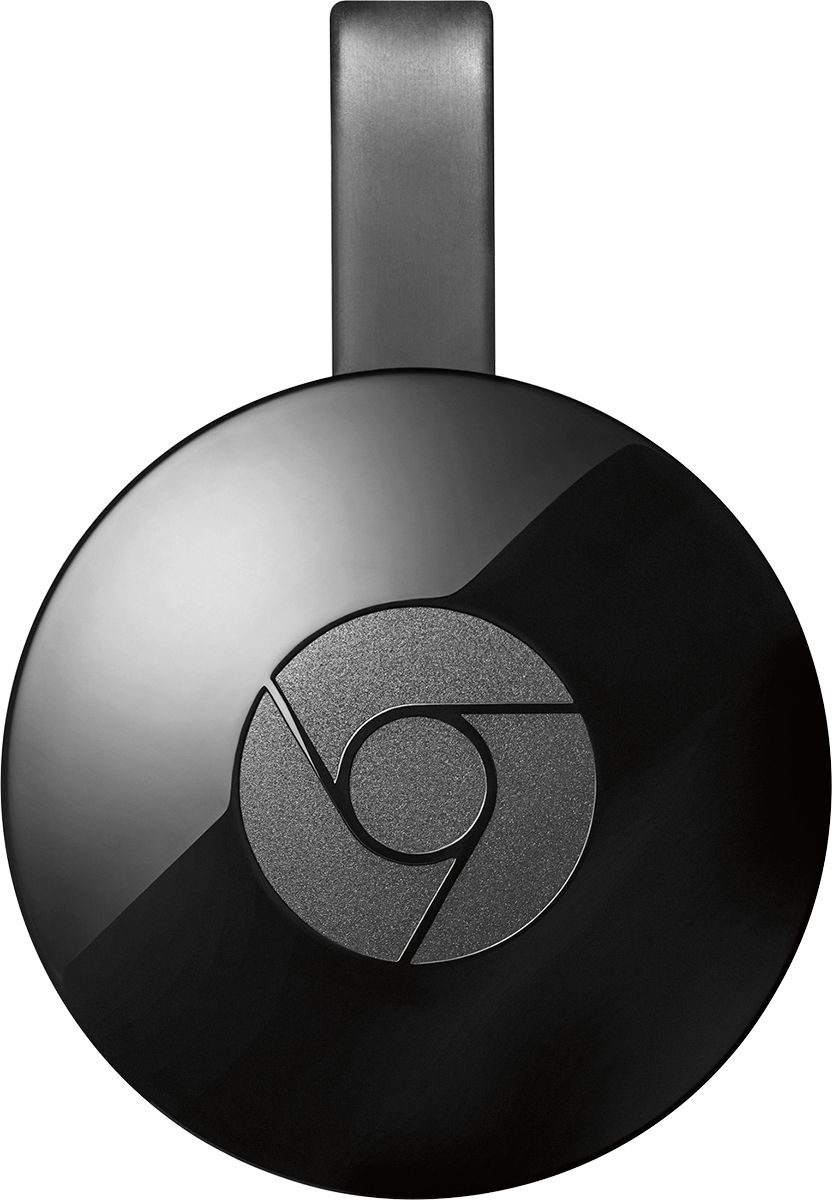
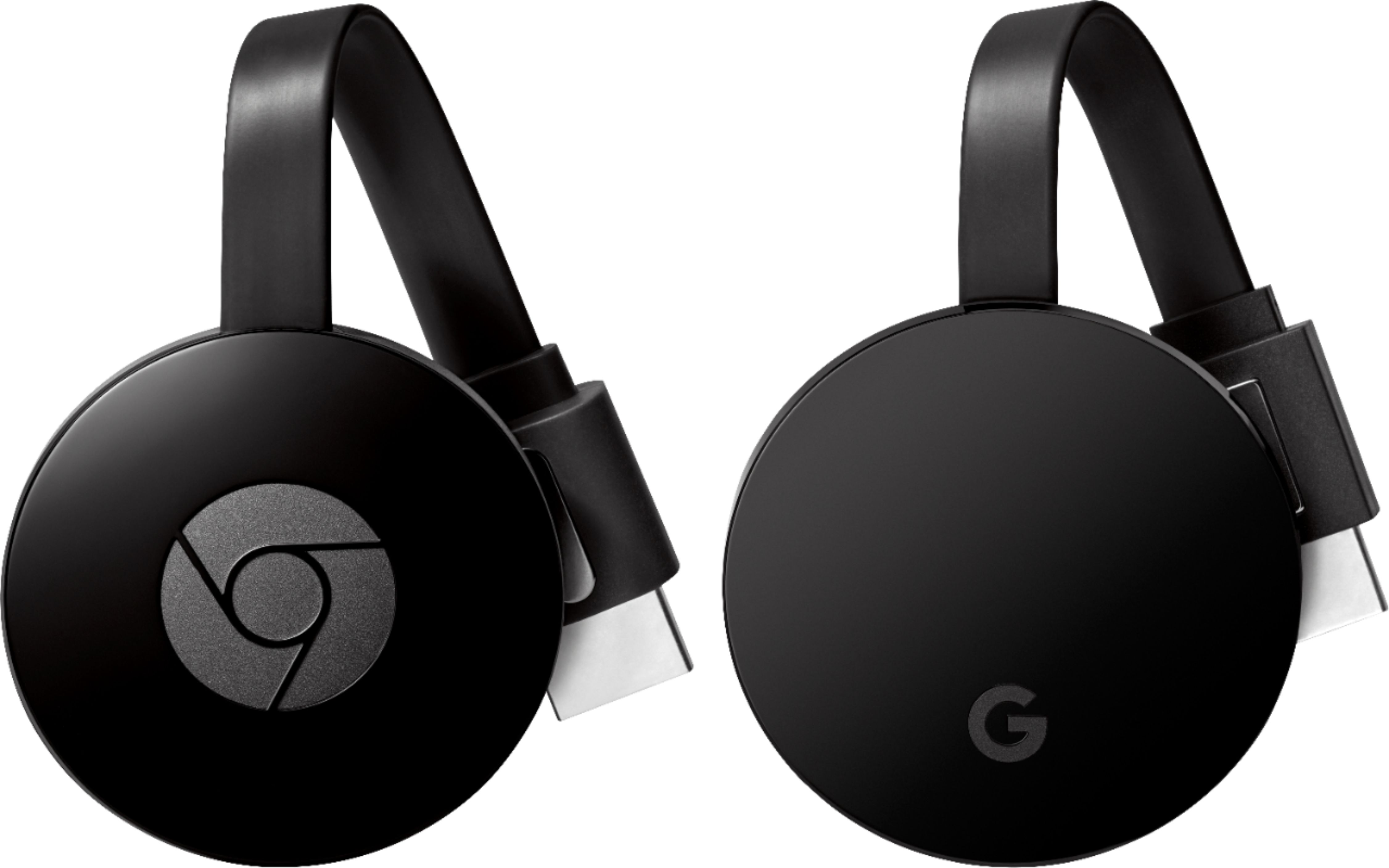
A:AnswerI do not believe you can link this device directly via Bluetooth. It only has two ports, one for power and the other is HDMI for audio/video to your TV.
A:AnswerChrome Cast doesn't need to be out in the open to work. Just have a power source close to the HDMI you're plugging it into and you're good to go.
A:AnswerIt works as the DVD player but only play online steam video or audio. Or you can cast the video from android device or Chrome. The only thing you need is an HDMI port, just plug it in then select input source. Don't forget connect the power supply.
A:AnswerI don't think so - Time warner was recommending the Samsung Smart TVs or Roku devices to run the TWC TV app. You could probably run TWC Tv from web browser/computer and cast it, but that's a lot of work to watch the news! https://www.timewarnercable.com/en/support/faqs/faqs-tv/twctvapp/what-devices-can-i-access.html
A:AnswerIt will work through your Google Chrome internet browser. You will need to download an Google "Cast" extension if you don't already have it installed (the Cast extension icon appears just to the right of the address bar). See this site for help on how to download: https://support.google.com/chromecast/answer/3212008?hl=en