A:AnswerIf you have one unit controlling both upstairs and down stairs, you will continue to face this challenge. In order to balance both upstairs and down stairs, you will need a unit for the down stairs and a unit for the upstairs, each having their own separate thermostat.
A:AnswerI have a 2 wire heating system and it works for me. When I checked using the compatibility tool it told me to take a picture of my wiring and send to customer support. I did and they verified it's compatible and told me which plugs to use in the nest
A:AnswerThe Nest works independently like your current thermostats in the home, and can only control whatever part of the system it's wired to. So if you currently have two thermostats, then you could choose to just replace one of them with a Nest, and keep the other one as a standard thermostat, or you could replace both each with a Nest. You can check for compatibility here: https://nest.com/support/article/How-to-tell-if-your-heating-and-cooling-system-will-work-with-the-Nest-Thermostat
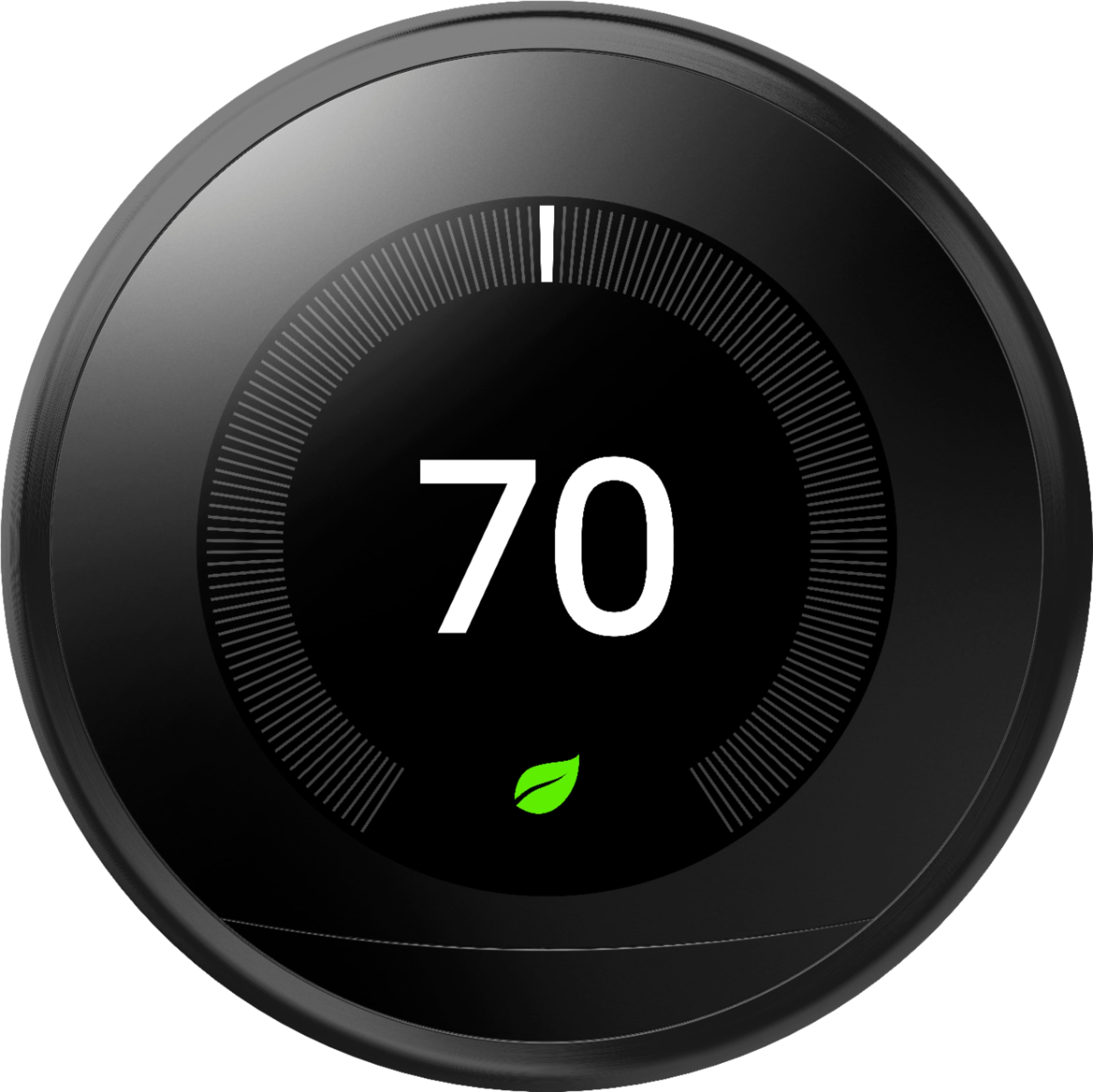
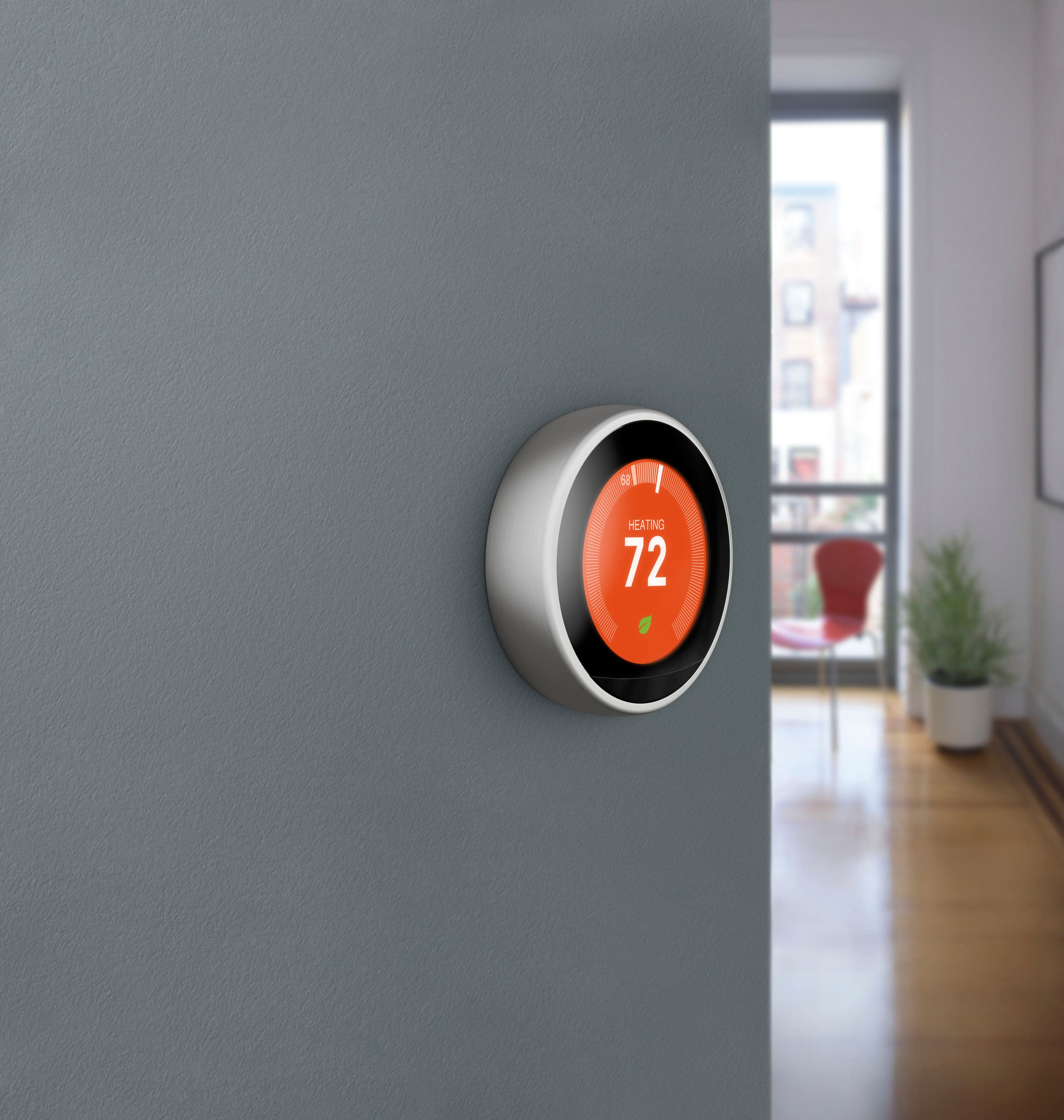
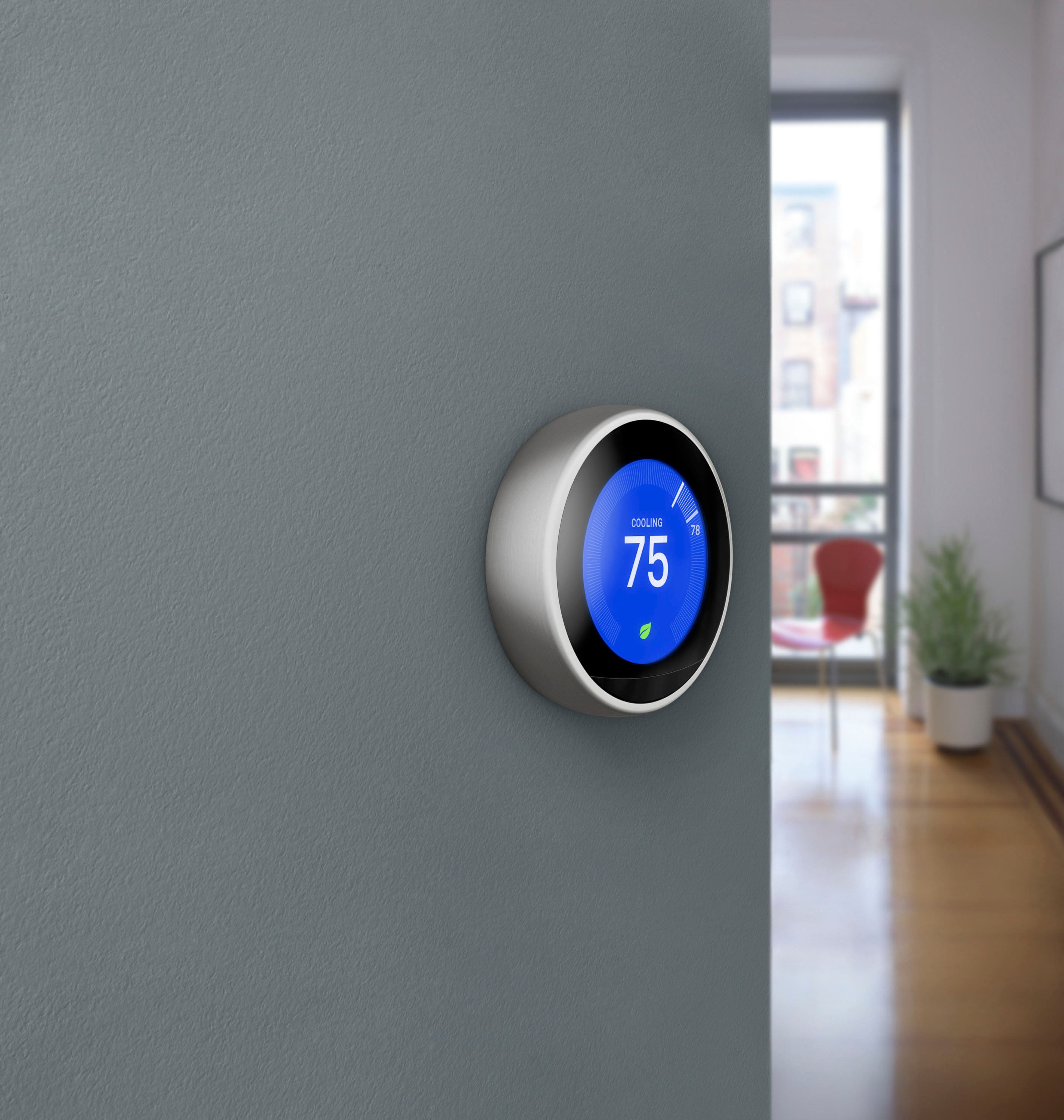
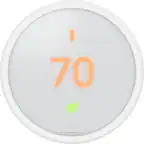
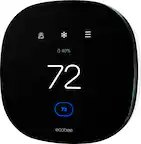
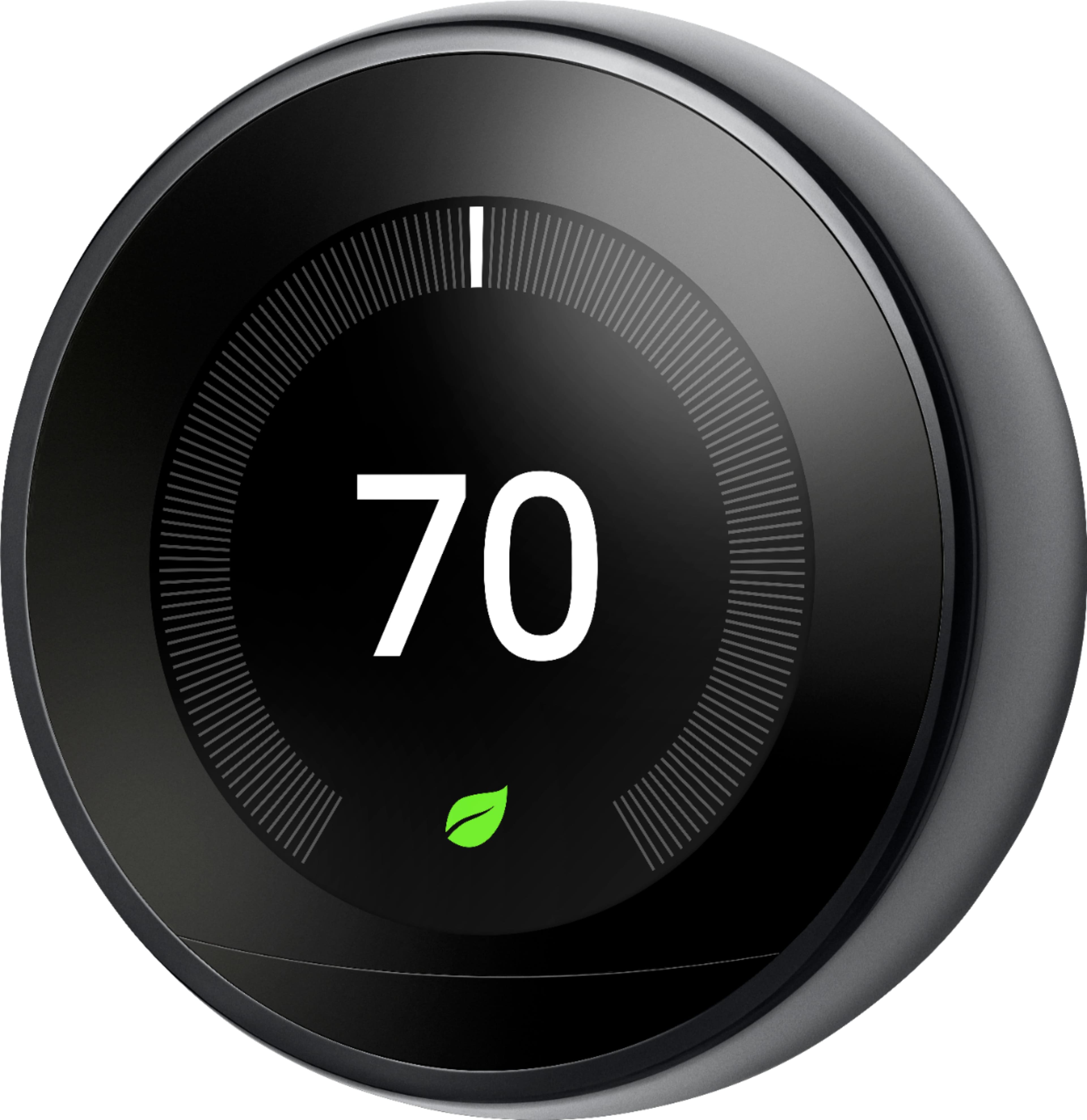
A:AnswerYes. When the unit is heating your house, the display will be a reddish-orange color. When the unit is cooling your house, the display will be blue. If the system is off, the background will be a dark grey or black color, with white numbers. It will even give you an estimated time until you reach your target temperature. If your house is at 66 degrees and you set the heat to 72, it will say "estimated 52 minutes to target temperature" or something like that, depending on the size of your house (information you can add to the thermostat as well).
A:AnswerYes it will. It can detect what you have once you plug it in. I have heat only and only have two wires coming in ( white and red). I have an oil furnace and baseboard/radiators. It works great!
A:AnswerAs long as your Nest is connected to your WiFi, and your internet at home does not go out, you can control your thermostat from anywhere, even while out of town.
A:AnswerI feel that any internet system can be "hacked", but I also feel that (a) Nest has placed enough security and (b) owners should create good passwords to secure their data.
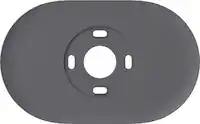
A:AnswerYou do not have to use the plate. It is provided for you to cover the previous box. You can absolutely get the sleek look if there is no hole to cover. I had to use the plate, but I honestly don't even notice it anymore.
A:AnswerYes, it's easy to install and set up on the phones or tablets so no need to spend $99 for installation fee. The important tricks are (1) make sure you turn the power off at indoor unit (machine) because even though the small wires won't electrocute you but it can burn the little fuse inside the indoor unit (machine). If the fuse burns the nest thermostat won't have current to run and it won't be easy to search and replace the fuse inside the big machine. (2) make sure you take the pictures of the wires connecting to the old unit because you just have to reconnect them to the same initials, like Green wire to G in old thermostat and Green wire to G in new thermostat (Nest) too. (3) another important trick is make sure those wires are not too bulky, otherwise the unit won't attach well to its base. You may have to cut some to shorten or push deeper inside the hole on the wall (where wires came out from) to keep the minimum wire bulk so it won't be pushing out the thermostat.
I actually replaced my old (still working) 4 thermostats at home with all new Nest 3rd generation learning thermostats. One of them I didn't switch off the power, then I felt a little bit of current like from a small battery on the tip of my finger, then I realized that the fuse was gone.
I also noted the thermostats were not attached well to the bases but eventually figured out the bulky wires. Once I cut the long wires and made them perfectly short, the thermostat mounted to its base perfectly.
One last thing is that all these Nest thermostats can be easily detached so can be stolen easily, no professional burglar skills required!
A:AnswerSure does. I currently use If This Then That as a bridging app that sends me notifications if it dips below or spikes above my presets. It learns your living habits and adjusts accordingly. You can also preset AWAY temps and ECO temps. Also, with that app, you can get notifications in the event your nest goes from AWAY/ECO mode to HOME mode. That would signify someone is in the home, or has tripped the motion detector on it.
A:AnswerThe Nest Learning Thermostat works with 95% of 24 Volt heating and cooling systems, and may be compatible with both your floor heater and furnace. However, to ensure that your system is compatible, we recommend using the Compatibility Checker tool on this link: https://store.google.com/us/widget/compatibility/thermostat
Once you verify compatibility, you will need to use two separate Nest Learning Thermostats for each of your heaters for better temperature control and management of your heating system. If you still have questions, you may reach out to our support team for further assistance here: https://support.google.com/googlenest/gethelp
A:AnswerYou will be okay without a c wire. I have two different system and both work the same (one with c wire and one without c wire). No loss in functionality.