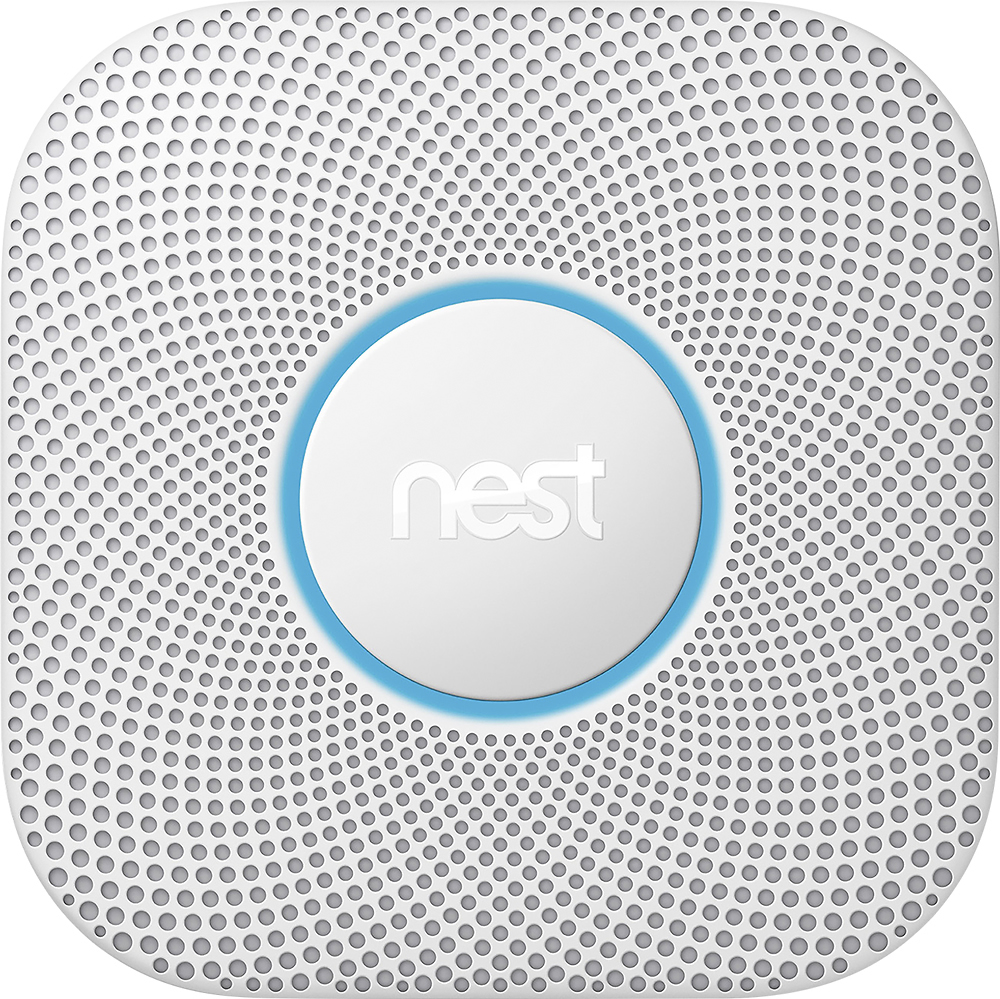
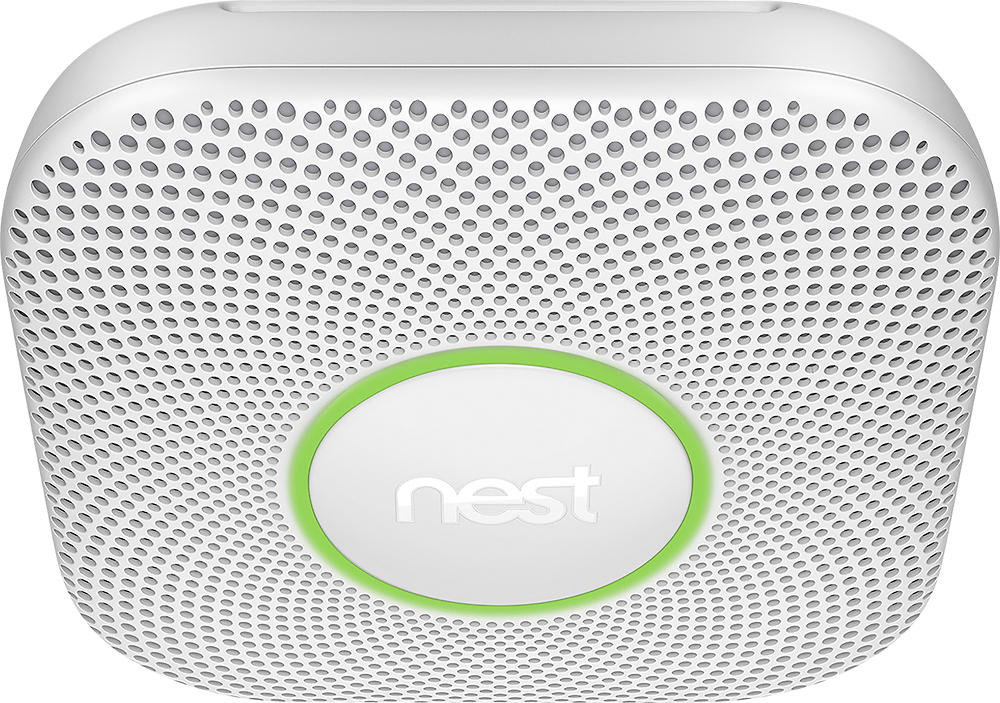
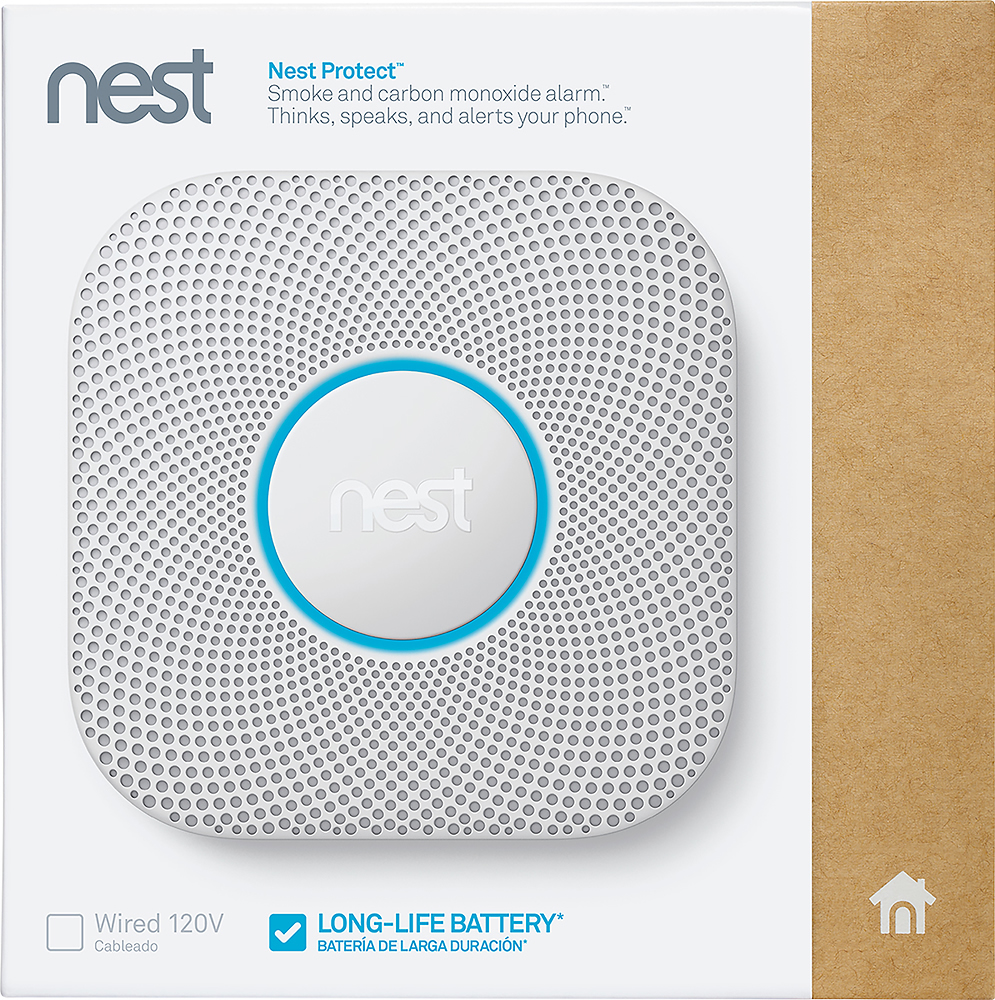
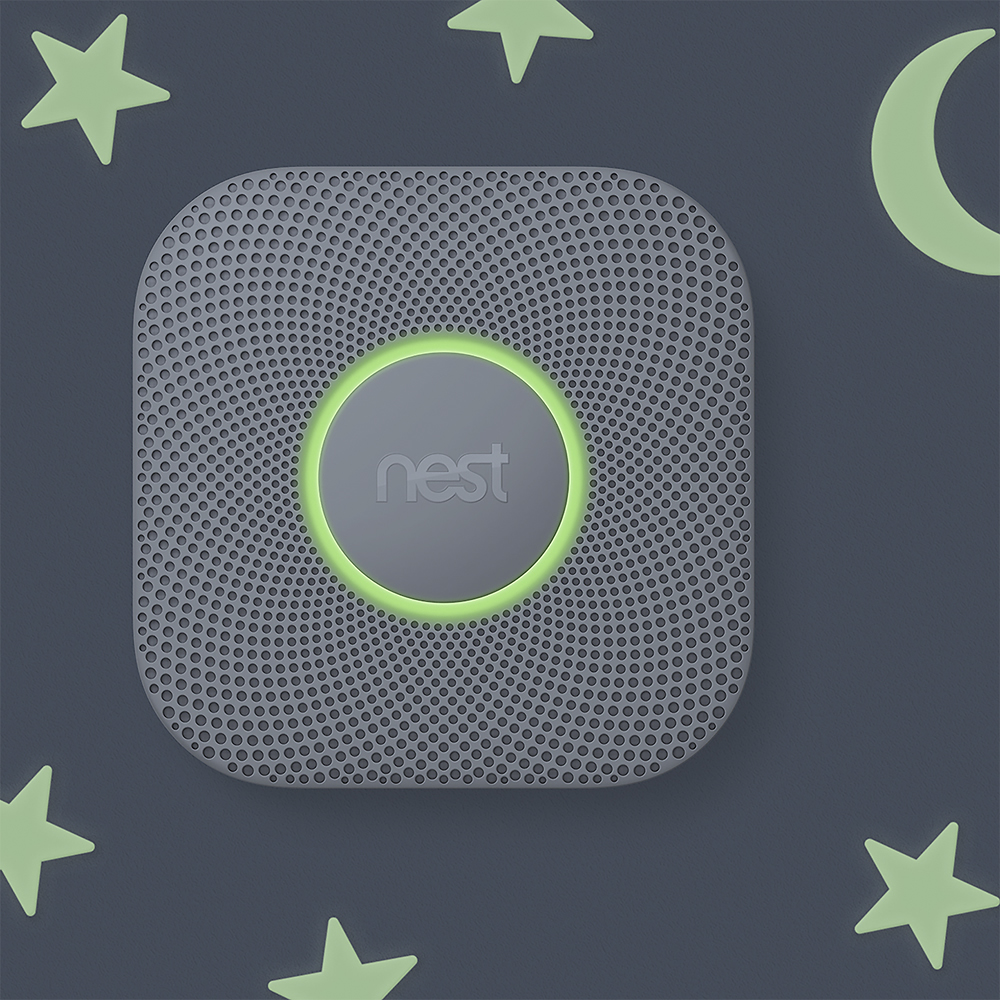
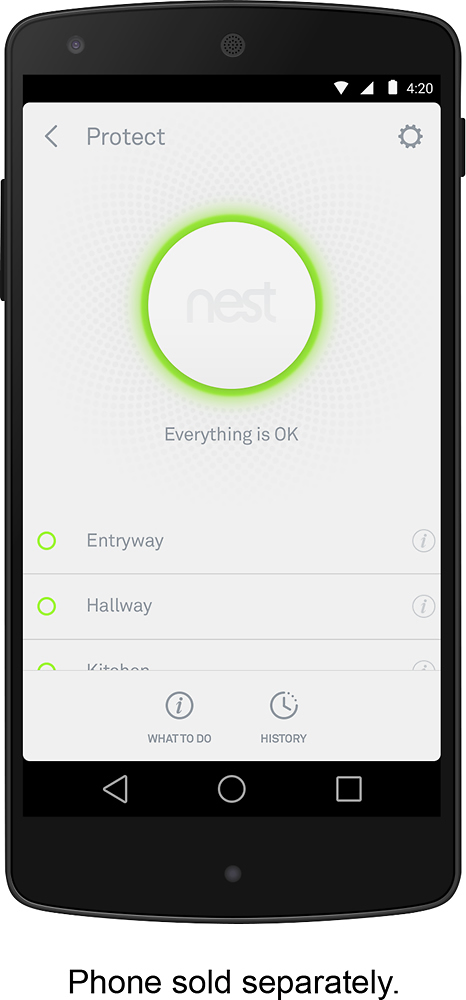
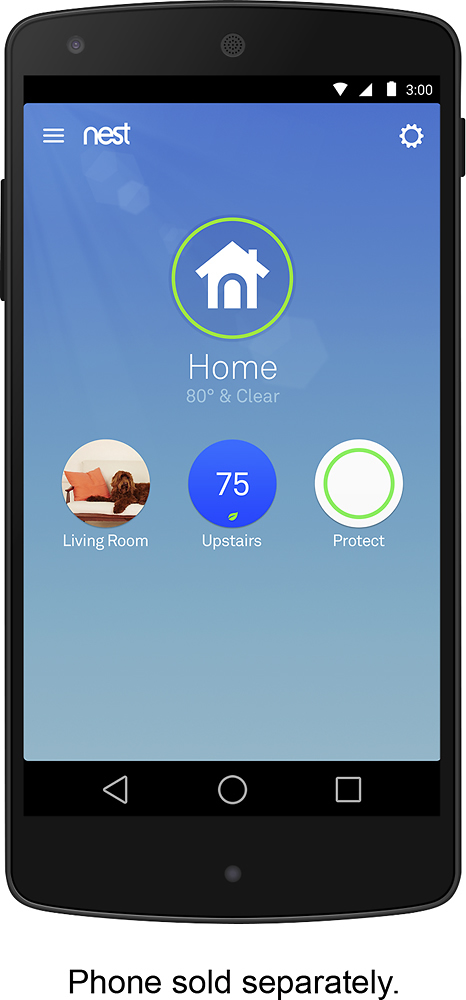
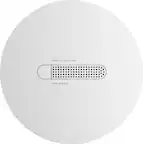
A:Answer Hello there! We appreciate your inquiry! Nest Protect connects to the internet using the 802.11 b/g/n 2.4GHz networks and won’t be able to find your network if it’s set up to be in 5GHz-only mode. It also requires IPv6 in order to be added to the Nest app. Some smart home devices only use the 2.4 GHz band and will not be available for setup if your phone is on the 5 GHz band. In addition to Nest Protect devices (on software version 4.0 or higher), the Nest app can use the Nest Guard, Nest Hello, Nest Cam (Indoor and Outdoor), Nest Learning Thermostat 3rd Gen, Nest Thermostat E, and Nest Connect to pair new products to an account. If the Nest app uses an assisting device (another Nest product in your home), the assisting device, while connected to a 5GHz network, may try to communicate to the Nest Protect or be out of range of the Nest Protect.