A:AnswerYou can schedule your Nest Thermostat E to keep your home at a temperature you like for any length of time. With the Heat - Cool mode, you can also set a temperature range for any period and your thermostat will only start if temperature goes outside the range during this period. You can learn more about Nest Thermostat E schedules here : https://support.google.com/googlenest/answer/9243487
A:AnswerIt depends if the system is compatible with Nest. You can check this link https://support.google.com/googlenest/answer/9246656?hl=en in order to determine if it's compatible. You can reach out to us for further assistance here: https://nest.com/support/contact-us/?from-chooser=true
A:AnswerYou can set up Nest Thermostat E with your Wi-Fi, but you need to have the free Nest app to control the thermostat on your phone. You can take a look at this article to know more about Nest Thermostat E : https://support.google.com/googlenest/answer/9244917
A:AnswerYou can set up your emergency heat to Nest Thermostat E while wiring the thermostat to your heating system. You can take a look at the following article link for details : https://support.google.com/googlenest/answer/9276120
You can also reach out to us for further assistance : https://support.google.com/googlenest/contactflow?hl=en
A:AnswerInstalling Nest thermostats is a very easy DIY project that takes about 20-30 minutes in most homes. You can check out this article to find out more about installing your Nest thermostat : https://support.google.com/googlenest/answer/9274936
A:AnswerYes, you can control both of Nest thermostats from your phone. You can hae a look at this article for more detailed info: https://support.google.com/googlenest/answer/9301088
To add your second Nest thermostat to the Nest app, you can simply repeat the process for your first thermostat.
You can lock and unlock Nest thermostats either on the app or manually on the thermostat. Here is an article to help you with locking and unlocking your Nest thermostats: https://support.google.com/googlenest/answer/9247319?hl=en
A:AnswerNest Thermostat E works with 85% of 24V heating and cooling systems, including gas, electric, forced air, heat pump, radiant, oil, hot water, solar and geothermal. Nest Thermostat E can replace your 4-wire thermostat if your system is Nest-compatible. You can take a look at this article to determine if yoursystem is compatible with Nest Thermostat E : https://support.google.com/googlenest/answer/9246656
If you need further assistance, you can reach out to us here: https://support.google.com/googlenest/contactflow
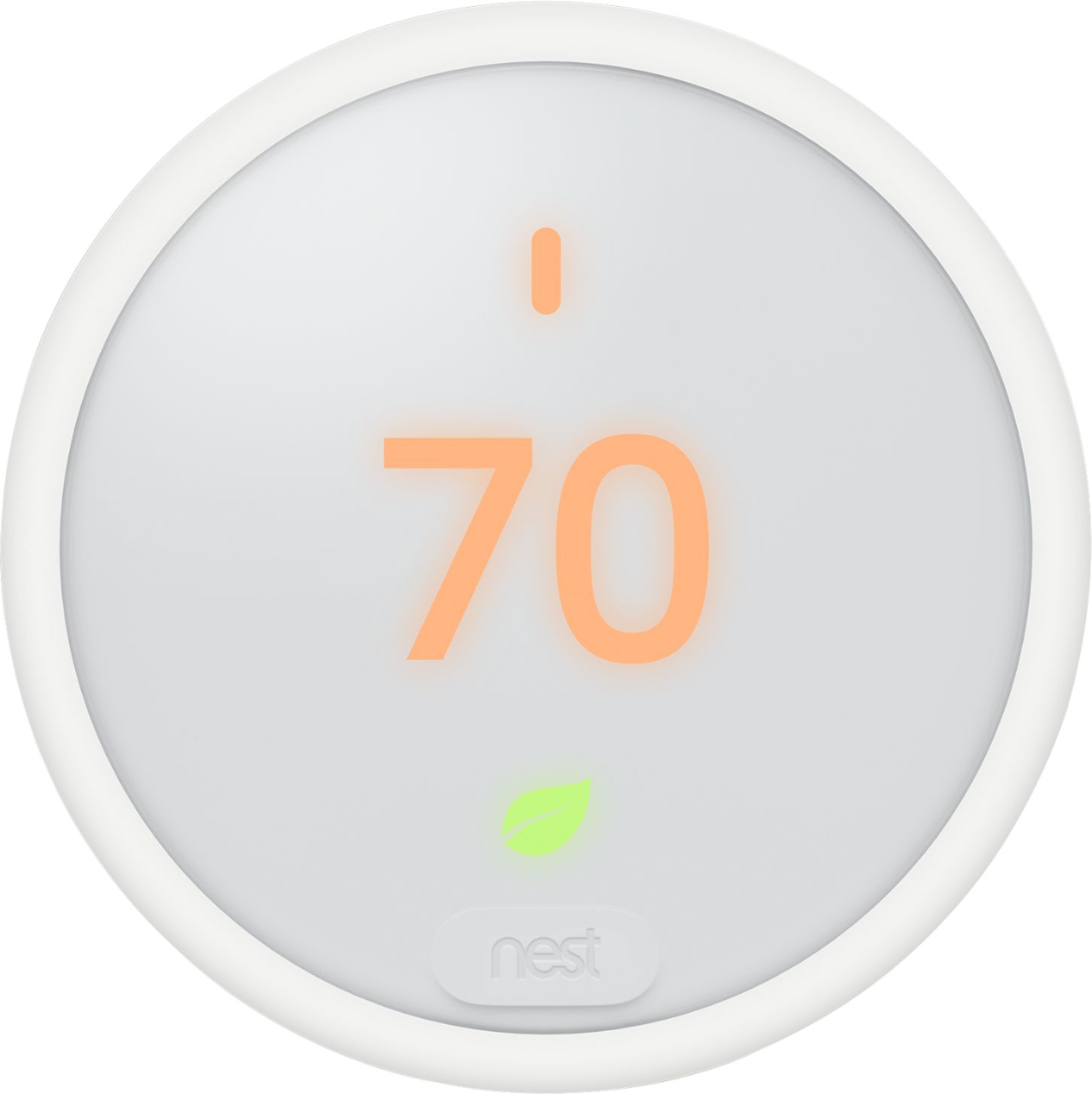
A:AnswerNest Thermostat E is capable of working with electric and propane (and other natural gas options) systems. You can always check our compatibility checker to determine if your systems are Nest Thermostat E compatible here : https://nest.com/#works
You can also have a look at your compatibility article here : https://support.google.com/googlenest/answer/7029485
If you would like to contact us to assist you with compatibility, you can reach out to us here: https://support.google.com/googlenest/contactflow?hl=en
A:AnswerNest Thermostat E doesn't use Z Wave protocol. Nest Thermostat E requires a Wi-Fi network for connectivity and it can be managed on the Nest app, and can be added to Google Home to create a connected home. You can check out this link to learn more about Nest Thermostat E : https://support.google.com/googlenest/answer/9230098
A:AnswerGoogle Nest thermostats are usually compatible with zoned systems, including zoned systems with dampers. However, some zoned systems that require thermostat damper control aren’t compatible with Nest thermostats, while other zoned systems may need a C or common wire to be Nest thermostat compatible.
Yes, each zone should have a thermostat to control heating and cooling.
To learn about zoned system compatibility with Nest thermostats, you can go to this link:
https://support.google.com/googlenest/answer/9250906?hl=en
A:AnswerThis is extremely easy to install. There’s a video on their website that walks you through it, and lots of other tutorials online. Be sure to label the wires as you uninstall the old thermostat, that will make installation a breeze.