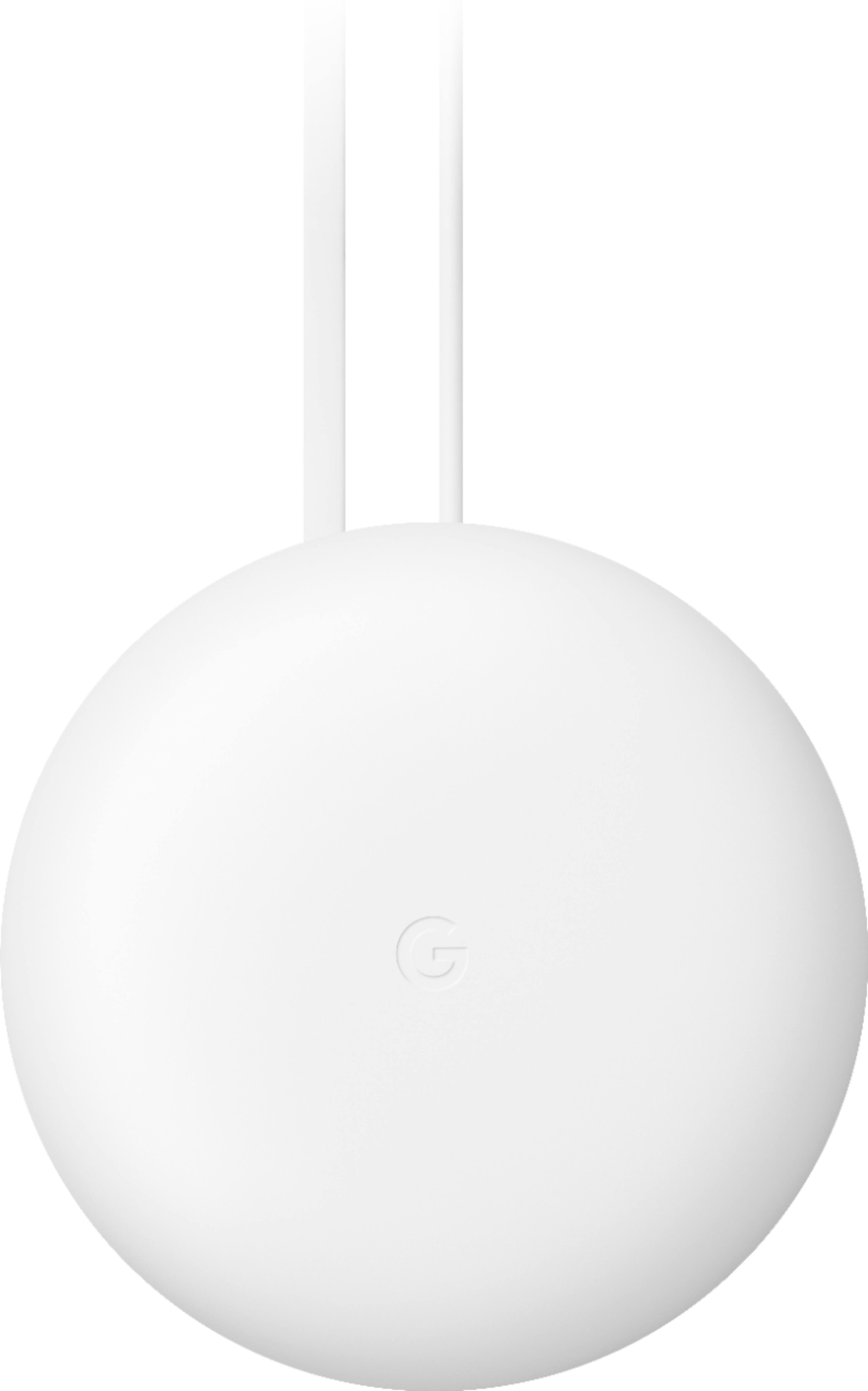
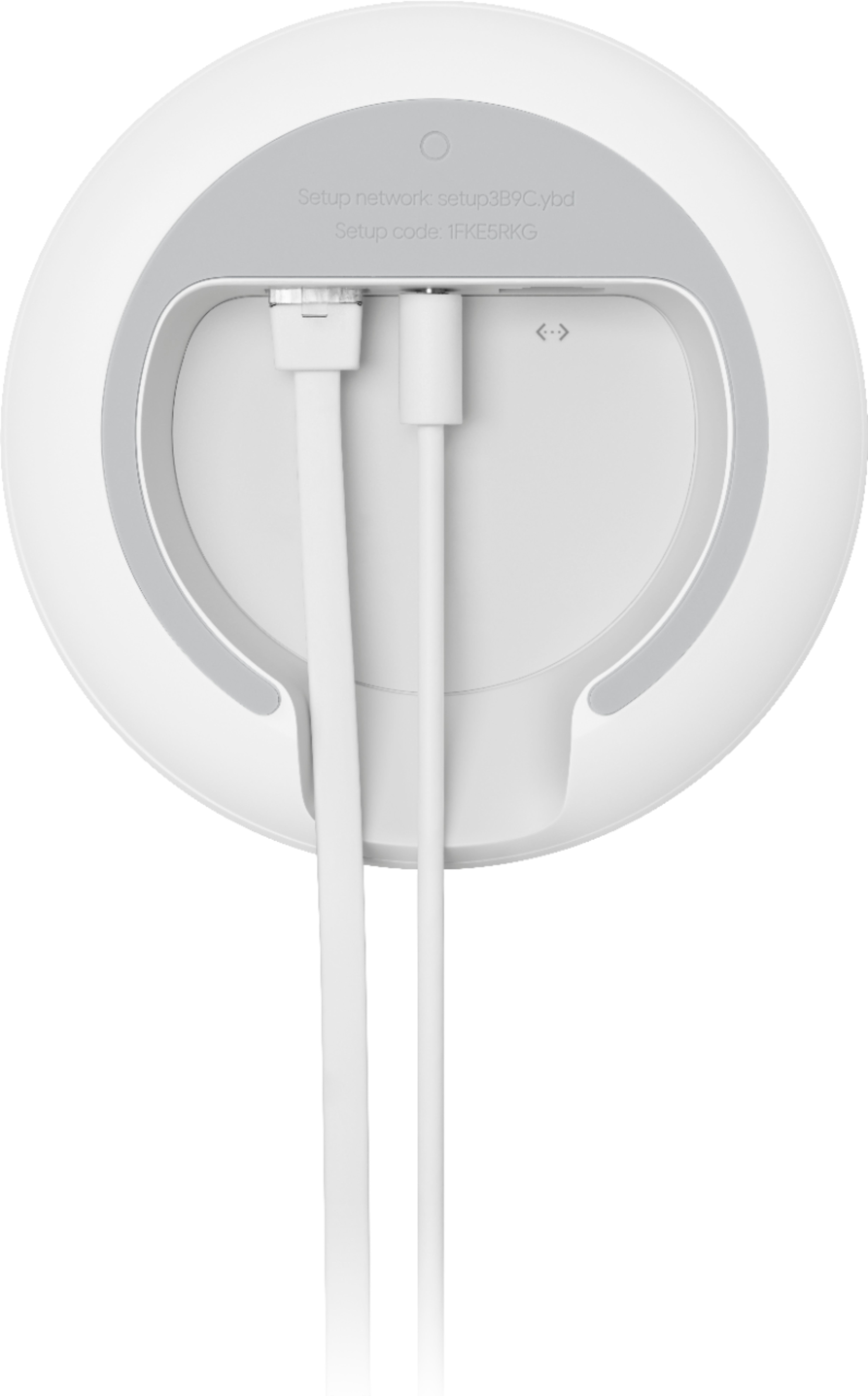
A:AnswerNo. The extenders don't have ethernet ports. Only the main nest wifi router has an ethernet port. It then beams a signal to the extenders to provide internet.
A:AnswerGoogle Nest WiFi system is compatible with Google Fiber. You can set up Nest WiFi router as your primary router hard-wired to your Google Fiber modem's WAN port. Nest WiFi router can cover up to 2,200 sq.ft. but where it is placed, the layout of your house, physical obstructions like furniture can impact the total coverage. You can consider adding a Nest WiFi point to ensure full coverage. Keep in mind, Google Fiber has a modem/router combo and you may need to disable its Wi-Fi functionality in order to avoid a Double NAT.
A:AnswerGoogle warrants Google Nest WiFi for one year from the date of original retail purchase in its original packaging by you. You can find more warranty related info including our retail partners here: https://support.google.com/googlenest/answer/6287023
A:AnswerInternet speed and reception depend on the modem and internet service provided by your service provider (ISP). Nest WiFi can help distribute the full speed it receives from your modem with its faster processor, its 4x4 radio can cover larger areas, and positioning of Nest WiFi router in your home may help minimize obstructions.
A:AnswerSome mobile plans give free hotspot data or you can pay more to your cell provider to use ure phone as a hotspot. You cannot utilize residential Verizon internet in another location. Services like spectrum and optimum do offer free hotpots in various public locations but not Verizon.
A:AnswerYes, you can. After you connect Nest WiFi router to your modem as your primary router, you can connect the splitter to the LAN port of the primary Nest WiFi router.
A:AnswerYes, Google Nest Wifi router can replace Airport Extreme as your main router. You only need to wire Nest Wifi router to the modem provided by your ISP via the Ethernet port. You can take a look at this support article for more details on the setup : https://support.google.com/wifi/answer/9548301
A:AnswerIt really depends on the distance, Keep in mind Mesh WiFi is designed to cover a contained area (aka your house) and give you steady, reliable connections within that area.
I can tell you from experience that I have a mix of the original Google home WiFi points and the next Nest WiFi router. With this I'm covering my entire house, backyard, and garage (this entire space is roughly 7,000 sq feet including the yard) all wireless and it's working great.
Here's a good article about the Nest Wifi that might help
https://www.pcmag.com/reviews/google-nest-wifi
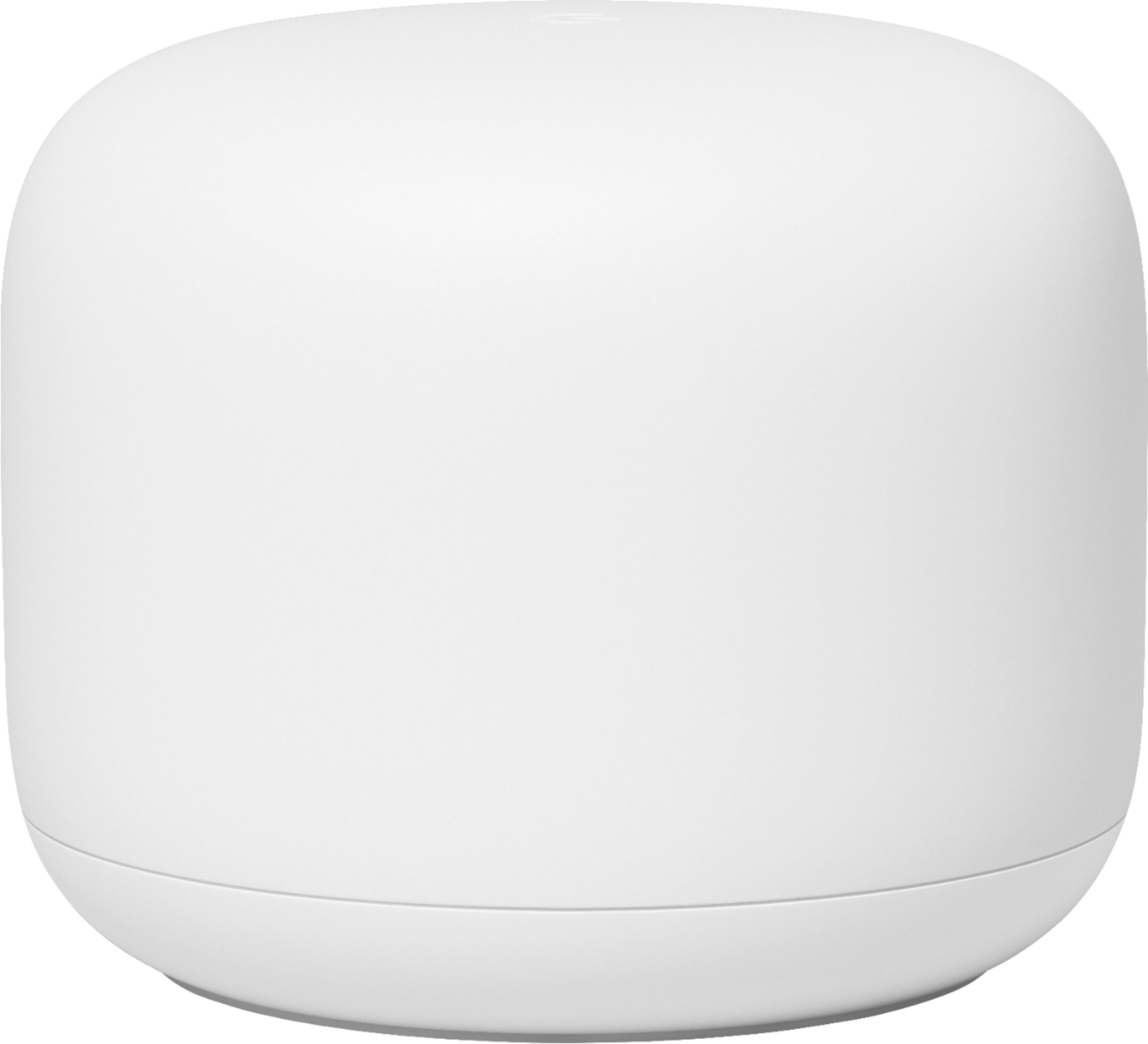
A:AnswerGoogle Nest Wifi needs to be connected to a modem with internet connection via the Ethernet port on the back of the Google Nest Wifi router. Your internet service provider (ISP) provides the modem with the internet connection.
The payment is one-time only. But if you currently don't have internet service, you will have to pay the internet service provider to get internet connection your home.
Google Nest Wifi broadcasts reliable and strong internet connection to your gaming devices, but the display quality and speed depend on the specifications of your device and the speed of internet plan you have with the internet service provider.
A:AnswerNest Wifi router requires a modem with working internet. You can get broadband internet service with a modem from an internet service provider (ISP), then connect Nest Wifi router to the Ethernet port of the modem, so you can stream your favorite services. Have a look at this article for Nest Wifi requirements and settings : https://support.google.com/wifi/answer/9548301
A:AnswerDave, upgrade to the XIFI and get the XIFI router and that will increase your WiFi upload and download spread. I have 3 Google WiFi routers and 1 Google Nest Router for over 300 mbps daily and I have had at times close to 600mbps on occasion.
A:AnswerYou are never going to get anything faster than what your internet provider is delivering to your house. So if you are getting 100mbps out of your modem that is all you are going to get. But if you have a bedroom 50 feet away and through several walls that speed at the modem location may drop to 30 or 50 mbps at that bedroom location. So by placing your second nest close to the bedroom your speed will increase there, like in my case, back up to 100mbps.