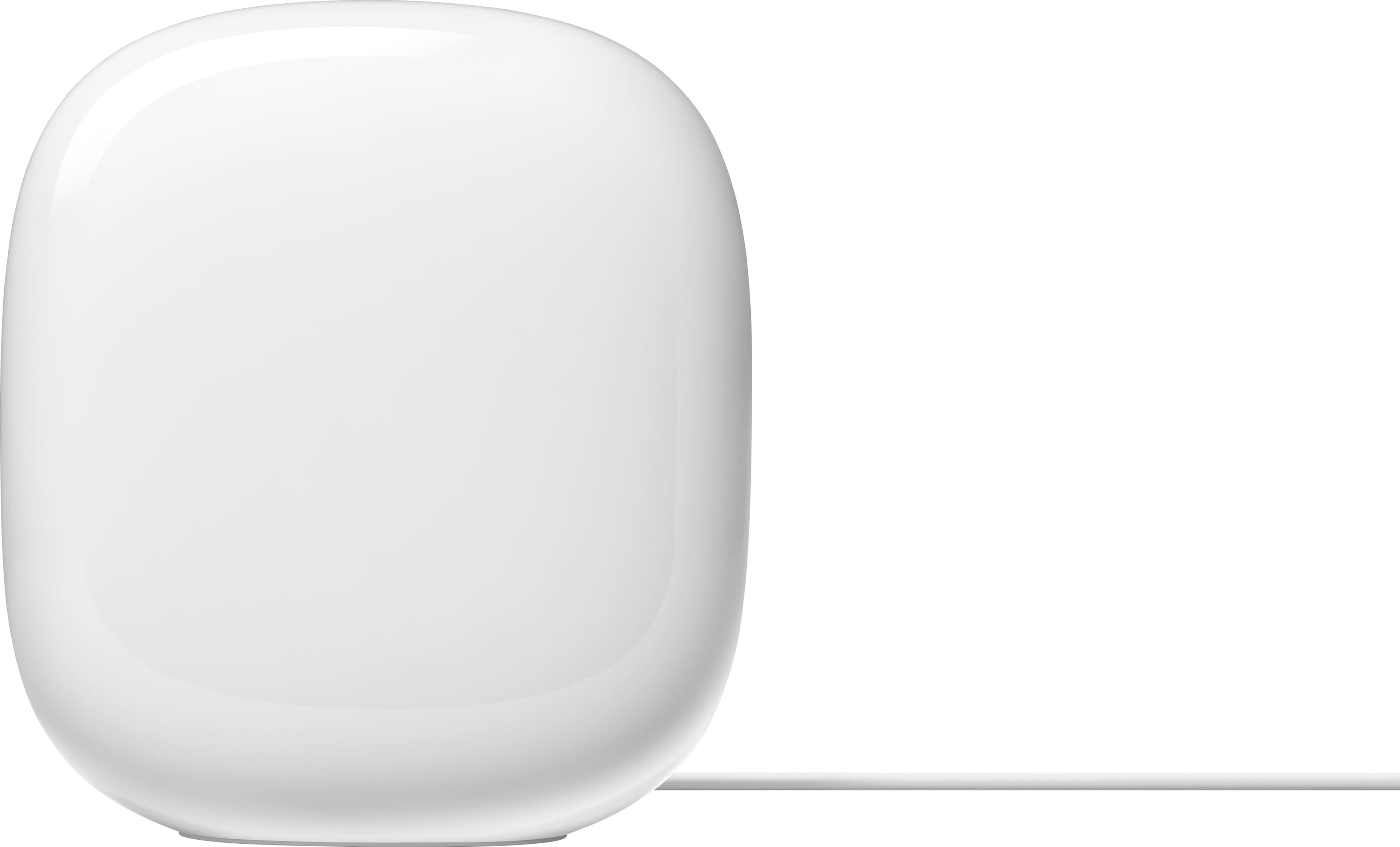
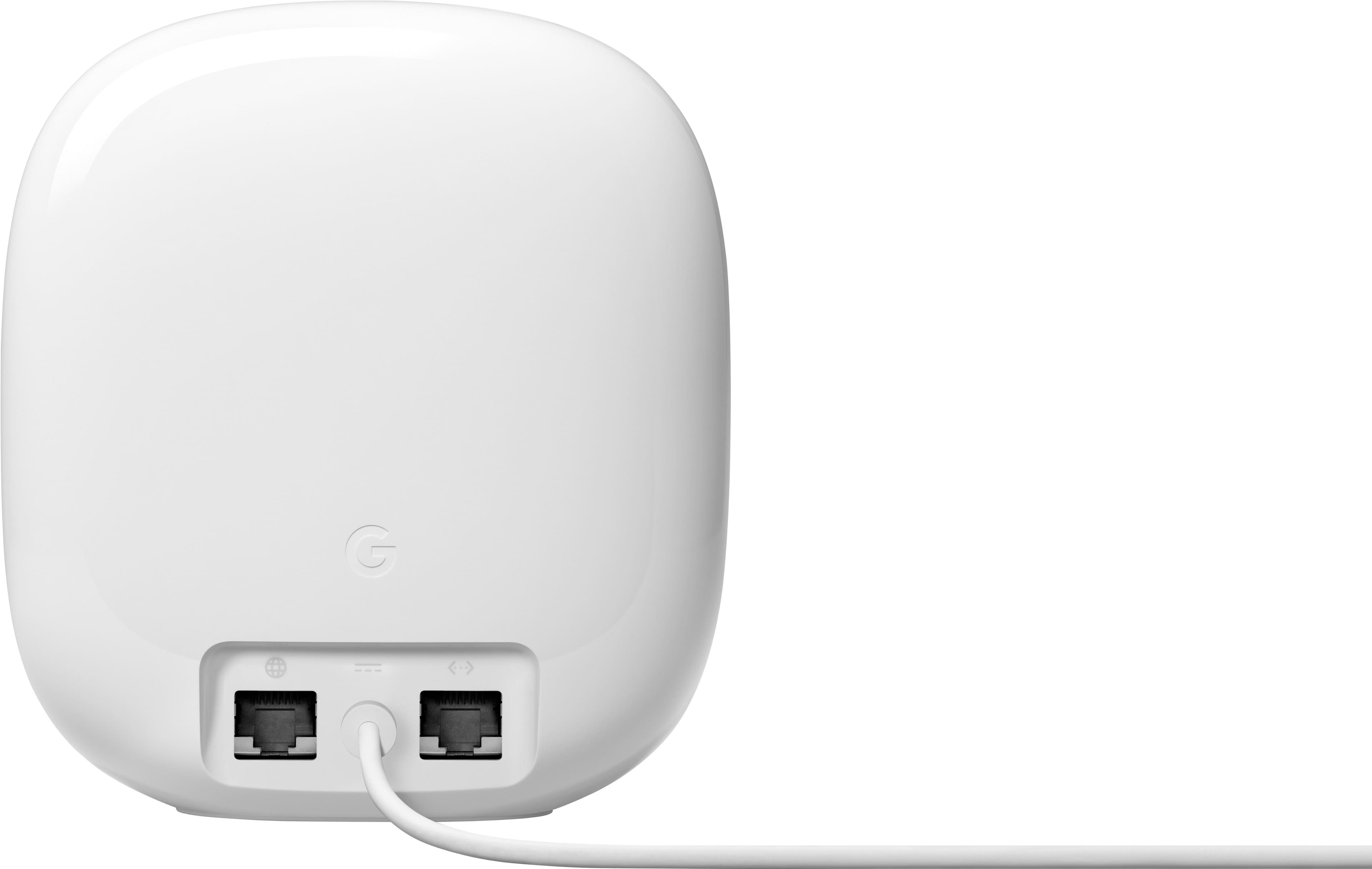
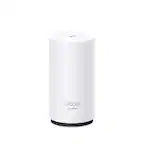
A:AnswerHey there. The Nest Wifi Pro has 2 Ethernet ports on the back of the device which support 1 Gbps wired speeds. Here’s a guide with more details: https://support.google.com/googlenest/answer/6280668?hl=en
A:AnswerThanks for the question. Yes, the Nest Wifi Pro will pair perfectly with your Xfinity modem. Here’s a guide with more information: https://support.google.com/googlenest/answer/9548301#zippy=
A:AnswerGreat question. It’s possible you haven't properly configured the network to handle both services — most likely, you need to connect your cable box directly to your modem's LAN port, which should then be connected to the "WAN" port on your Nest wifi Pro to access both simultaneously. If you need an extra hand, reach out to us here: https://support.google.com/googlenest/gethelp?
A:AnswerHey there, Notanerd. You may need to restart, update, or reset your device. We recommend, consulting your device’s manufacturer website for info on connecting to Wi-Fi or changing Wi-Fi settings. Reach out to us if you need any additional help: https://support.google.com/googlenest/gethelp?
A:AnswerHi Jpjr, that's a great question. Nest Wi-fi Pro models can operate on different Wi-Fi bands, ranging from 5 GHz to 6 GHz. You can find specific details for the model here: https://support.google.com/googlenest/answer/6300732
A:AnswerHi there, in this case, the Nest Wi-Fi Pro is compatible with third-party mesh accessories. However, if you need to extend the signal, you can use another Nest Wi-Fi Pro. For more details, please reach out to our support team through this link: https://support.google.com/googlenest/gethelp
A:AnswerHi Nate. Thanks for reaching out. While it's possible to connect your Google Nest Wifi Pro to your coaxial cable using MoCA, you may experience a slight decrease in speed compared to a direct connection. To ensure compatibility, please verify that your existing coaxial cable setup is suitable for MoCA.
A:AnswerHey there. That's a good question. We recommend a maximum of 5 Wifi devices in a single network. Adding more might be detrimental to Wi-Fi performance.
Tap the link below for more information:
https://support.google.com/googlenest/answer/7182840?hl=en#:~:text=Maximum%20number%20of,network%20in%20each
A:AnswerHi there, yes you can add 2 more Google Nest Wifi points. We recommend a maximum of 5 Wifi devices in a single network. Adding more might be detrimental to Wi-Fi performance. You will find more details on this guide: https://support.google.com/googlenest/answer/7182840?hl=en#:~:text=We%20recommend%20a%20maximum%20of%205%20Wifi%20devices%20in%20a%20single%20network
A:AnswerHello, yes, you can use just two and share with your loved one the other Nest Wifi Pro, to ensure a smooth setup, be sure to check the system requirements in this helpful article: https://support.google.com/googlenest/answer/9548301?hl=en#zippy=
A:AnswerHi there, that's a good question. We want to let you know software updates occur automatically when available — To find more details about Wifi software versions check out this article: https://support.google.com/googlenest/answer/13800967?hl=en&sjid=8870106292358066191-NA#zippy=
A:AnswerHey there. Our Nest Wifi Pro is compatible with the WPA3, If you want to learn more about compatibility and security features, just check out this link: https://support.google.com/googlenest/answer/6304954?hl=en-SG&sjid=1999895120491251024-NA