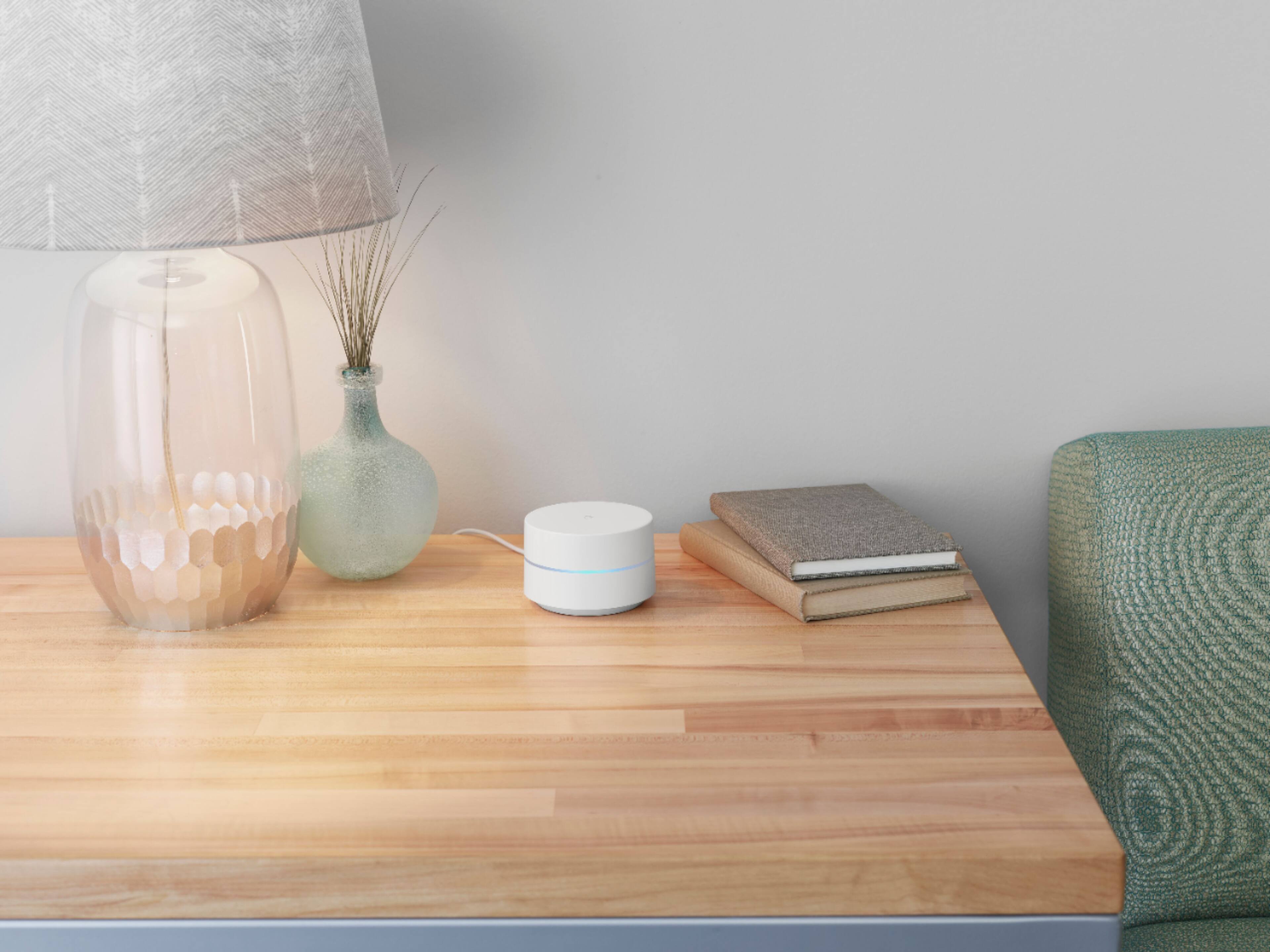
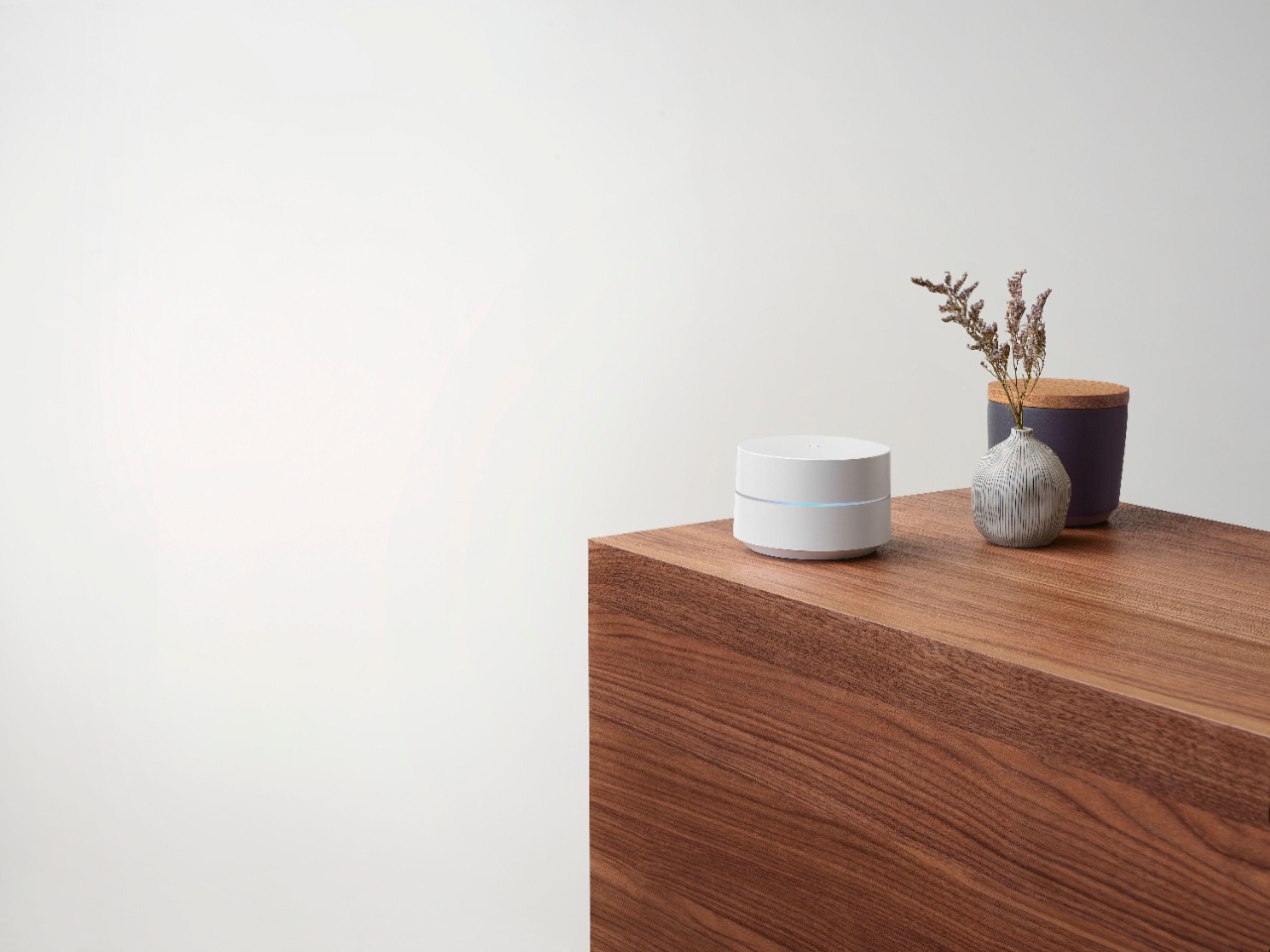
A:Answer Google Wifi devices keep it simple by automatically choosing the band that gives you the best Wi-Fi. Based on the device capabilities, Google Wifi will attempt to select the band that will deliver the best performance for your device. Every wireless device is different and has its own rules (factoring in signal strength, congestion, etc.) to select the best band. So it’s possible that your phone connects to the 2.4 GHz band, while your laptop connects to the 5 GHz band. Ultimately, your device will decide which band it will use to connect.