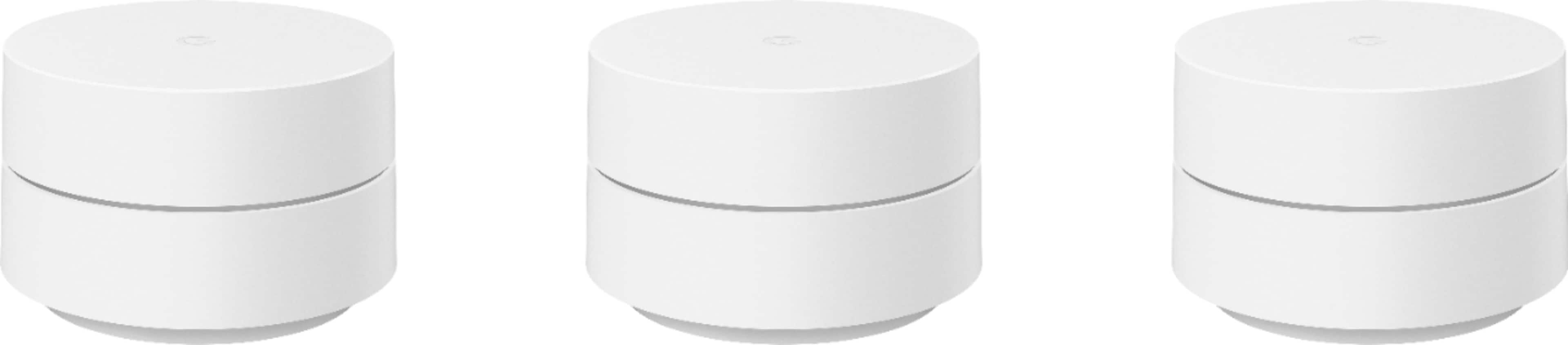
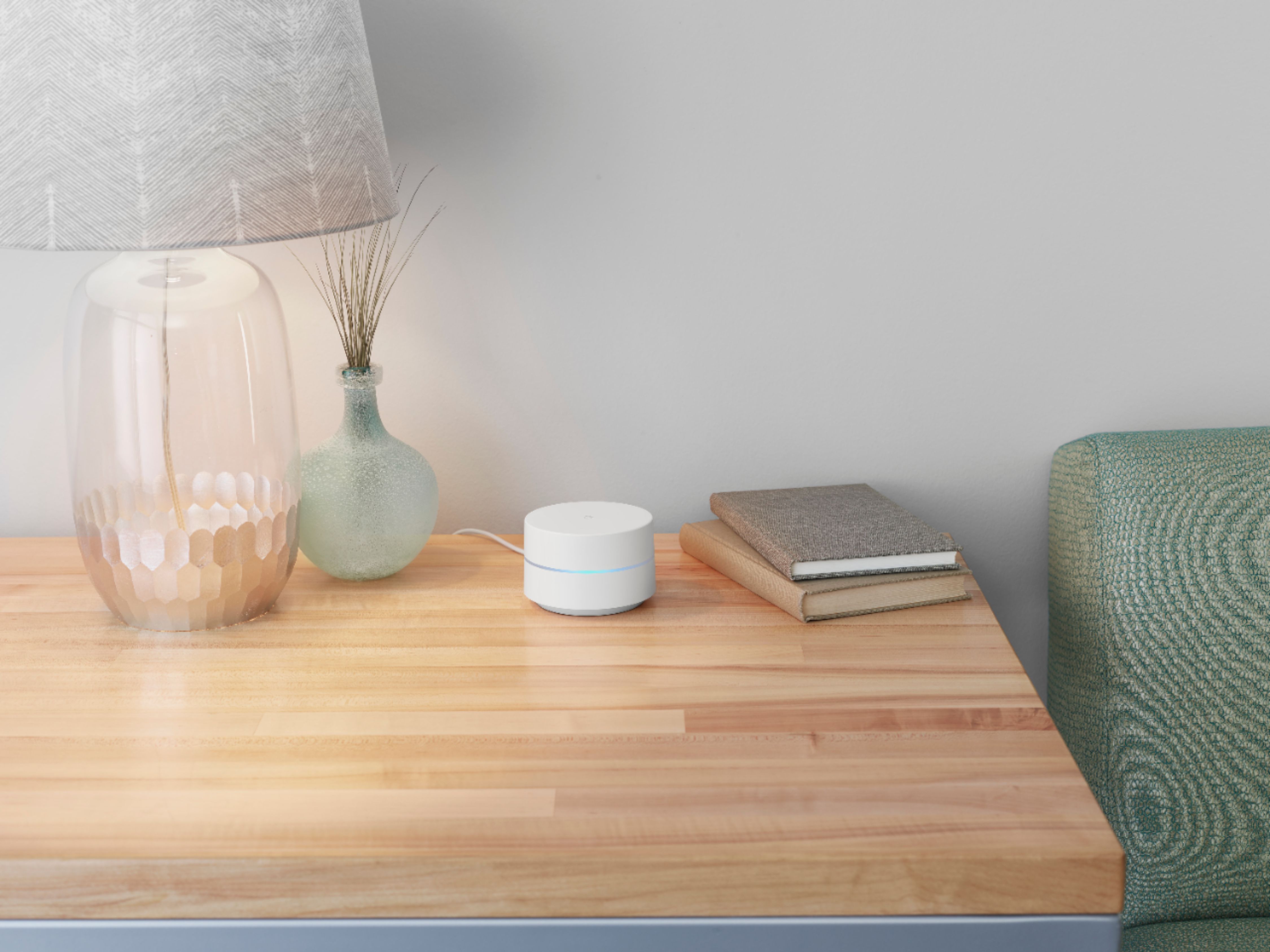
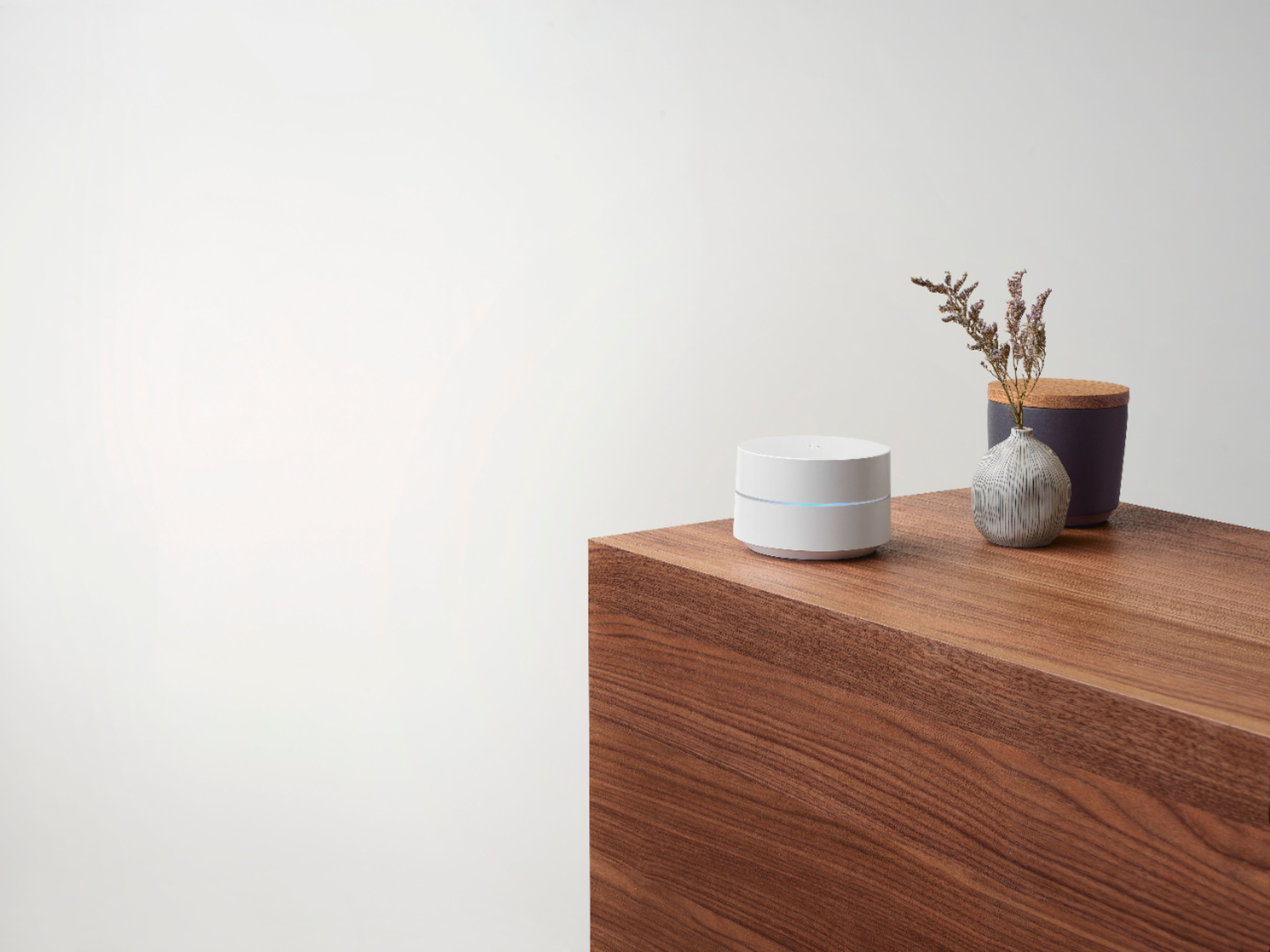
A:AnswerOne of the points must act as the mesh network router. Depending on the size of your home you may need additional points to create a solid network.
A:AnswerNot sure about Verizon 5G, but I just switched to T-mobile 5G and it is working out great. I just plugged it in to the main router using ethernet.
A:AnswerInstead of paying $10 a month or whatever for comcast just get your own modem and this router system. Put two of these meshes upstairs and one in your basement. Hardwire the one you put in your basement to your google mesh. I dont know but i have a large house with walls and stairs and all kinds of things the signal goes through to get upstairs and i have never had any issues with it. The multiple devices and signals make a strong signal and connection
A:AnswerYou can add pucks but I think 9 is the limit IIRC. If you're worried about range you can run a backhaul (ethernet cable) out to the other areas of your ranch so the pucks don't have to be so close. But the backhaul is from one puck to another so you wouldn't have two pucks connected to the modem directly.
First try to make sure your current pucks are in the best position, up high. It makes a difference. I have one low one in the living room but the other two at opposite corners of the house are up high and it reaches out of my concrete block house and through the metal camper shell just fine to let me work online out in the camper.
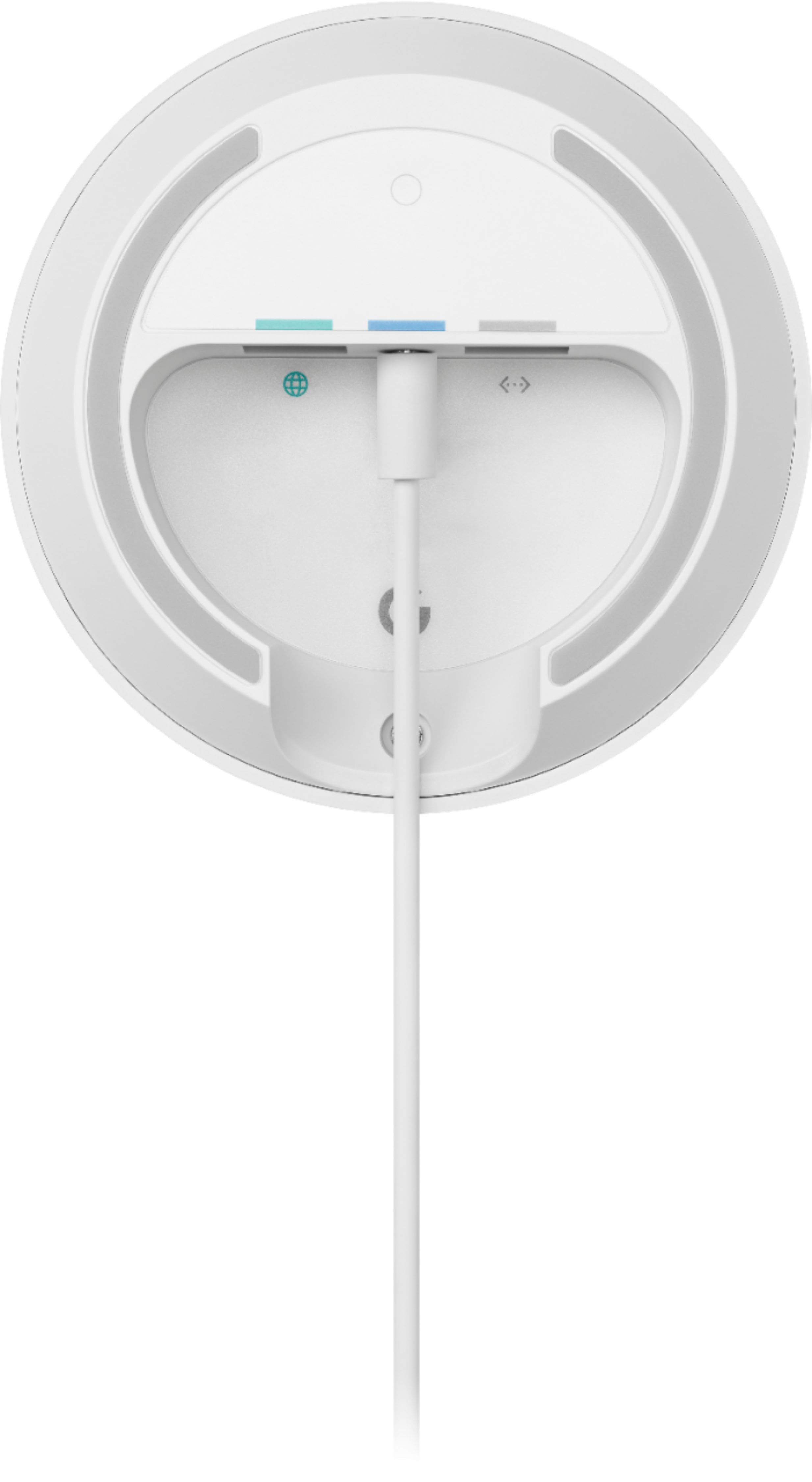
A:AnswerYes each one has i believe the input LAN for your CAT cable to get from your modem and one output LAN for a device. You only need to connect one of your google routers input LAN to your modem and it acts as the master router. I put this one in my office with my main desktop that i hardwire to this router with the output LAN. I lose almost no mbs or latency from what my modem could output to me. Then you can connect any other google router to this master and they become like slave routers through a easy to use app helping boost and create the wifi mesh. Each router for example another i put in the living room and it wifi’s to my office master router but then i hard wire this router with a LAN to my xbox. That helps to have gaming devices or entertainment devices connected if you want to a hardwire. With the 3 google router devices connected it makes a very strong stable signal and when u hardwire something into them i find it never has any issues with internet.
A:AnswerThe 3 pack covers homes up to 4,500 sq feet so this should be fine. 28 devices should not be an issue. If you are worried about the number of devices I did find documentation that the next generation Nest wifi (not pro) can handle 200 connected devices. I didn't see what the newest generation (Nest Wifi Pro) can handle. This works fine for me and I have up to 24 misc devices connected at any one time. That count does include the guest connections though.
A:AnswerHi Peema, your Google Wifi is a home mesh Wi-Fi system that replaces your traditional router and provides seamless, reliable Wi-Fi coverage throughout your home. You still need an Internet Service Provider (ISP) and a modem to connect to the Internet. If you have additional questions or need further assistance please contact us on our Google Help page here: https://support.google.com/googlenest/gethelp