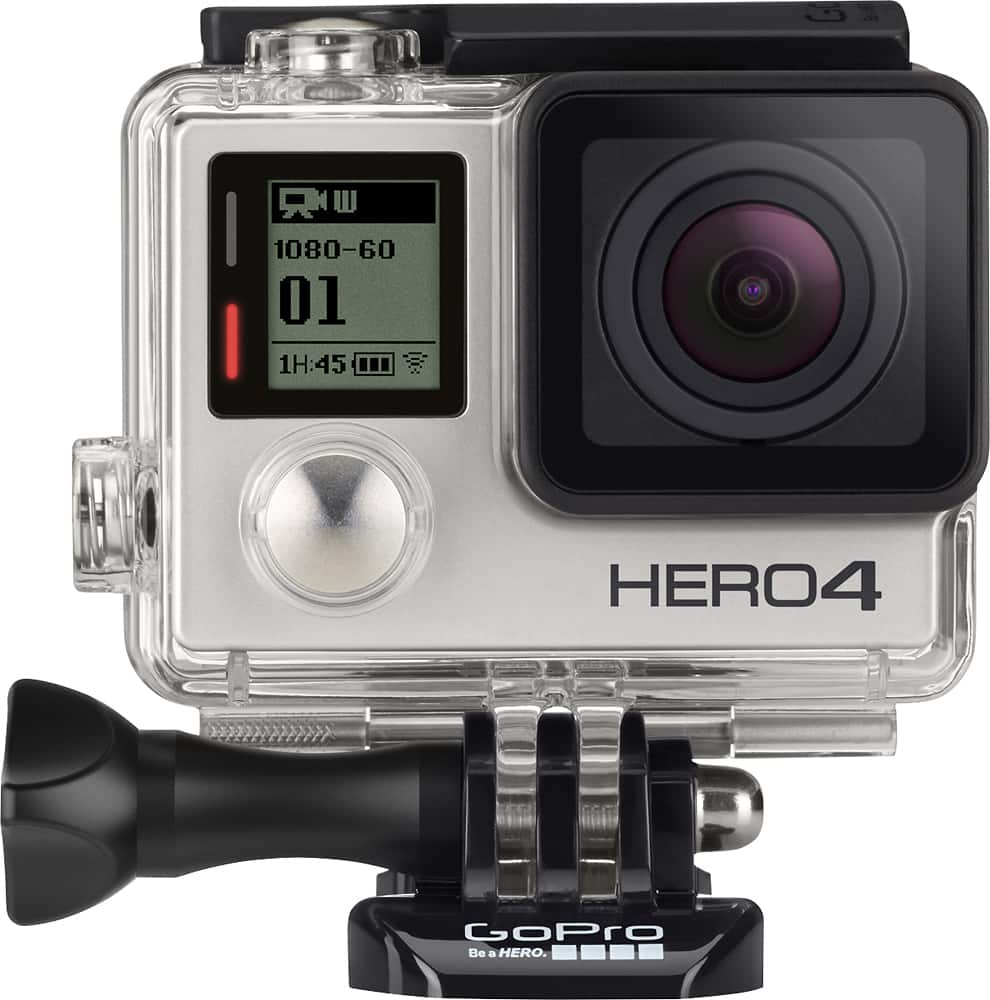
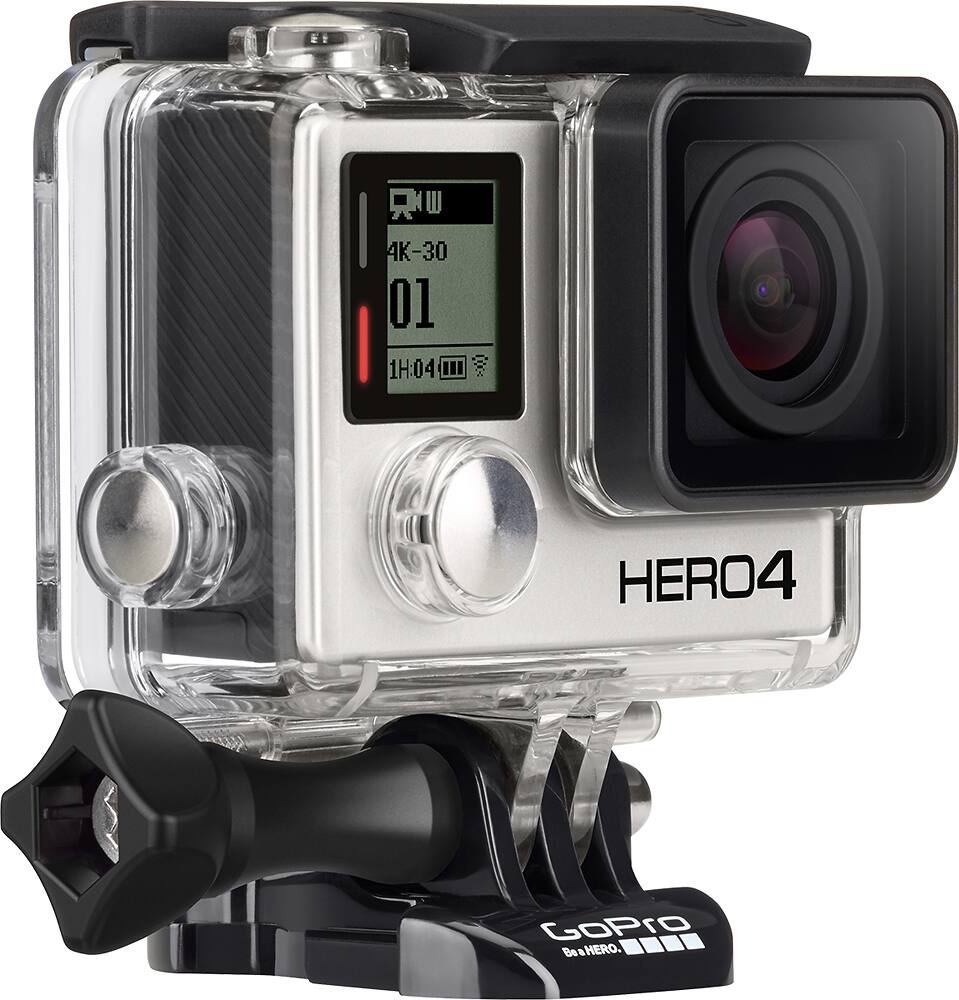
A:AnswerI don't think this cam will work for live streaming. However, there are YouTube tutorials for the HERO 3/4 cams uploading to Livestream app. With the Periscope app for iOS you can live stream with a GoPro HERO4 Silver or Black camera.
A:AnswerIt has 4 different modes. Regular pictures. Burst pictures for 10 seconds. Video and and one other mode. The video timer just depends on how big of a memory card you use
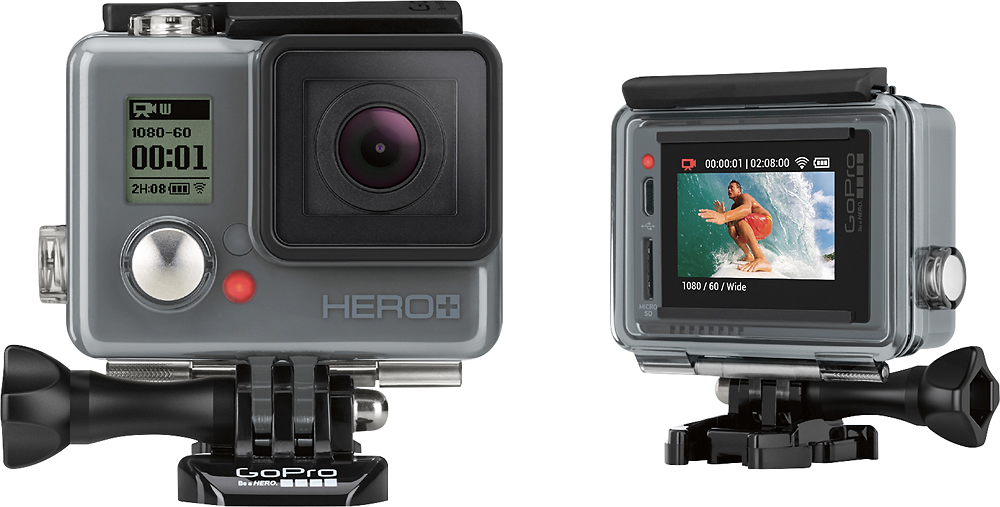
A:AnswerThe GoPro Hero+LCD would be a great video camera for what you want. The dash mount is sold separately but you can remotely control the camera from an optional remote, or from an Android or iOS device. You can even see the view finder and control the camera from an Apple Watch. Just purchase a suction cup dash mount and you would be all set.
A:AnswerNo, it does not come with a hand strap but you can purchase 3rd party hand straps for it. They even have hand straps that float so you can retrieve it easily if it slips out of your grip while in the water.
A:AnswerYes, I use Final Cut Pro X to edit my GoPro video on my MacBook Pro all the time. GoPro has a free application called GoPro Studio and it will install an import utility on your Mac that will sense when your camera is connected and import the footage automatically. It's all quite seamless and works great on a Mac.