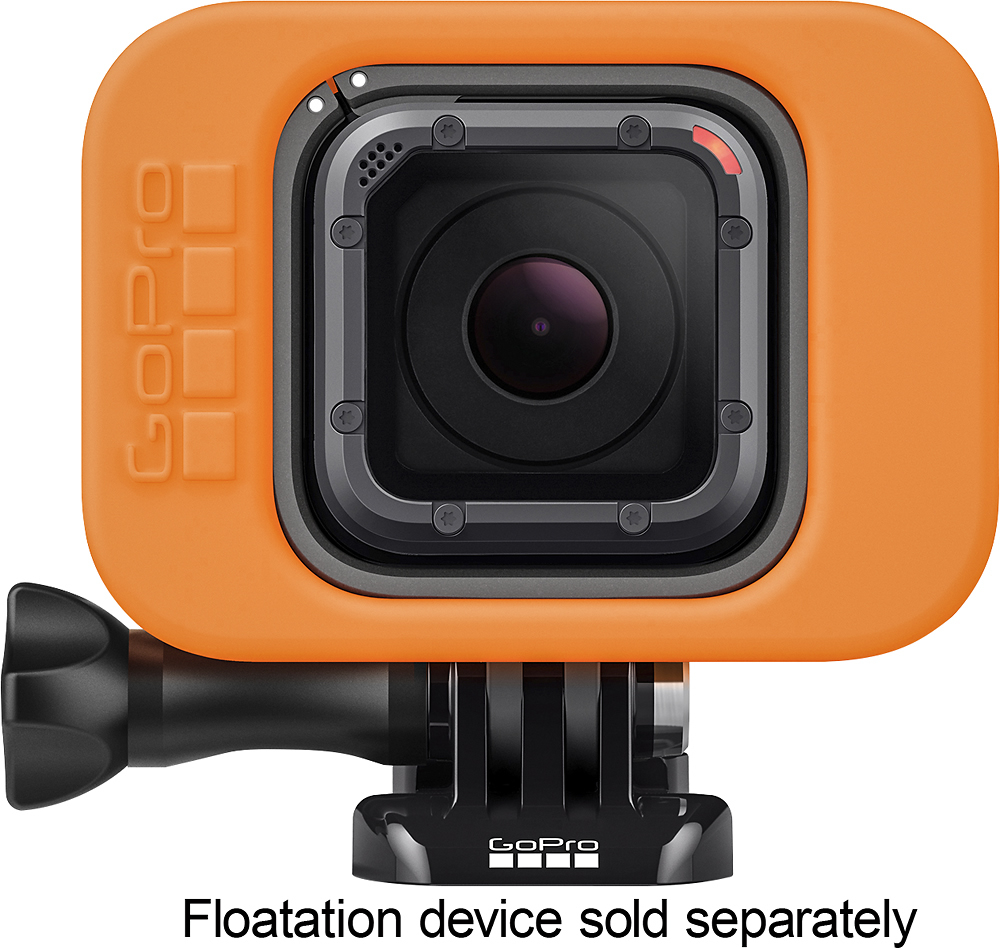
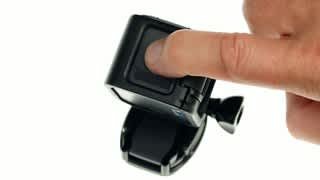
A:AnswerThe suction cup or adhesive mounts work well on cars. These cameras take dirt and water well. I take mine caving and have zero issues with dirt, mud or water hurting operation. There is a cable safety tether that comes with the suction cup. I like the adhesive mounts a bit better as they qd mount but if going the suction cup route I'd recommend GoPro's or gorilla pod as the other aftermarket ones don't hold as well. Get what you pay for on that.
A:AnswerThis device has no screen, but yes, you can mount it on your cap, record your sons game and upload it to your computer and watch it. This is a good choice. I recommend using 1080 @ 60fps.
A:AnswerTakes great night video with decent lighting. If there's very low light or no light (ie caves) additional lighting clears it up and wouldn't even need the night settings. If photos then it uses a long exposure time which you can adjust. Also does a night time lapse photo where you can capture stars/storms and whatnot as long as it's kept still.
A:AnswerIt's both. You can video, photo, time laps for cool stop motion or long periods of time and burst photo for action shots(ie 30fps photo down to 1/sec).
A:AnswerThere is a light ring you can buy for your Gopro Hero Session. There are some on Amazon and if you google light ring for Gopro Hero session it will show places where you can buy them other then Amazon.
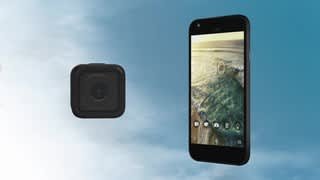
A:AnswerThe remote only starts and stops video recording and takes pictures. You cannot see what you've recorded as it doesn't have a screen. It can replace the phone app but I wouldn't
A:AnswerTo upload videos to YouTube, you must first run your footage through an editing program. Gopro has a free one you can download. Edit the video then save to your computer or phone. Then once done with that go to your channel on YouTube download your video file and let it upload.