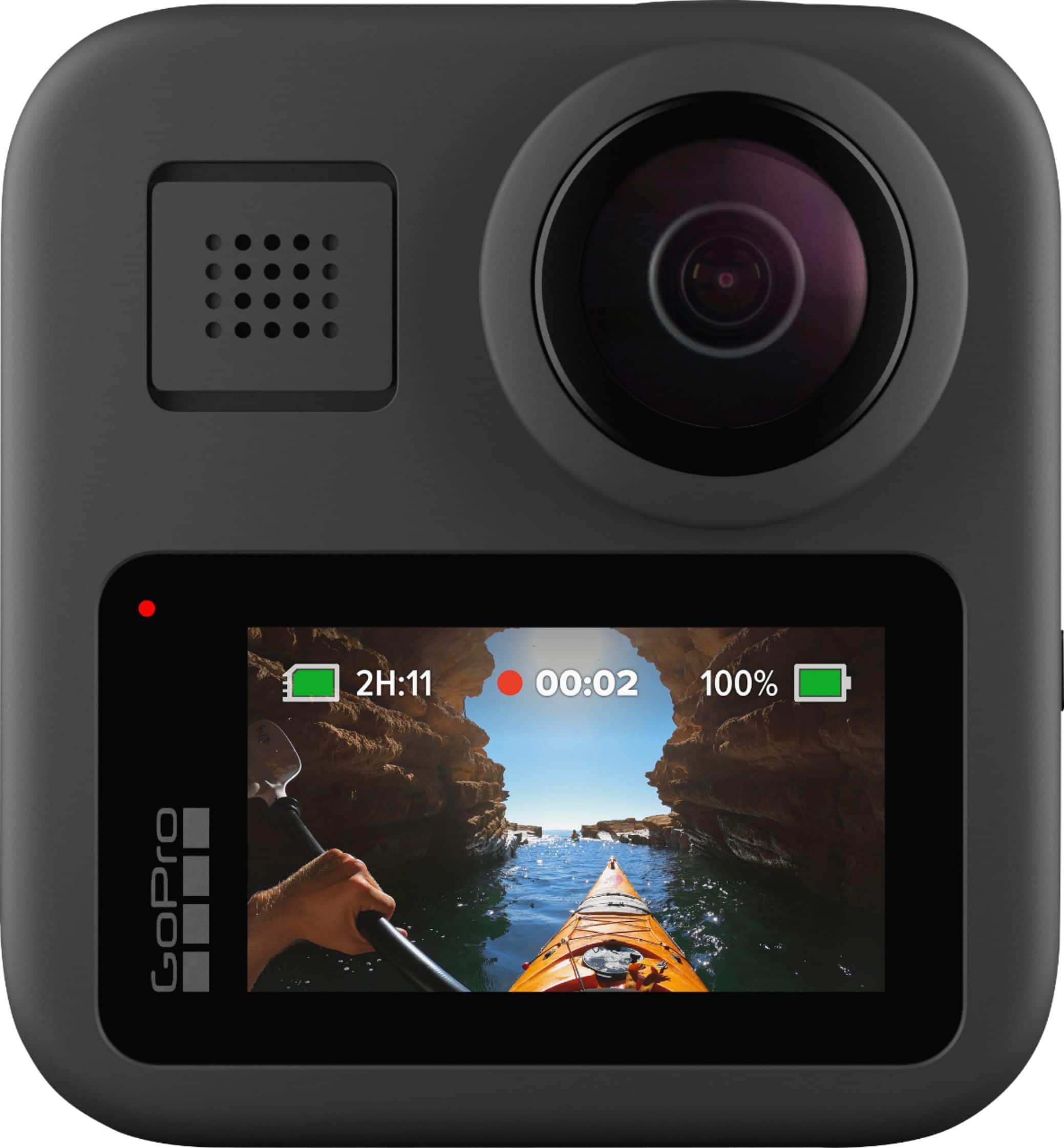
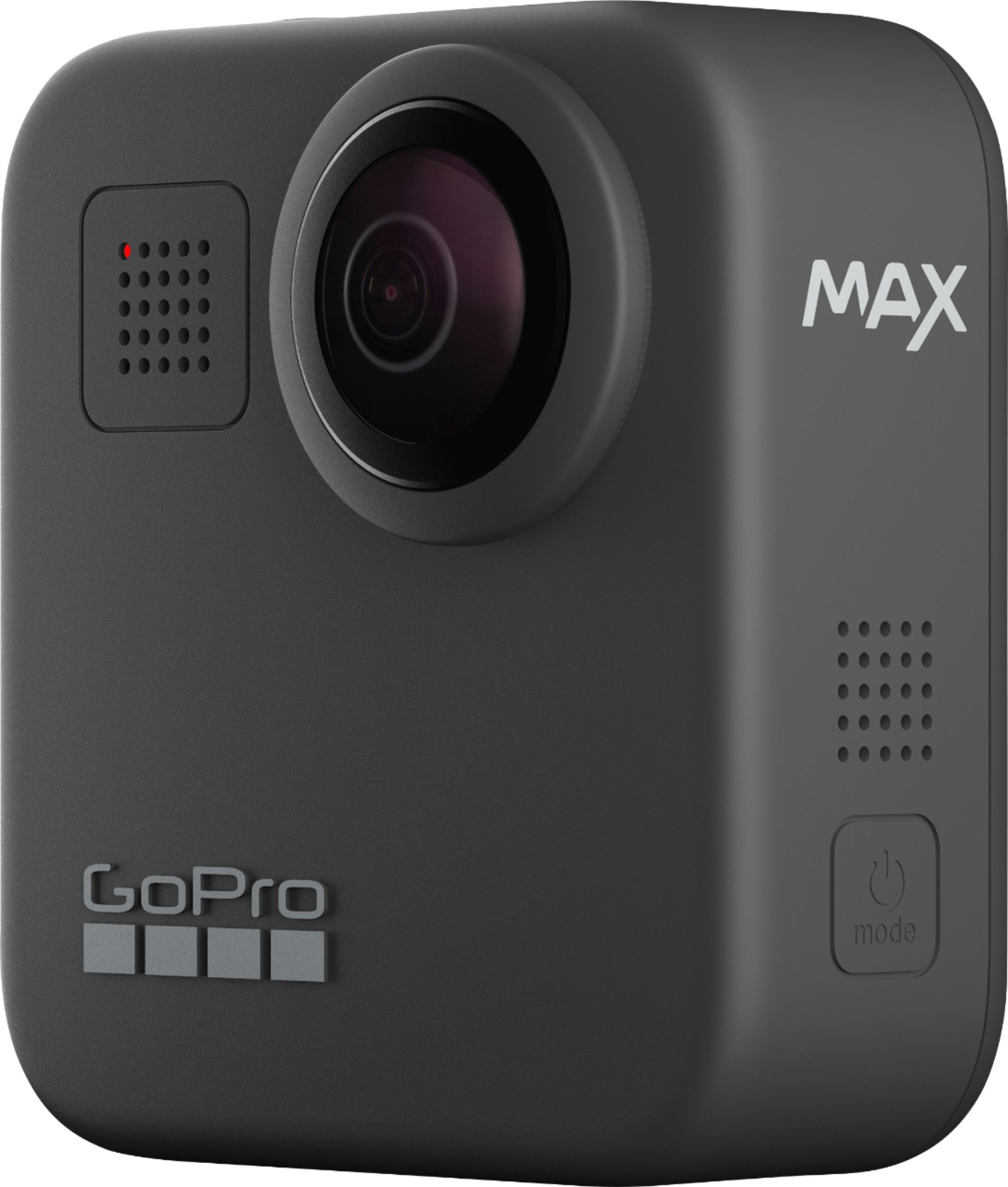
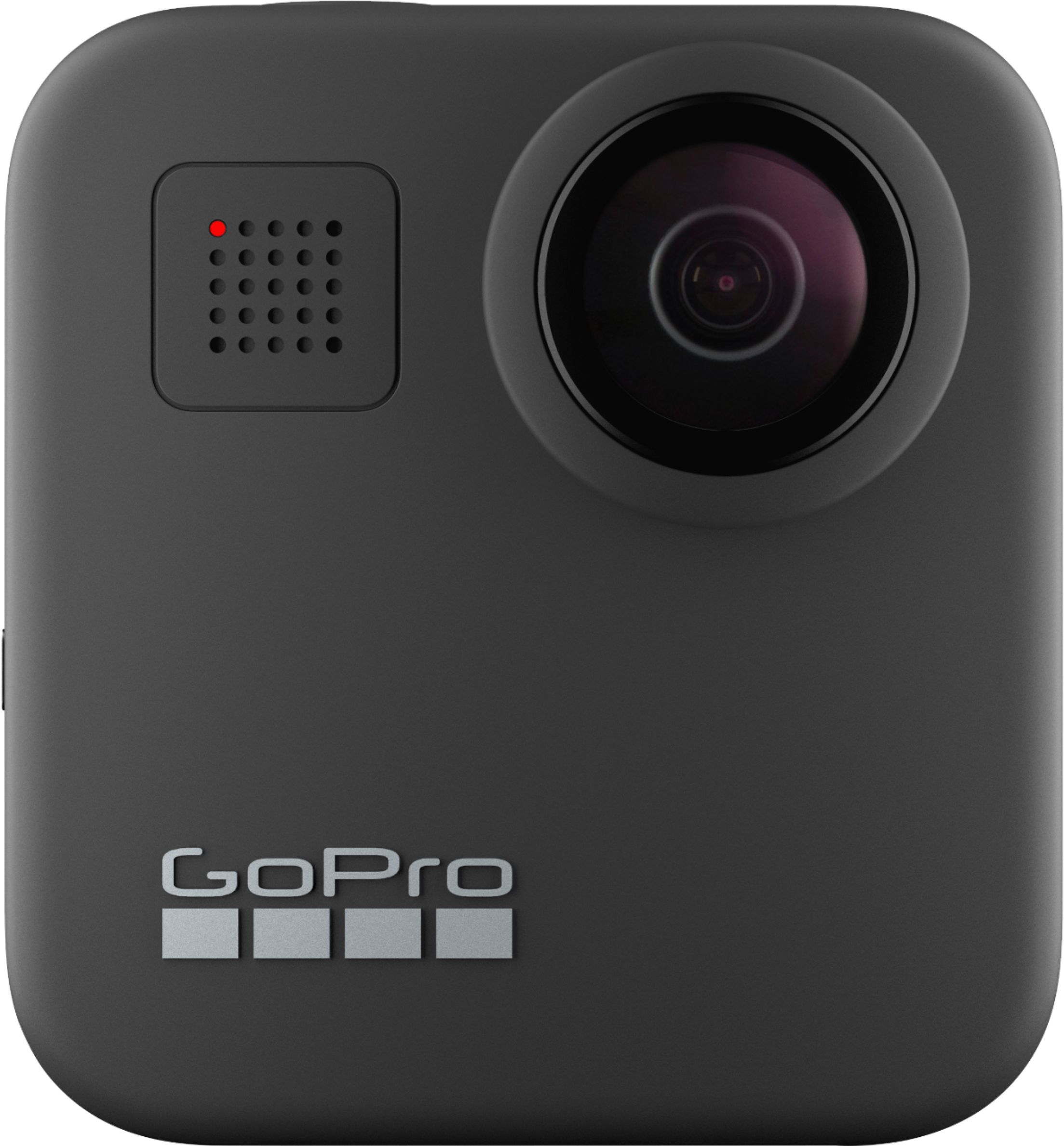
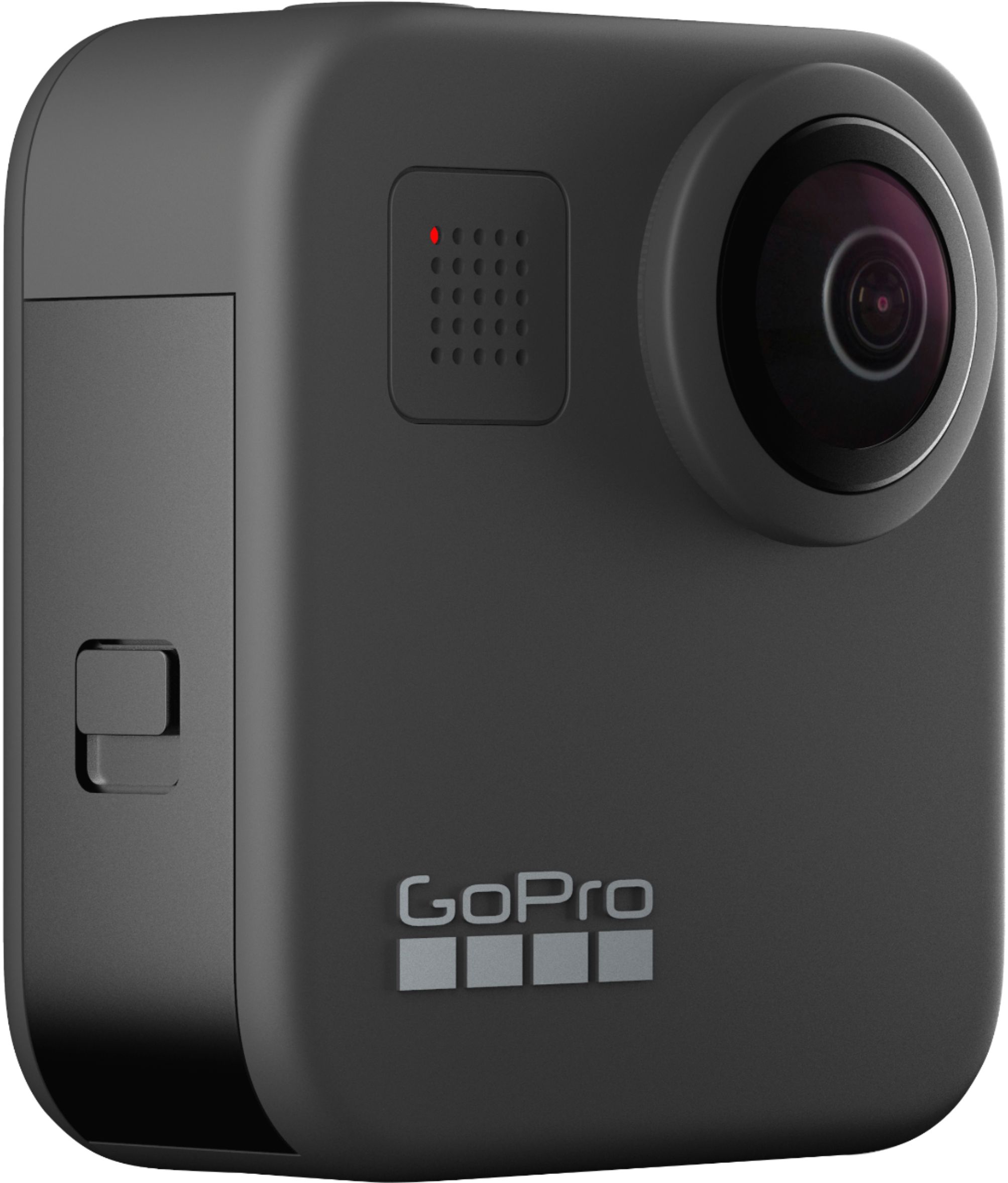
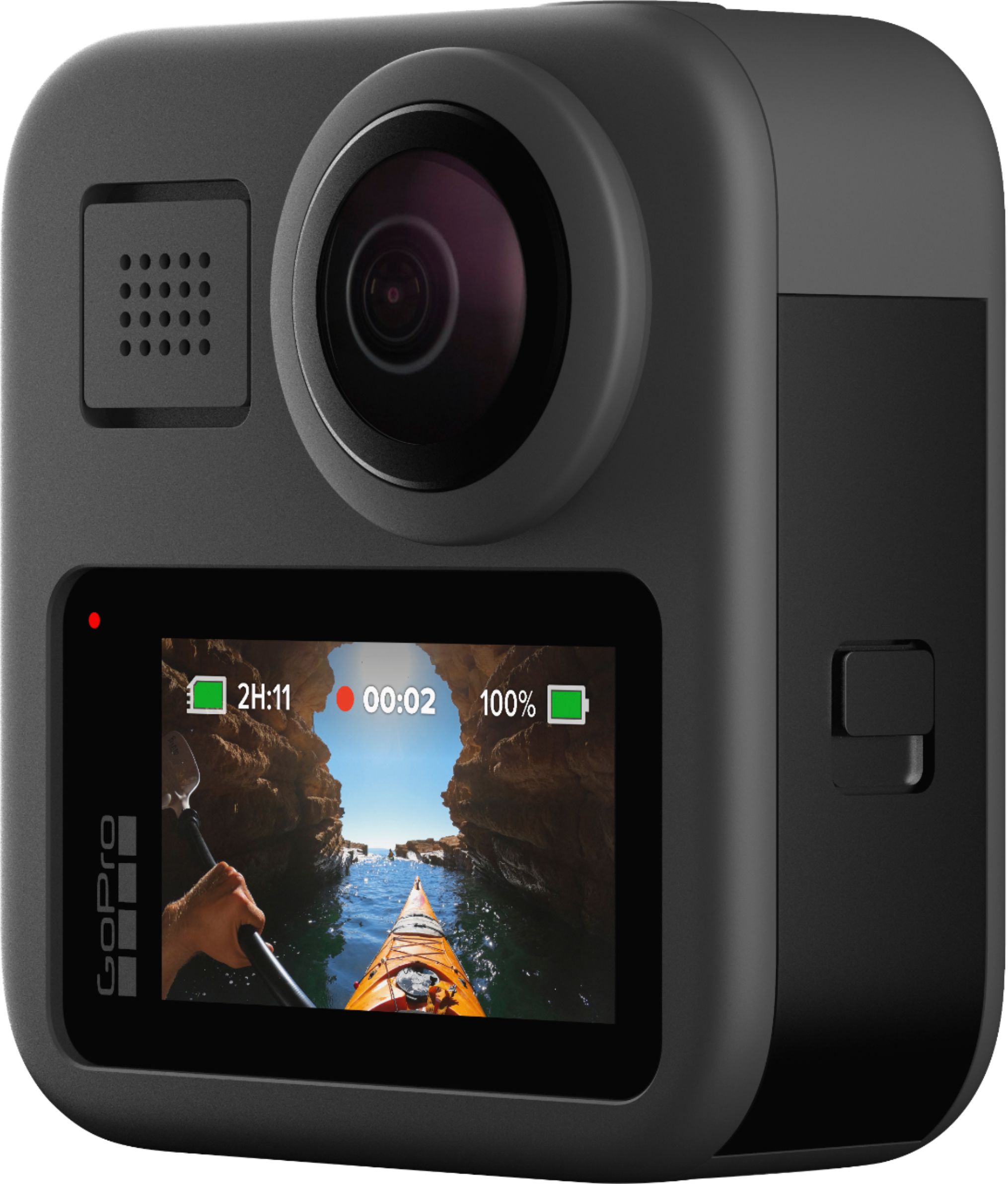
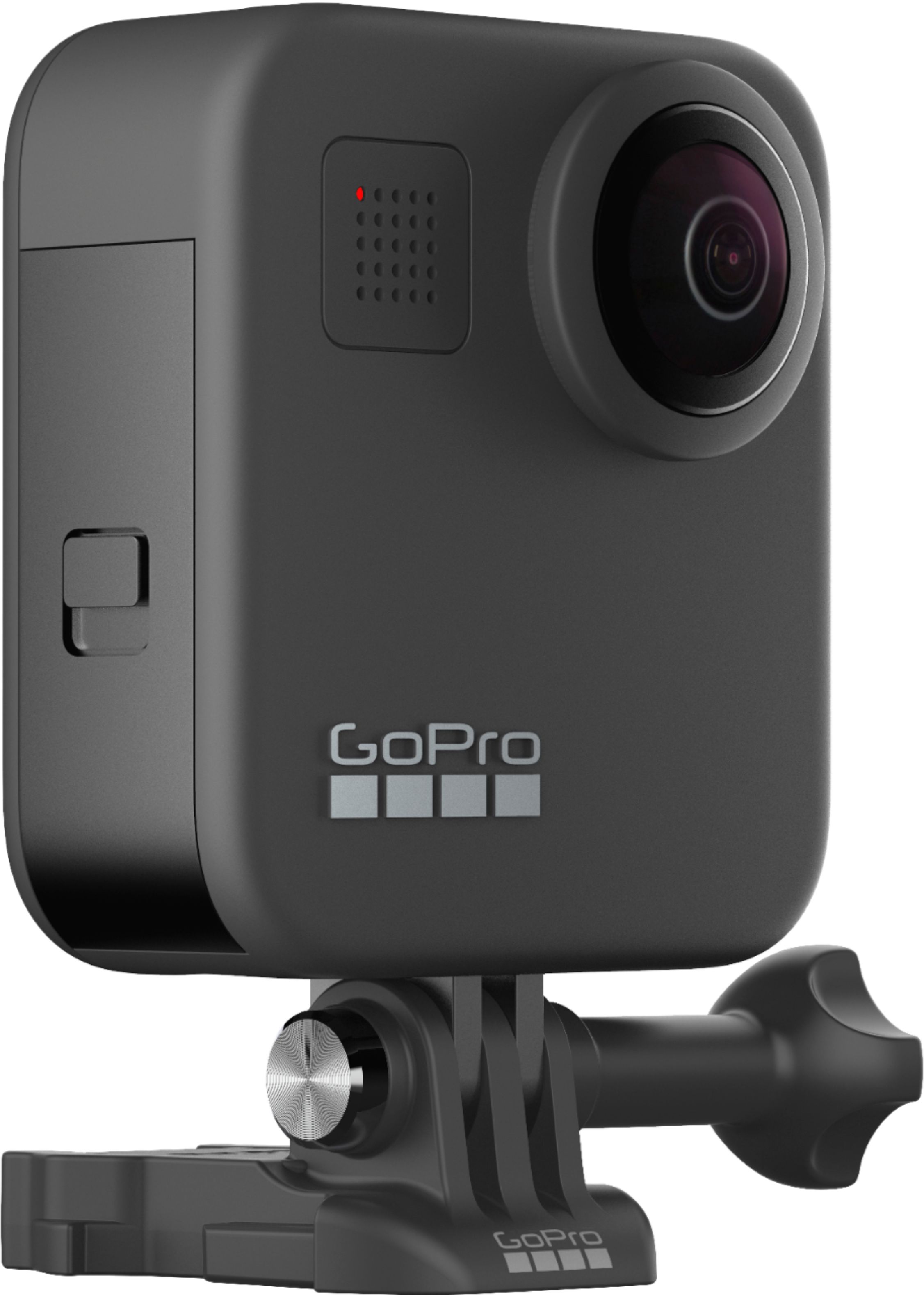
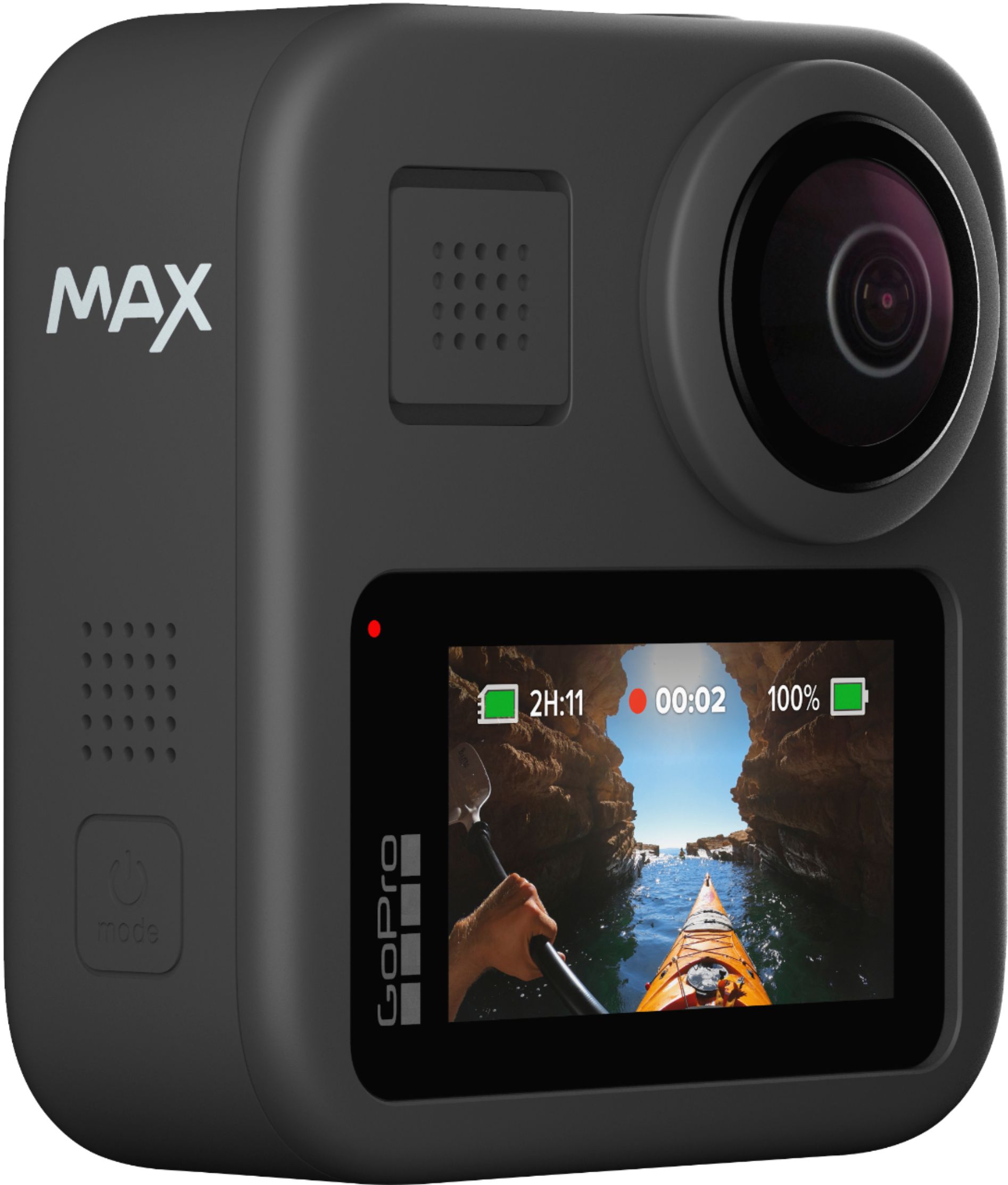
A:AnswerGoPro cameras do not include an SD card in the packaging. If you don't already have an SD card, you can find our list of recommended cards at https://gopro.com/help/articles/block/microSD-Card-Considerations
A:AnswerWhen you're in Hero mode, click on the Video settings at the bottom center of your screen. On the next screen, click the pencil icon to edit the video settings. One of the options will be Max HyperSmooth. You can click on that option to turn the stabilization on or off.
A:AnswerNo, the Karma Grip is not compatible with the MAX. Note though that there are great stabilization tools built into the MAX, so using a gimbal may not be needed.