A:AnswerYes, you can use the H&R Block file from last year from your MAC by saving it to a folder and importing it into the Windows version of the software.
A:AnswerThe code is located on the page where you downloaded from and if you cannot find it you can call h & r block from contact and they will help give you one
A:AnswerIt said the same thing last year. A computer geek I know said it would certainly work. I had the disk. It loaded up and worked with no problems .
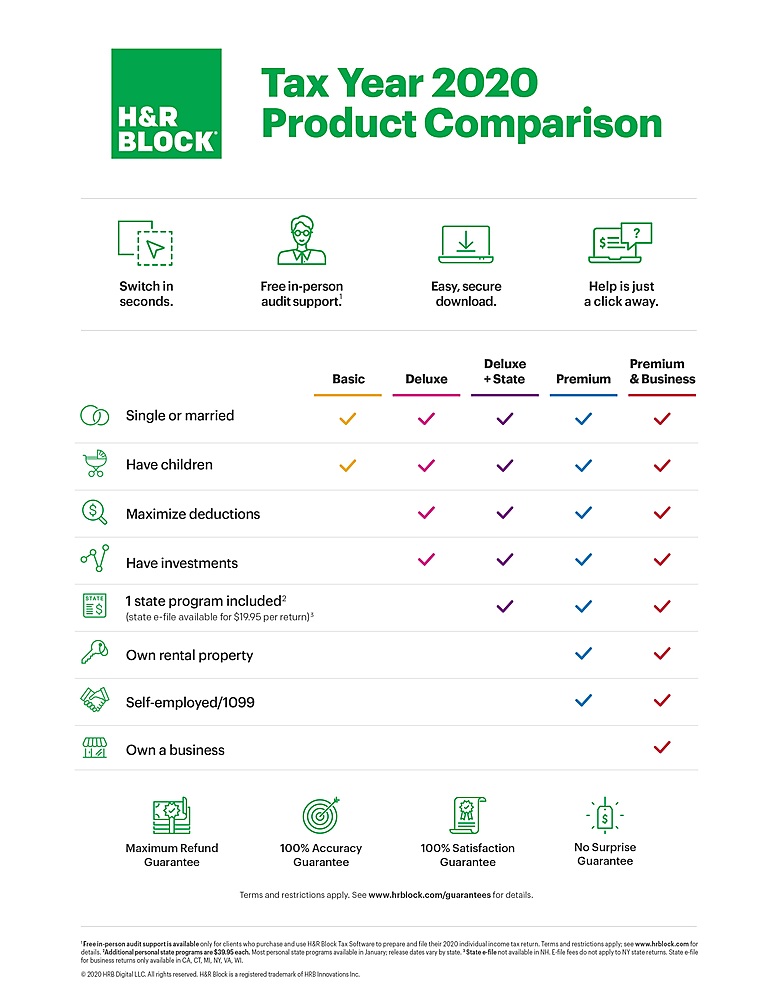
A:AnswerIt will cover doing only one state filing but you'll have to pay an additional @$20 for e-filing for your state, you can print it off and mail it in for no additional fee. There is no additional fee for e-filing your federal return.
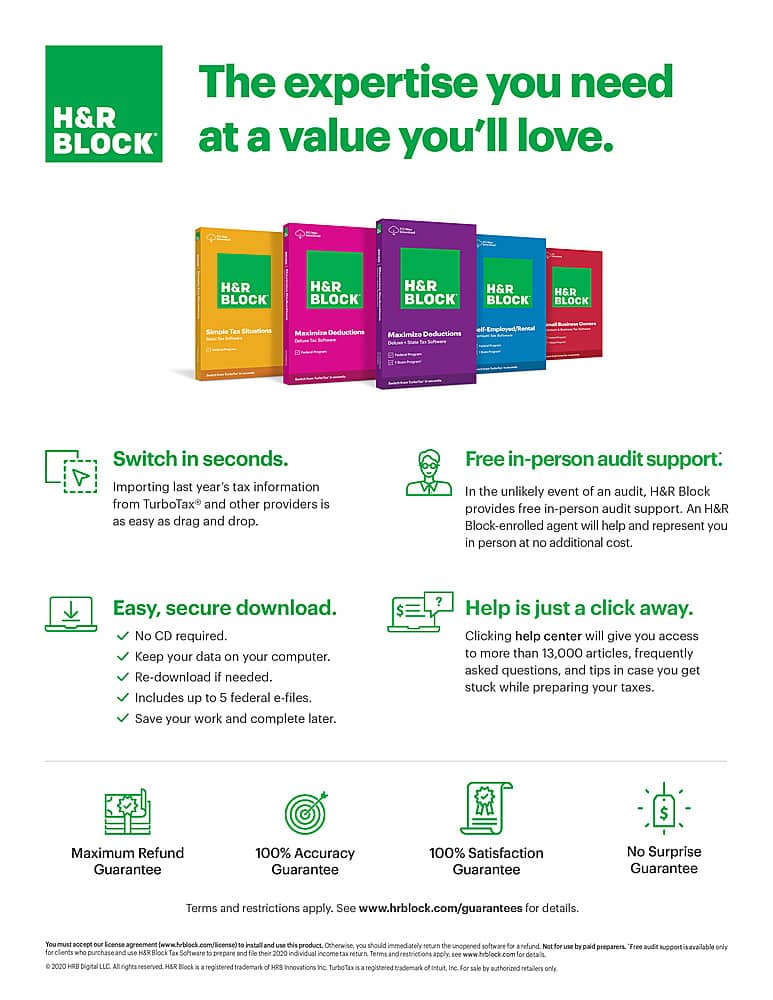
A:AnswerYes, 5 Federal efiles are included. State efiles are an additional $19.95 per return. For more than 5 Federal efiles, you will need to purchase an additional software
A:AnswerYes you should be able to do this, only restriction is that you are only allowed to do 5 returns per program purchased for efiling, no limit on paper returns.
A:AnswerYes, it should be in your digital library. If you are still having issues, Please reach out to our customer service team - available at 1-888-482-9288 between 7am and 7pm CST, Monday through Friday for assistance. Thank you.