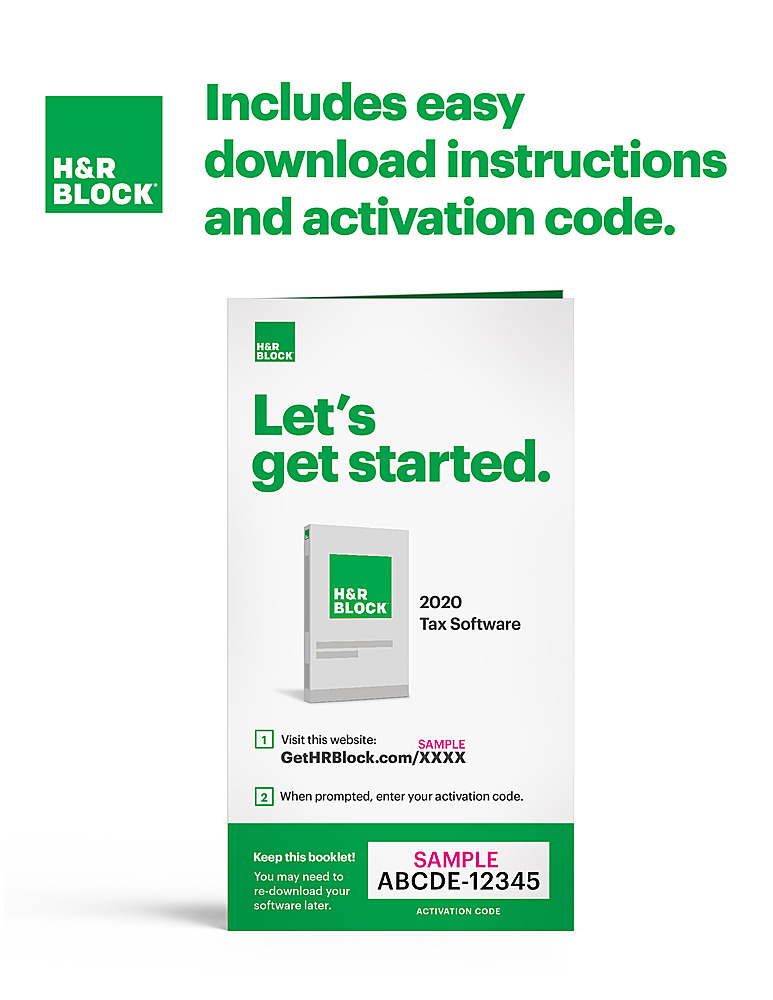
A:AnswerThank you for your question. H&R Block no longer offers tax software on disc. Our product can just as easily be downloaded and installed on your device. You do have a choice between buying an electronic version where you will be emailed a link and activation code, or you can purchase the physical boxed version that contains a printed URL and activation code inside
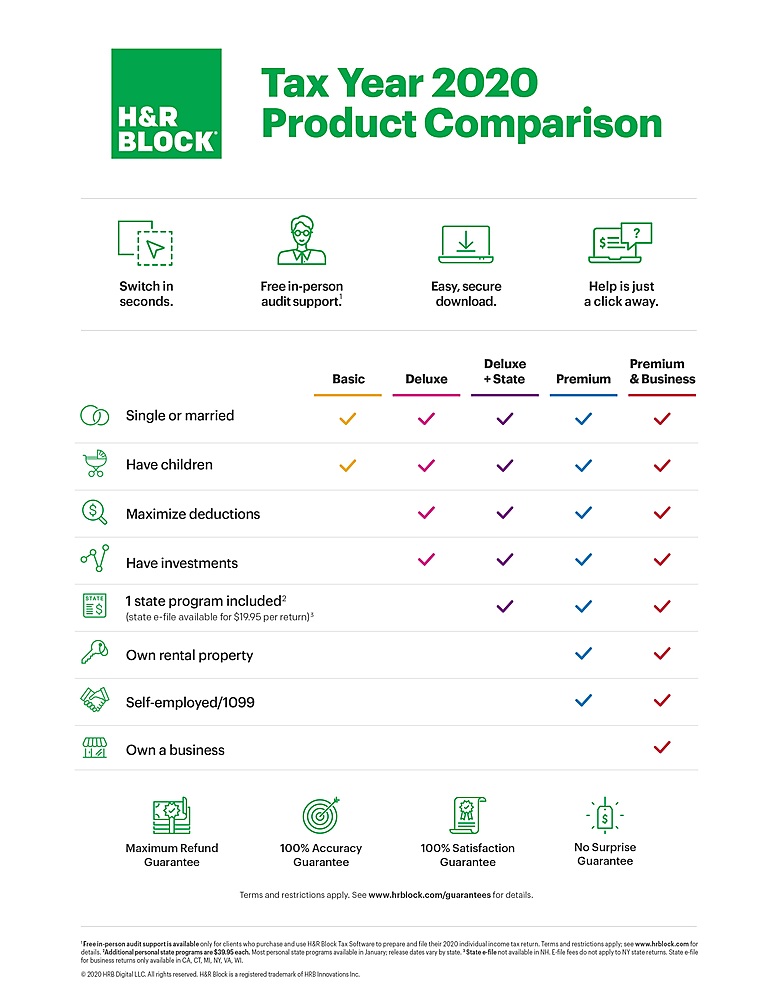
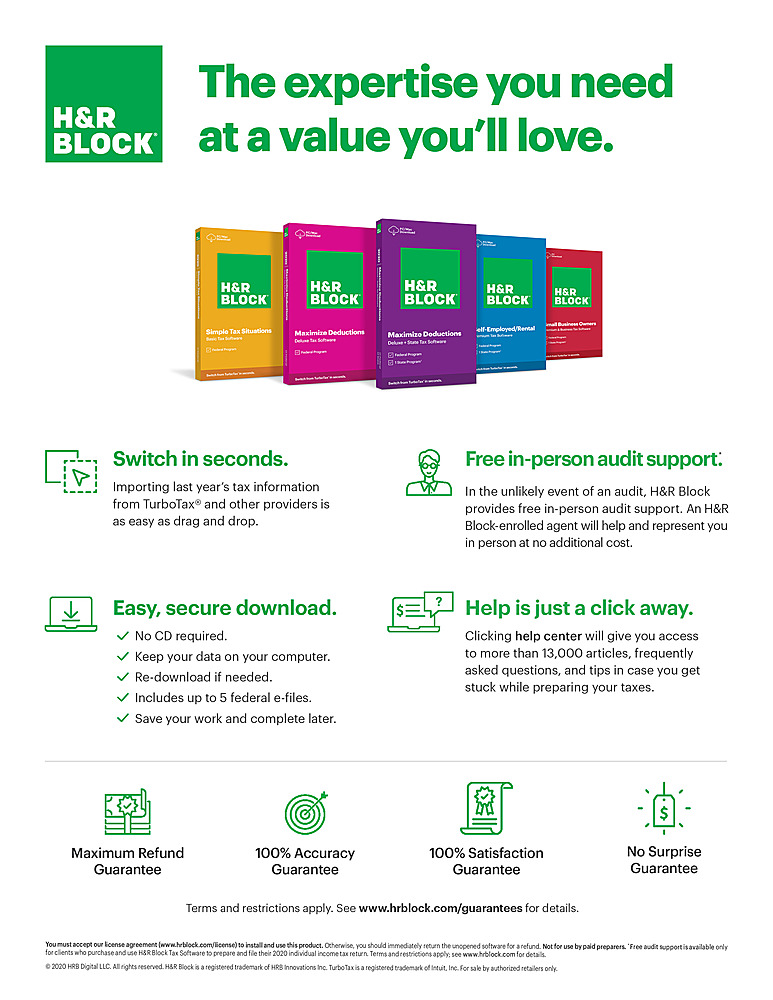
A:AnswerI believe all versions include all forms (maybe really obscure forms are not there). The difference between the versions is the interview process and guidance. In a past year I did a rental property with the basic version, but I had to fill in the form (schedule E) in the H&R program myself. Had I used a higher level version, the interview process would have guided me through each entry with some help available by clicking on appropriate highlighted subject.
A:AnswerHello- Once you purchase the software, you will be emailed instructions and an activation code to install. If you are experiencing issues, please reach out to our customer service team at 1-888-482-9288 between 7am and 7pm CST, Monday through Friday for assistance. Thank you.
A:AnswerI assume that you are referring to always using Internet Explorer, and not FILE Explorer. Internet Explorer is no longer supported my many websites (as of 31 December 2020). You will need to use another browser: Edge Chrome, Firefox, Safari, Opera, etc.
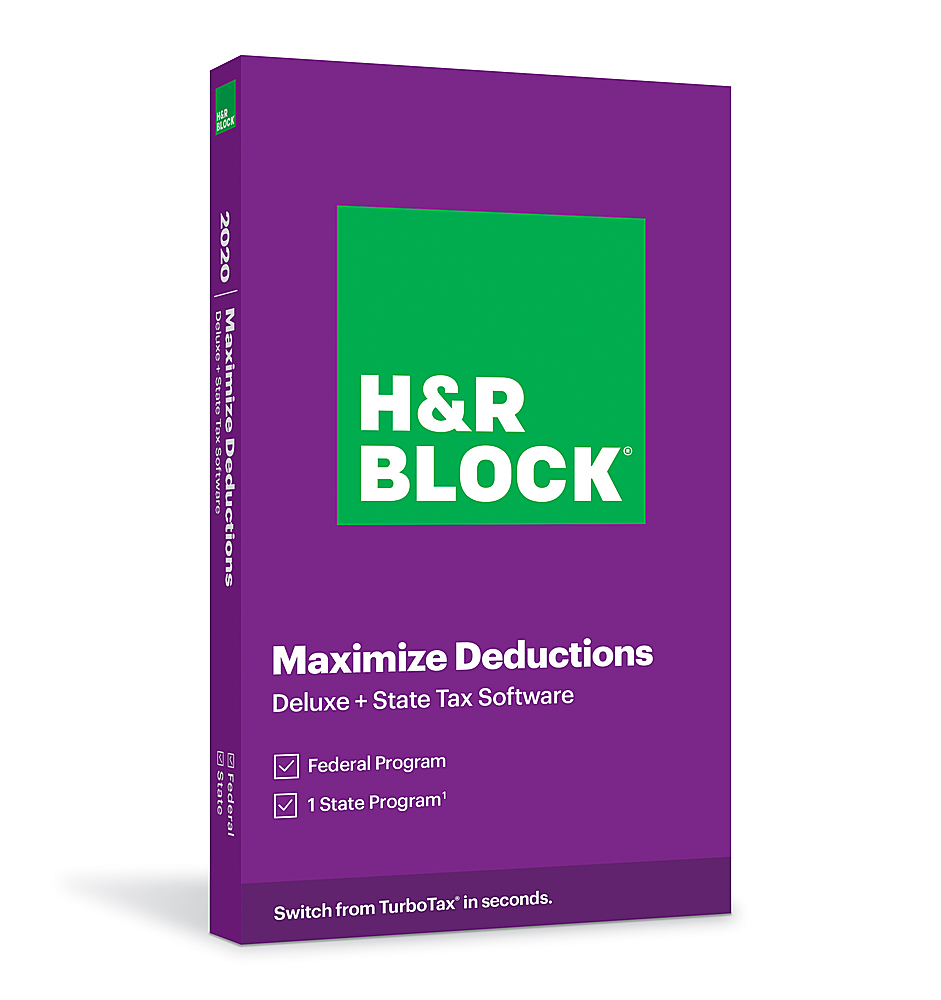
A:AnswerYou should always be able to download the software from the H&R Block website, at least within the oft-quoted 3-year window. Of course, this means you have to keep the activation code. Otherwise, you will have to pay again.
A:AnswerNO you cannot install 2 programs on the same computer. The new program will replace the other one If you have a second computer, you can install the 2nd program. I did this because it was less expensive to purchase a 2nd program for the other state, than it was to purchase an additional state on the original program.