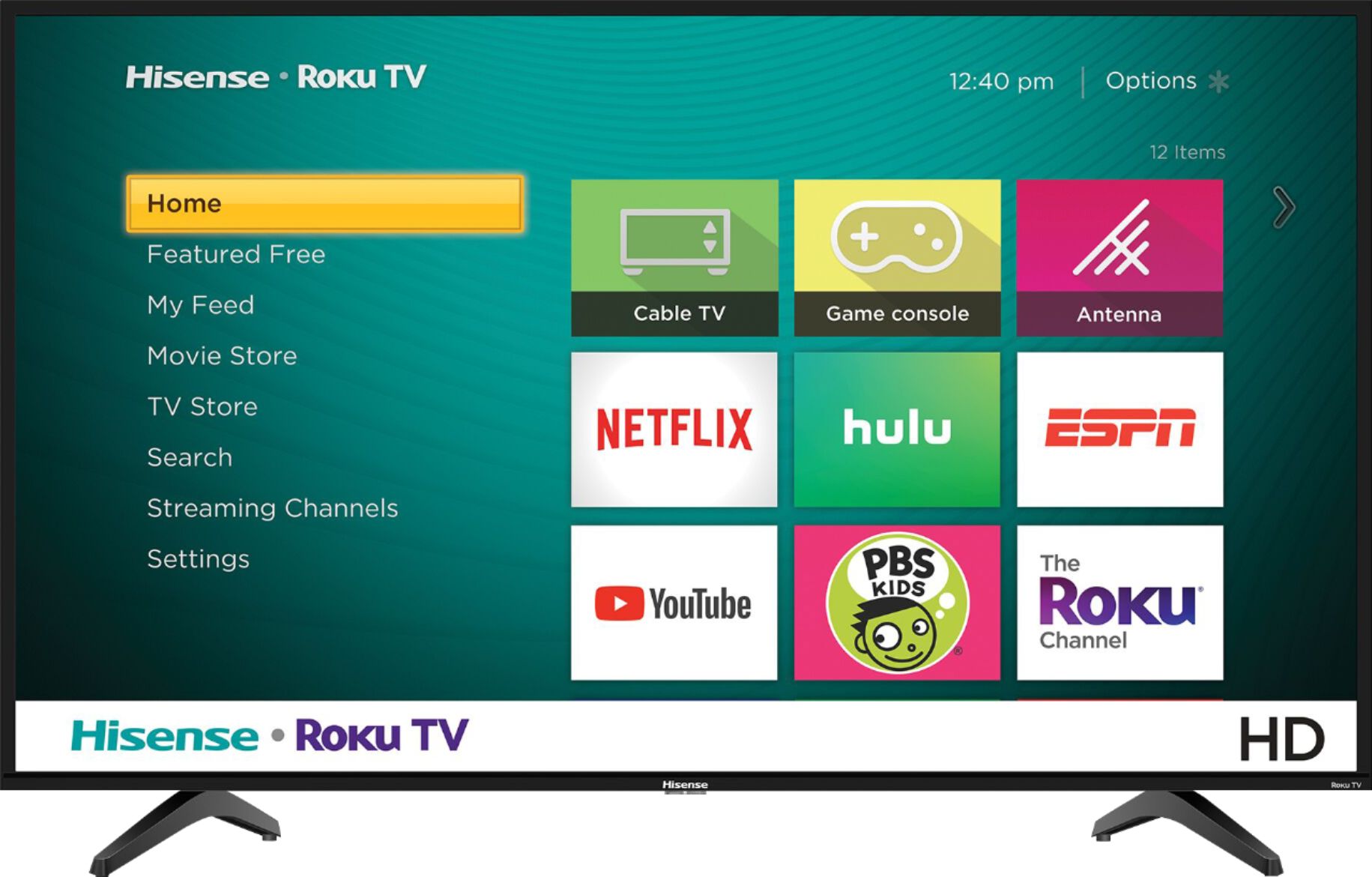
A:AnswerHello CPONS, Thank you for your interest in the Hisense 32H4F. If your unit is displaying a screen saver it means that it’s basically on “Store Mode”. You will need to perform a factory reset by going to settings>>systems>>advance system settings>>factory reset>>factory reset everything. Once you have completed the factory reset and setting up the television you will need to select “Home Mode” for the usage mode. If this does not resolve your issues, please reach out directly to our customer support team at 1-888-935-8880 or email us at [email protected]. We look forward to hearing from you!
Thanks Again, Harley with the Hisense Support Team
A:AnswerThank you for your interest in the Hisense 32H4F. The sleep timer is within the TV menu settings, you can set the sleep timer within a 12 hour or 24 hour period. If you have questions or concerns, please reach out directly to our support team at 1-888-935-8880 or email us at [email protected]. We look forward to hearing from you!
Thanks Again, Harley with the Hisense Support Team
A:AnswerThank you for your interest in the Hisense 32H4F, Yes you have a sleep time that can set within a 24 hour time frame, Thank you for your interest in Hisense USA if you have any further questions or concerns please give us a call at 1-888-935-8880 or email us at [email protected]. Thanks Again, Harley with the Hisense Support Team
A:AnswerThank you for your interest in the Hisense 32H4F, Yes you can connect your Android tablet to the television. Thank you for your interest in Hisense USA if you have any further questions or concerns please give us a call at 1-888-935-8880 or email us at [email protected]. Thanks Again, Harley with the Hisense Support Team
A:AnswerThank you for your interest in the 32H4F. Yes you are able to watch your cable without connecting to the internet. All you would need to do is connect your cable to the unit and select the appropriate input. If you have any further questions please give us a call at 1-888-935-8880 or email us at [email protected].
Thanks Again,
We look forward to hearing from you!
Harley with the Hisense Support Team
A:AnswerThank you for your interest in the Hisense 32H4F. Yes you can and also in the format of AVI and MOV. Thank you for your interest in Hisense USA if you have any further questions or concerns please give us a call at 1-888-935-8880 or email us at [email protected]. Thanks Again, Harley with the Hisense Support Team
A:AnswerThank you for your interest in the Hisense 32H4F. This TV is not Bluetooth compatible but you can use your wireless headphones with the Roku app on your mobile device for private listening on this TV. Thank you for your interest in Hisense USA if you have any further questions or concerns please give us a call at 1-888-935-8880 or email us at [email protected]. Thanks Again, Harley with the Hisense Support Team
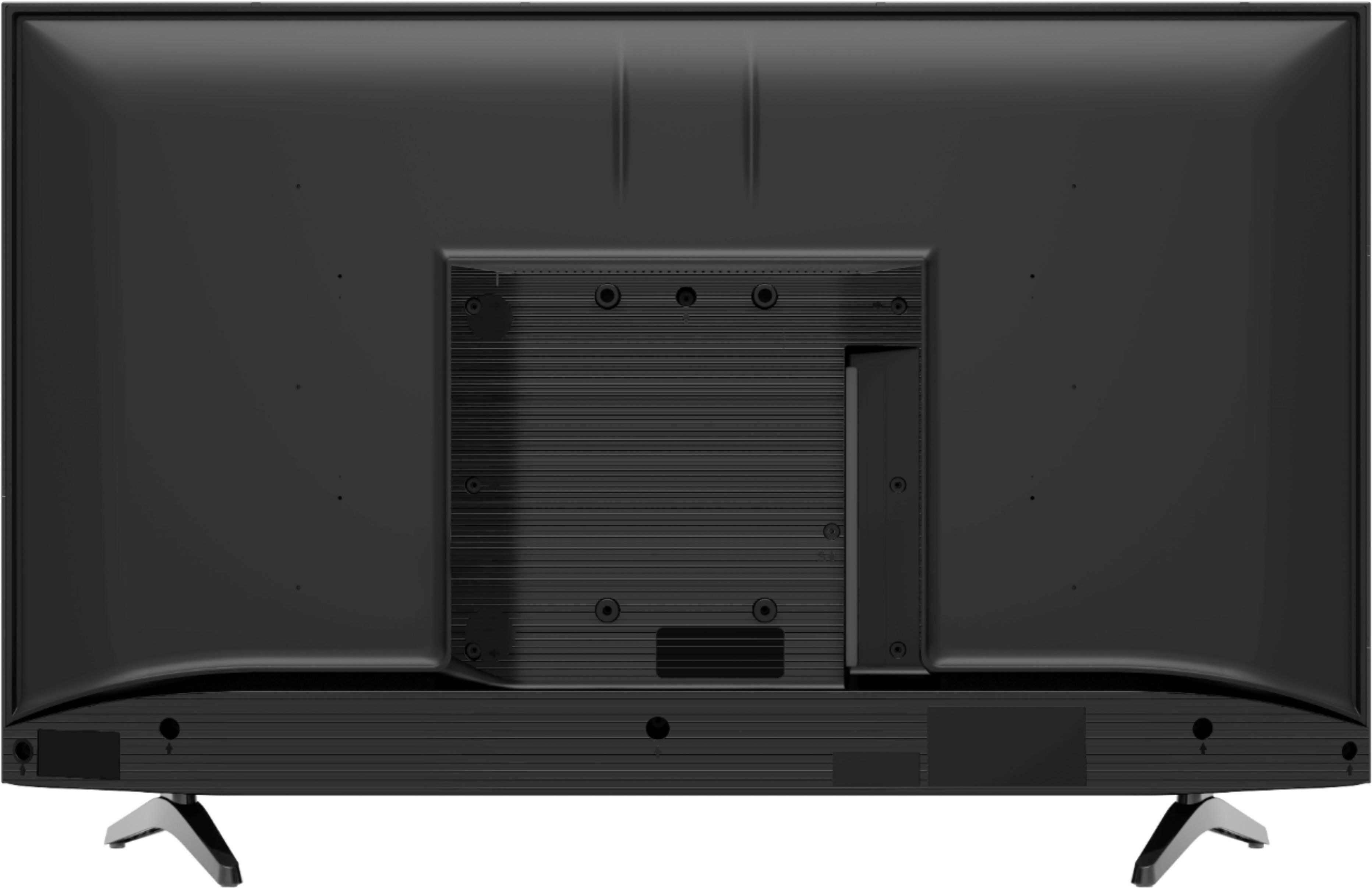
A:AnswerThank you for your interest in the Hisense 32H4F. Unfortunately this specific model television has no Ethernet port. However you can connect your television to the internet wirelessly. Thank you for your interest in Hisense USA if you have any further questions or concerns please give us a call at 1-888-935-8880 or email us at [email protected].
Thanks Again, Harley with the Hisense Support Team
A:AnswerThank you for purchasing a Hisense product and for taking the time to provide us with feedback.
We’re so sorry that you're experiencing a problem. We take pride in making sure we produce high-quality, reliable televisions and apologize that you didn't have the positive customer experience that we strive to consistently deliver.
With this particular question there are a few of variables we would like to understand before offering a solution.
At your earliest convenience, please reach out directly to our support team at [email protected], 1-888-935-8880, so we can find the appropriate solution.
We look forward to hearing from you!
Harley with the Hisense Support Team
A:AnswerThank you for your interest in the Hisense 32H4F, Unfortunately you cannot connect your television via ethernet connection. Thank you for your interest in Hisense USA if you have any further questions or concerns please give us a call at 1-888-935-8880 or email us at [email protected]. Thanks Again, Harley with the Hisense Support Team
A:AnswerThank you for your interest in the Hisense 32H4F. Unfortunately this television does not have the Bluetooth capabilities. You can connect your headphone using a coaxial cable to the headphone Jack or connect a sound bar or surround system via HDMI or digital audio output. Thank you for your interest in Hisense USA if you have any further questions or concerns please give us a call at 1-888-935-8880 or email us at [email protected].
Thanks Again, Harley with the Hisense Support Team
A:AnswerThank you for your interest in the 32H4F. No you would not be able to connect Bluetooth external speakers to this television as it does not support Bluetooth connectivity. If you have any further questions please give us a call at 1-888-935-8880 or email us at [email protected].
Thanks Again,
We look forward to hearing from you!
Harley with the Hisense Support Team
A:AnswerThank you for your interest in the 32H4F, The television can be mounted with a wall mount with a VESA pattern 200x200. If you have any further questions please give us a call at 1-888-935-8880 or email us at [email protected].
Thanks Again,
We look forward to hearing from you!
Harley with the Hisense Support Team
A:AnswerHello Jackson, Thank you for your interest in the Hisense 32H4F. You can use any external audio device that has Audio output power (Watts) 6W x 2, which can be connected by HDMI (ARC) or Digital Audio Output with a coaxial cable. If you have any further questions or concerns please give us a call at 1-888-935-8880 or email us at [email protected]. Thanks Again, Harley with the Hisense Support Team
A:AnswerHello Robert, Thank you for your interest in the 32H4F. With this particular question there are a few of variables we would like to understand before offering a solution.
At your earliest convenience, please reach out directly to our support team at [email protected], 1-888-935-8880, so we can find the appropriate solution.
We look forward to hearing from you!
Harley with the Hisense Support Team
A:AnswerThank you for your interest in the Hisense 32H4F. Yes you can use a universal wall mount on our television. If you have any further questions or concerns please give us a call at 1-888-935-8880 or email us at [email protected]. Thanks Again, Harley with the Hisense Support Team
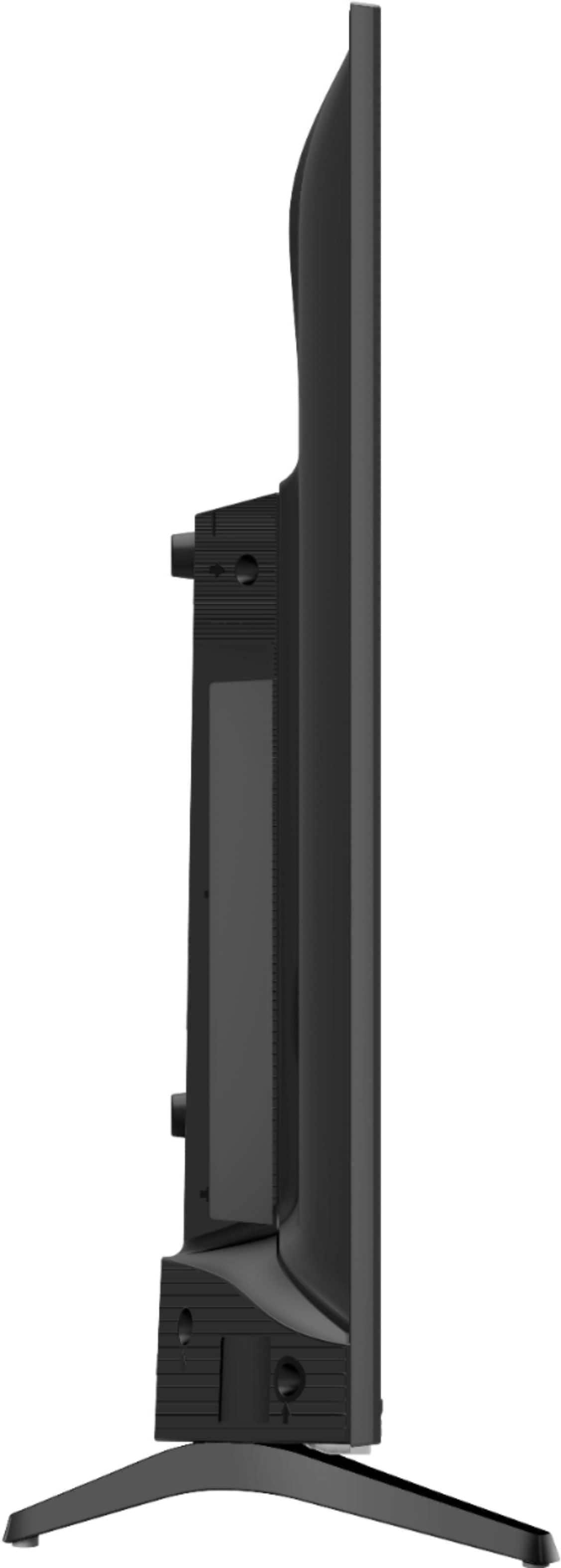
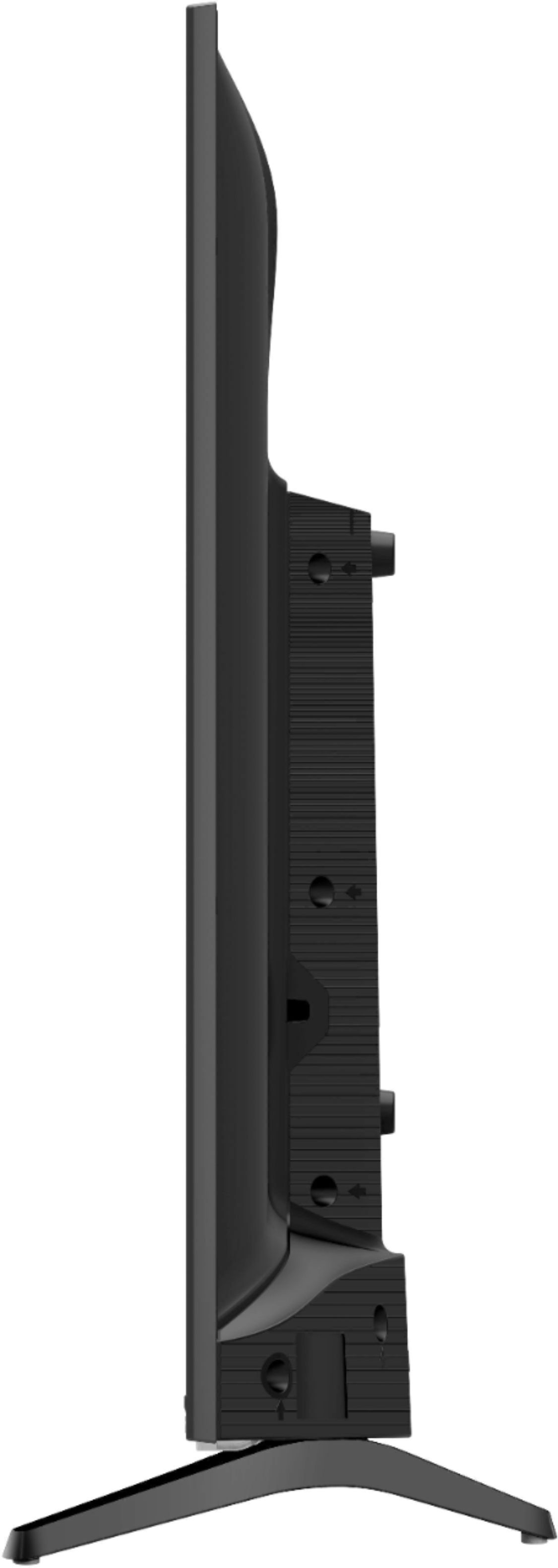
A:AnswerHello Tyvan, The measurement of the television is (Without the stand) 28.9”L x 17”H x 2.8”W
(With the stand) 28.9”L x 18.7”H x 6.7”W. If you have any further questions please give us a call at 1-888-935-8880 or email us at [email protected].
Thanks Again,
We look forward to hearing from you!
Harley with the Hisense Support Team