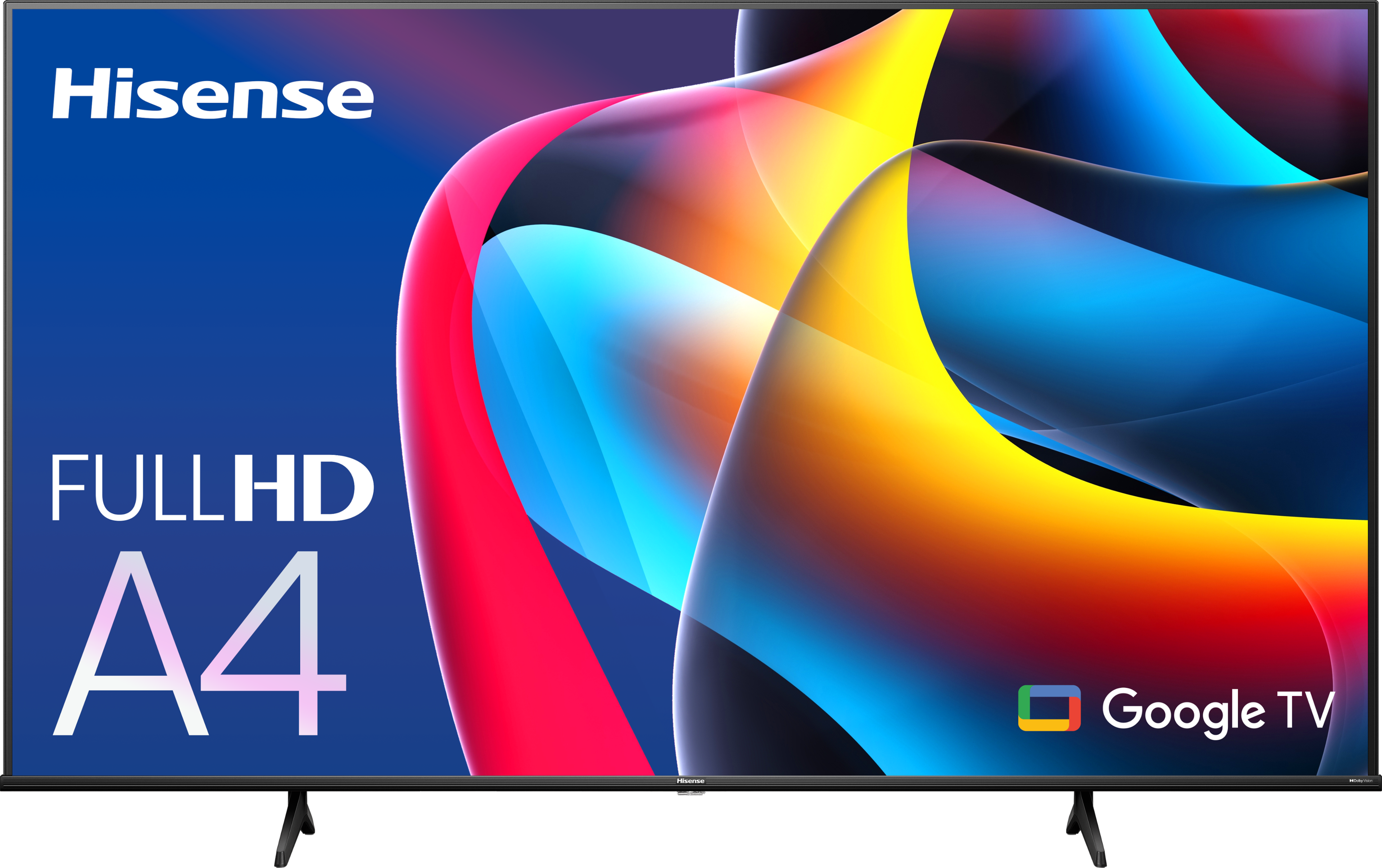
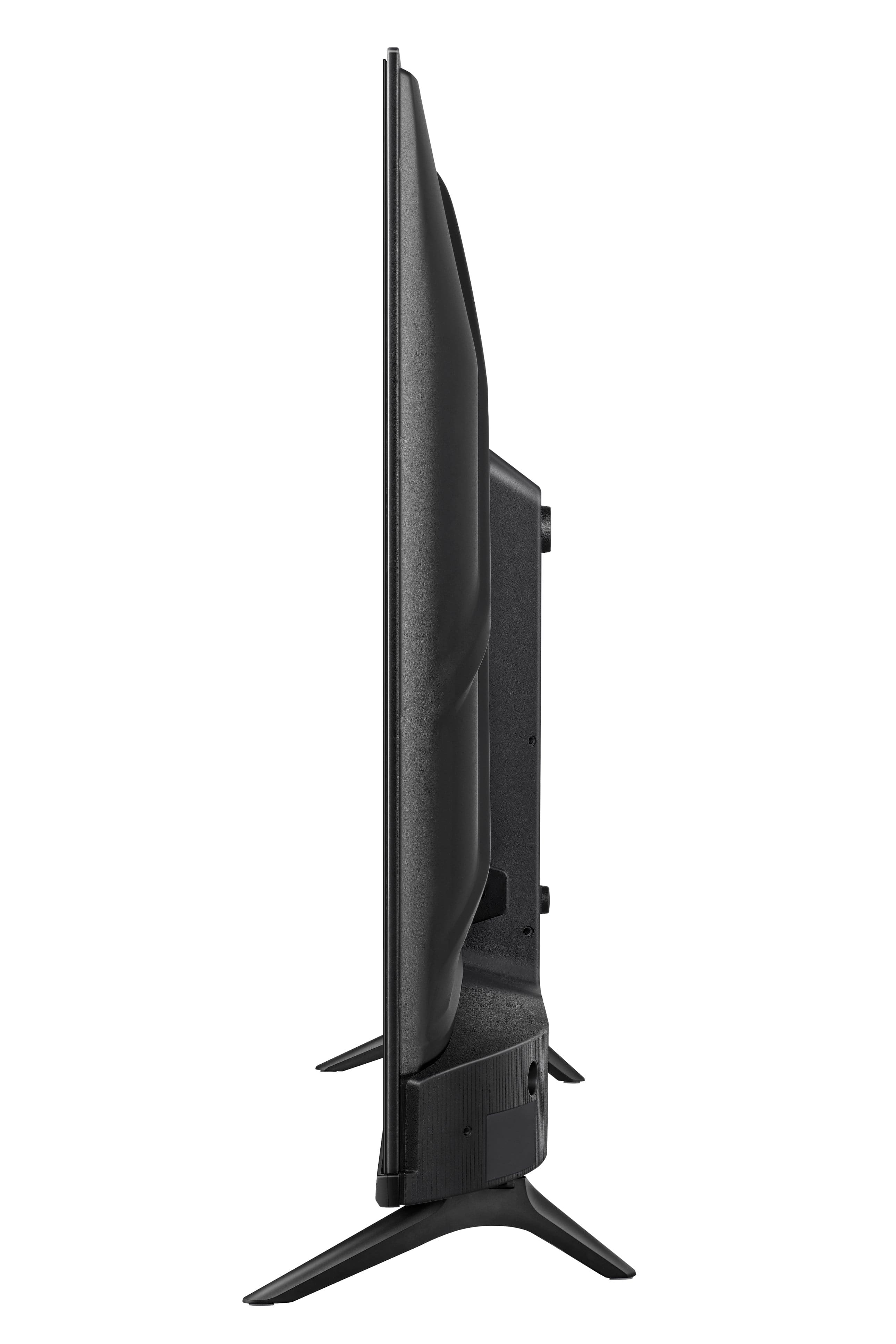
A:AnswerHi Hisense Customer, Thank you for your interest in the Hisense 40A4K. If you wish to use this TV as a monitor and display images in "portrait" style (90 degree rotation), you can connect it with a PC and change the display orientation on the computer to portrait. If you have any further questions or concerns, please give us a call at 1-888-935-8880 or email us at [email protected]. Thanks again, Harley with the Hisense Support Team.
A:AnswerHi Hisense Customer, thank you for your interest in the Hisense 40A4K. This unit supports Apple AirPlay. If you have any further questions or concerns, please give us a call at 1-888-935-8880 or email us at [email protected]. Thanks again, Harley with the Hisense Support Team.
A:AnswerHi Hisense Customer, Thank you for your interest in the Hisense 40A4K. You would need to power the unit on in the event of an outage. If you have any further questions or concerns, please give us a call at 1-888-935-8880 or email us at [email protected]. Thanks again, Harley with the Hisense Support Team.
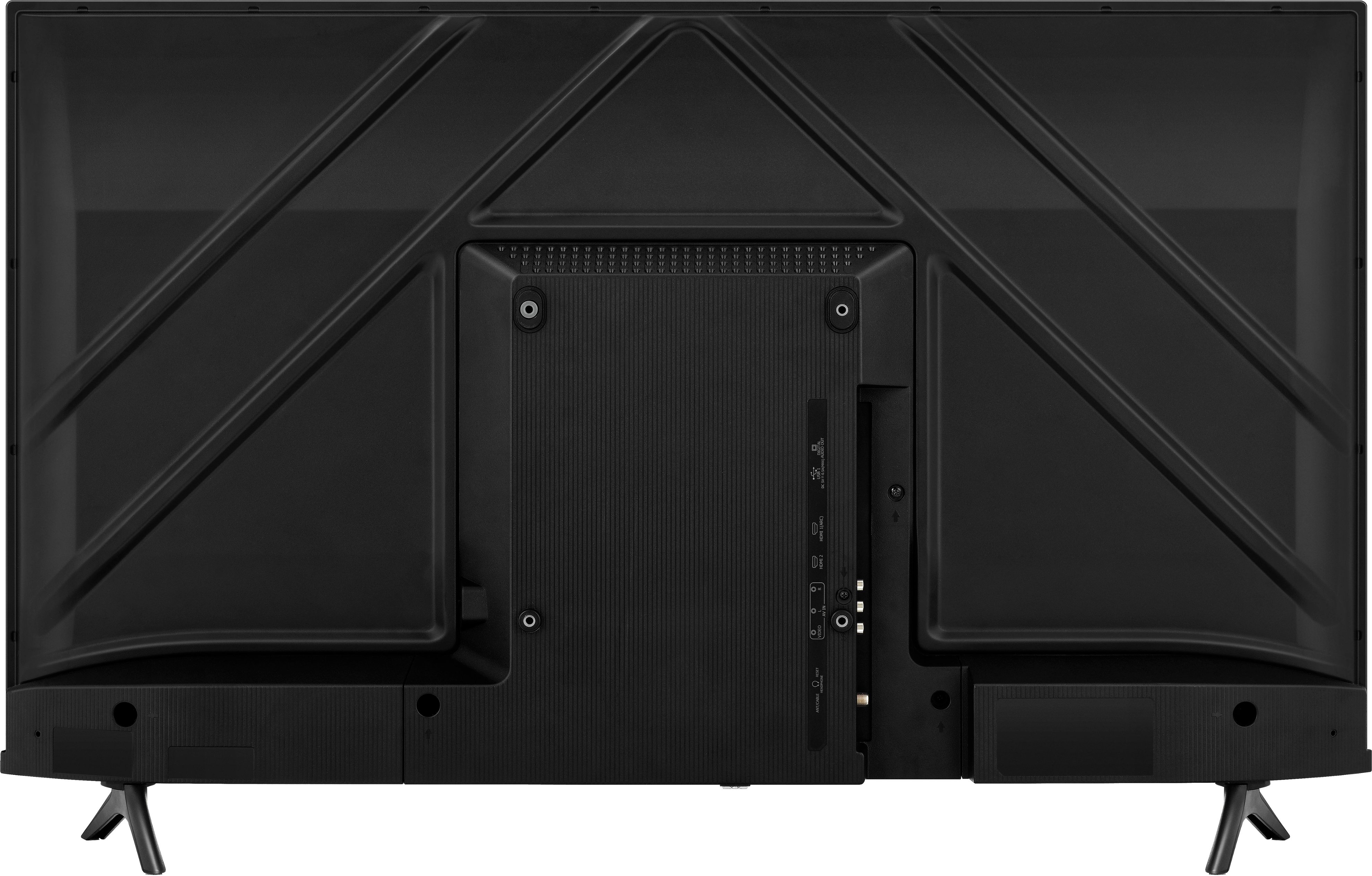
A:AnswerHi Hisense Customer, Thank you for your interest in the Hisense 40A4K. The screw size for the wall mount is M6. If you have any further questions or concerns, please give us a call at 1-888-935-8880 or email us at [email protected]. Thanks again, Harley with the Hisense Support Team.
A:AnswerHi Robert, Thank you for your interest in the Hisense 40A4K. We encourage you to reach out to our dedicated support team directly at 1-888-935-8880 or via email at [email protected] so that we can promptly address and resolve the issue for you. Thanks again, Harley with the Hisense Support Team.
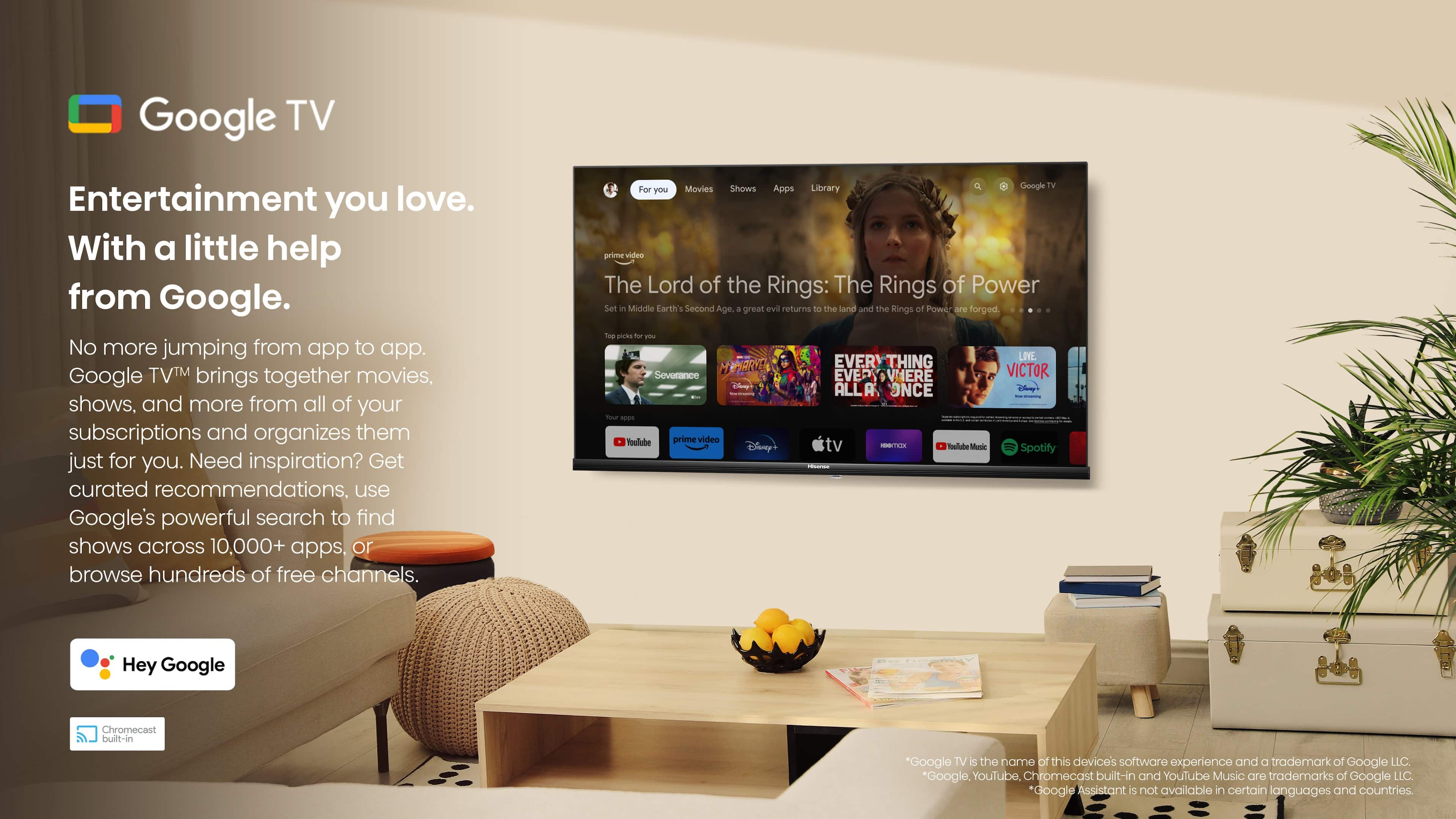
A:AnswerHi JTMar, Thank you for your interest in the Hisense 40A4K. From the Google TV home screen, select Settings Settings and then System and then Ambient mode. Choose what you want to show: Google Photos, Art Gallery, and Experimental. If you have any further questions or concerns, please give us a call at 1-888-935-8880 or email us at [email protected]. Thanks again, Harley with the Hisense Support Team.
A:AnswerHi RonnieP, Thank you for your interest in the Hisense 40A4K. A TV can be used as a monitor. However, a TV focuses on providing you with the best image or video quality, while a monitor focuses on processing speed and gives direct connection to your source. An additional thing to consider is that monitors can support higher refresh rates than TV's. If you have any further questions or concerns, please give us a call at 1-888-935-8880 or email us at [email protected]. Thanks again, Harley with the Hisense Support Team.
A:AnswerHi Hisense Customer, Thank you for your interest in the Hisense 40A4K. We encourage you to reach out to our dedicated support team directly at 1-888-935-8880 or via email at [email protected] so that we can promptly address and resolve the issue for you. Thanks again, Harley with the Hisense Support Team.
A:AnswerHi Rich, Thank you for your interest in the Hisense 40A4K. This model has an earphone/audio output port. If you have any further questions or concerns, please give us a call at 1-888-935-8880 or email us at [email protected]. Thanks again, Harley with the Hisense Support Team.
A:AnswerHi JeffY, thank you for your interest in the Hisense 40A4K. This model has two 7W speakers. If you have any further questions or concerns, please give us a call at 1-888-935-8880 or email us at [email protected]. Thanks again, Harley with the Hisense Support Team.
A:AnswerHi Dan, thank you for your interest in the Hisense 40A4K. Xfinity has not made itself available on Google TV. However, the app supports Chromecast, which is a built-in casting feature on 40A4K. Users can download the Xfinity App on their mobile devices and cast videos onto the 40A4K via Chromecast. If you have any further questions or concerns, please give us a call at 1-888-935-8880 or email us at [email protected]. Thanks again, Harley with the Hisense Support Team.
A:AnswerHi Joey, Thank you for your interest in the Hisense 40A4K. This TV supports Apple AirPlay and the Disney Plus app. If you have any further questions or concerns, please give us a call at 1-888-935-8880 or email us at [email protected]. Thanks again, Harley with the Hisense Support Team.