Questions & Answers
- Model:
- 40H5500F
- |
- SKU:
- 6403993
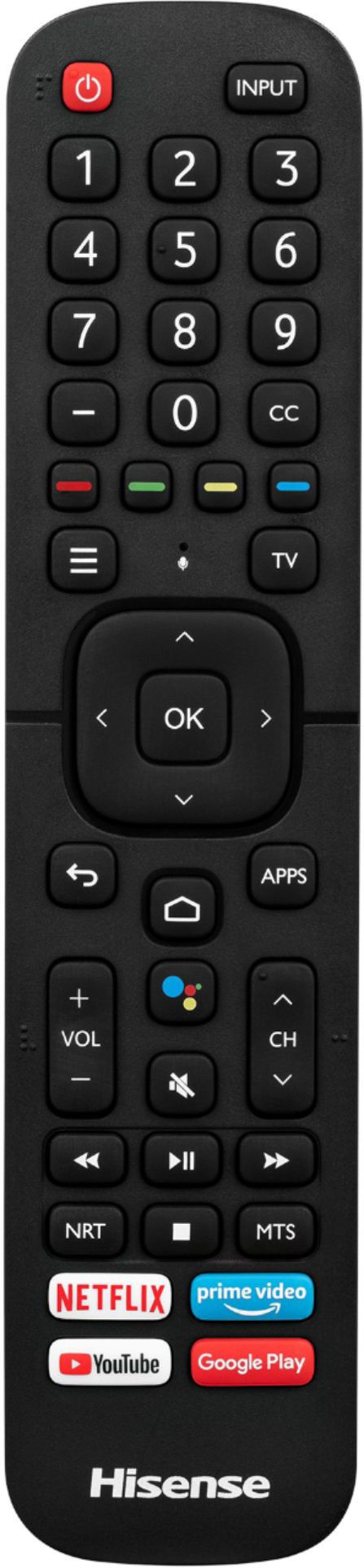
Q: QuestionWhere is the volume button at on the TV or do I need the remote to turn volume up and down?
Asked by Ang.
- A:Answer Wow... Despite Hisense advice thst there is no manual volume button on the unit... The volume image kept coming up on the tv when I was fiddling with the toggle button. After minutes of fiddling, the volume went up and down when toggling the button left to right!!!! VOLUME CAN BE ADJUSTED WITHOUT THE CONTROL ON HISENSE! YAY
Answered by Mpeople
Q: QuestionCan I download HBO Max in this TV?
Asked by Viry.
- A:Answer Yes, you can install HBO Max on this device.
Answered by Jeff
Q: QuestionCan you configure multiple bluetooth headsets and how do you switch between them? Is there a concept of user profile, where each profile has access to a specific bluetooth headset?
Asked by CedricSF.
- A:Answer Hello Cedric, Thank you for your interest in the Hisense 40H5500F. The Bluetooth has BT5.0 which can only register on bluetooth device at a time. Regrettably it can not be done simultaneously. If you have any further questions or concerns please give us a call at 1-888-935-8880 or email us at [email protected]. Thanks Again, Harley with the Hisense Support Team
Answered by HisenseProductExpert

Q: Questioncan you use ROKU on this model and can you cast, for example a YouTube video from your phone to this TV/
Asked by CuriousJ1939.
- A:Answer You can't use Roku,but you don't need to since it's already running Android TV. Yes, this TV has chromecast built-in so you can cast from your phone to this TV.
Answered by Flavy
Q: QuestionIs an "On" timer available? Is incremental sleep timer available ?
Asked by Dani.
- A:Answer Hello Dani, Thank you for your interest in the 40H5500F. The television does have a power on timer and yes you would be able to set the sleep timer in increments. If you have any further questions please give us a call at 1-888-935-8880 or email us at [email protected]. Thanks Again, We look forward to hearing from you! Harley with the Hisense Support Team
Answered by HisenseProductExpert

Q: QuestionCan't get cable. Is this tv useable with just an outside antenna?
Asked by Chigirl.
- A:Answer Yes you can just use an antenna. I havent had cable in years and i use the free tv apps thats provided on the tv
Answered by Keii
Q: QuestionCan you get YouTube TV on this particular tv?
Asked by Lancer9999.
- A:Answer Hello Lancer, Thank you for your interest in the 40H5500F. Yes you would be able to get the YouTube TV app. If you have any further questions please give us a call at 1-888-935-8880 or email us at [email protected]. Thanks Again, We look forward to hearing from you! Harley with the Hisense Support Team
Answered by HisenseProductExpert

Q: QuestionIs the TV compatible with Hulu?
Asked by NICEGAL.
- A:Answer Yes and it works great. Awesome picture and sound
Answered by Dbiggs
Q: QuestionDoes this have a headphone jack?
Asked by Anonymous.
- A:Answer Hello Hisense Customer, Thank you for your interest in the 40H5500F. Yes the television does have a headphone jack. If you have any further questions please give us a call at 1-888-935-8880 or email us at [email protected]. Thanks Again, We look forward to hearing from you! Harley with the Hisense Support Team
Answered by HisenseProductExpert

Q: Questioncan this tv be connected to regular cable connection ?
Asked by sun.
- A:Answer Yes
Answered by Bigdaddy
Q: QuestionCan you easily connect a laptop to use as a duplicate monitor/screen?
Asked by Shaie.
- A:Answer Hello Shaie, Thank you for your interest in the Hisense 40H5500F. Yes you can connect a laptop to the television to have it like a monitor/screen. If you have any further questions or concerns please give us a call at 1-888-935-8880 or email us at [email protected]. Thanks Again, Harley with the Hisense Support Team
Answered by HisenseProductExpert

Q: QuestionThe tv have Google internet
Asked by Sam.
- A:Answer Hello Sam, Thank you for your interest in the Hisense 40H5500F. This is android smart TV so from the google play store you can download the web browser. If you have any further questions or concerns please give us a call at 1-888-935-8880 or email us at [email protected]. Thanks Again, Harley with the Hisense Support Team
Answered by HisenseProductExpert

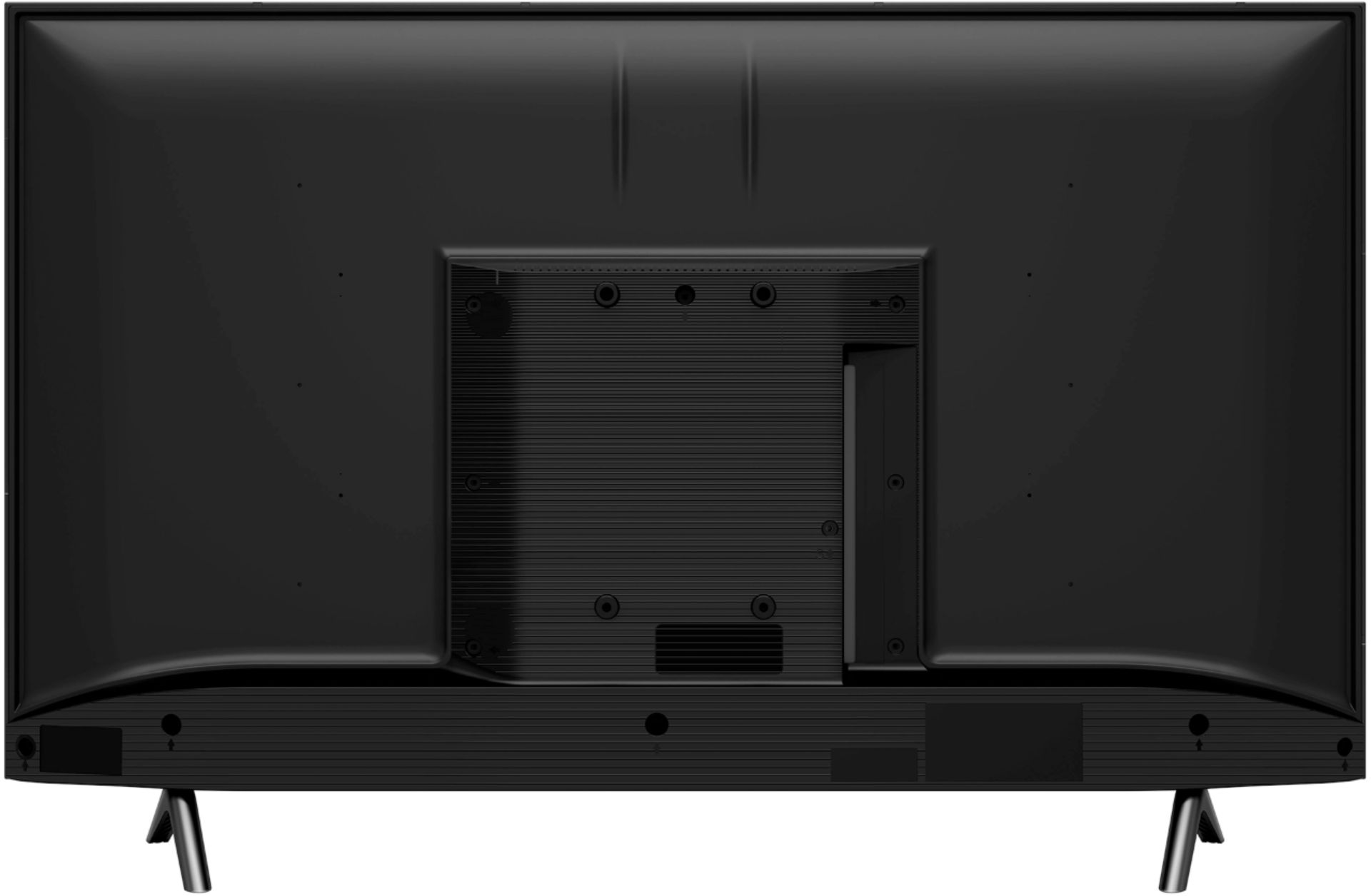
Q: QuestionWhat is the length from stand to stand? Thanks
Asked by apples.
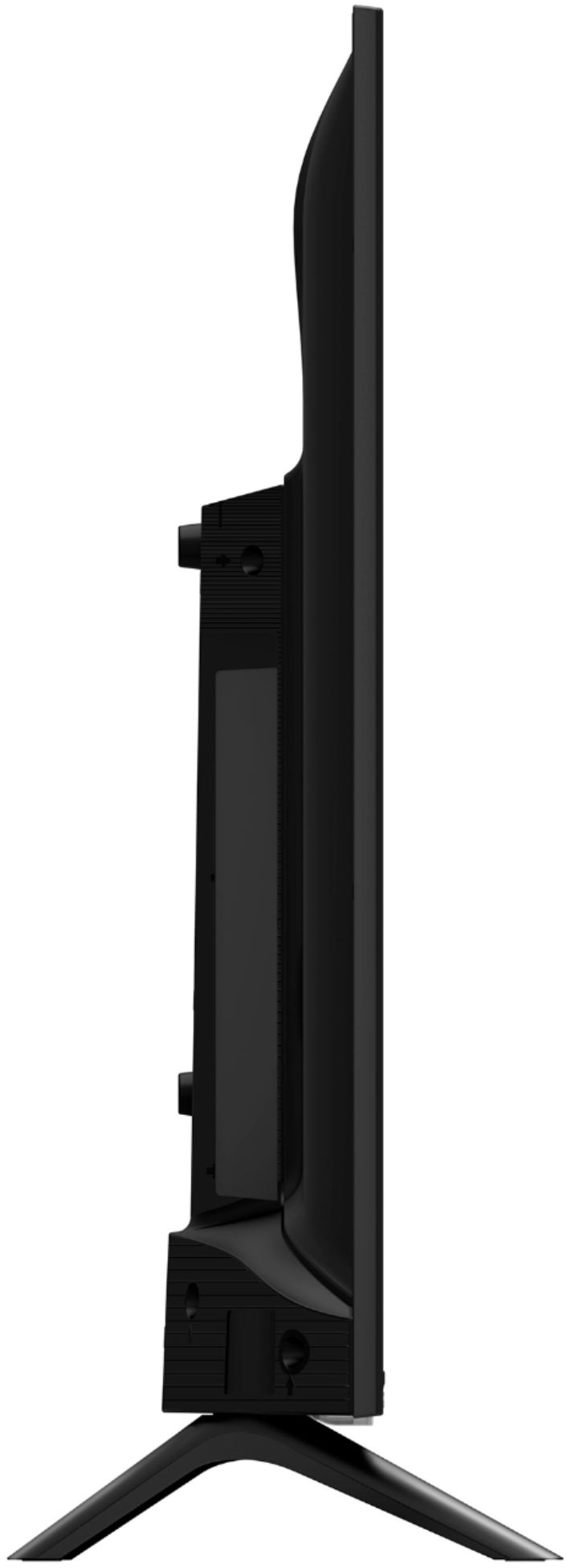
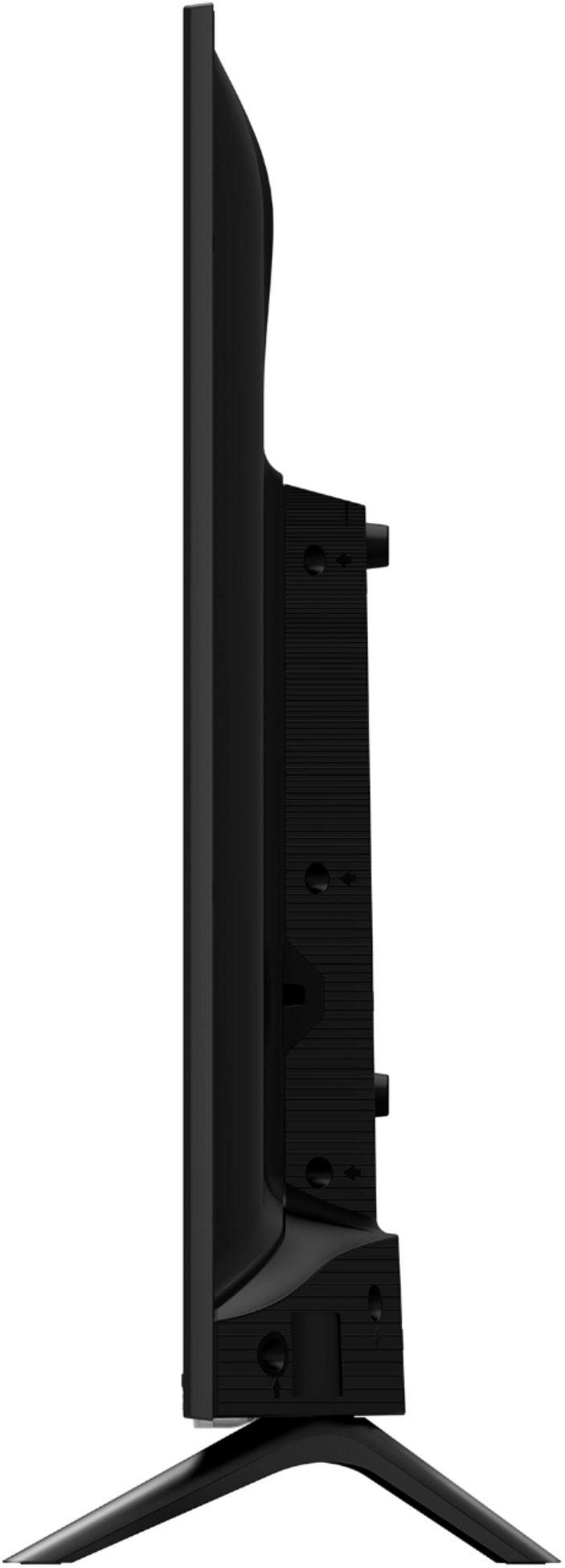
- A:Answer Hello Apples, Thank you for your interest in the Hisense 40H5500F. The TV stand Width 29.3”. If you have any further questions or concerns please give us a call at 1-888-935-8880 or email us at [email protected]. Thanks Again, Harley with the Hisense Support Team
Answered by HisenseProductExpert

Q: QuestionCan I smart cast to this tv ?
Asked by Chloe.
- A:Answer Hello Chloe, Thank you for your interest in the Hisense 40H5500F. Yes you can smart case with this television. If you have any further questions or concerns please give us a call at 1-888-935-8880 or email us at [email protected]. Thanks Again, Harley with the Hisense Support Team
Answered by HisenseProductExpert

Q: QuestionDoes this tv have Disney+?
Asked by Sebastian.
- A:Answer Hello Sebastian, Thank you for your interest in the Hisense 40H5500F. Yes you can download Disney Plus App along with your favorite apps such as Hulu. If you have any further questions or concerns please give us a call at 1-888-935-8880 or email us at [email protected]. Thanks Again, Harley with the Hisense Support Team
Answered by HisenseProductExpert

Q: QuestionWill I be able to use my Direct tv remote ONLY for this particular tv?
Asked by LadybugT.
- A:Answer Yes ... we are using our old DirectTV remotes and did not have to purchase new ones.
Answered by JeanT
Q: QuestionBrand new HISENSE 40" H5500F ... tried to connect to my WIFI ...it detected it by the name , but when i entered correct password it didn't accept it after i pressed OK on remote. I tried multiple times but nothing happen.
Asked by Anonymous.
- A:Answer Hello Hisense Customer, Thank you for your interest in the Hisense 40H5500F and for taking the time to provide us with a feedback. We're so sorry that you are having WiFi connectivity. Please perform a reset by going to settings>>device preferences>> reset. If this does not resolve the issue, please give us a call at 1-888-935-8880 or email us at [email protected]. Thanks Again, Harley with the Hisense Support Team
Answered by HisenseProductExpert

Q: QuestionCan I interact my samsung s7 android phone screen to the tv?
Asked by david.
- A:Answer Hello David, Thank you for your interest in the Hisense 40H5500F. Yes you can cast from your phone to this television. If you have any further questions or concerns please give us a call at 1-888-935-8880 or email us at [email protected]. Thanks Again, Harley with the Hisense Support Team

Answered by HisenseProductExpert

Q: QuestionCan I chromecast Zoom screen from my laptop to this TV?
Asked by Amalie.
- A:Answer Hi Amalie, thank you for your interest in the Hisense 40H5500F. Regrettably this cannot be done. If you have any further questions or concerns, please give us a call at 1-888-935-8880 or email us at [email protected]. Thanks again, Harley with the Hisense Support Team.
Answered by HisenseProductExpert

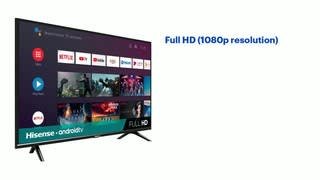
Q: QuestionDoes this TV come with... or can you download Apple TV? Netflix? Hulu? Amazon Prime?
Asked by MixMaster.
- A:Answer Hello Hisense Customer, Thank you for your interest in the Hisense 40H5500F. The TV comes with the Netflix and Hulu app, however you can download the Apple TV and Amazon Prime app, to check the availability of a desired app, you can visit Google Play https://play.google.com/store/apps. If you have any further questions or concerns please give us a call at 1-888-935-8880 or email us at [email protected]. Thanks Again, Harley with the Hisense Support Team
Answered by HisenseProductExpert

Most-viewed items
- $329.99$329.99The price was $469.99
- $149.00$149.00The price was $399.00
- $159.99$159.99The price was $179.99
- $122.00$122.00The price was $129.99
- $449.99$449.99The price was $649.99
- $1,149.00$1,149.00The price was $1,299.00

















