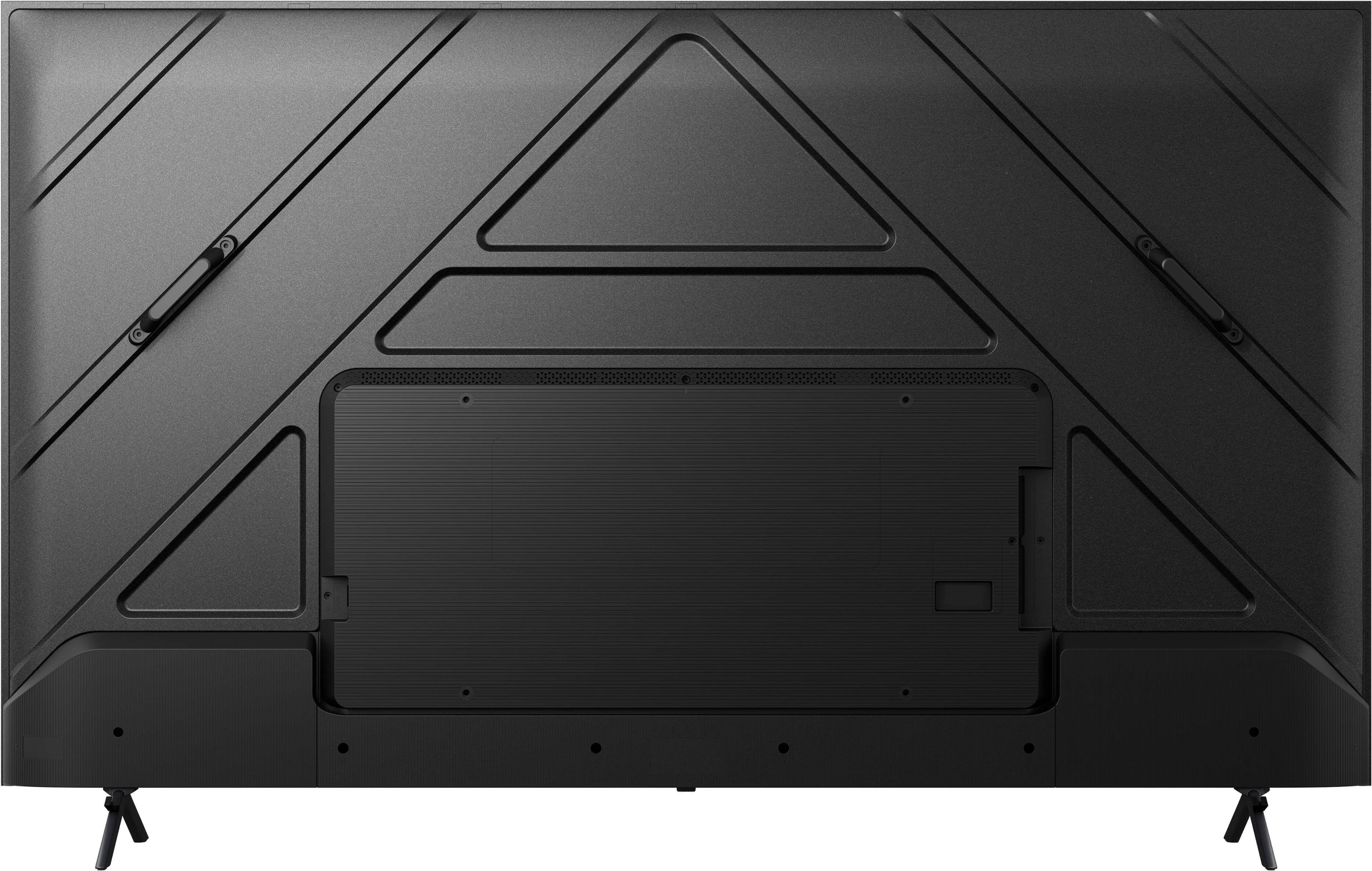
A:AnswerHi Suzie, Thank you for your interest in the Hisense 43QD5N. The hole points for wall mounting the unit are located at the center of the unit. The recommended wall mount is the VESA standard (200×300, M6). If you have any further questions or concerns, please give us a call at 1-888-935-8880 or email us at [email protected]. Thanks again, Harley with the Hisense Support Team.
A:AnswerHi Edward, Thank you for your interest in the Hisense 43QD5N. This TV supports Bluetooth. If you have any further questions or concerns, please give us a call at 1-888-935-8880 or email us at [email protected]. Thanks again, Harley with the Hisense Support Team.
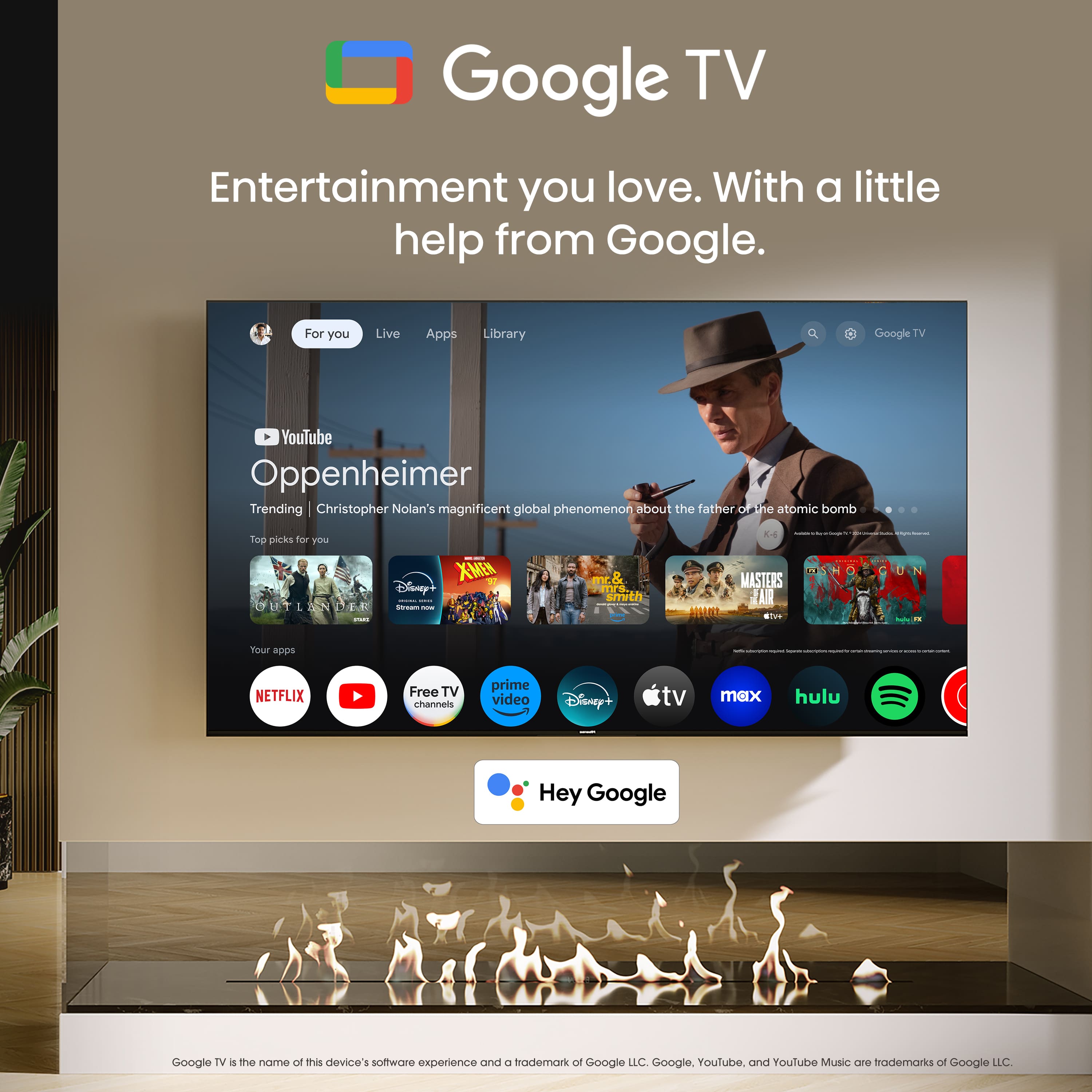
A:AnswerHi TvFinder, Thank you for your interest in the Hisense 43QD5N. You would need to select Settings > System > Ambient mode. You have the option to choose what you want to show, whether that be Google Photos, Art Gallery, or Custom AI Art. If you have any further questions or concerns, please give us a call at 1-888-935-8880 or email us at [email protected]. Thanks again, Harley with the Hisense Support Team.
A:AnswerHi Hisense Customer, Thank you for your interest in the Hisense 43QD5N. This unit supports Chromecast. If you have any further questions or concerns, please give us a call at 1-888-935-8880 or email us at [email protected]. Thanks again, Harley with the Hisense Support Team.
A:AnswerHi Fred, Thank you for your interest in the Hisense 43QD5N. You would only be able to use one audio output at a time. If you have any further questions or concerns, please give us a call at 1-888-935-8880 or email us at [email protected]. Thanks again, Harley with the Hisense Support Team.
A:AnswerHi Hisense Customer, thank you for your interest in the Hisense 43QD5N. This unit supports AirPlay. If you have any further questions or concerns, please give us a call at 1-888-935-8880 or email us at [email protected]. Thanks again, Harley with the Hisense Support Team.
A:AnswerHi Laura, Thank you for your interest in the Hisense 43QD5N. This unit supports HDMI and has 3 HDMI ports. If you have any further questions or concerns, please give us a call at 1-888-935-8880 or email us at [email protected]. Thanks again, Harley with the Hisense Support Team.
A:AnswerHi BrentR, thank you for your interest in the Hisense 43QD5N. This TV does not support NexGen TV. If you have any further questions or concerns, please give us a call at 1-888-935-8880 or email us at [email protected]. Thanks again, Harley with the Hisense Support Team.
A:AnswerHi Rusty, Thank you for your interest in the Hisense 43QD5N. If you wish to use this TV as a monitor and display images in "portrait" style (90 degree rotation), you can connect it with a PC and change the display orientation on the computer to portrait. If you have any further questions or concerns, please give us a call at 1-888-935-8880 or email us at [email protected]. Thanks again, Harley with the Hisense Support Team.
A:AnswerHi Omar, Thank you for your interest in the Hisense 43QD5N. This model supports Quantum Dot. If you have any further questions or concerns, please give us a call at 1-888-935-8880 or email us at [email protected]. Thanks again, Harley with the Hisense Support Team.
A:AnswerHi Hisense Customer, Thank you for your interest in the Hisense 43QD5N. The TV stand width for this unit is 29.8 x 8.7 inches. If you have any further questions or concerns, please give us a call at 1-888-935-8880 or email us at [email protected]. Thanks again, Harley with the Hisense Support Team.
A:AnswerHi Hisense Customer, Thank you for your interest in the Hisense 43QD5N. The remote for this unit has direction buttons and quick access buttons for Netflix, YouTube, Disney Plus, Tubi, and Prime Video. If you have any further questions or concerns, please give us a call at 1-888-935-8880 or email us at [email protected]. Thanks again, Harley with the Hisense Support Team.
A:AnswerHi TVFinder, Thank you for your interest in the Hisense 43QD5N. The recommended wall mount for this unit is the VESA standard (200x300/M6). If you have any further questions or concerns, please give us a call at 1-888-935-8880 or email us at [email protected]. Thanks again, Harley with the Hisense Support Team.
A:AnswerHi Sara, Thank you for your interest in the Hisense 43QD5N. To change your picture mode, you would need to select Settings > Display & Sound > Picture > Motion Enhancement. If you have any further questions or concerns, please give us a call at 1-888-935-8880 or email us at [email protected]. Thanks again, Harley with the Hisense Support Team.