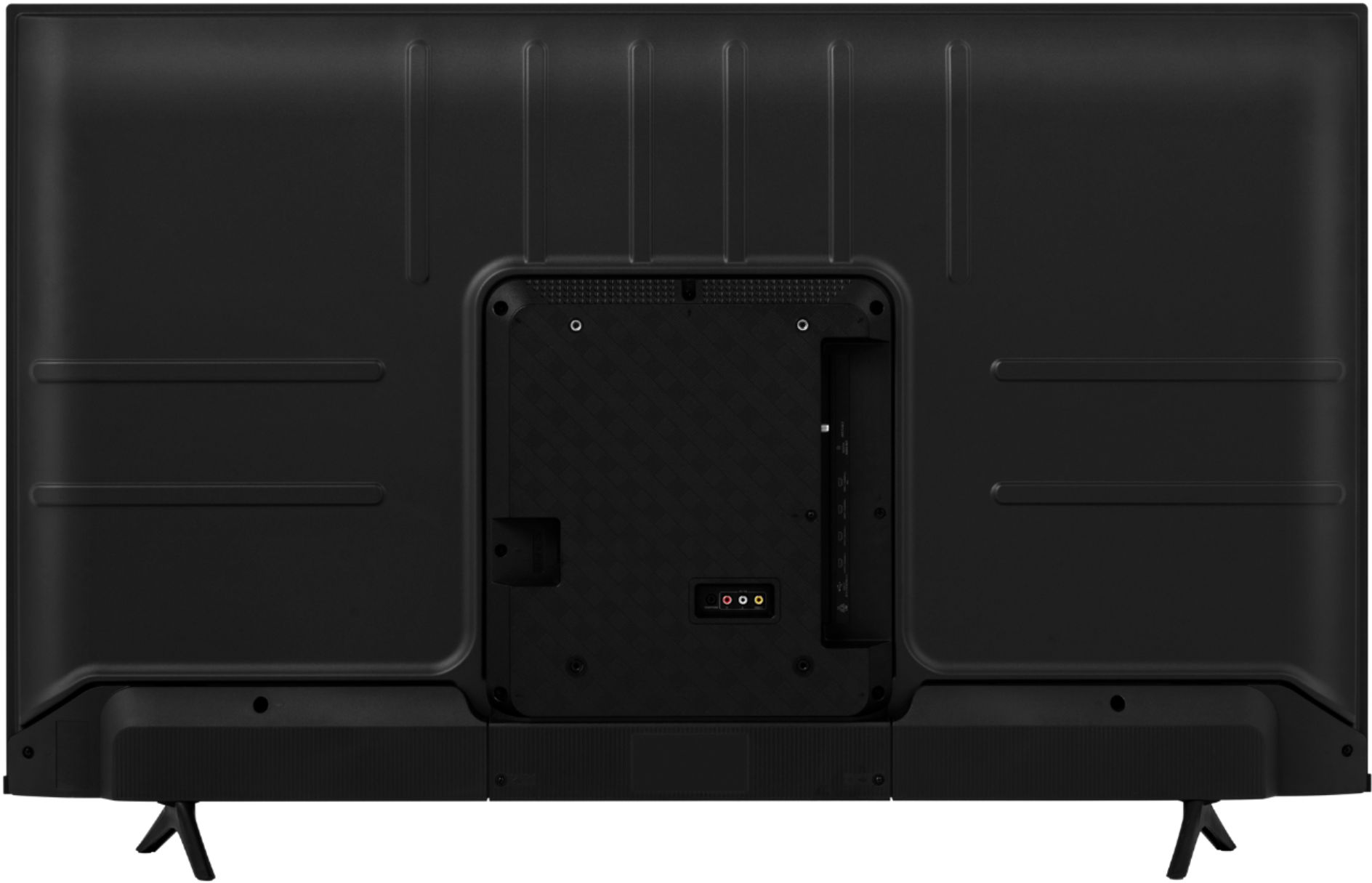
A:AnswerHello cj, thank you for your interest in the Hisense 50A6G. To hook up your cable to this unit, connect your device to the appropriate input and then press the input button on your remote to select the correct input from the TV menu. If you have any further questions or concerns please give us a call at 1-888-935-8880 or email us at [email protected]. Thanks Again, Harley with the Hisense Support Team.
A:AnswerHello Brad, thank you for your interest in the Hisense 50A6G. Please reach out to Optimum to find out the remote codes for programming your Optimum remote to the TV. If you have any further questions or concerns please give us a call at 1-888-935-8880 or email us at [email protected]. Thanks again, Harley with the Hisense Support Team.
A:AnswerHello, thank you for your interest in the Hisense 50A6G. Yes this TV does have Live TV however it does not support Watchfree+. If you have any further questions or concerns please give us a call at 1-888-935-8880 or email us at [email protected]. Thanks again, Harley with the Hisense Support Team.
A:AnswerHello ALEXH, thank you for your interest in the Hisense 50A6G. Unfortunately, this TV does not have the Britbox app or a web browser. If you have any further questions or concerns please give us a call at 1-888-935-8880 or email us at [email protected]. Thanks again, Harley with the Hisense Support Team.
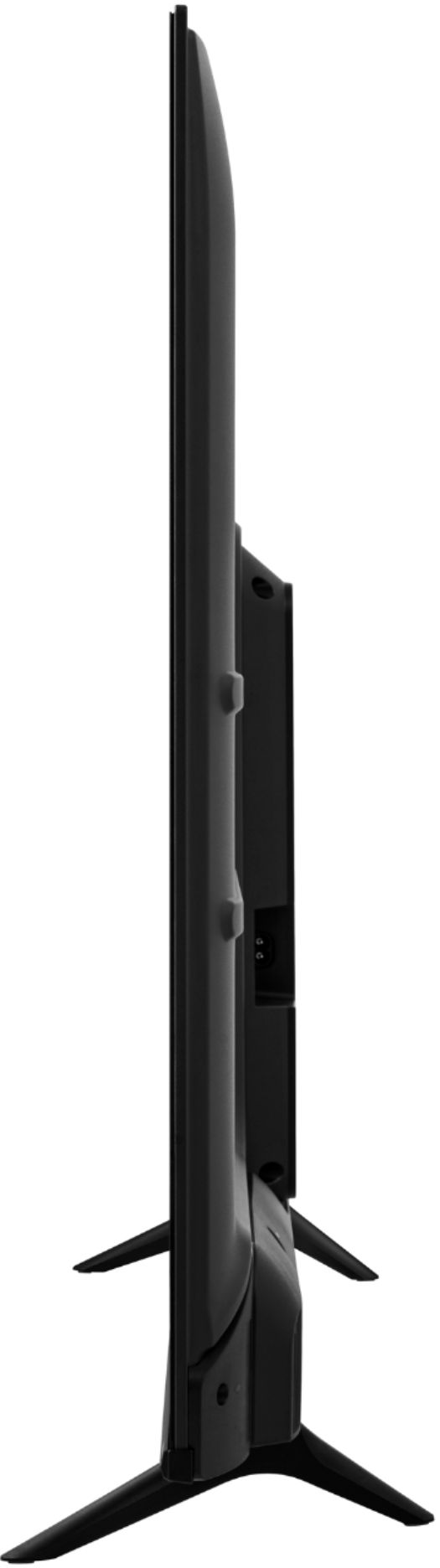
A:AnswerHello, thank you for your interest in the Hisense 50A6G. Yes, this TV can be connected to your desktop computer using one of the HDMI ports. If you have any further questions or concerns please give us a call at 1-888-935-8880 or email us at [email protected]. Thanks Again, Harley with the Hisense Support Team
A:AnswerHello hhhh, thank you for your interest in the Hisense 50A6G. The native refresh rate of this TV is 60 Hz however, it can produce 120fps motion rate. To reduce judder/ display motion blur, Motion Enhancement (image interpolation) doubles the motion rate to 120 Hz by creating new frames and inserting them in-between frames. If you have any further questions or concerns, please give us a call at 1-888-935-8880 or email us at [email protected]. Thanks again, Harley with the Hisense Support Team.
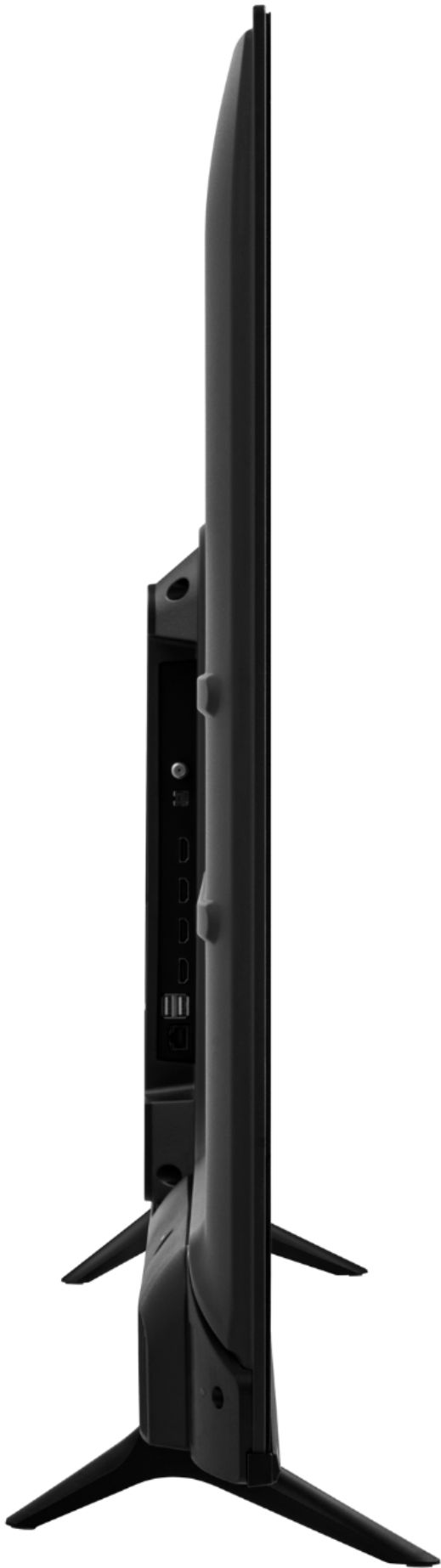
A:AnswerHello Spirit, thank you for your interest in the Hisense 50A6G. You are able to connect your Suddenlink cable box to the TV using one of the HDMI ports. If you have any further questions or concerns, please give us a call at 1-888-935-8880 or email us at [email protected]. Thanks again, Harley with the Hisense Support Team.
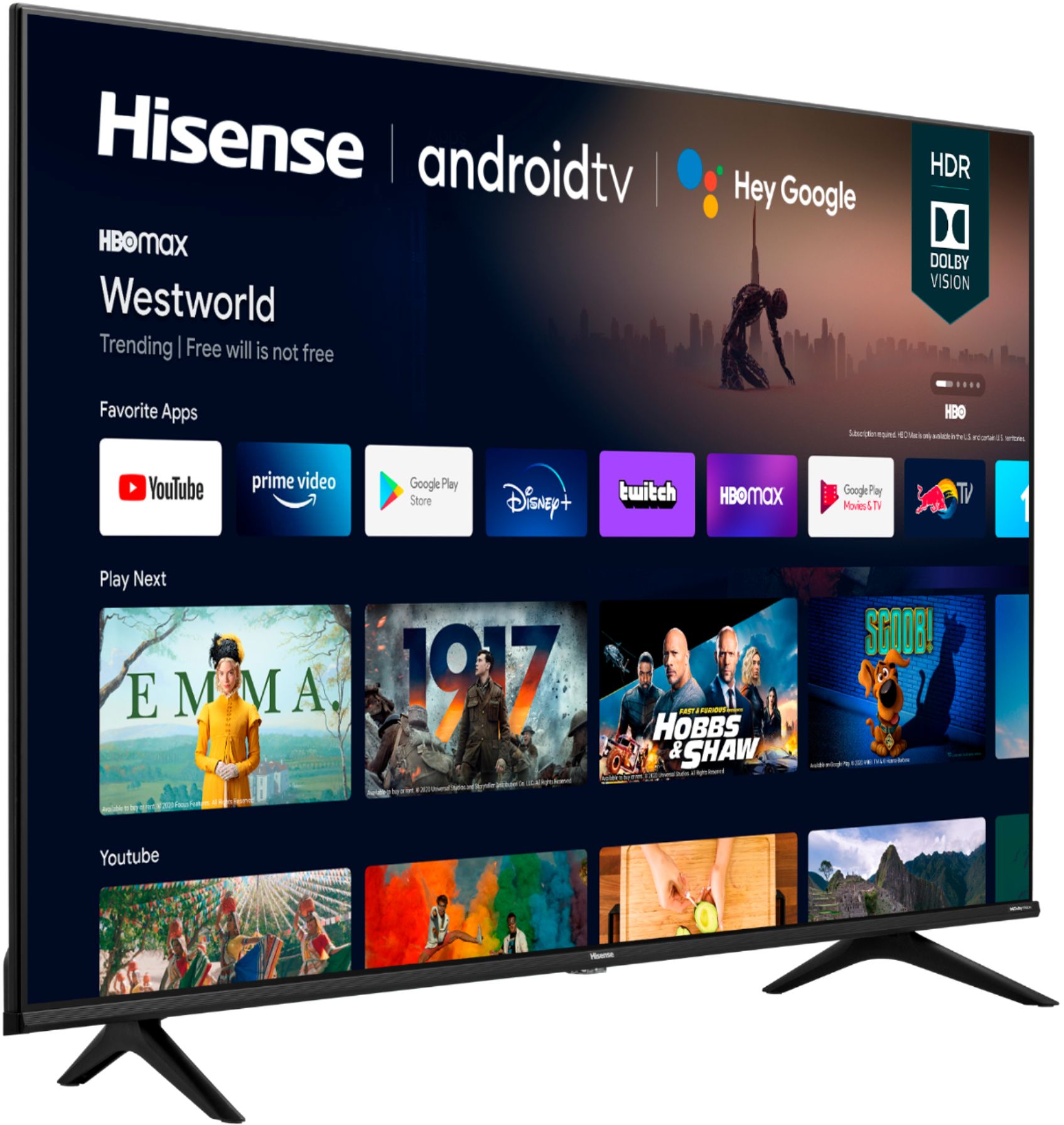
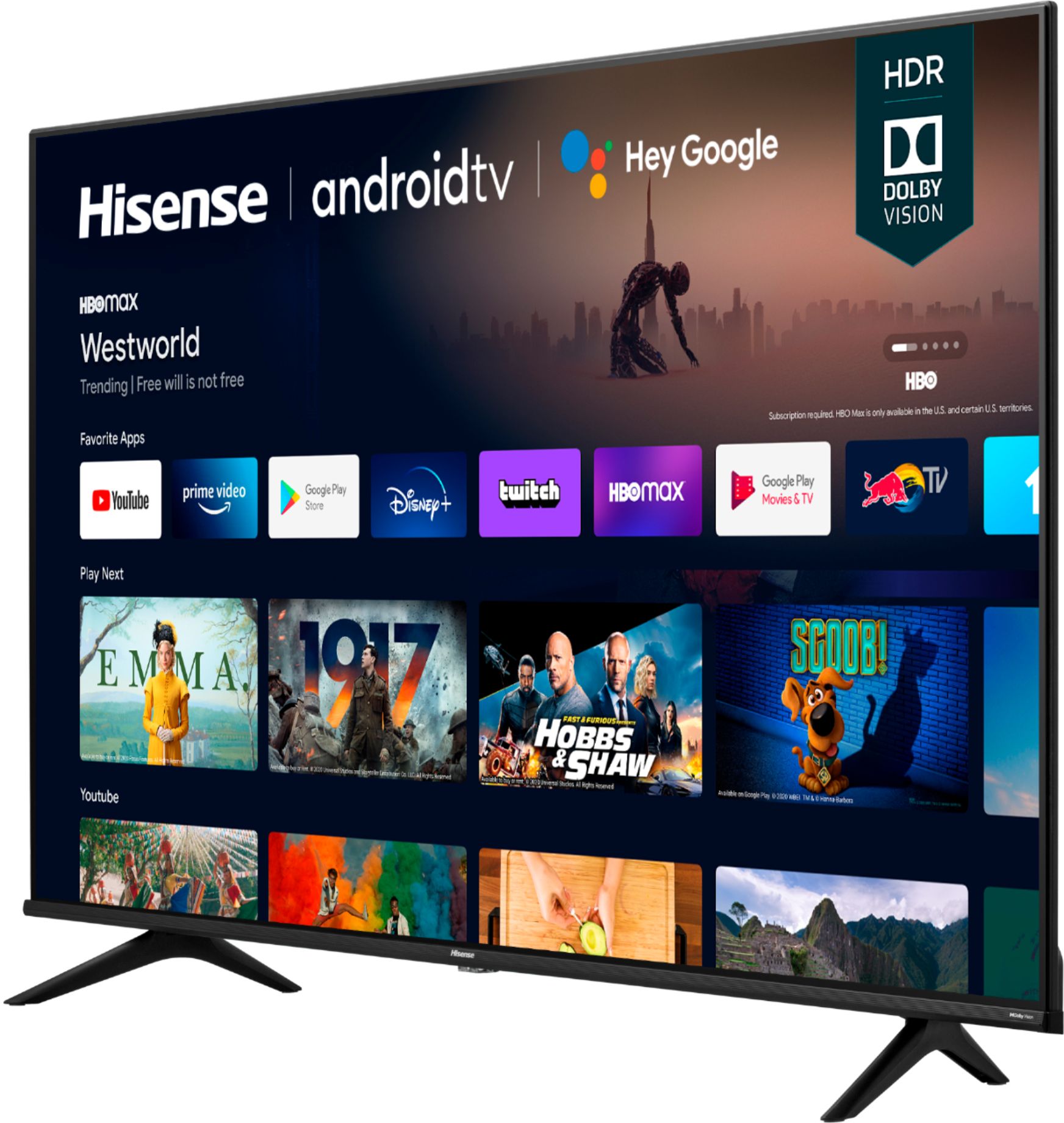
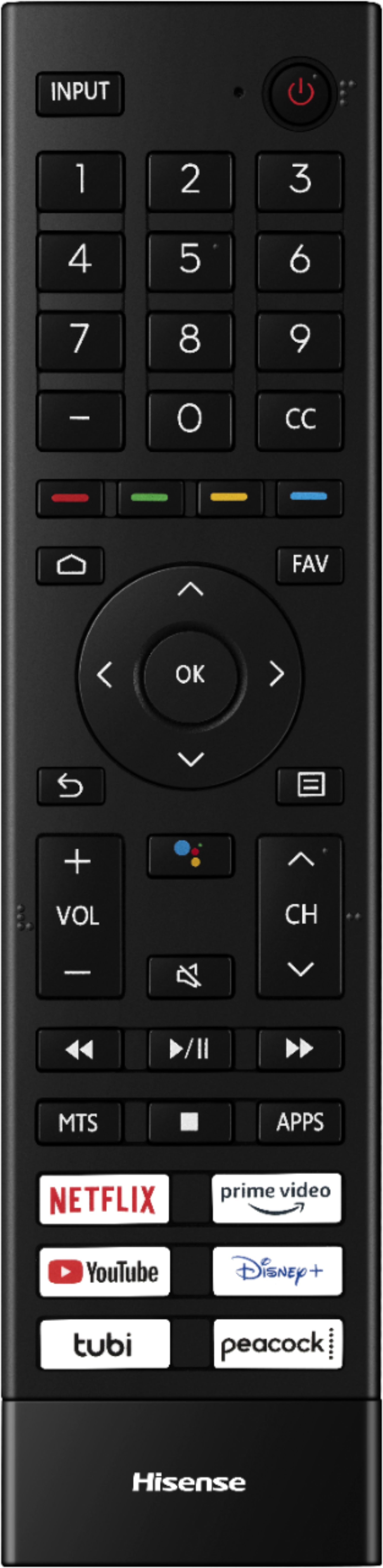
A:AnswerYes it has the you tube app on the remote as well as Netflix,Tubi,prime video, Disney+, and peacock.you can easily add hundreds of other apps through the Google play store.
A:AnswerHello Pookie458, thank you for your interest in the Hisense 70A6G. Yes, you are able to connect a Spectrum cable box to this TV. Unfortunately, the Hisense remote will not change your cable channels. If you would like to use one remote, please contact Spectrum to program your cable remote. If you have any further questions or concerns please give us a call at 1-888-935-8880 or email us at [email protected]. Thanks again, Harley with the Hisense Support Team.
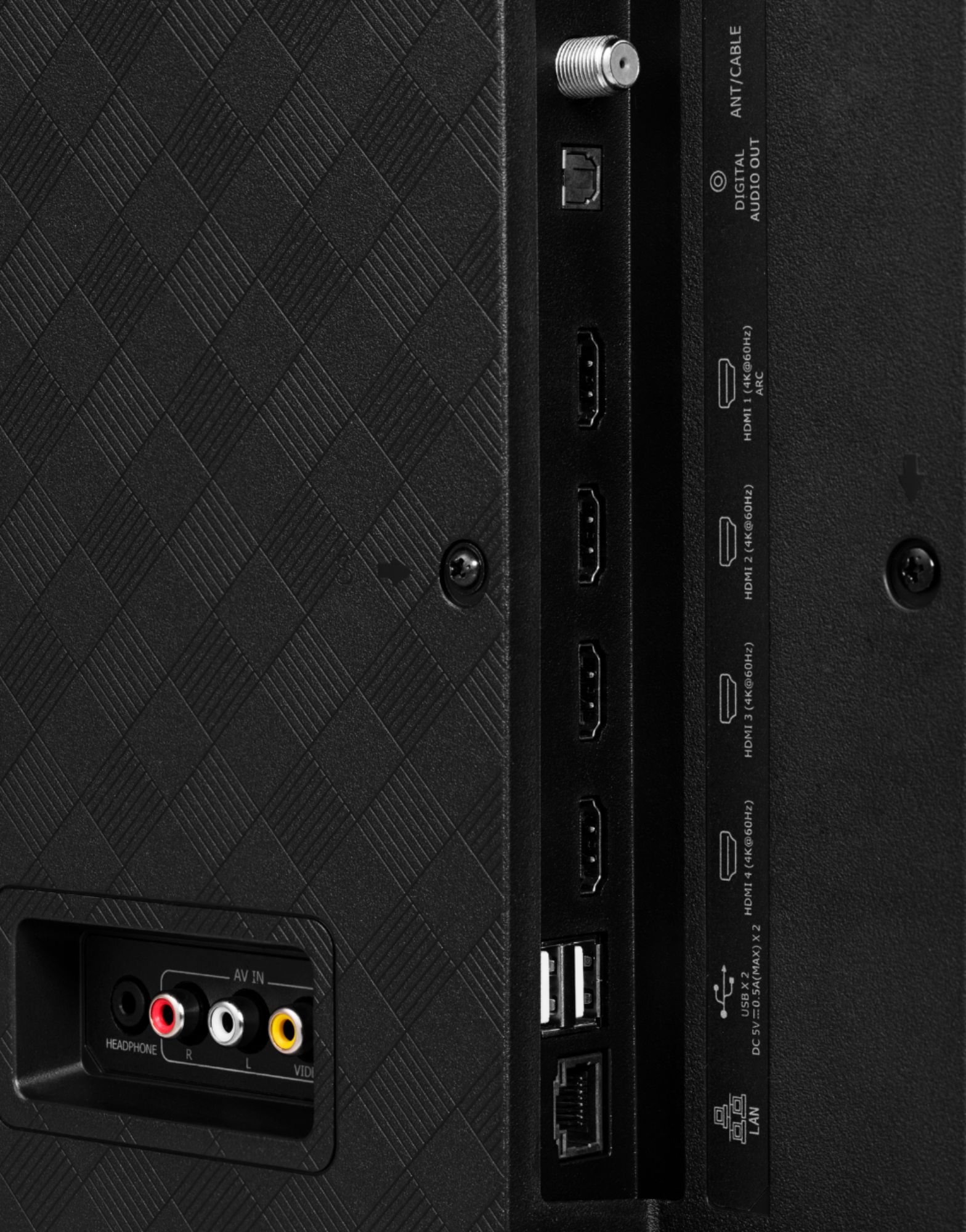
A:AnswerHello randor, thank you for your interest in the Hisense 50A6G. Yes, you can connect an external Roku streaming device to one of the HDMI ports. If you have any further questions or concerns, please give us a call at 1-888-935-8880 or email us at [email protected]. Thanks again, Harley with the Hisense Support Team.
A:AnswerHello Kaya, thank you for your interest in the Hisense 50A6G. This unit is a 2021 model. If you have any questions or concerns please give us a call at 1-888-935-8880 or email us at [email protected]. Thanks again, Harley with the Hisense Support Team.