A:AnswerHello Rage, Thank you for your interest in the 65H8G. No you would not be able to download the Mobdro app. If you have any further questions please give us a call at 1-888-935-8880 or email us at [email protected].
Thanks Again,
We look forward to hearing from you!
Harley with the Hisense Support Team
A:AnswerHello Hisense Customer, Thank you for your interest in the 65H8G. The native refresh rate for this unit is 60hz. If you have any further questions please give us a call at 1-888-935-8880 or email us at [email protected].
Thanks Again,
We look forward to hearing from you!
Harley with the Hisense Support Team
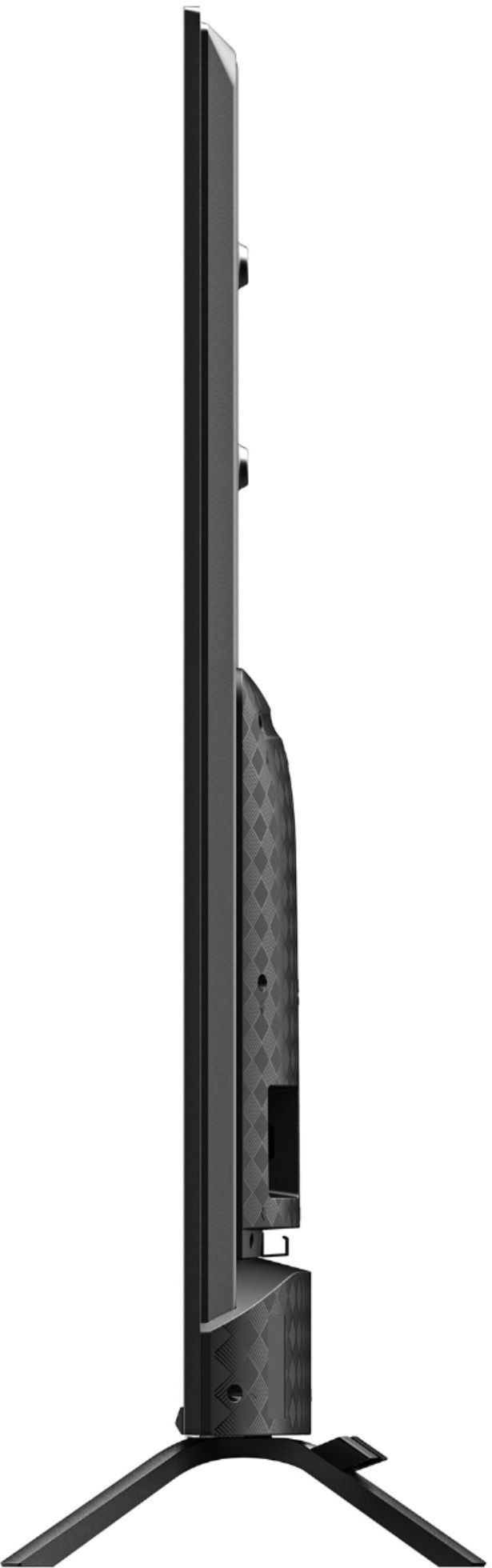
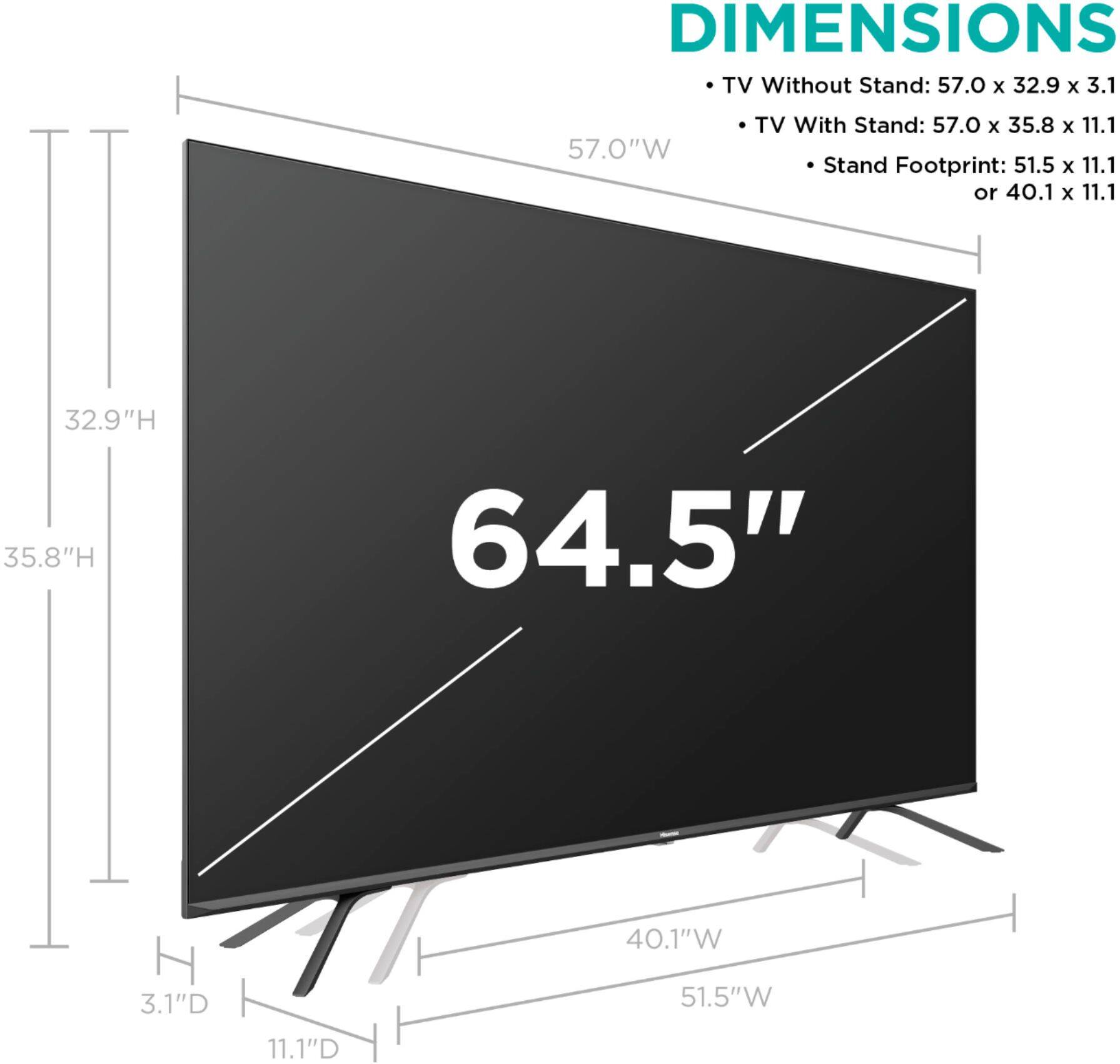
A:AnswerHello Hisense Customer, Thank you for your interest in the 65H8G. The distance between the bottom of the screen and the top is the stand is 2.9". If you have any further questions please give us a call at 1-888-935-8880 or email us at [email protected].
Thanks Again,
We look forward to hearing from you!
Harley with the Hisense Support Team
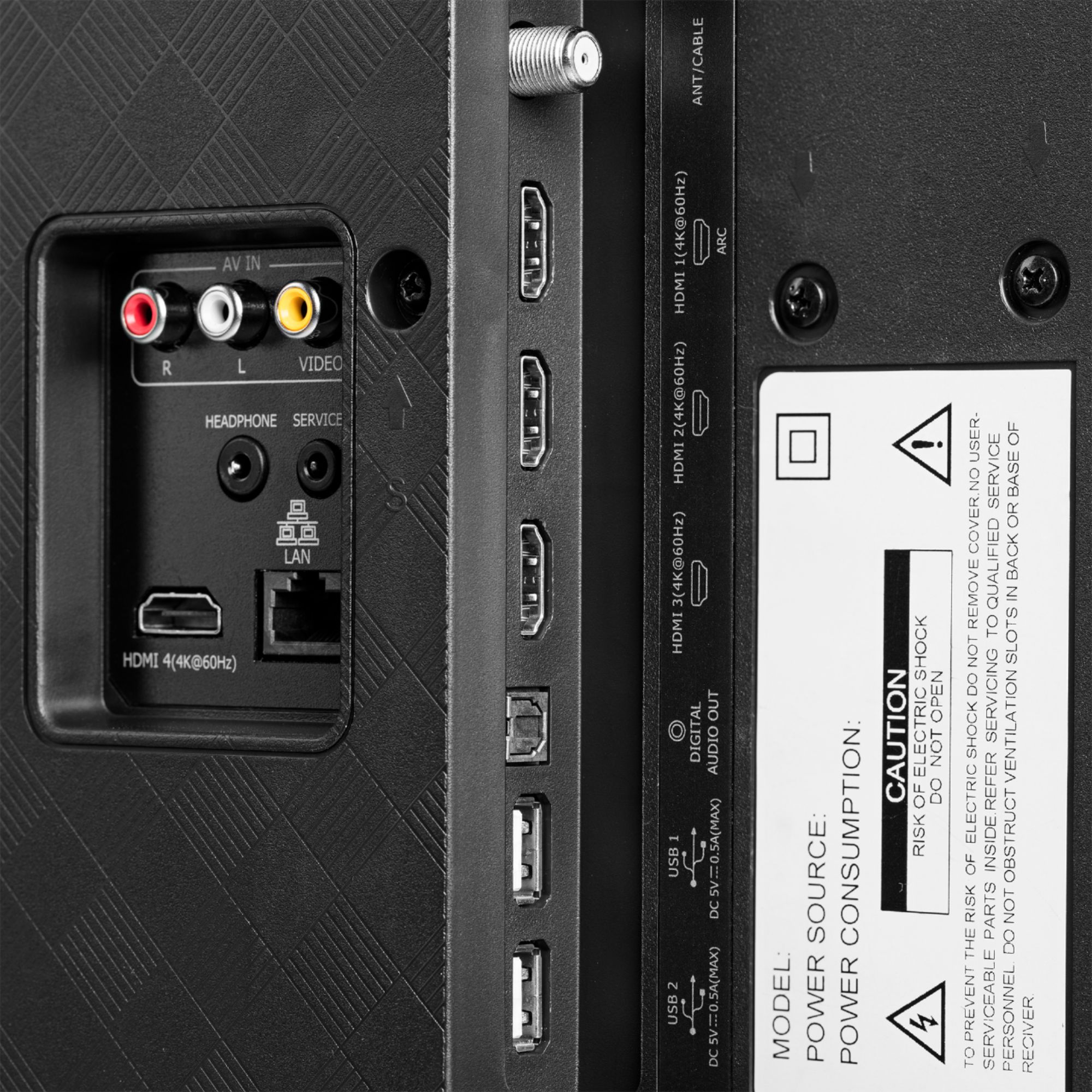
A:AnswerHello Levi, Thank you for your interest in the 65H8G. No you would not be able to connect your computer to the television wirelessly you would need to use a HDMI cable. If you have any further questions please give us a call at 1-888-935-8880 or email us at [email protected].
Thanks Again,
We look forward to hearing from you!
Harley with the Hisense Support Team
A:AnswerActually it does. I own the 55in model and have my movies etc playing in 4k etc on the Vudu app. If you have your movies connected through movies anywhere, I suggest using Vudu and linking your library from movies anywhere as it's the only way to watch the content in full 4k Dolby vision etc. Otherwise, the movies anywhere app itself won't play content in 4k for whatever reason.
A:AnswerHello Boris, Thank you for your interest in the 65H8G. Please press the apps button on your remote than navigate to Media option. You would then be able to access the content from your USB flash drive. If you have any further questions please give us a call at 1-888-935-8880 or email us at [email protected].
Thanks Again,
We look forward to hearing from you!
Harley with the Hisense Support Team
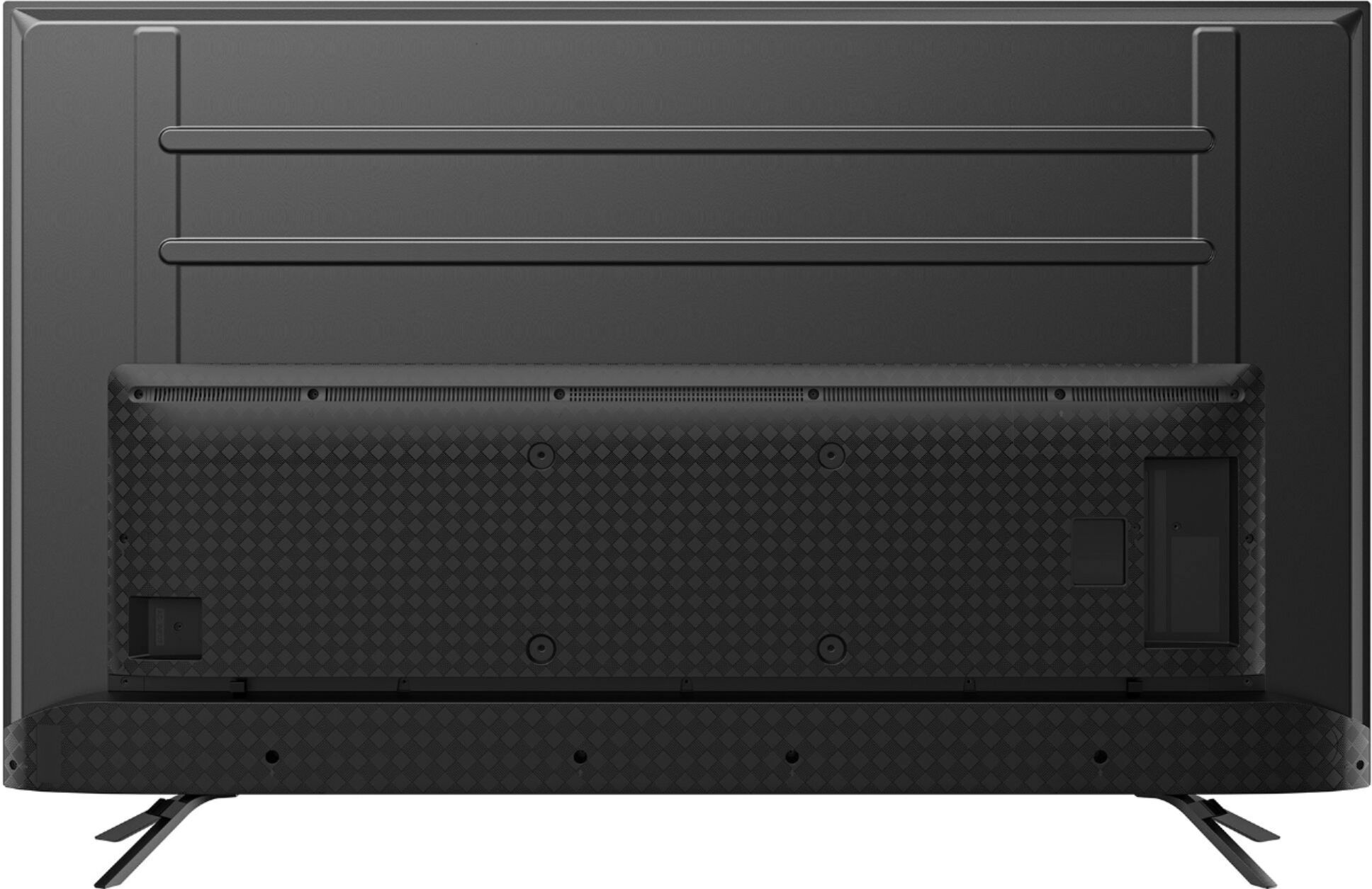
A:AnswerThere are two positions to mount the legs - one closer to center and the other further out to the edges. This is rare on bigger flat screens and a thoughtful inclusion. You should be able to find a mounting position that suits you. Oh and bonus; the legs include integrated cable management!
A:AnswerIt's not the power light, it's 4 orange led lights that cone on when you turn off the mic swith. I put a piece of black electric tape over the lights.