A:AnswerIts supports up to 144hz on all resolutions for any device compatible for 144hz. Aka mostly only pc's... xbox x (not the s) and ps5 can utilize higher than 60fps/hz tv's but i have yet to see a single game hit anywhere near even 120hz, even with the performance mode setting selected (usually sets game res to 2k though when doing that... and the max i see on most ps5 games is around 75-85fps. I have yet to see a single game above 100fps)
However you need to properly enable high refresh rates for the tv to be able to utilize it.
First you need to enable "high refresh rate mode" from your tv's settings under the picture settings. Its located right under amd freesync.
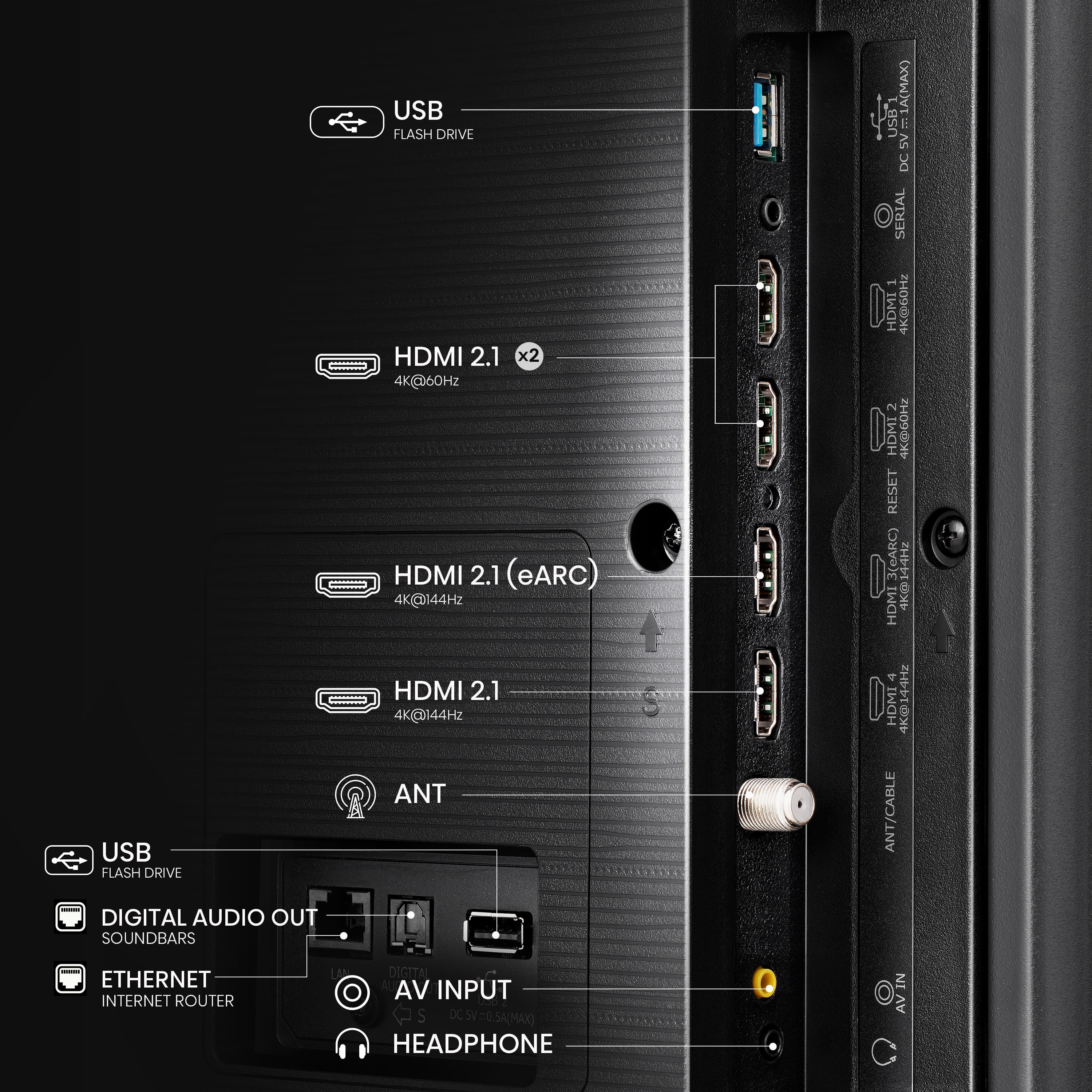
You also need to enable the "enhanced hdmi" mode for the input hdmi tv port you are plugging into under the input settings menu on the tv. Enhanced hdmi can only be enabled on ports 3 and 4. You need to select the "enhanced hdmi 120/240hz" option.
Inputs 1 and 2 also display a enahnced hdmi mode as well but lack the "120/240hz" text. Thats because again those ports dont support the higher refresh rates. Those enhanced hdmi modes are meant more for things like enabling variable resfresh rate, hdr/dolby vision along with hdmi audio at the same time. If you dont enable enahnced on those slower inputs, usually you cant run all those things at the same time. If you try, your audio will be stupidly distorted and things like dolby vision and vrr wont work very well if you can even use them at all.
Once you do this, your pc should now show the option to set your refresh rate on the pc to higher than 60hz/fps
Also your ps5/xbox x should also show that greater than 60fps is now available under the settings menu usually located under a setting called tv/display capabilities.
You can do either 120hz OR 144hz under all resolutions....YOU CAN ADDTIONALLLY SET THE TV TO 240HZ UNDER 1080P AS WELL!!!
They dont really advertise that at all on this set. It just lists its specs as a 144hz tv. But it indeed works at 240hz on 1080p. HOWEVER!!!! If you do go with 240hz on 1080p, YOU CANNOT USE VRR/AMD FREESYNC....you technically can use it, but the picture becomes a mess and colors get displayed extremely poorly and there is TONS OF LAG. Its a bug with how hisense setup this tv. No way to fix it. It is supposed to work. But it just doesnt. So dont even try it. 240hz however works just fine without vrr enabled.
Once you do that you should be golden.
Also, you need to make sure, on your pc, that your gpu is capable of those refresh rates...and that it also has hdmi ports spec'd at hdmi 2.1 minimum. That means a nvidia rtx 3000 series gpu or higher. The rtx 2009 series and lower only has hdmi 2.0b ports, which only supoorts 144hz at 2k. At 4k it only goes to 120hz. Also on hdmi 2.0b, if going at 144hz at 2k, or 120hz at 4k, you cant enable hdr at the same time other your sound stops working. A workaround is using a bluetooth earbud or headphones however....
A workaround for this though is buying a displayport 1.4 to hdmi 2.1 adapter.
I got one on amazon from cable matters. I just searched for a 8k display port to hdmi cable. Its about 29 bucks right now. With that plugged into my rtx 2060 nvidia gpu, i can finally do 4k at 144hz/fps along with using hdr AND VRR/amd freesync AND the sound quality is still there and doesnt get distorted.
These cables actually say that they dont work with vrr but they actually do. You just need to enable it in nvidia control panel under the g sync options. Once you do that, variable resfrsh rate/amd freesync works just fine. Also if using amd freesync/vrr, make sure to enable that option in the tv pciture settings first. Then on the computer.
A:AnswerHi Dee, thank you for your interest in the Hisense 65QD7N. We recommend visiting the Encompass website (https://hisense.encompass.com/) to purchase the necessary replacement parts. Encompass is an authorized distributor of Hisense parts and accessories and may have the components you need to complete your unit. Thanks again, Harley with the Hisense Support Team.
A:AnswerThe Xbox Series X can enable 4K gaming at 120 Hz by opening the guide, selecting Profile & system > Settings > General > TV & display options, and setting the Resolution to 4K UHD and the Refresh rate to 120 Hz - You can do the same thing with the PS5
However, I will say this, only the PS5 Pro really supports 4k120hz, its the only console that can play games at that resolution, 120hz will turn off 90% once you launch a game using the other consoles. - Also, did you check your HDMI cord? Is it an 8k capable HDMI 2.1 cord? (For some reason these cords are the only ones that flawlessly keep a signal for what you're wanting..that or i'd look up using a powered HDMI cord. You'll also want to make sure you have it in the correct input. Usually tv's only will allow 4k120hz in one of the hdmi inputs (usually either hdmi1 or hdmi3, you'll also HAVE to have GAME MODE on and running)
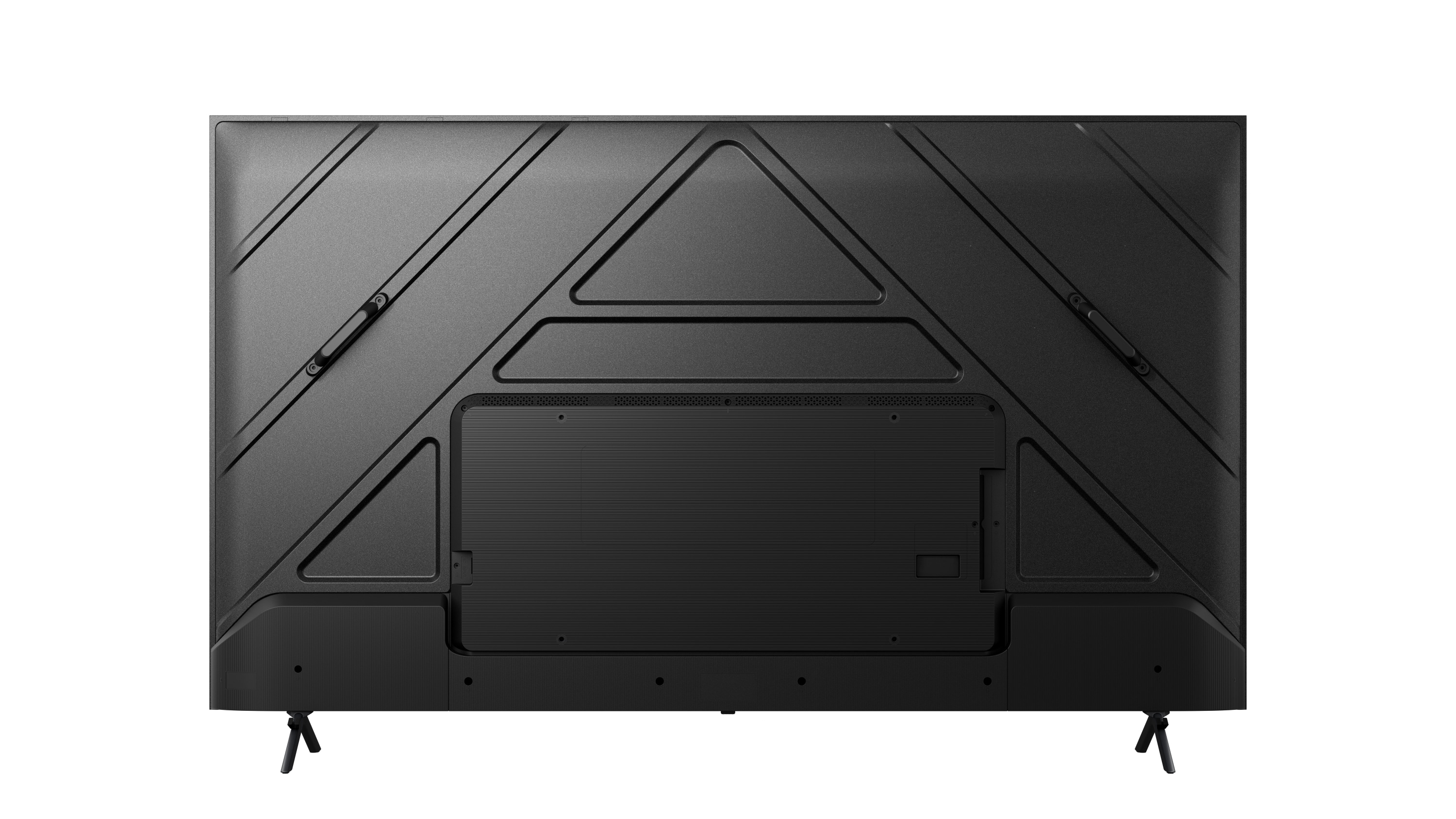
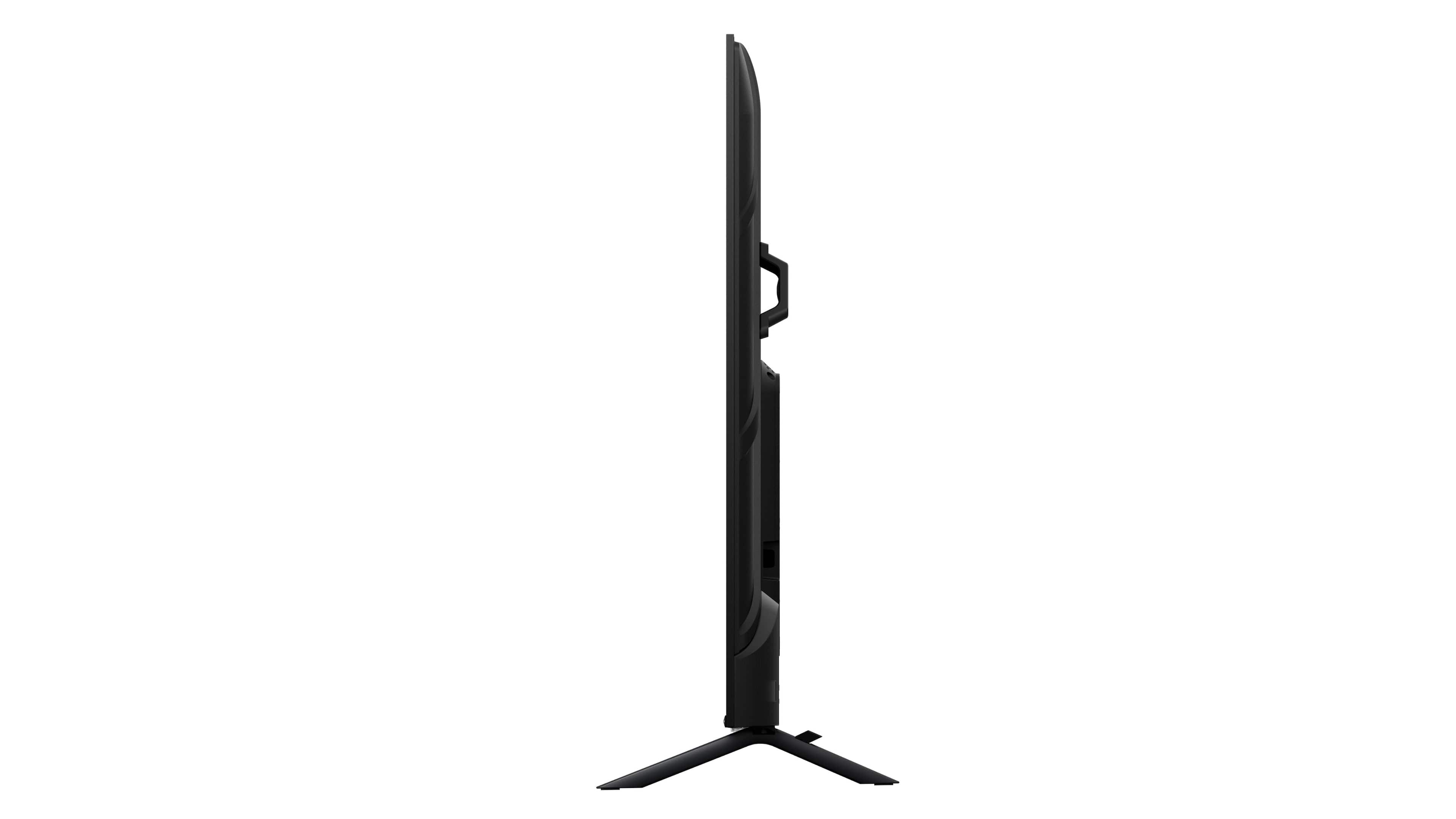
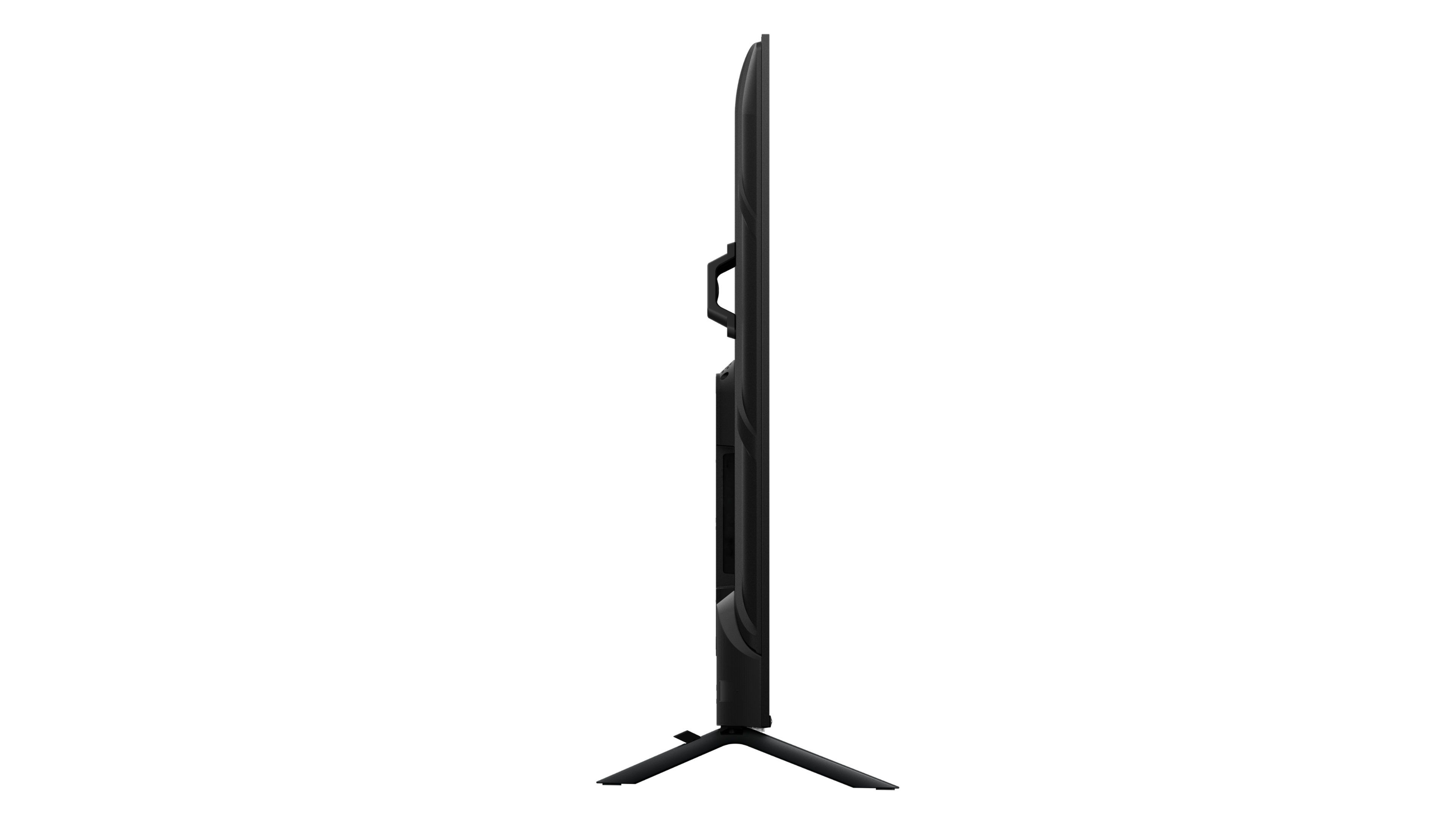
A:AnswerHi Emily, thank you for your interest in the Hisense 65QD7N. The TV stand width for this unit is 39.0×11.8 inches. If you have any further questions or concerns, please give us a call at 1-888-935-8880 or email us at Service@Hisense-usa.com. Thanks again, Harley with the Hisense Support Team.
A:AnswerHi Hisense Customer, Thank you for your interest in the Hisense 65QD7N. The dimensions of the unit without the stand are 57.2×33.1×3.0 inches, and with the stand they are 57.2×35.3×11.8 inches. If you have any further questions or concerns, please give us a call at 1-888-935-8880 or email us at Service@Hisense-usa.com. Thanks again, Harley with the Hisense Support Team.
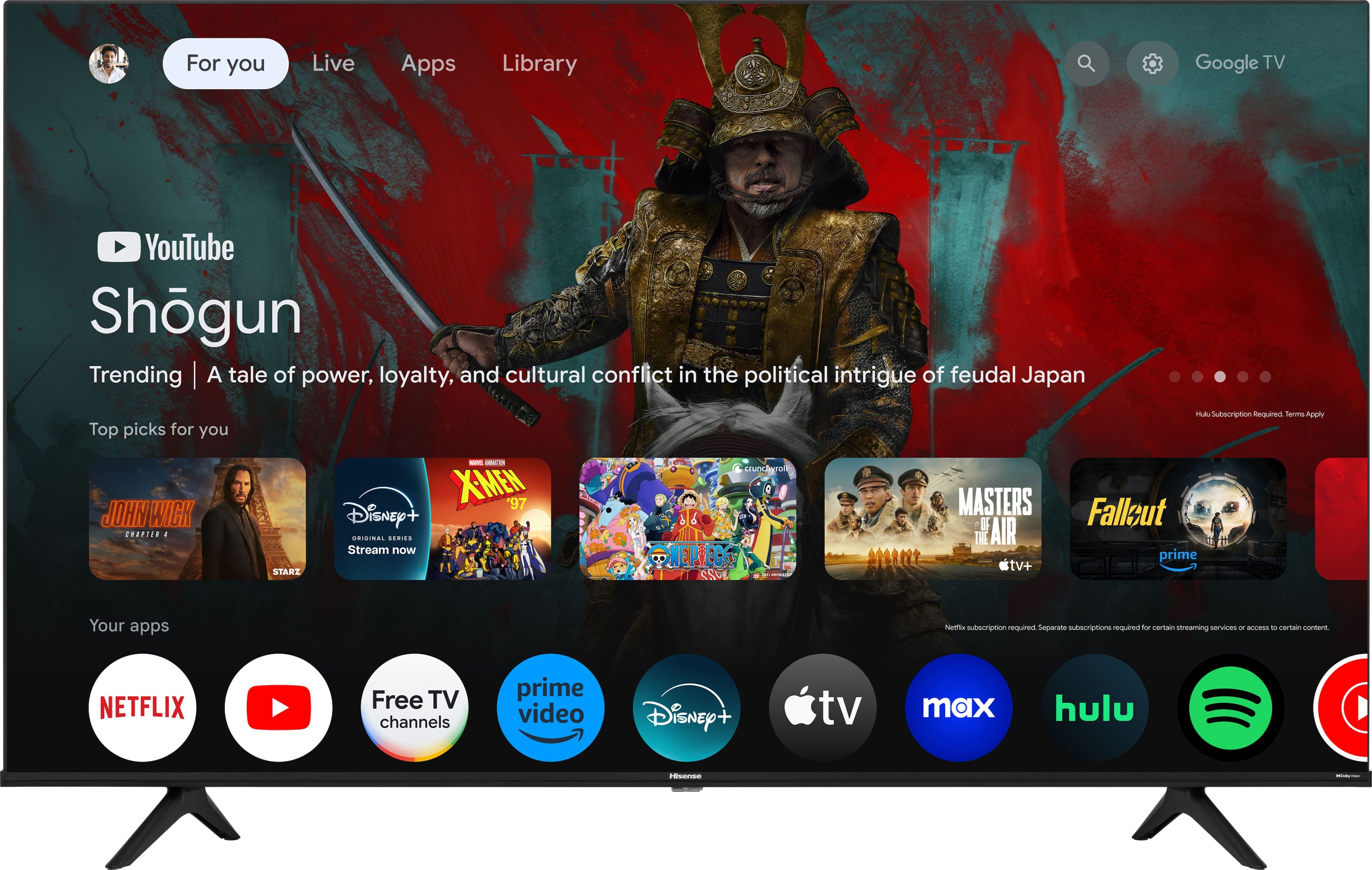
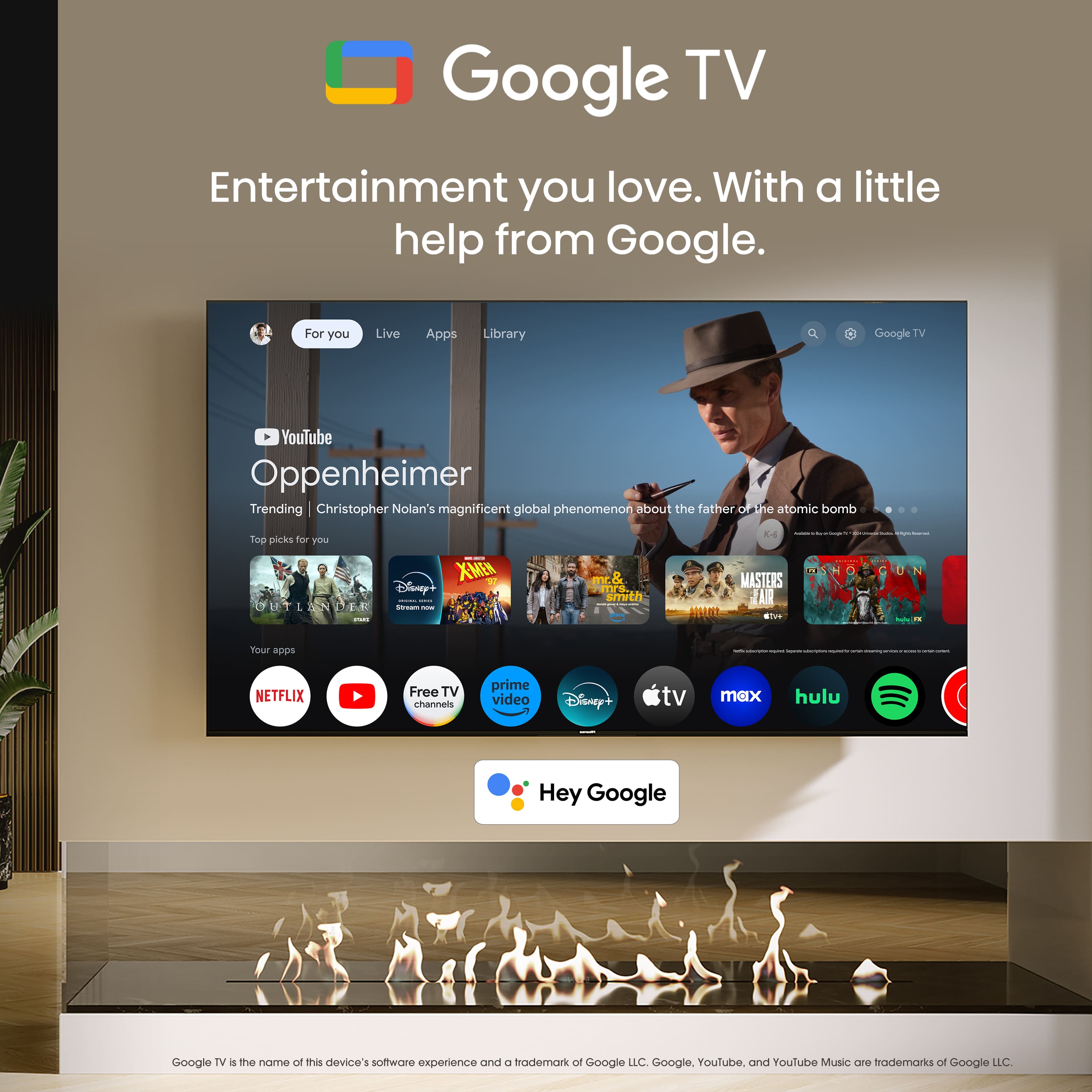
A:AnswerHi Hisense Customer, Thank you for your interest in the Hisense 65QD7N. Google TV comes with live TV channels at no charge and with no app installation, sign-up, or subscription needed. You can browse Google TV Freeplay channels in the "Live" tab, your recommendations, or the Google TV Freeplay app. If you have any further questions or concerns, please give us a call at 1-888-935-8880 or email us at Service@Hisense-usa.com. Thanks again, Harley with the Hisense Support Team.
A:AnswerHi Hisense Customer, Thank you for your interest in the Hisense 65QD7N. This unit supports Dolby Vision, HDR10, HDR10+, HLG. If you have any further questions or concerns, please give us a call at 1-888-935-8880 or email us at Service@Hisense-usa.com. Thanks again, Harley with the Hisense Support Team.
A:AnswerHi Jac, Thank you for your interest in the Hisense 65QD7N. This unit supports Bluetooth. If you have any further questions or concerns, please give us a call at 1-888-935-8880 or email us at Service@Hisense-usa.com. Thanks again, Harley with the Hisense Support Team.
A:AnswerDepends on what res and refresh rate your are using, the content type and what other features you have enabled at the same time. It varies greatly.
However, is response time is super important to you, dont enable 240hz mode on 1080p....especially with variable refresh enabled. Its a massive bug in this tv that wont ever get fixed. They screwed up big time with that one.
Its not as good as a reponse time as the U8 or even the TCL 7 series or higher...but its not horrible either. I dont rememver the exact numbers but i dont ever really experience lag at all. In gaming, or streaming or watching movies or anything really.
I always have ALLM and Game mode activated and enable low latency modes in nvidia control panel as well.
Hinestly on this tv, game mode really doesnt do much of anything. Rtings agreed with this as well. The response is essentially the same. What does matter is setting the screen type to PC/Game and then enabling ALLM. The addtional game mode really just adds a nifty little tool bar pop up when you press the menu button on the controller (that addtionally allows you to add a fps counter on your tv which is kinda cool) also game mode doesnt do really anything to enhance the picutre or anything either. Mostly its just a marketing gimmick
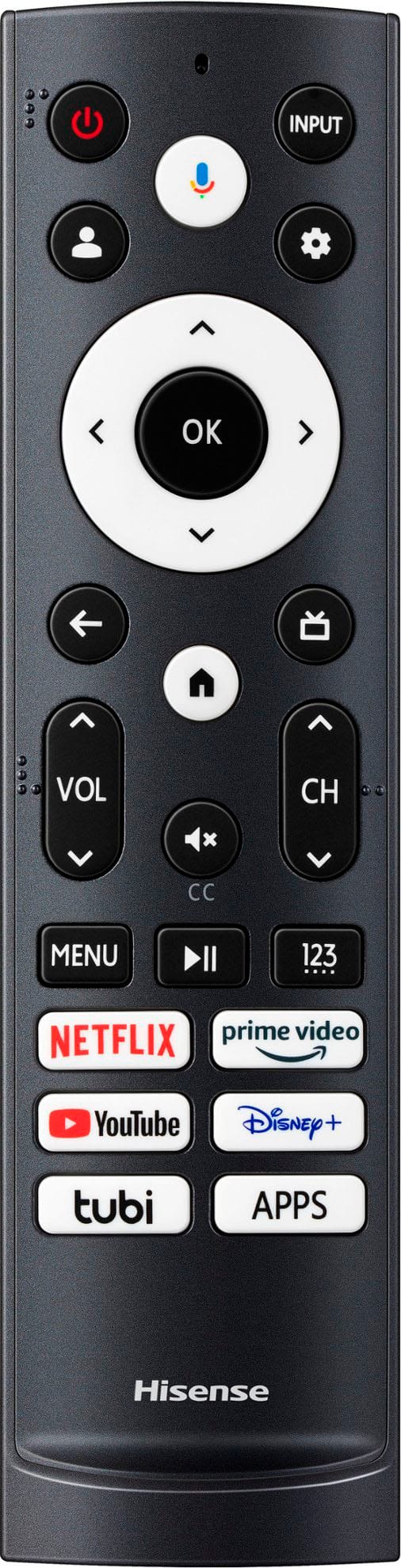
A:AnswerHi Hisense Customer, Thank you for your interest in the Hisense 65QD7N. To change the picture size, you would need to click on the gear icon on your remote control. Select Settings > Display & Sound > Screen > Picture Size. If you have any further questions or concerns, please give us a call at 1-888-935-8880 or email us at Service@Hisense-usa.com. Thanks again, Harley with the Hisense Support Team.
A:AnswerHi Jack, Thank you for your interest in the Hisense 65QD7N. This model has a peak brightness of 450 nits. If you have any further questions or concerns, please give us a call at 1-888-935-8880 or email us at Service@Hisense-usa.com. Thanks again, Harley with the Hisense Support Team.