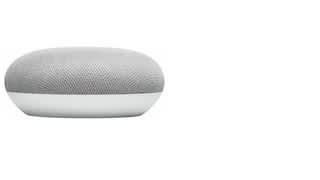
A:AnswerIf you can find the radio station you want within the Google Home app options, then yes. (Lots of stuff is connected to TuneIn, and there are other services.) But there is no off-the-air tuner to pick up local stations. (None of these devices do that - Apple, Google, or Amazon.)
A:AnswerYes, you can. You just have to enable bluetooth pairing through the Google Home app in its speaker settings, under paired bluetooth devices or default speaker. Then you would connect from your laptop.
A:AnswerIt will play a generic music station deemed close to what you want to hear, unless you have the premium access to Google music or Spotify. Asking for 'Separate Ways' by Journey will only get you a Spotify 'Journey Station'.
A:AnswerIf you keep a lot of your online stuff within Google-space, this will be a better answer. If not, I personally find the Dot a bit more flexible. The Google AI is stronger, but a bit more Google-space centric.
A:AnswerAlexa is very nice, but if you are using Google Calendar on you phone and you have Android Auto, Google Home Mini will provide the most seamless integration. I use my Mini with Google Calendar a lot, and it is very helpful.
A:AnswerAccording to Google, the Google Home devices can support two languages simultaneously, with Spanish on the list, It can also be set up to support a single language. It supports or soon will support over 30 languages. I will say new featues tend to be realeased in US English first, with those features added to other languages over time.
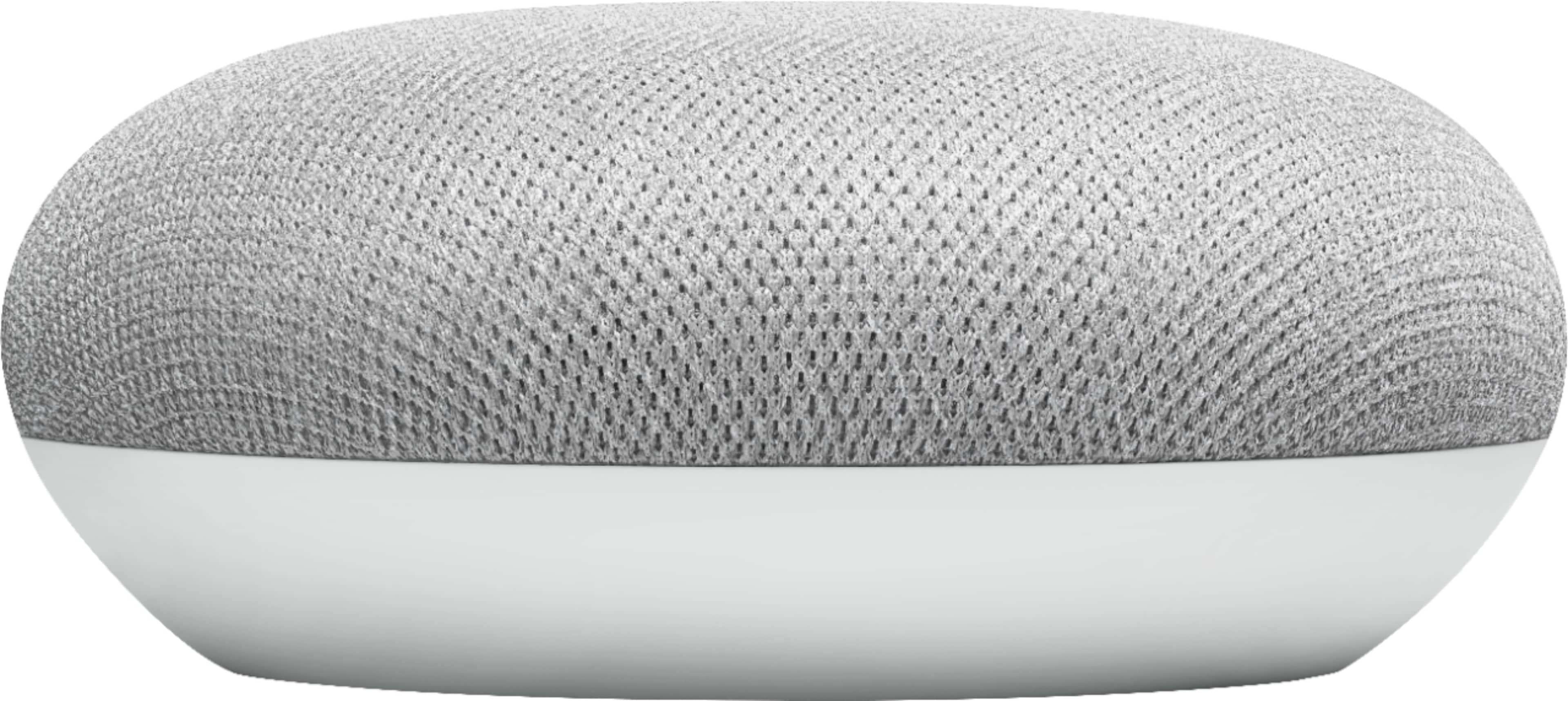
A:AnswerYes there are parental controls. You can set downtime that will shut the device's controls off at certain schedules. Also you can set the music apps to filter explicit songs and content.