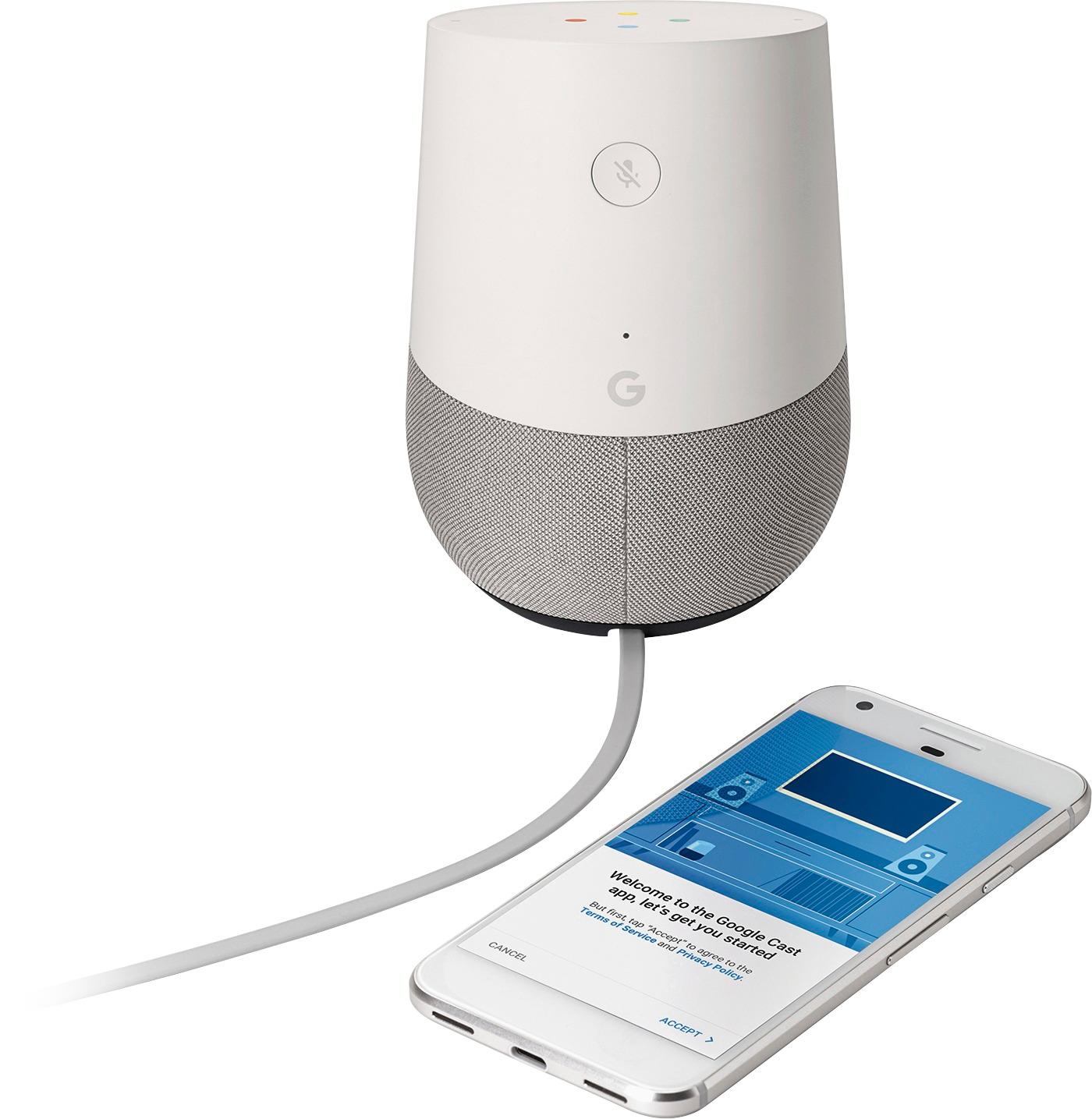
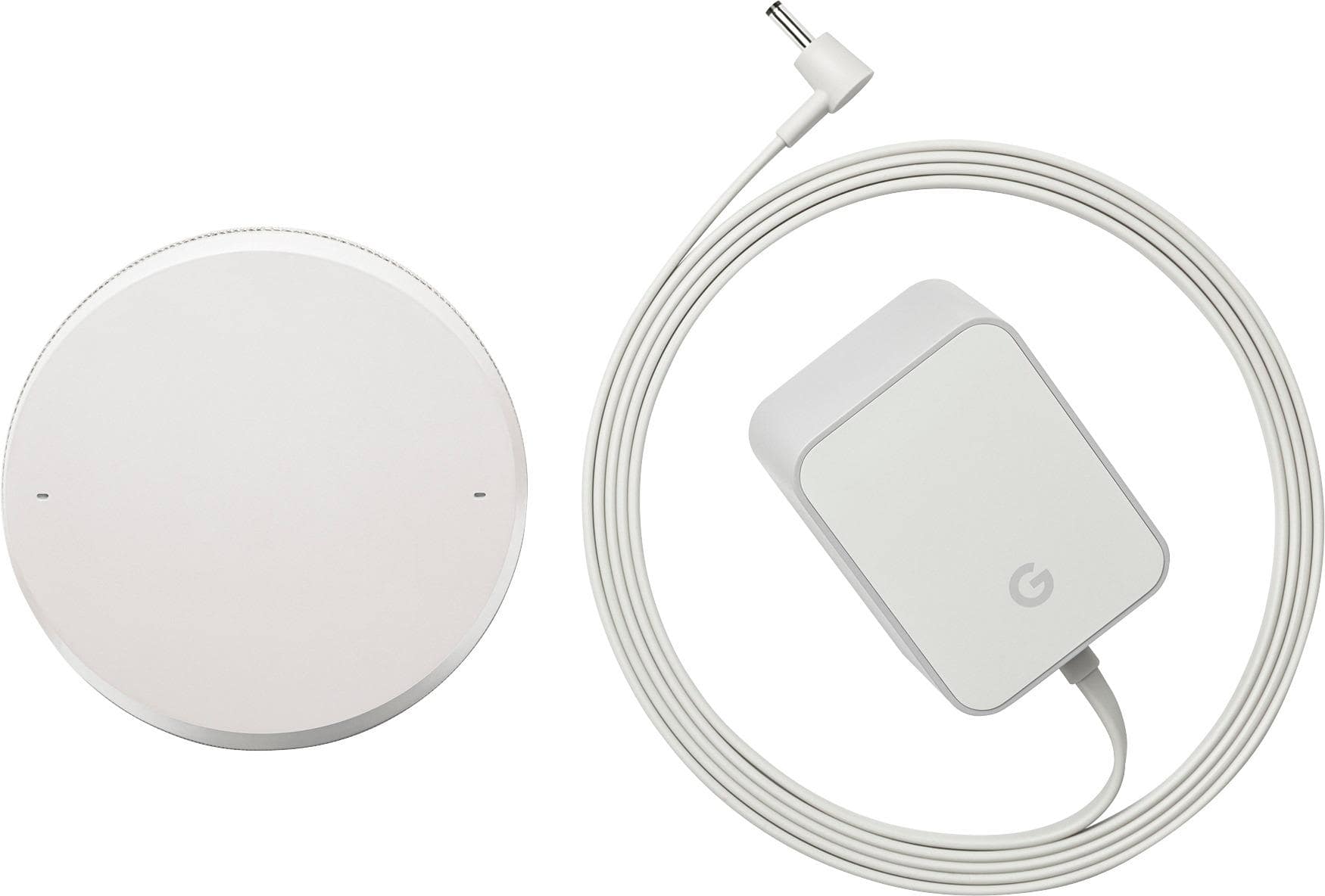
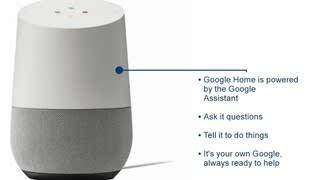
A:AnswerI have an iPhone and it's easy to setup. Download the "Google Home" app from the app store. While your phone is connected to wifi, plug in the Google Home and it will setup through the app. You can tell it where you live (for weather tracking), where you work (for traffic/commute tracking) and it'll be up and running in less than 5 mins.
A:AnswerI am not an expert, but the smart devices normally need a hub or bridge to work.GH can be used with some of these hubs like Smartthings. If the hub or bridge loses connection the device will lose connectivity, unless, the device is running locally on the hub/bridge. Running locally meaning it does not connect via Internet to the cloud. Hopefully someone with more experience in home automation can give you a more thorough answer.
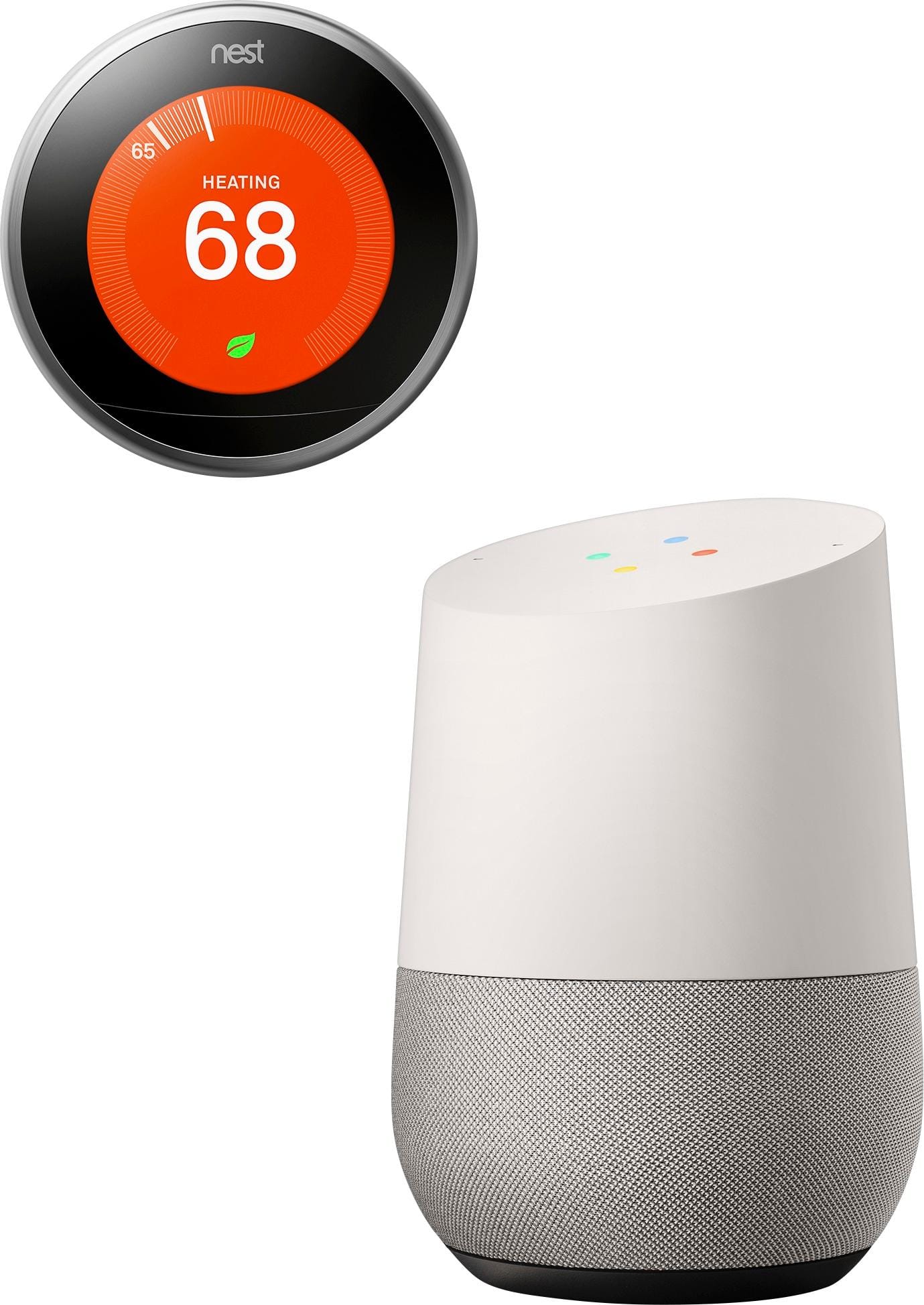
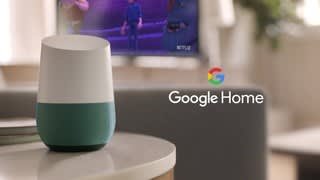
A:AnswerSetup is handled via Google Home app on your Android or iPhone. The app will guide you through the process of connecting your Home device, after complete, you configure it to be tied to a specific google account, smart home devices, chromecast devices, and news preferences.
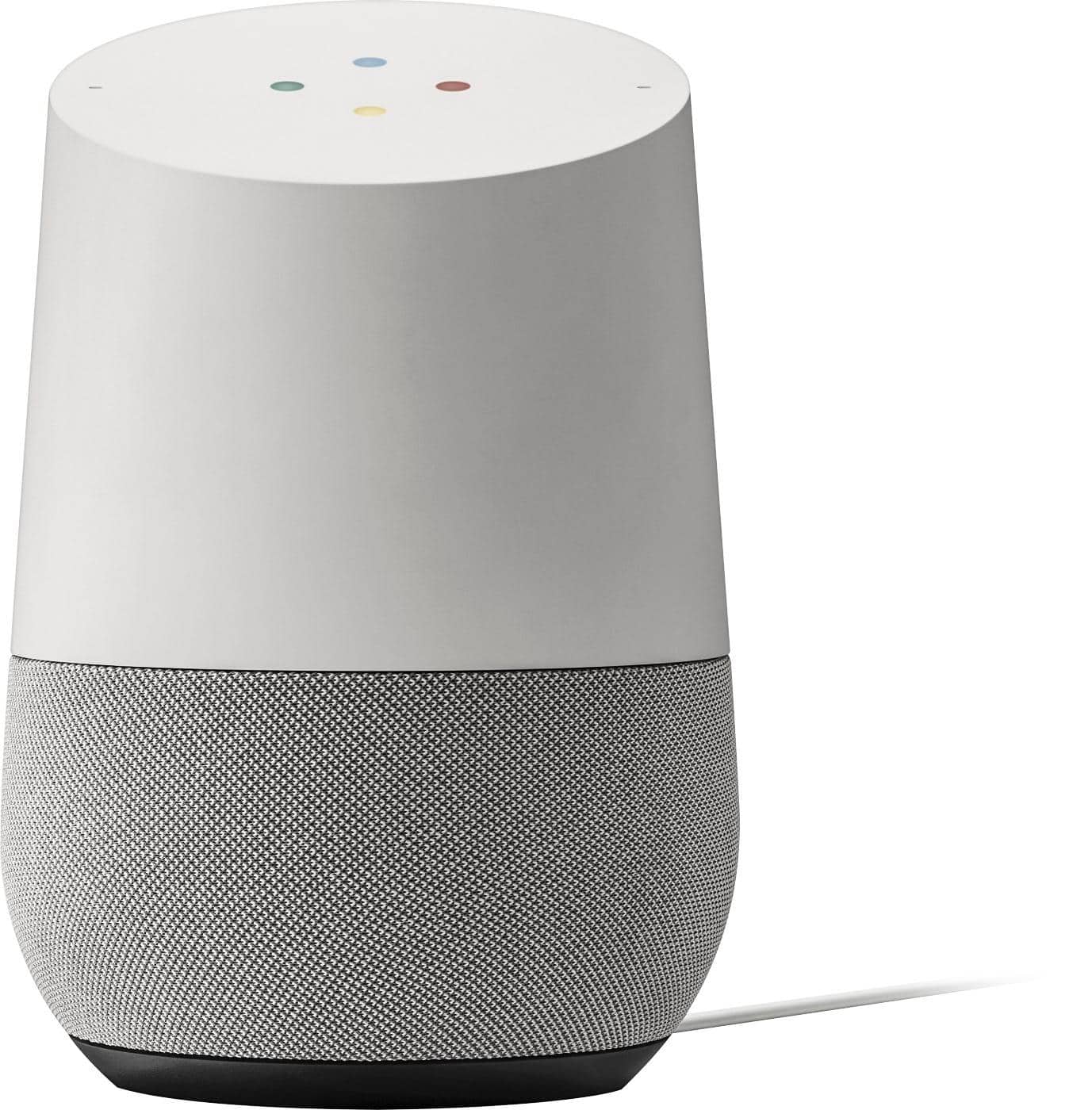
A:AnswerYes it does, but only to new subscribers of YouTube Red. The 6 month offer is not provided by Best Buy but by Google. When you check out the page for the Google Home here on the Bestbuy website if you look on the right below the price you will see Special Offers and it says "Free YouTube Red with Google Home" if you click on this it will give you the details of which I have posted below
Free 6 Months of YouTube Red with Google Home
Get the most from your Google Home with more songs, more versions and no ads.

Terms and conditions apply. Must be new subscriber to YouTube Red and Google Music.