Main Content

Questions & Answers

Page Showing 21-31 of 31 questions
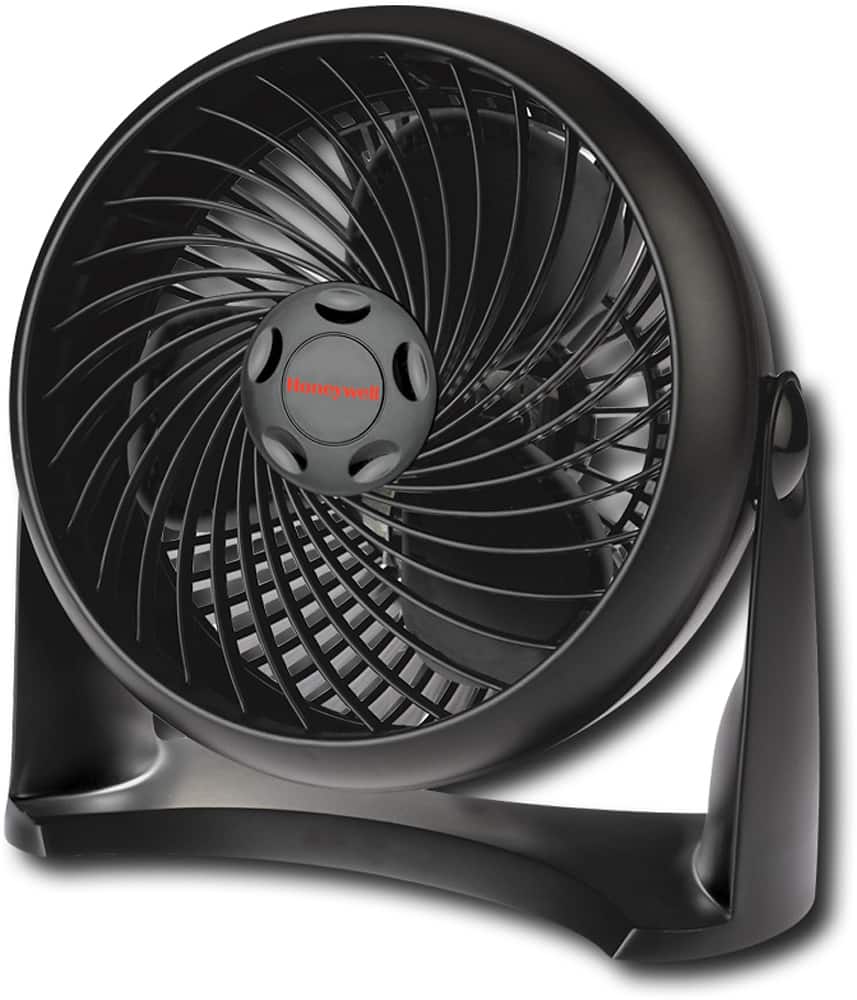
  • QuestionHow many inches is this fan?

    Asked by Dee.

    • Answer It is an 11 inches fan. Work like charm, don't under estimate the size. I end up bought 3 of that same fan for other 3 family member.

      Answered by Nana2015

  • Questionwattage on low setting what is it?

    Asked by Anonymous.

    • Answer Thank you for your inquiry. The wattage of this unit is 30 on the highest setting. Accordingly, the wattage will be lower on the other settings, however, we do not have this specific information. If you require any additional assistance, please reach out to us by emailing [email protected].

      Answered by ManufacturerTechSupport

  • Questiondoes it have a USB power option ? where is it made ?

    Asked by Keefer.

    • Answer Thank you for your inquiry. This fan is manufactured in China. It does not have a USB power option. If you have any other questions please do not hesitate to contact our consumer relations team by emailing us at [email protected]. Thank you.

      Answered by ManufacturerTechSupport

  • QuestionIs this fan made of plastic or metal?

    Asked by samsara125.

    • Answer Thank you for your inquiry. This unit, the blades, and the grill are all made of plastic. If you have any other questions please do not hesitate to contact our consumer relations team by emailing us at [email protected]. Thank you.

      Answered by ManufacturerTechSupport

  • QuestionHow does the fan Blade come off to clean it

    Asked by Anonymous.

    • Answer We appreciate your inquiry. To remove the front grille, please ensure the fan is powered off and unplugged. Then gently lay the fan face down on a table.Please unscrew the screws located on the back of the fan using a standard phillips head screw driver. The screws will remain attached to the rear housing to ensure they are not lost. After the screws are unscrewed, please lift the rear housing by the handle to separate from the front grille. Once the fan blades have been wiped down, you will re-assemble the fan by replacing the front grille and aligning the screw holes between the front grille and the fan body. Gently tighten the screws. We hope this is helpful. If you need more information, please contact us by emailing [email protected]. Thank you.

      Answered by ManufacturerTechSupport

  • QuestionCan the fan's front grill be removed for easy cleaning? I have an older model of this fan which is 11 years old which the grill cannot be removed and it's beginning to play out. It's been a good fan so I decided to see if Honeywell still made them.

    Asked by StevorenoB.

    • Answer Thank you for your inquiry. Yes, the front grille can be removed by loosening the screws around the edges of the back of fan. If you have any other questions, please do not hesitate to contact our consumer relations team by emailing us at [email protected]. Thank you.

      Answered by ManufacturerTechSupport

  • QuestionWhen I turn on my Honeywell desk top fan it starts making a noise like the fan is about to come of the shaft, why

    Asked by Coolbrezz.

    • Answer Sounds like the fan was not tightened enough during being manufactured.

      Answered by Alan

  • QuestionIs it a 12 VDC fan? And what is the amperage ? Can it be use with a 40 Watt solar panel?

    Asked by SLK.

    • Answer Thank you for your inquiry. This unit needs to be run on a 120V power source. It uses 30 watts abd 0.25 amps. If you have any other questions, please do not hesitate to contact our consumer relations team by emailing us at [email protected]. Thank you.

      Answered by ManufacturerTechSupport

  • QuestionThere are two screws that Phillips screwdriver doesn’t fit What else can I use

    Asked by Anonymous.

    • Answer Thank you for your inquiry. All of the screws to remove the front grille are Philips head screws. The screws on the side of the unit are not meant to come off. If you have any other questions or need assistance, please contact our consumer relations team by emailing us at [email protected]. Thank you.

      Answered by ManufacturerTechSupport

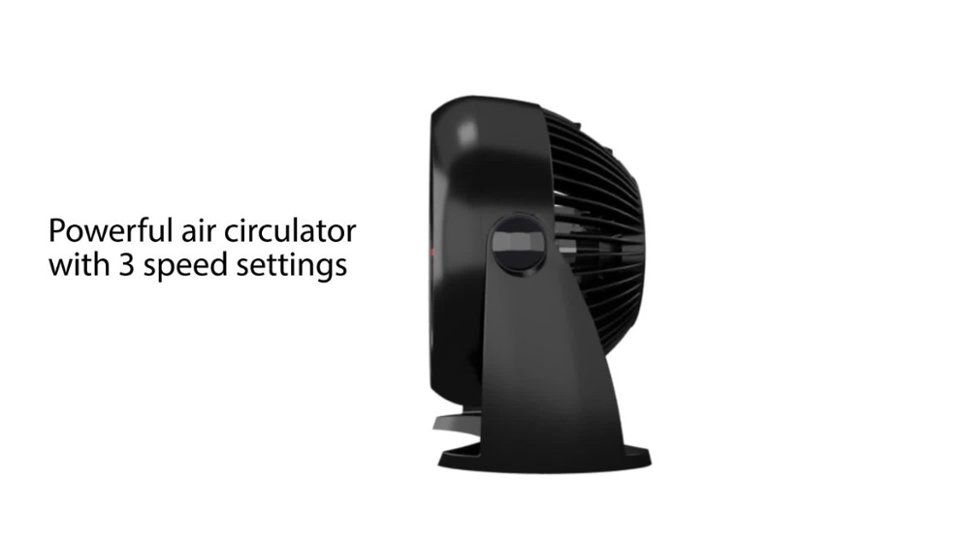
  • QuestionDoes it tilt downwards also. ?

    Asked by Wayne.

    • Answer No it doesn't.

      Answered by morebeer

  • QuestionHow to disassemble fan to clean

    Asked by eastengels.

    • Answer Hi there! To clean the Honeywell Table Fan please make sure to first turn the fan off and unplug it before cleaning. Use only a soft cloth or cotton swab to gently wipe the fan clean. To clean between the grilles, we recommend using a pipe cleaner, vacuum cleaner, flexible dustwand or compressed air to gently remove the dust. DO NOT immerse the fan in water and never allow water to drip into the motor housing. DO NOT use gasoline, paint thinner or other chemicals to clean the fan. To clean the front grille of the fan, first make sure that the power is turned off and the power cord is unplugged. Gently lay the fan face down on a table. Remove the front grille by unscrewing the screws located on the back of the fan using a standard phillips head screw driver. NOTE: The screws will remain attached to the rear housing to ensure they are not lost. Do not try to force the removal of the screws. Lift the rear housing by the handle to separate from the front grille. Re-assemble the fan by replacing the front grille and aligning the screw holes between the front grille and the fan body. Gently tighten the screws. I hope this was helpful! Have a great day!
      Answered by Honeywell Support