A:AnswerWhat I would say is, software wise yes. Hardware is another story. There are times when I go to load something and it can take 15-20 seconds worse case for it to do so. Keep in mind, I wouldn't say that's the norm but it is worse case.
Also if you need to be running more then 2 or 3 programs at once I'm not sure how it would keep up with the demand. Hope this helps!!
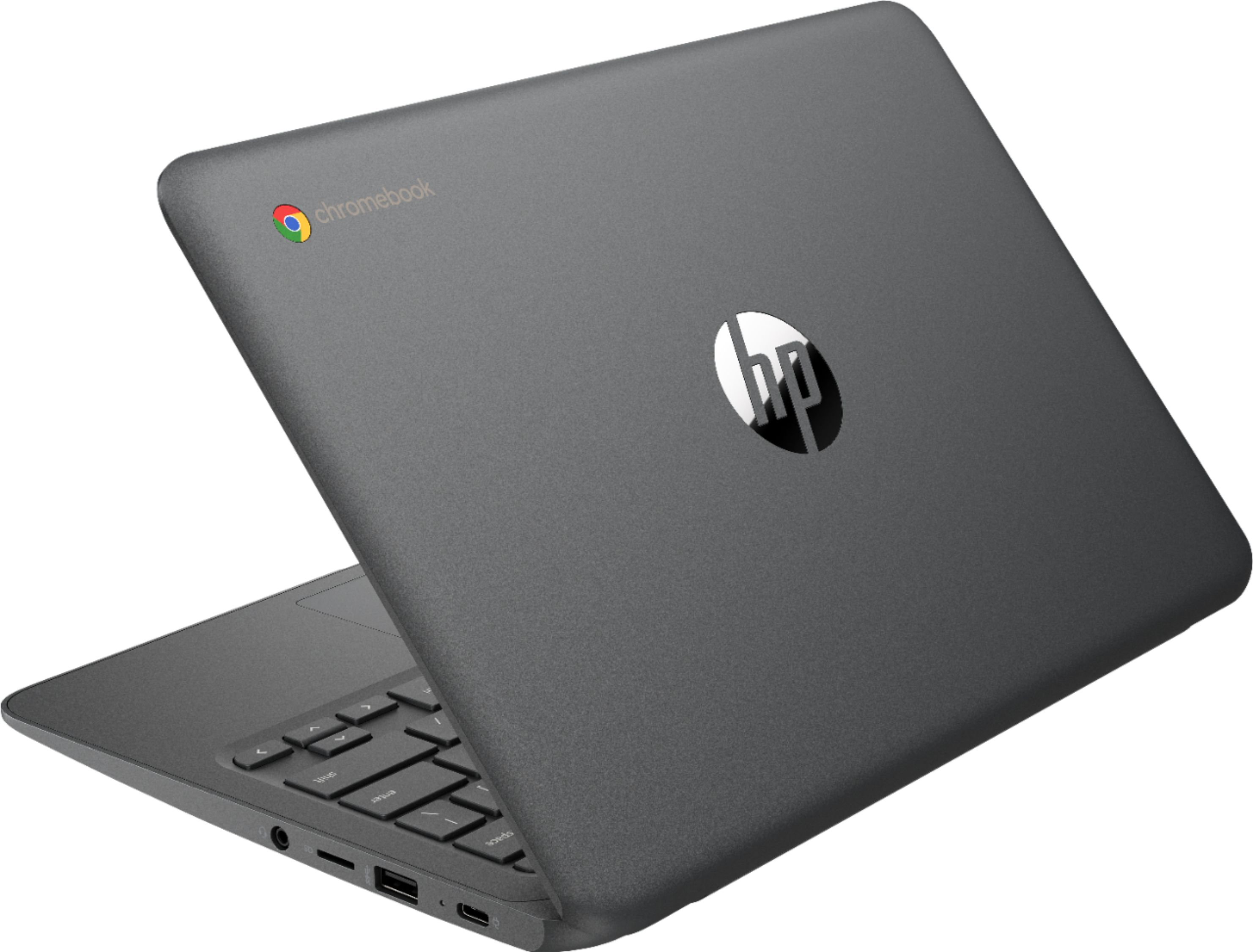
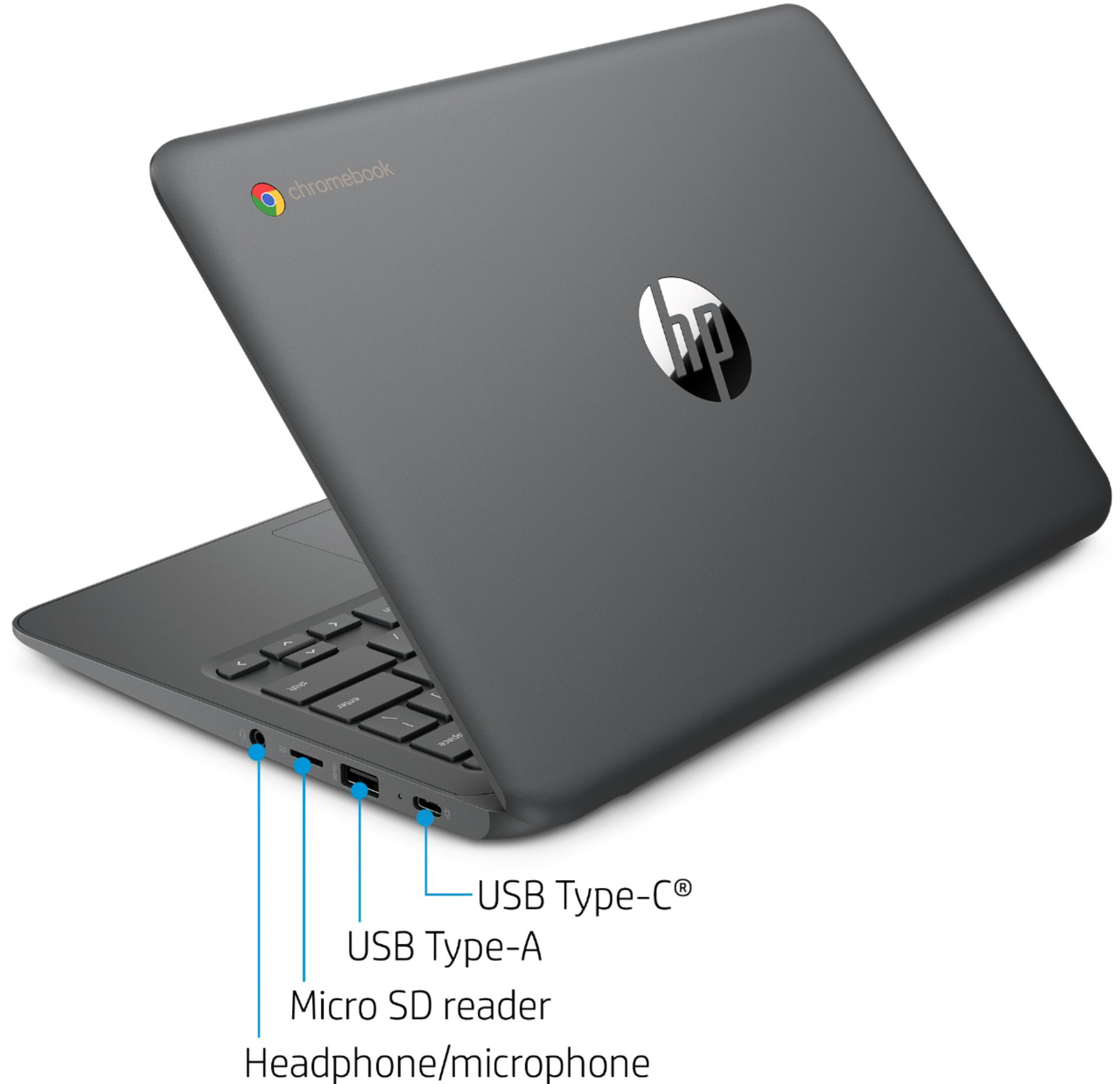
A:AnswerHi Robert, thank you for asking. Yes, the 11A-NB0013DX Chromebook has a microSD card reader. You could also use a USB port or save to the cloud.
A:AnswerHello. Thanks for your question. Team Viewer has an app in the Google Play Store on this HP Chromebook. Here is more information: https://www.teamviewer.com/en-us/download/chrome-os/
A:AnswerThanks for your question! The HP 11.6" Chromebook uses the Google Chrome OS. Your label printer must be compatible with Google Chrome OS. Please visit your printer manufacturer website for details on compatibility.
A:AnswerHi Denny and thanks for your question! Yes, this HP 11.6" Chromebook can be used to scan QR codes. Open your Chromebook's camera app. Tap the QR code icon at the top-right corner. Show the QR code in front of the camera. That is how you use your Chromebook camera to scan QR codes, no extensions or apps needed.
A:AnswerThank you for your question! There are many simple text editors available for Chromebook, including Edit With Sublime Text, Magic CSS, Text, Web Text Editor, and Caret which is modeled after Sublime Text.
A:AnswerThis Chromebook has the Google Chrome operating system and comes with Webroot Internet Security with Antivirus (3 Devices) (3-Month Subscription) - Mac, Windows.