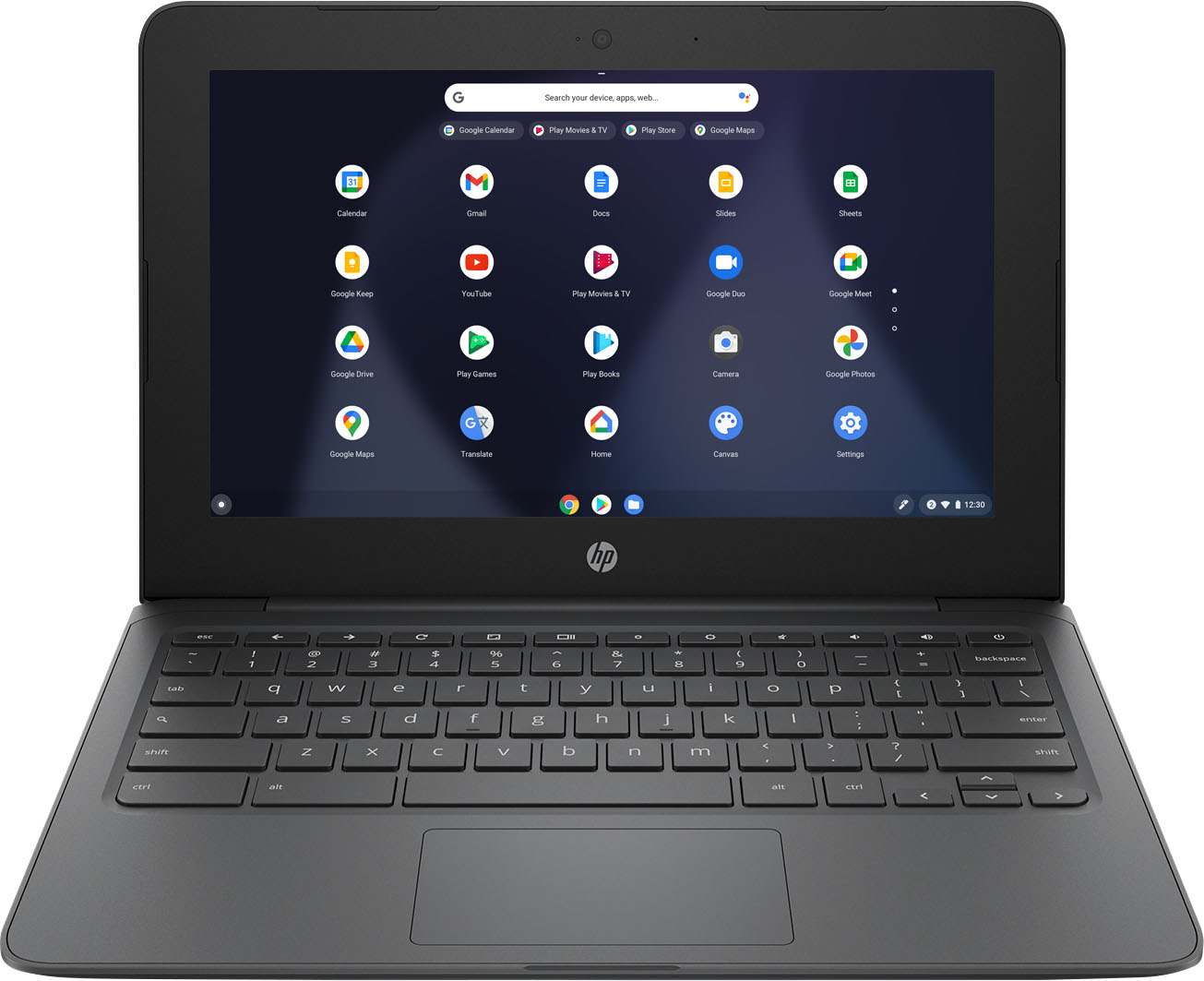
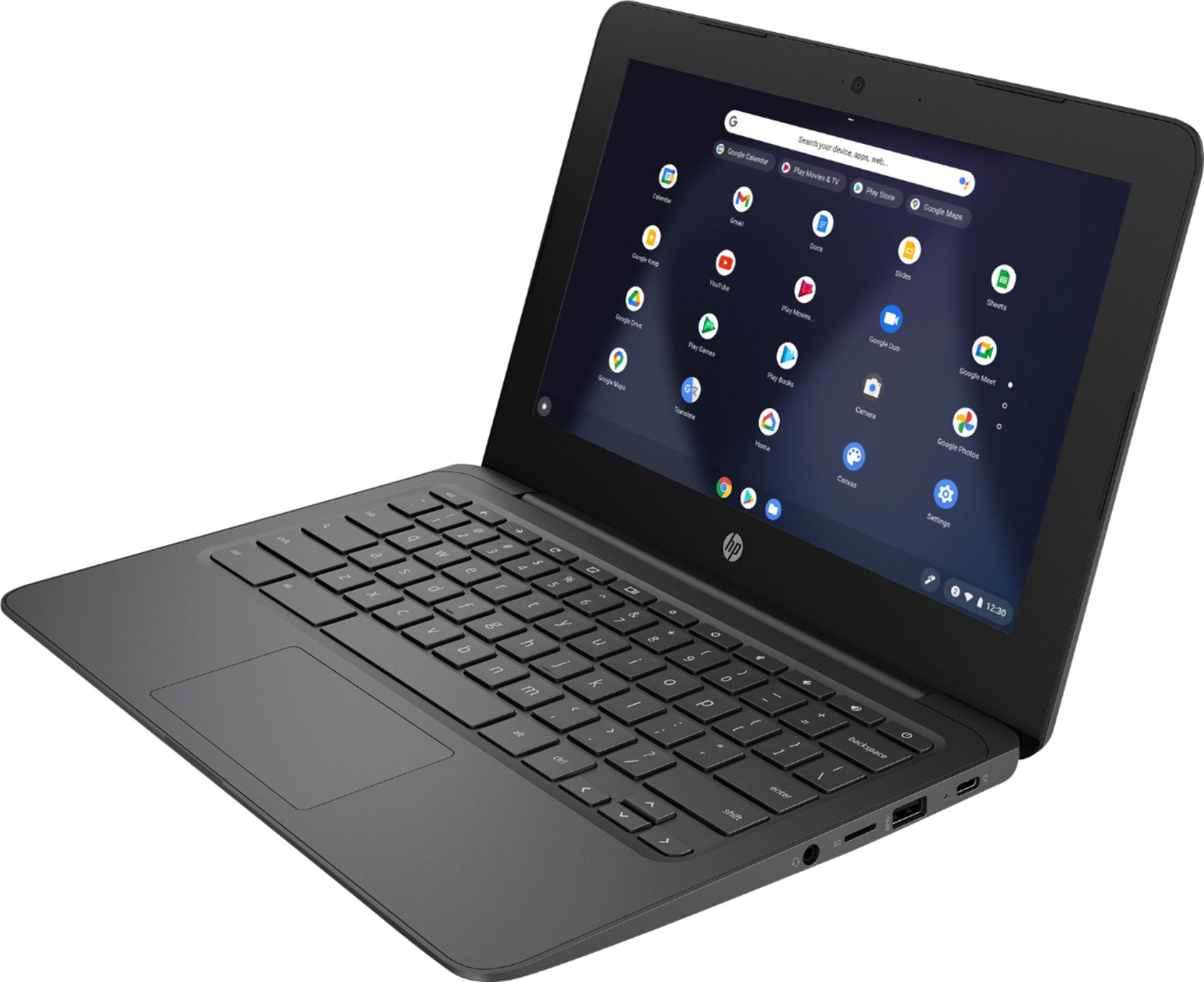
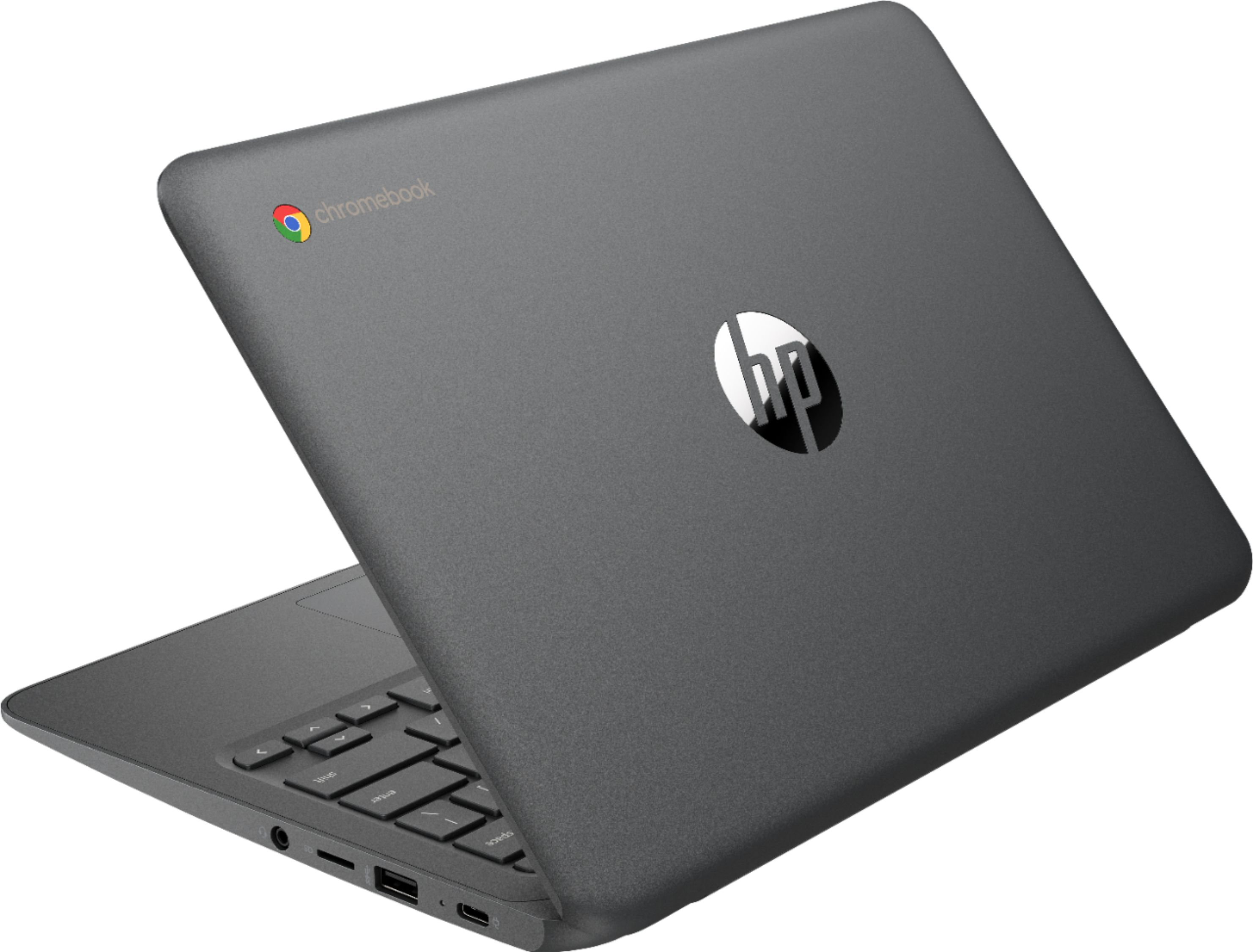
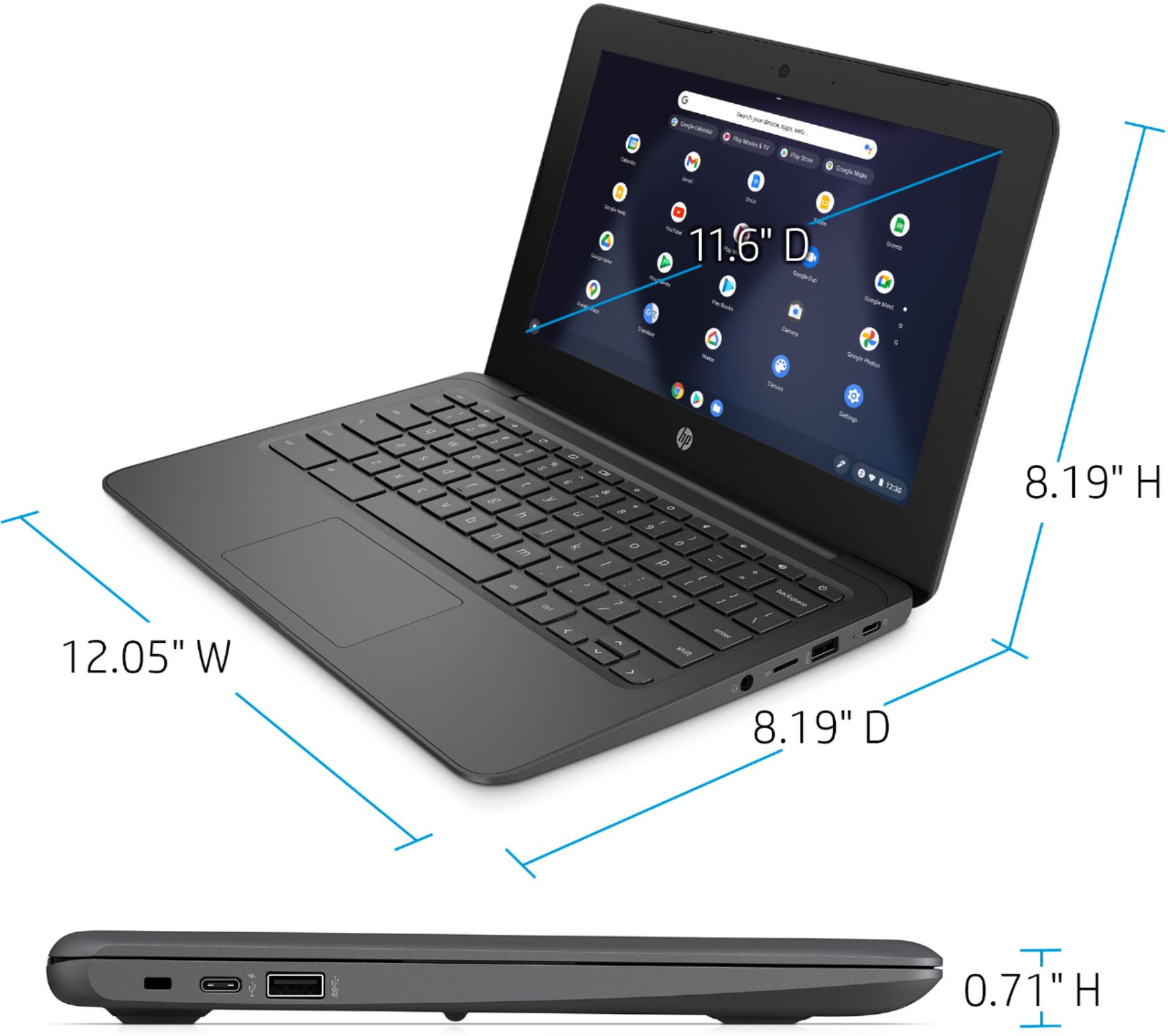
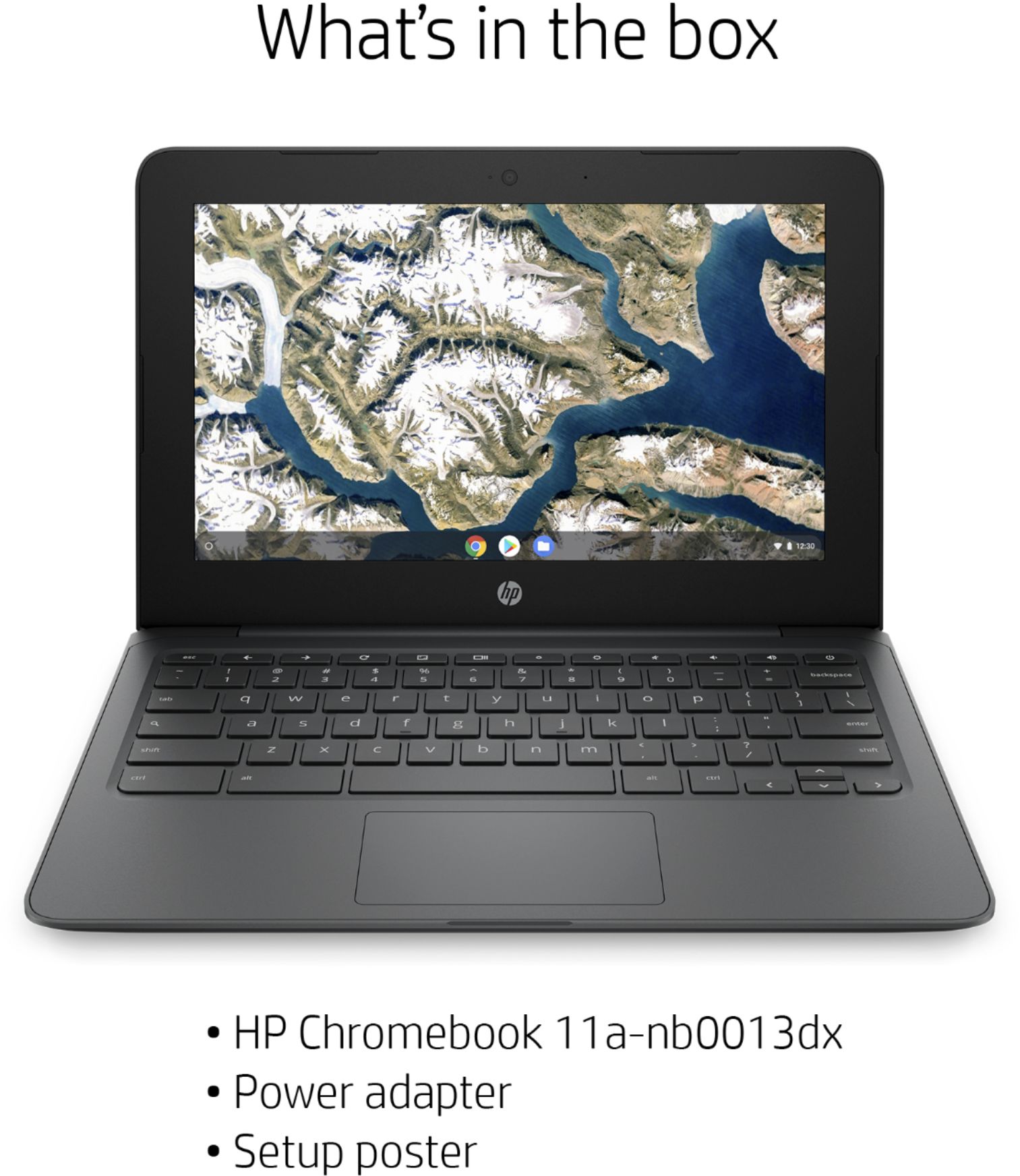
A:AnswerThe Acer and HP chromebooks are made by two different companies, so trying to compare the two would be like saying "What's the difference between a Ford and a Chevy?" An android device can be a Chromebook, but it can also be a tablet or Android phone.
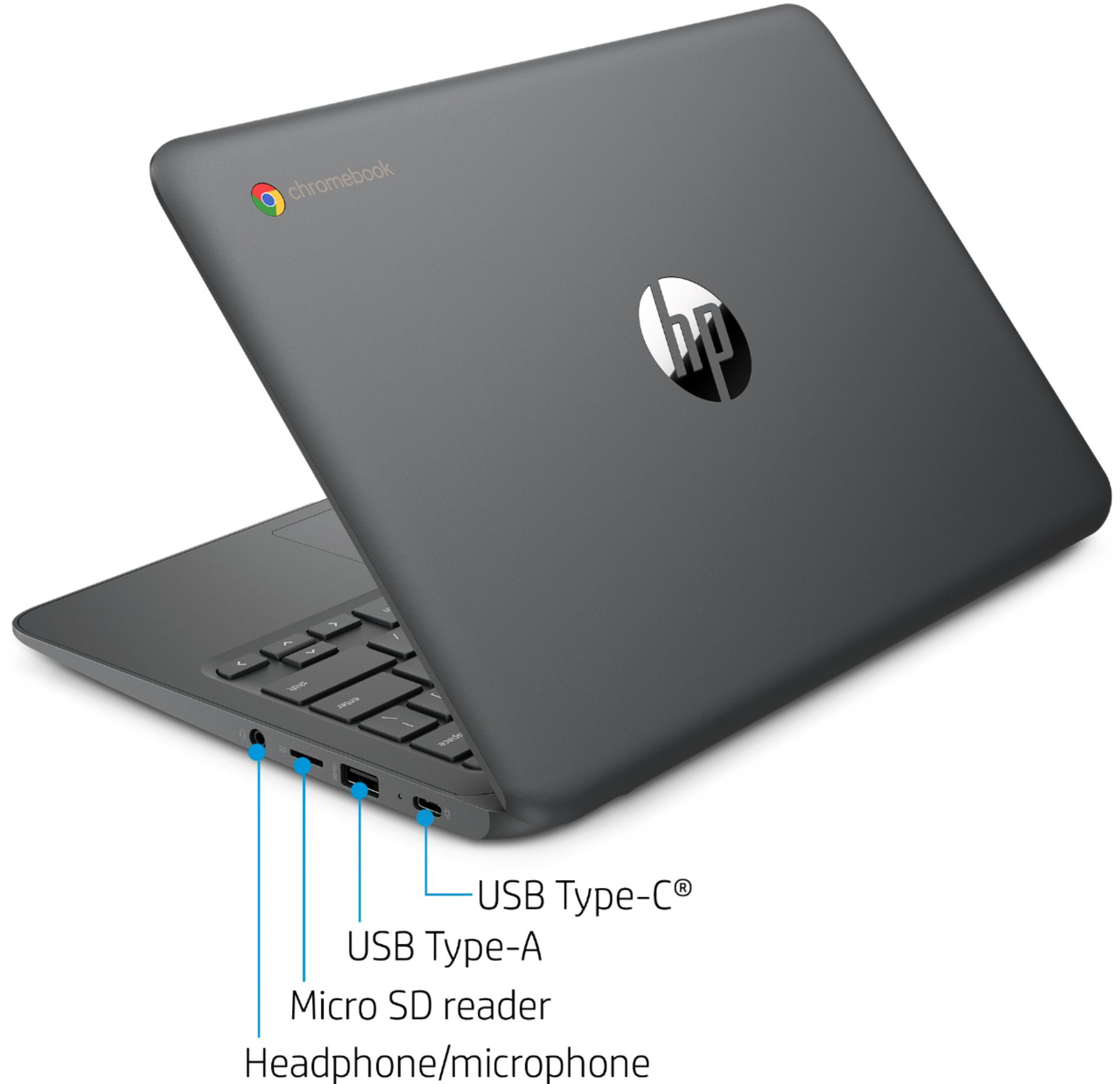
A:AnswerThank you for the question. Yes, Turbo Tax as an online version - no software download needed. You can save your returns to an external drive or SD card.
A:AnswerChromebooks come with built-in malware and virus protection, with multiple layers of security. ... Automatic update system: Virus protection stays up-to-date automatically, so you are always running the latest and most secure version. Chrome manages your updates silently in the background.
A:AnswerChromebooks are NOT supported by NBA League Pass. You may be able to use it if you are watching via YoutubeTV or another service that supports chromebooks, however, on the NBA website itself you will be unable to watch video with a chrome book.
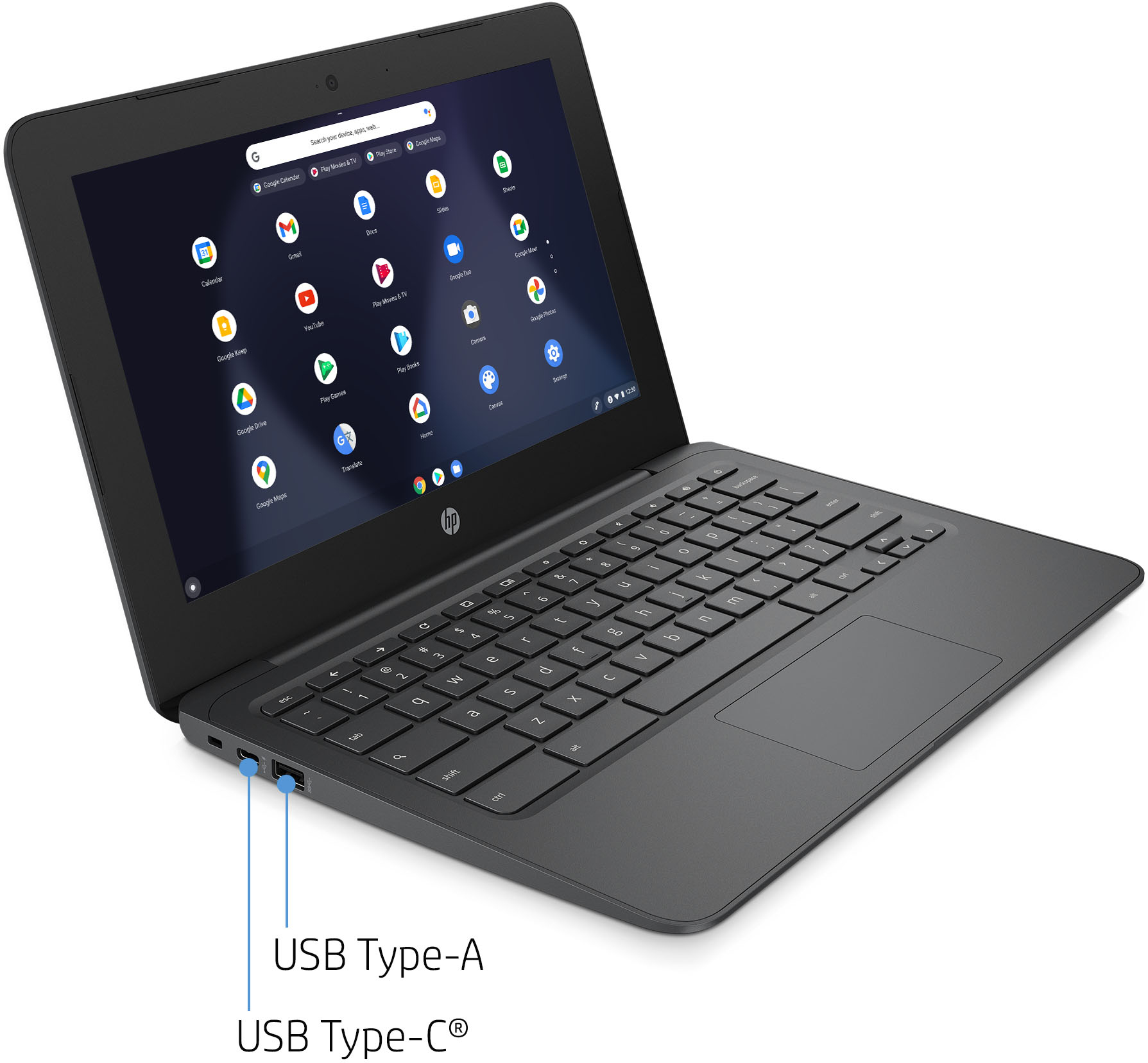
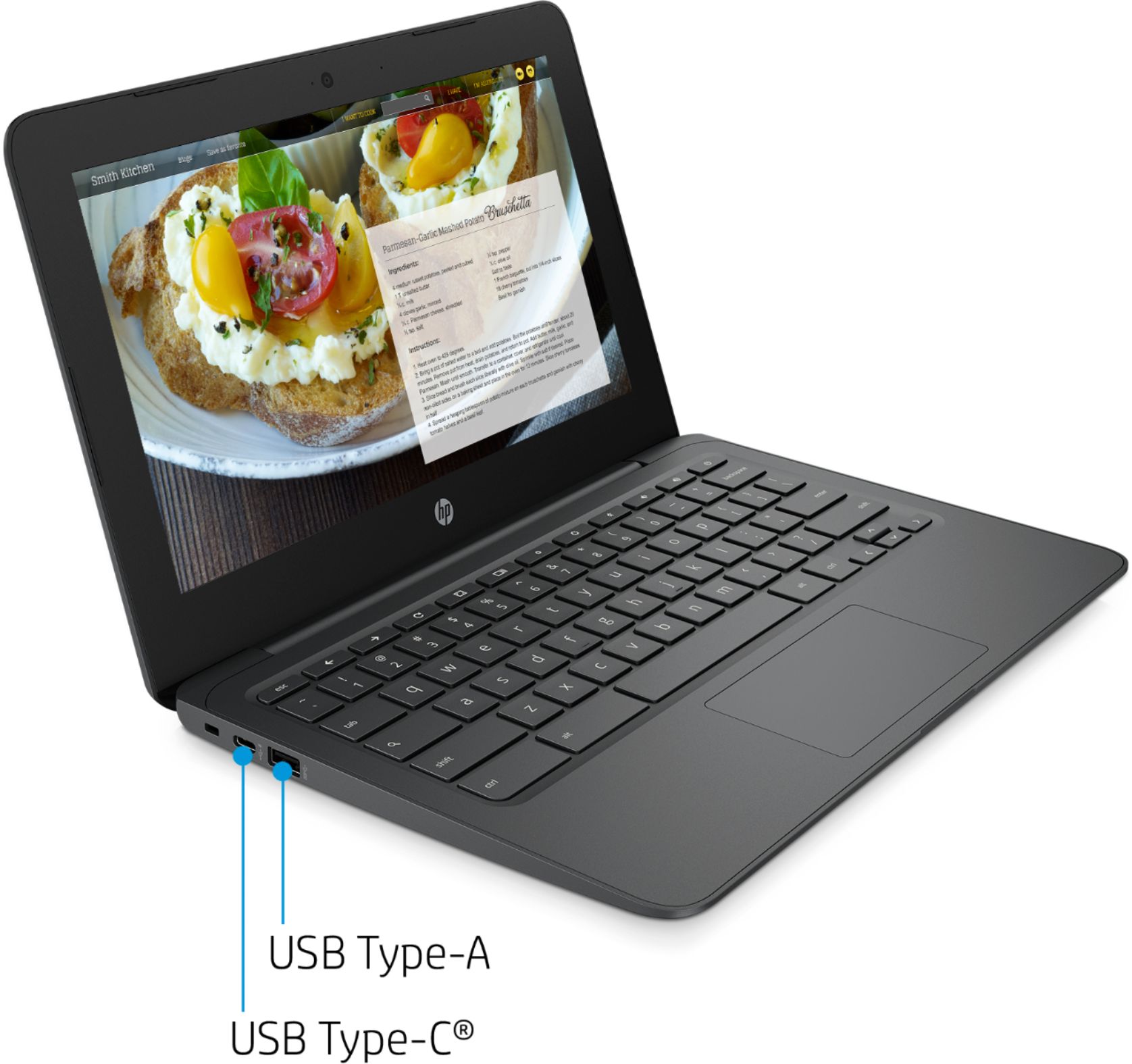
A:AnswerThank you for the question.Yes. If you'd like to connect an external monitor, you can do so using the USB-C (DisplayPort 1.2) port or a hub/adapter.
A:AnswerYou need a usb-c to hdmi adapter. This chromebook has one on each side.
Amazon has plenty to choose from.
https://www.amazon.com/s?k=usb-c+to+hdmi+adapter&crid=JLWRN92DUSYU&sprefix=usb-c+to+hdmi%2Caps%2C677&ref=nb_sb_ss_ts-doa-p_2_13
A:AnswerRAM and eMMC are very likely soldered to the unit. If you are a computer technician you should be able to. But, most users won't be able to upgrade chromebooks. Either get a Chromebook with 8 GB memory and a bigger eMMC or just use a good size micro sd card for storage,
A:AnswerYes, you should have no problem syncing the computer with those devices. You'll just need to make sure that they're on the same wireless network.