Save up to 50% on 3-Day Sale deals.Ends 12/7.Shop now

Main Content

Questions & Answers

Your price for this item is $172.99
Page Showing 1-8 of 8 questions
  • QuestionCan it hookup to hp scanner/printer

    Asked by GwenG.

    • Answer Yes, you should have no problem connecting this Chromebook to an HP printer/scanner.

      Answered by HP Team

  • QuestionOperating speed?

    Asked by Doc.

    • Answer Hello, the Intel Celeron N3350 is listed with two computing cores, maximal clock speed of 2.4 GHz, and 2MB of cache, the Celeron N3350 provides very basic performance. Thank you for being an HP customer!

      Answered by HP Team

  • QuestionHow do i get word and Excel?

    Asked by Officeproducts.

    • Answer Hello. Thanks for your question. Microsoft Office is not included with this HP Chromebook. You can use Microsoft Office through the web browser on this HP Chromebook. Here are some instructions on how to use Microsoft Office on a Chromebook: https://bit.ly/2X1TOLK

      Answered by HP Team

  • QuestionIs it wifi capable or bluetooth capable?

    Asked by connectivity.

    • Answer Thank you for the question. Yes, this refurbished Chromebook is WIFI and Bluetooth compatible.

      Answered by HP Team

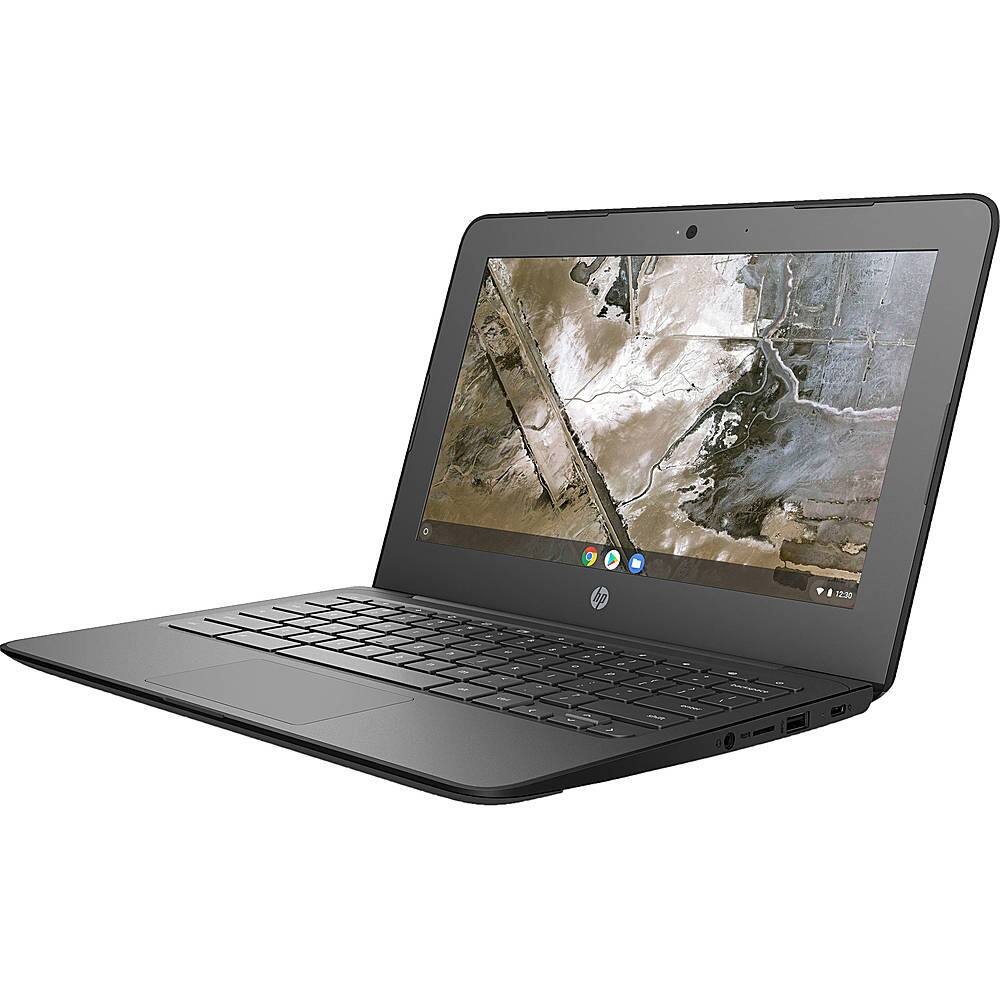
  • QuestionCan you down load apps from Google play store on this laptop

    Asked by Anonymous.

    • Answer Yes, you can download apps from the Google Play Store on this Chromebook.

      Answered by HP Team

  • QuestionDoes it have an expandable memory

    Asked by Always.

    • Answer No, the Memory on this Chromebook is not expandable.

      Answered by HP Team

  • QuestionDoes it have an hdmi port

    Asked by Question.

    • Answer No, this Chromebook does not have an HDMI port.

      Answered by HP Team

  • QuestionDoes it do messaging,?

    Asked by Wiggle24.

    • Answer Hello! Thank you for your question! The HP 11 G6 Chromebook uses the Chome operating system. If you have an Android or Google phone you may use it to send/receive messages you would normally receive on your mobile device! Just go to the MESSAGING section of the settings to begin setup.

      Answered by HP Team

