A:AnswerYes! Those are great examples of uses for a Chromebook. Anything that you access the internet to do works on a Chromebook. Basic tasks like paying bills, browsing, watching videos, and more are quick and easy.
A:AnswerYes, you can watch YouTube videos without issue. This is a netbook, designed for online use, so it will run well if you are surfing, streaming, etc. However, it's not designed to handle resource-intensive programs.
A:AnswerThis computer is not fast or powerful enough for most games, so if gaming is the goal we recommend a faster processor, more RAM, more storage and preferably a better GPU.
A:AnswerThe Chromebook is only able to play games that are in the Chrome Web Store or the Google Play Store. You cannot download games from the web to play on the Chromebook.
A:AnswerHi Lynn and thanks for your question! This Chromebook will work well with Microsoft 365 programs and is able to stream videos easily via Chrome compatible streaming services.
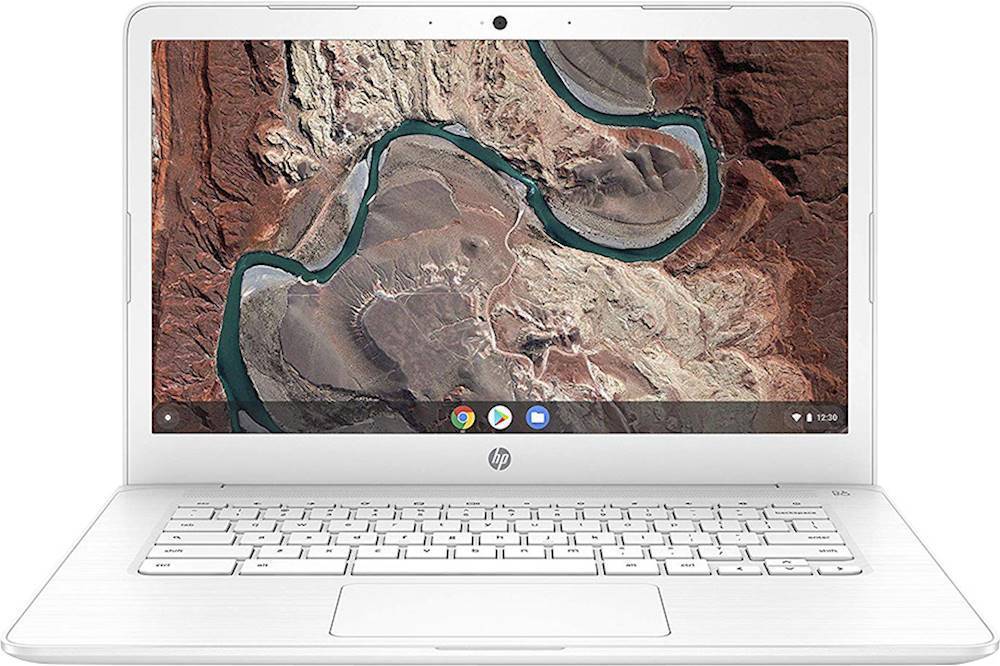
A:AnswerHello! Thank you for your question, Nico! The HP 14" Chromebook (NAE-HP-CB14-DB0030NR) is excellent for a returning college student! A Chromebook uses Chrome OS instead of Windows - which is significantly less demanding of computer resources, allowing the computer to be faster at lower prices. A Chromebook is designed for speed, simplicity, and security. They don't require the same hefty configuration and can still use popular programs like Microsoft Office 365.
A:AnswerHi, thank you for the question. Chromebook laptops use the Chrome operating system, not Windows, You can use online versions of Microsoft 365 and other programs, though.
A:AnswerHi Kelsey, thank you for the question. I apologize but the HP NAE-HP-CB14-DB0030NR laptop does not come with a built-in optical drive that can play CDs.
A:AnswerHi Irmav, thank you for the question. Yes, the 14-DB0030NR Chromebook is very well-suited for working with Google sheets. If you prefer not to avail yourself of cloud storage, note that this Chromebook has just 32GB of memory. You might want to purchase an external storage solution if you need storage locally.
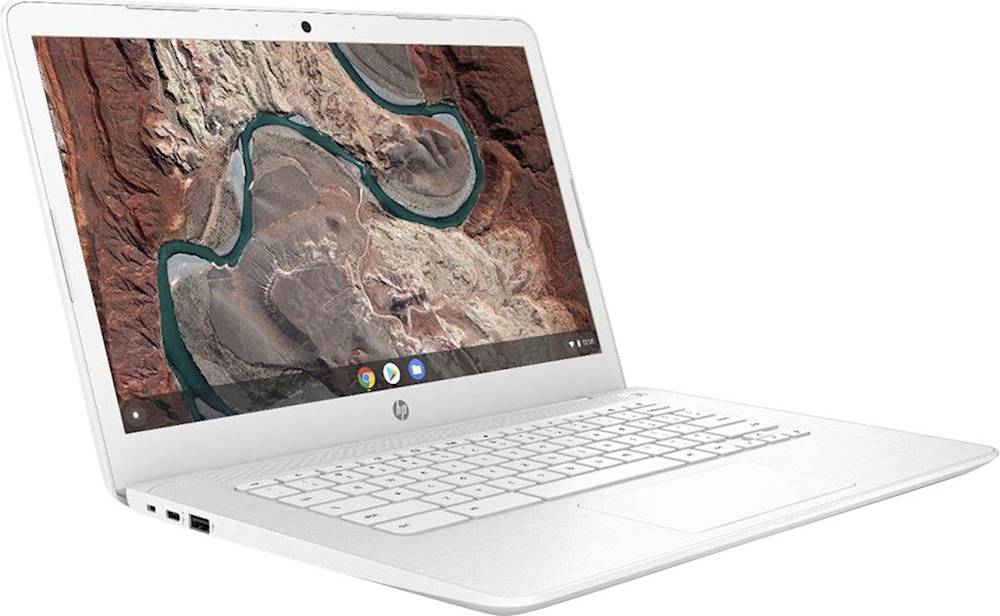
A:AnswerHello. Thanks for your question. This HP Chromebook - 14-db0030nr does not have a HDMI port. But you can use a USB C to HDMI adapter with this Chromebook.