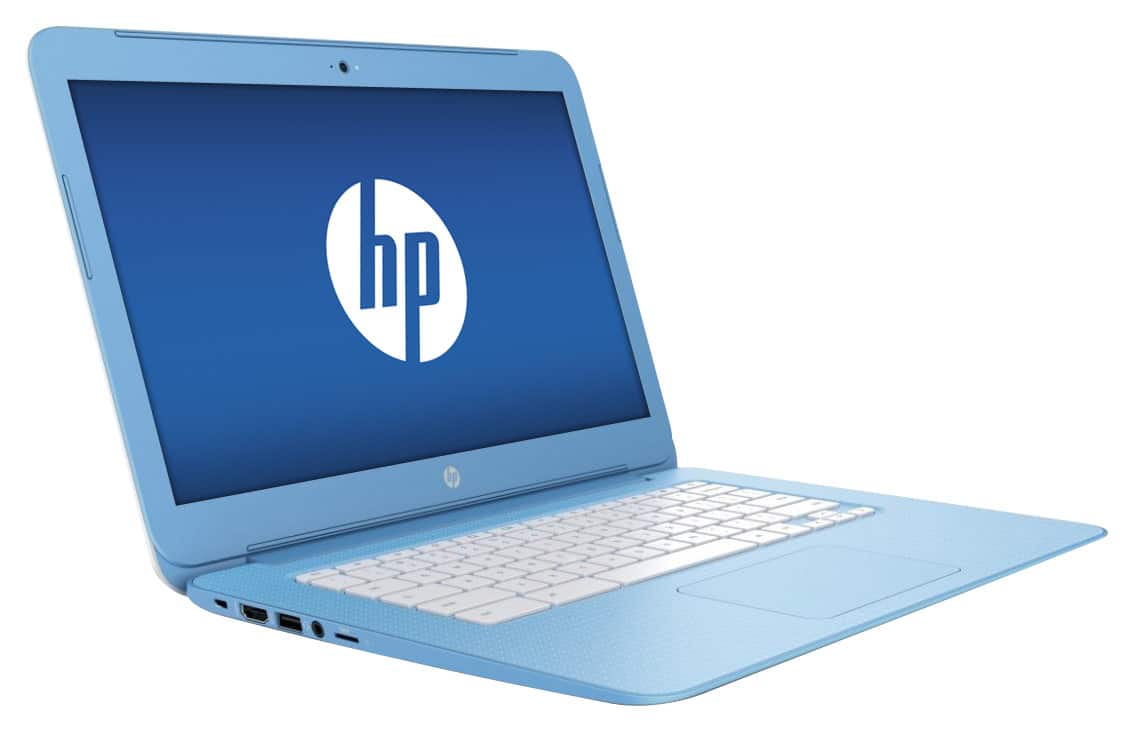
A:AnswerGood question. iTunes will not work on a Chromebook. You can only download and use apps that are available in the Google App Store that is installed on the computer.
I hope this helps.
A:AnswerThere is an Ease of Access feature. It can help you turn on the screen narration and screen magnifier (ADA help).
See: https://support.google.com/chromebook/answer/177893?hl=en
A:AnswerGood question. You won't be able to directly connect the phone to the Chromebook to transfer your pictures to the Chromebook, but you can download the Google Drive app on your iPhone and then view them from the Chromebook by logging into Google Drive. Google Drive is already installed on the Chromebook.
I hope this helps.
A:AnswerYes, you can use a 1 TB hard drive with it to store files. It has an HDMI port and 1 USB 3.0 port and 2 USB 2.0 ports. For more detailed specs, please visit the following link:
http://www8.hp.com/h20195/v2/GetPDF.aspx/c04927851.pdf
I hope this helps.