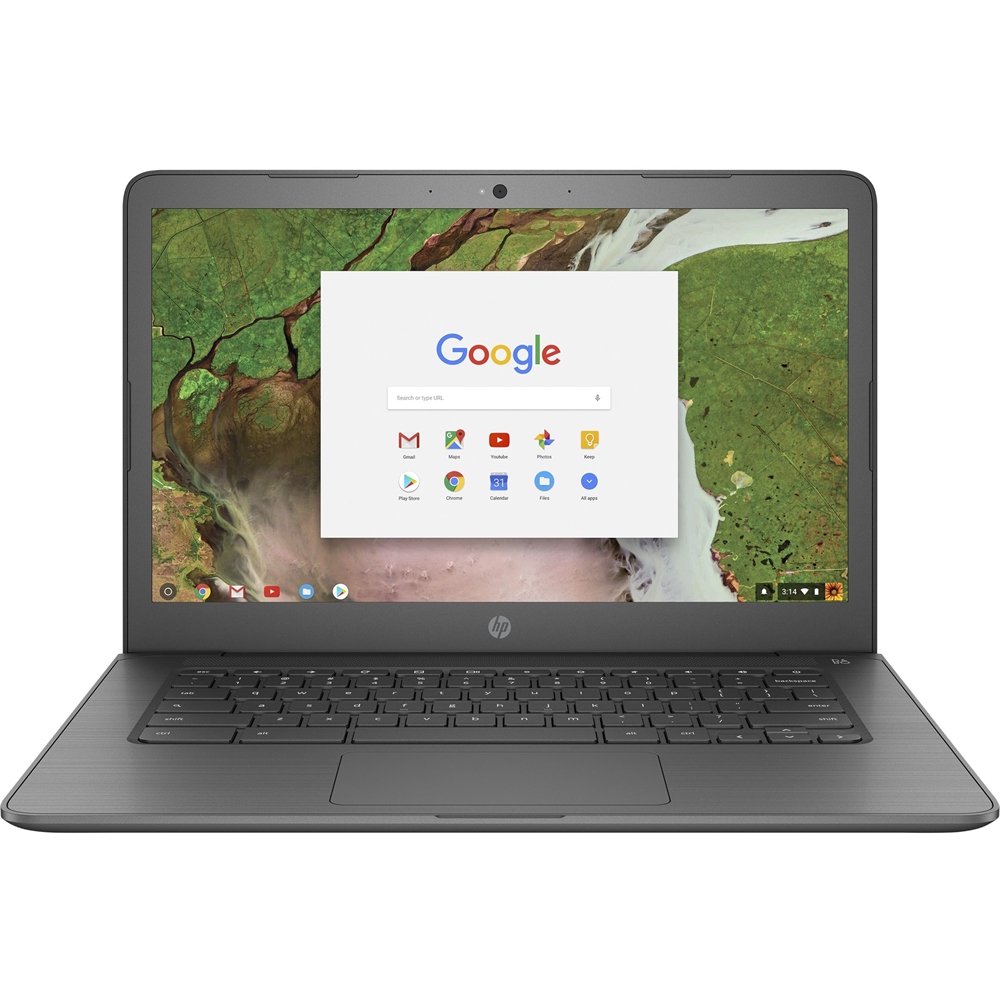
A:AnswereMMC memory is the storage drive. It is similar to using an SD card as a hard drive. The 4GB is the RAM which is where the computer stores information it will need to recall often and quickly.
A:AnswerOnly good for games if you know they are in the Chrome app store. It will not play games downloaded online like a standard PC. It also does not have very much storage to hold games either.
A:AnswerThis Chromebook only has a MicroSD card slot. so it will not accommodate a full size SD card. The OfficeJet 5255 will work with your new Chromebook.
A:AnswerThis is the part number for the power charger for this Chromebook, 45 watts: 934739-850. It requires a 45 watt USB C charger. Also, you can charge your mobile devices on the left side of the Chromebook in the USB C port.
A:AnswerDue to the Chromebook's design, you would be better off connecting via a Google Chromecast that would plug into your television rather than using a HDMI cord!
A:AnswerChromebooks don't require anti-virus programs as the protection is built in. You can learn more here: https://support.google.com/chromebook/answer/3438631?hl=en