A:AnswerThank you for your question about this HP Chromebook! You would need to contact Epson about Chromebook compatibility. Additionally, you can install Zoom and use it for calls or virtual meetings.
A:AnswerElsewhere, HP reports December 2034 as the expiration date for updates, since the computer was released in December 2034. Therefore, this date (2029) seems inaccurate.
A:AnswerThank you for your question about this HP Chromebook! You can install and use Microsoft Office software under the Microsoft 365 subscription plan on a Chromebook. Additionally, the Google productivity suite can also make Word-compatible documents.
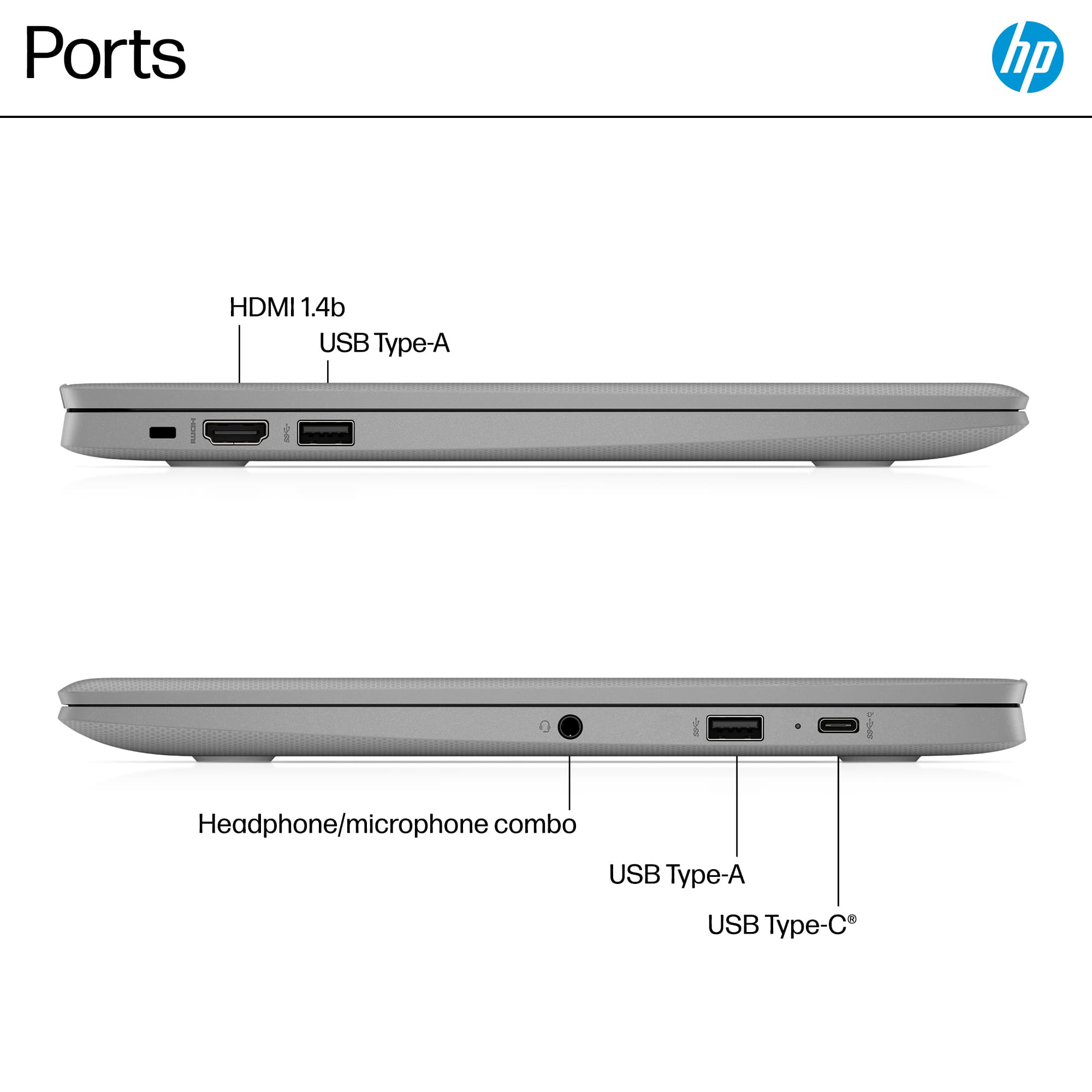
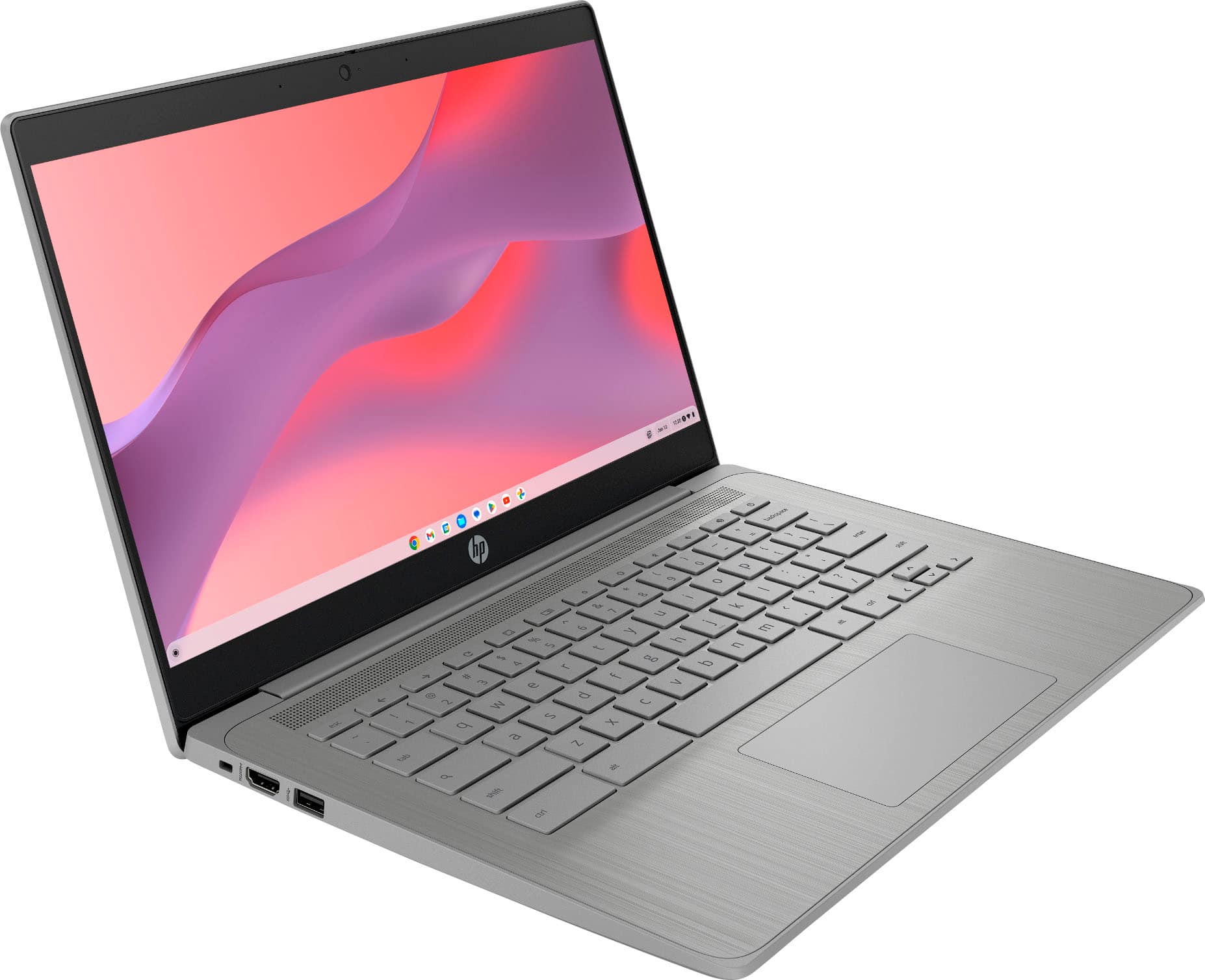
A:AnswerGreetings! Thanks for asking. The HP 14a-ne1013dx Chromebook laptop computer does not have an internal SD memory card slot for memory cards. You would have to separately purchase a USB to SD memory card adapter to use SD memory cards.
A:AnswerHi there, Allie. Thank you for your question. The HP Chromebook (model: 14a-ne1013dx) does come with a headphone/microphone port that you would be able to use to connect headphones into (it will support a 3.5mm jack)
A:AnswerThanks for your question about this HP 14" Chromebook model 14a-ne1013dx! As system requirements for software constantly change, we’re unable to answer questions about software compatibility or performance. What’s compatible today may not be in the future, so please check the software manufacturer's website for the most current minimum and recommended requirements.