A:AnswerI haven't tried these things, and I'm not a gamer. It's probably not a great gaming or video editing laptop. Only 4 gb RAM. SSD is fast. Super fast wake up.
You should research processors and laptops that are best for gaming. This will probably let you add more RAM. Recommend adding a USB-C hub and external Hard Drive.
A:AnswerI here you with the nickname lol too much of a hassle. I will touch base and suggest what might help you.
Before anything ask yourself where is your router located in terms of the distance to where you are working with the computer? What materials are in the walls around the house? How many devices are you using over a Wi-Fi signal at any given time? Distance would play a major factor as with other minor devices like cell phones, tablets, and microwaves screws with the connectivity and makes it poor enough for it not to connect. Thick/fire retardant walls also play a huge factor that might be playing a part to have the connection not be strong enough to sustain from your preferred location . If the previous two circumstances call for your situation my best bet for you would be to buy yourself a Wi-Fi extender. From experience definitely a must-buy but I’d do the extensive research if you’re going to take that route since some are more expensive than others and you really don’t need anything top dollar but I would recommend trying to find an extender if you do take that route with an ethernet port jax that way if you are in a room setting where you can’t really re-adjust the Wi-Fi extender at least can pick up the Wi-Fi signal (since it plugs in to any wall socket *does not need hard connect to router*) and you can either hardwire the extender directly to the laptop or just use the Wi-Fi extender as a bouncer for your router so that your laptop can pick up the connection from your preferred location. Last but not least if you don't wanna take the extender route AND none of the circumstances stated earlier apply to you i’d contact CS (working in a call center before i don't mean to be that guy, however) realistically this laptop does not have a switch for wifi connection so aside from anything else I mentioned it might be your device with specific issues, lets pray not to save the return but hope this helps you out.
A:AnswerHonestly I wouldn’t. I’m not here to compare one to the other but I feel like the system barely keeps up with Serato DJ Lite software (with the controller hooked up) and thats about as basic as you can get for application performance with a laptop, I’d find something with a higher processor for your sake.
A:AnswerYou don't need much memory or a large hard drive in that case. If using the laptop for writing the book, 14 inch may be ok if your eyesight is fine. May need a bigger screen though or hook it up to an external monitor if your eyesight is not so good.
A:AnswerI think it would be fine for online classes. You can install Chrome or any browser, but you have to take Windows out of S mode.
S mode only lets you install things from the MS Windows store. It's easy. I recommend adding an external monitor, keyboard and mouse for the best efficiency.
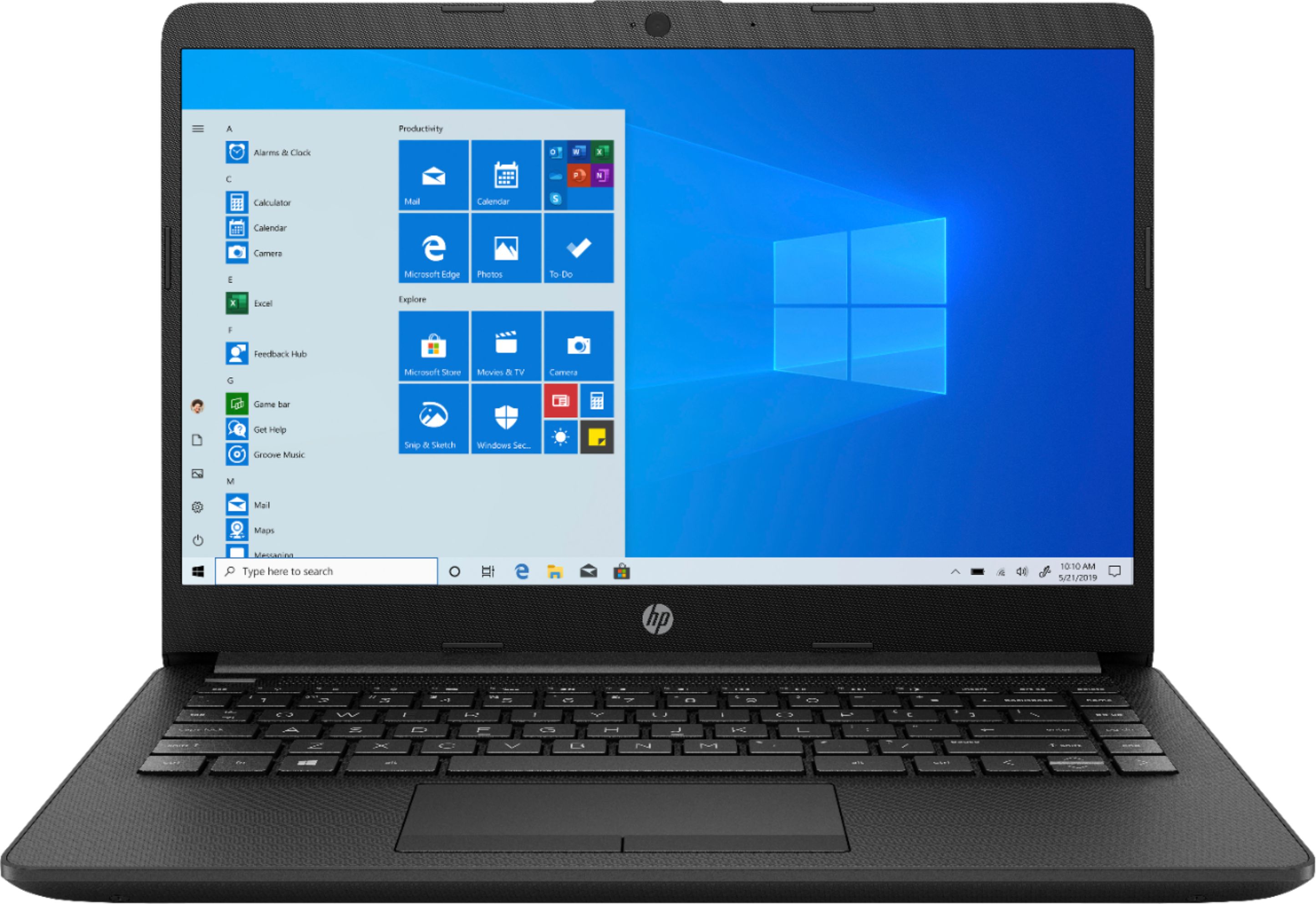
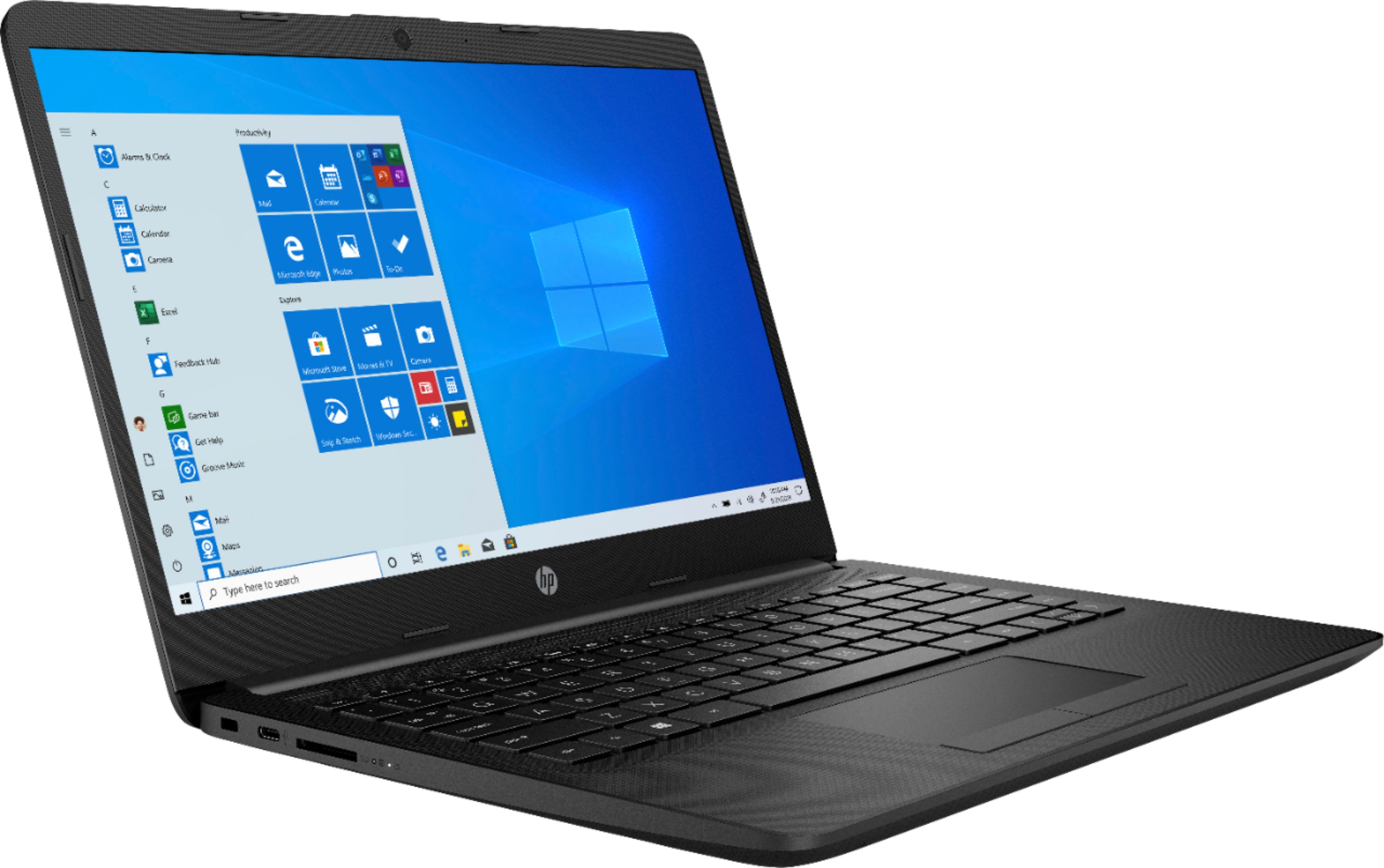
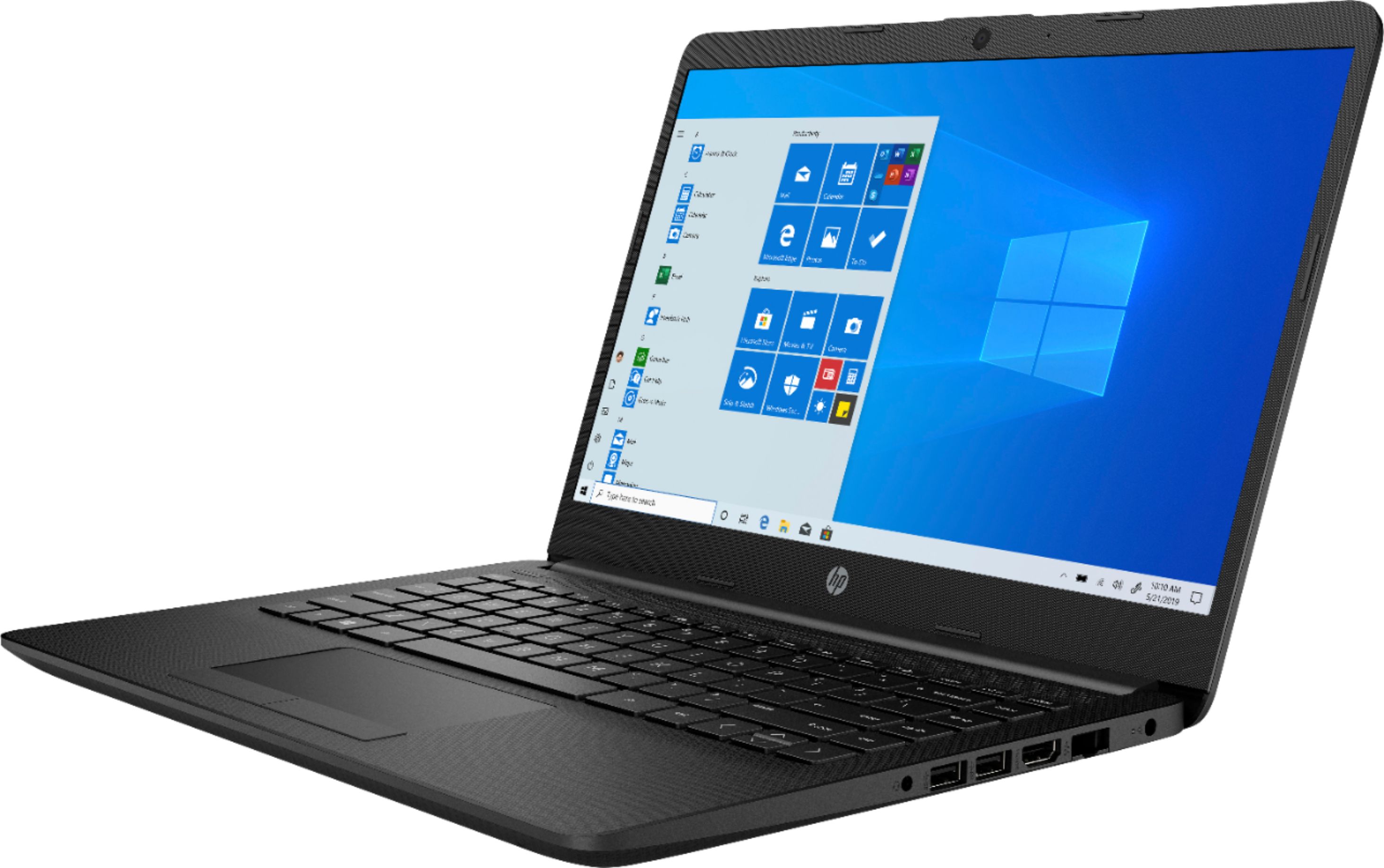
This laptop is very lightweight. Keyboard isn't back-lit. Screen is glossy, so not great for outdoors. Had only a few weeks, have had no problems.
Seems like a great budget laptop for having an SSD.
A:Answerthis lap top will run a lot of games on steam such as team fortress 2 or fortnight pretty well. the camera is only for recording you but this laptop my come with, or you can easily get a screen recorder. as far as noise this computer does not have and cooling fans so it will be mostly silent but the performance will decrease drastically as the temperature increases on an computer.
A:AnswerDefinitely the texture of the keyboard makes typing almost a want to do on this laptop, as per applications to coincide with note taking theres NotePad, any sticky note applications Microsoft may have or if you got the beans id get Office 365 for additional apps (Slideshow, Excel, etc.)
A:AnswerIf you hate the touchpad method id do it, As stated with another answer however you might find it troublesome for consistent rendering speeds playing games on it. Roblox i’ve played and you should be fine with such game on this but anything more id look for a high processor.
A:AnswerS on S mode stands for So unless you’re a die-hard Microsoft fan-follower who only downloads Microsoft-verified apps this mode doesn't apply to you. I guess S mode is Microsofts version of Linux for Chromebook cause they don't let you download ANY foreign application with it on (The minute you try to though, for me it was Serato DJ Lite) it'll prompt you to turn S mode off (you cant turn it on once its off & you're gonna need a outlook account to sign in)