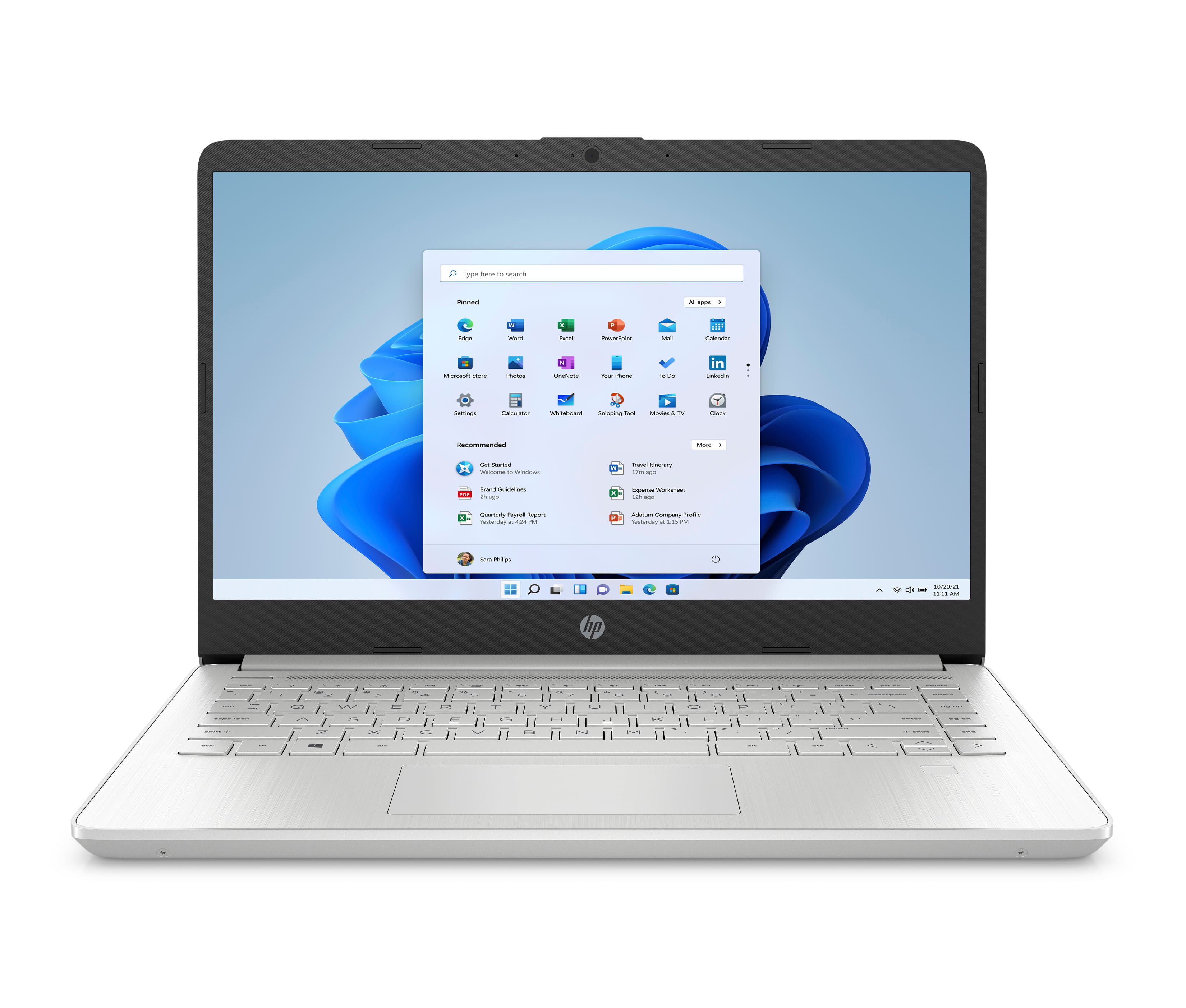
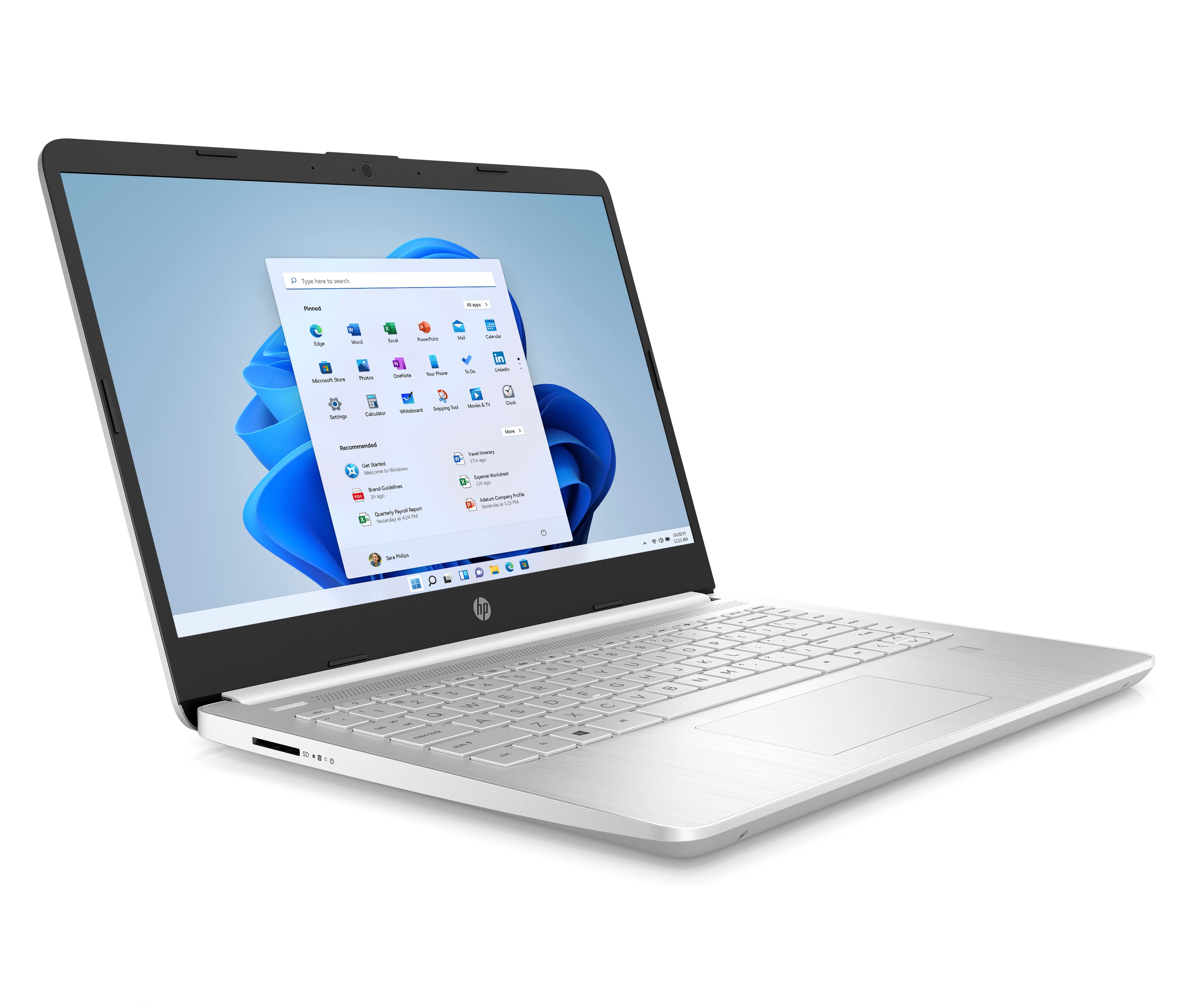
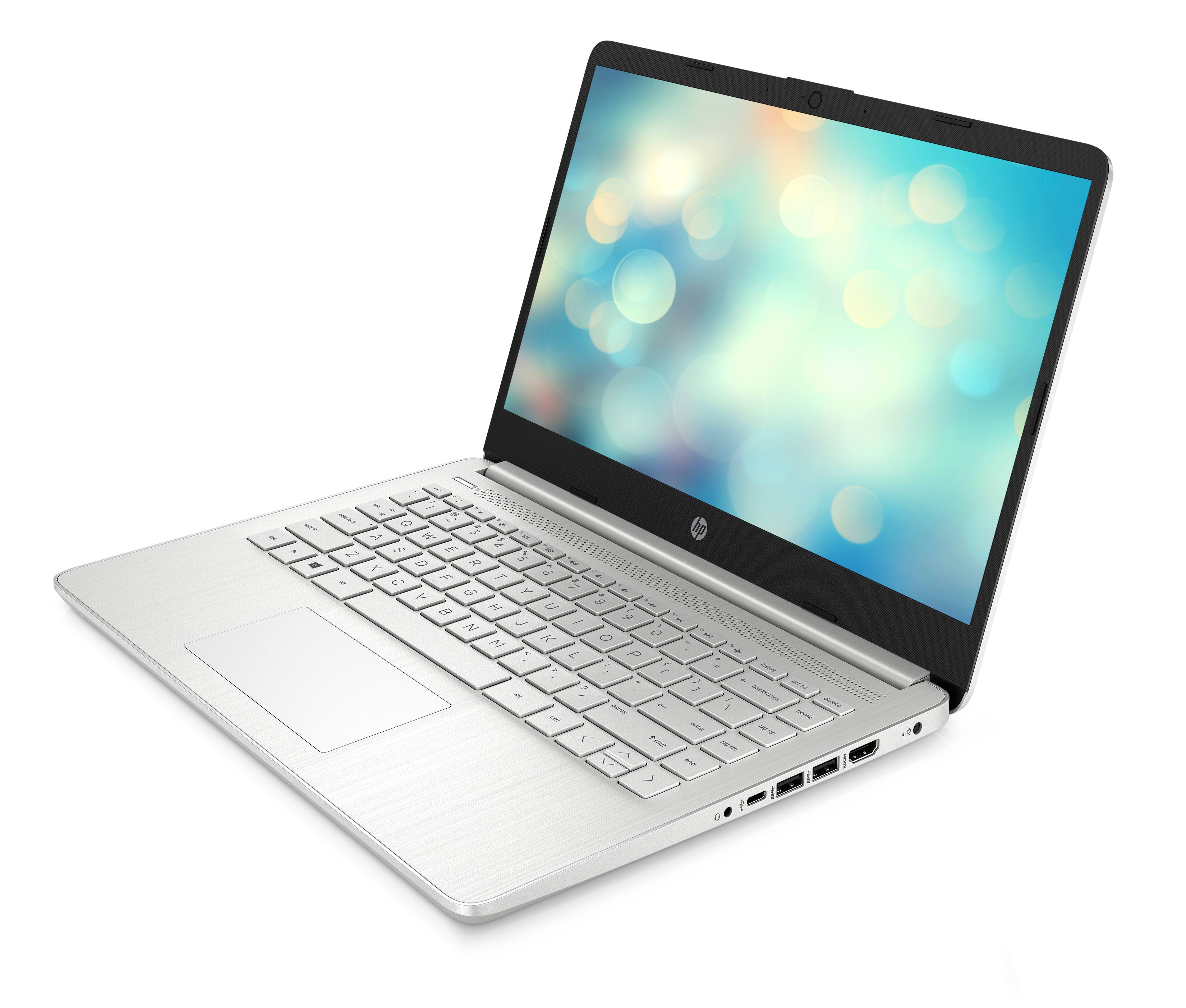
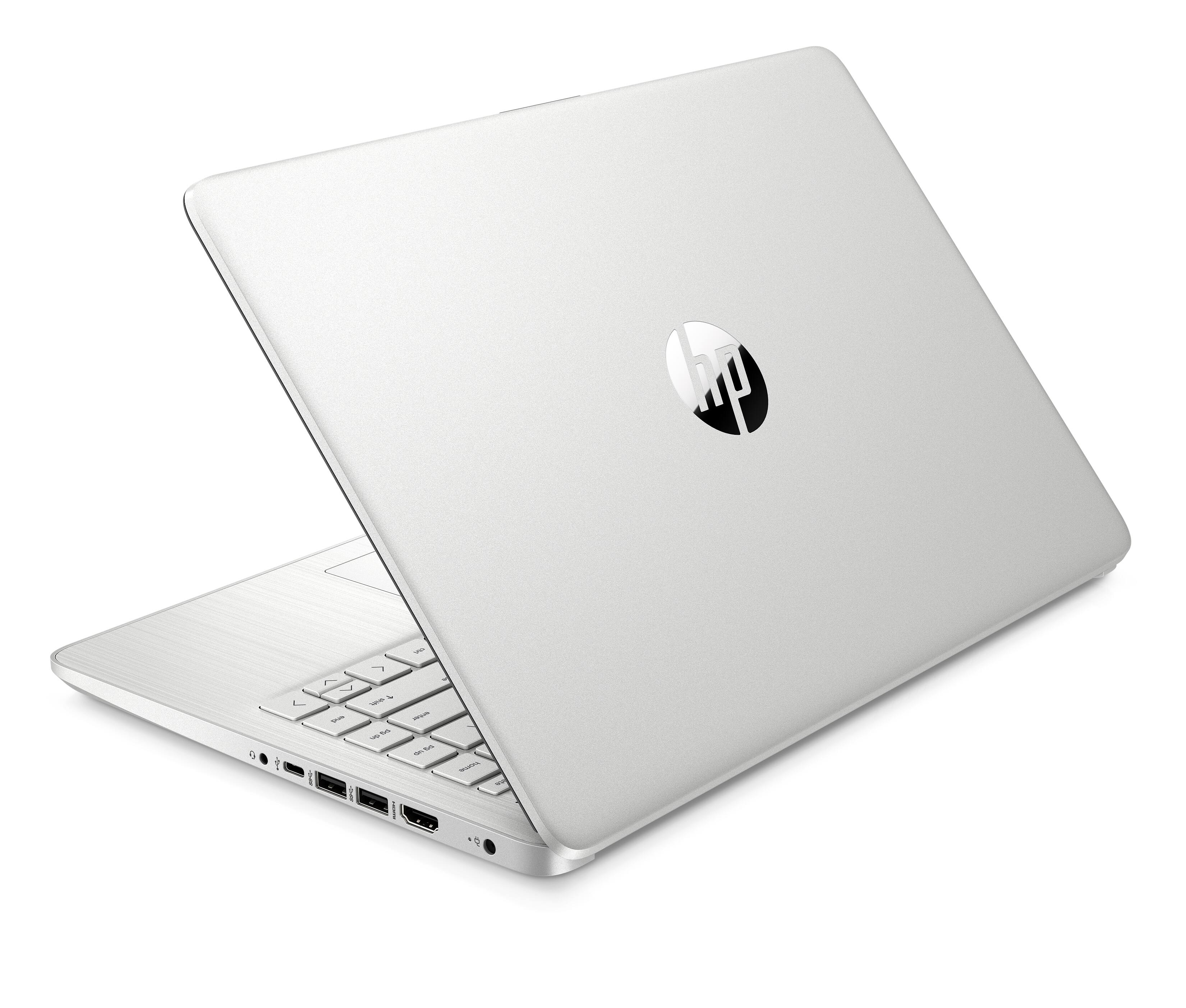
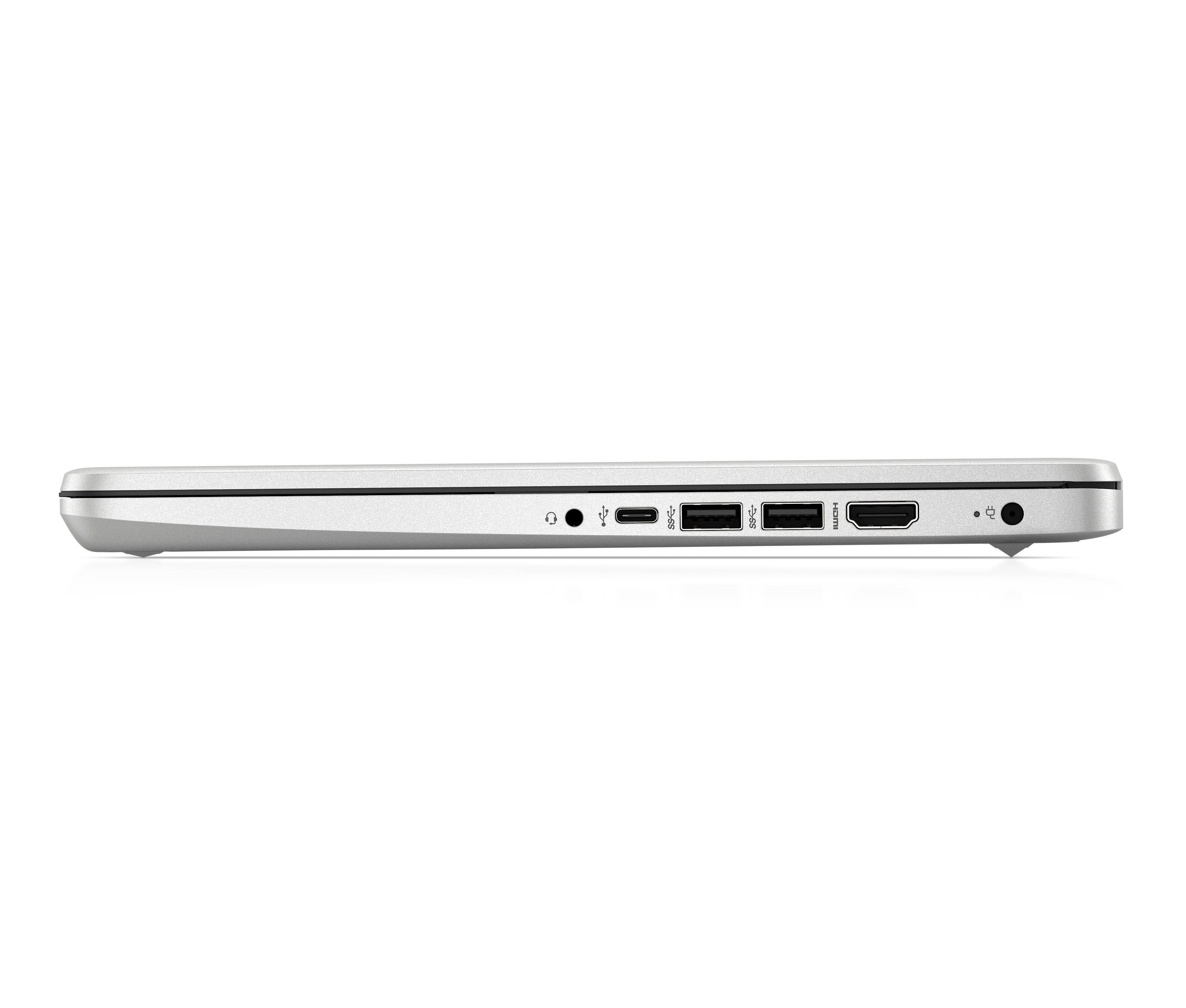
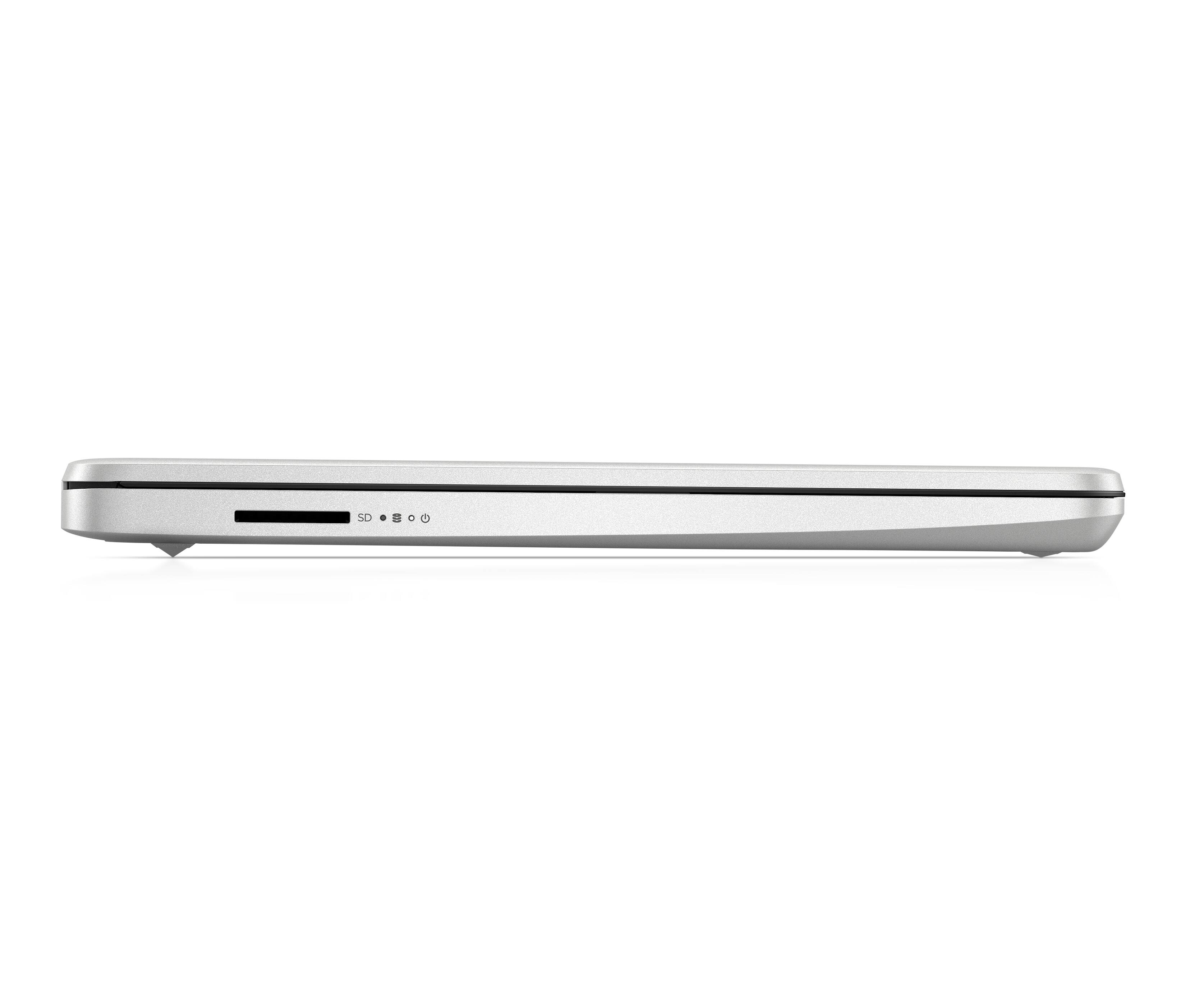
A:AnswerThe USB-C port on this model does not support charging. The USB-C port will only support data transfer. The battery is a 3-cell, 41 Wh Li-ion battery. You would still be able to use the laptop with the wall charger even if the battery does not hold a charge anymore.
A:AnswerThis laptop has the Windows 11 Home in S mode operating system, there is no end of support for this machine. Chromebooks have an expiration on auto-updates, you might be thinking of those laptops.
A:AnswerHello, Pauline. Thanks for your question. This HP laptop does not have a CD drive. You can use an external USB CD/DVD drive with this laptop. You will need to switch this HP laptop out of the S mode before you can install any software. It is free to switch out of the S Mode. Here are some instructions: https://bit.ly/3i7NsF4
A:AnswerIt comes with HP's standard 1 year parts and labor warranty to cover defects in the computer. You can also purchase an extended warranty through Best Buy that would also cover accidental damage from things like drops and spills.
A:AnswerHello. Thank you for your question. Yes, you can use a universal USB docking station that has the same video port, i.e. HDMI, that is on the monitor.
A:AnswerSo I did a quick google search for HiSET requirements and it didn’t mention windows 11. There should be a test my hardware thing you can try ahead of time. I don’t know if you want to give it a shot as I’m pretty sure 11 is heavily built off 10 anyway, or perhaps you can just install Windows 10 on it. That’s what I did as I have no interest in Windows 11. I don’t know if you have an external cam, but it would make the 360 room check a bit easier. It did for my online exams.. Good luck!
A:AnswerHi Ben, thank you for the question. Yes, you can have multiple windows open. In fact, with Windows 11 it's possible to have multiple desktops open too (you can learn more from Microsoft's site).
A:AnswerOne may set up the on screen keyboard which overcomes the difficultly in seeing the keys with the low contrast lettering on this unit that has no backlit keyboard. Just search for on screen keyboard in settings to find and enable. Save link to taskbar for access on demand. This option made this pc perfect for me to use in softly lit areas and at night when watching TV with low light situations. Also, on screen keyboard 'clicks' by default which can be disabled for total silence.
A:AnswerHi Rom, thank you for the question. Yes, the HP 14-fq0033dx laptop has an HP True Vision 720p HD camera with integrated dual array digital microphones.
A:AnswerHello and thank you for your question. You will be able to connect your Cricut machine to this HP 14" laptop, however, you should check with the maker of the Cricut machine to determine the minimum specifications required to run the software/app needed for your specific Cricut machine.
A:AnswerBased on these requirements, I'd say it definitely fits the bill assuming your internet meets the requirements as well.
https://www.snhu.edu/admission/technical-requirements
A:AnswerHello Sew,
Yes, this HP - 14" Laptop will offer virtual background options on Zoom. You would not need a green screen no matter the laptop as background options are available to all with a web camera.
-HP Team