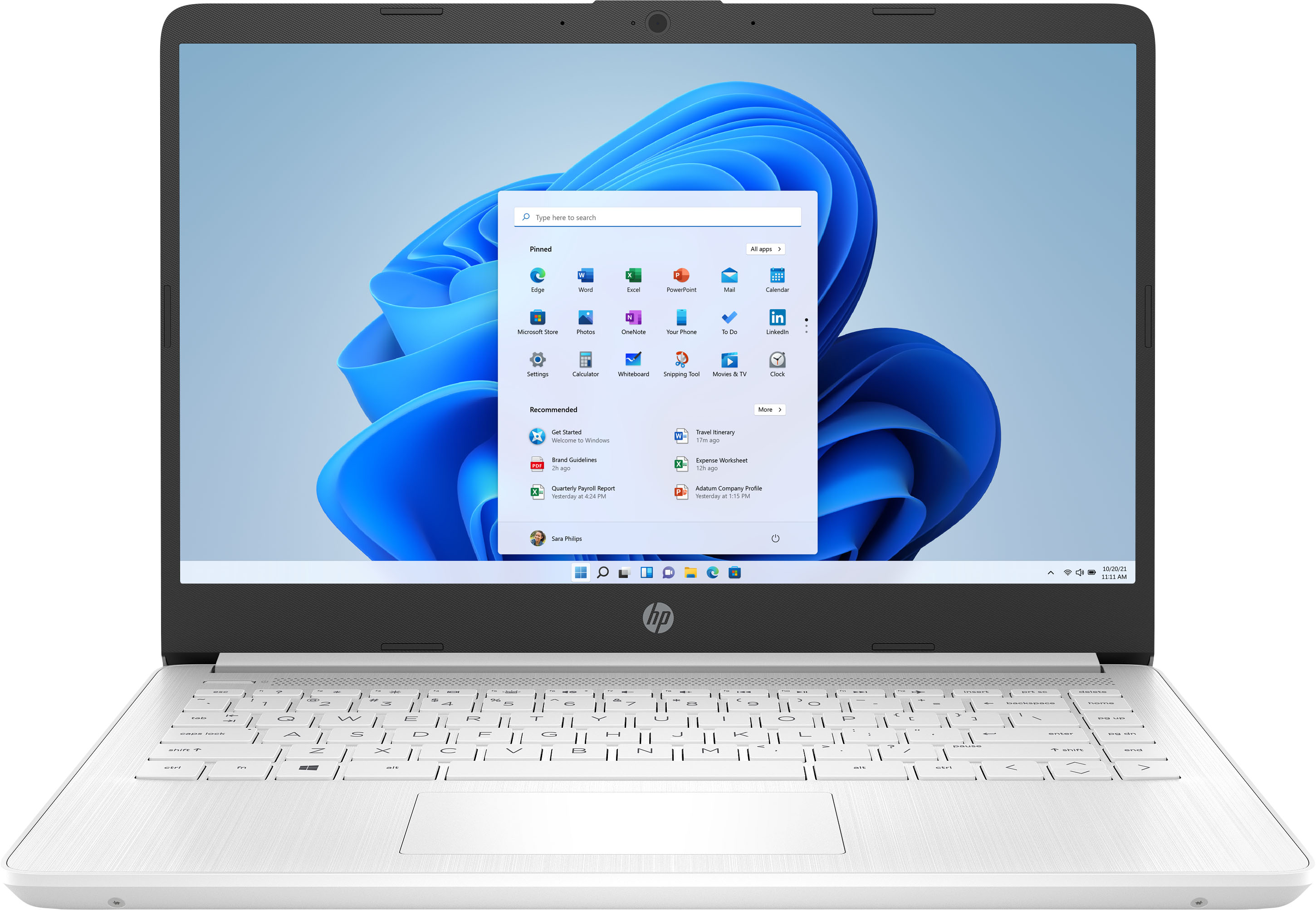
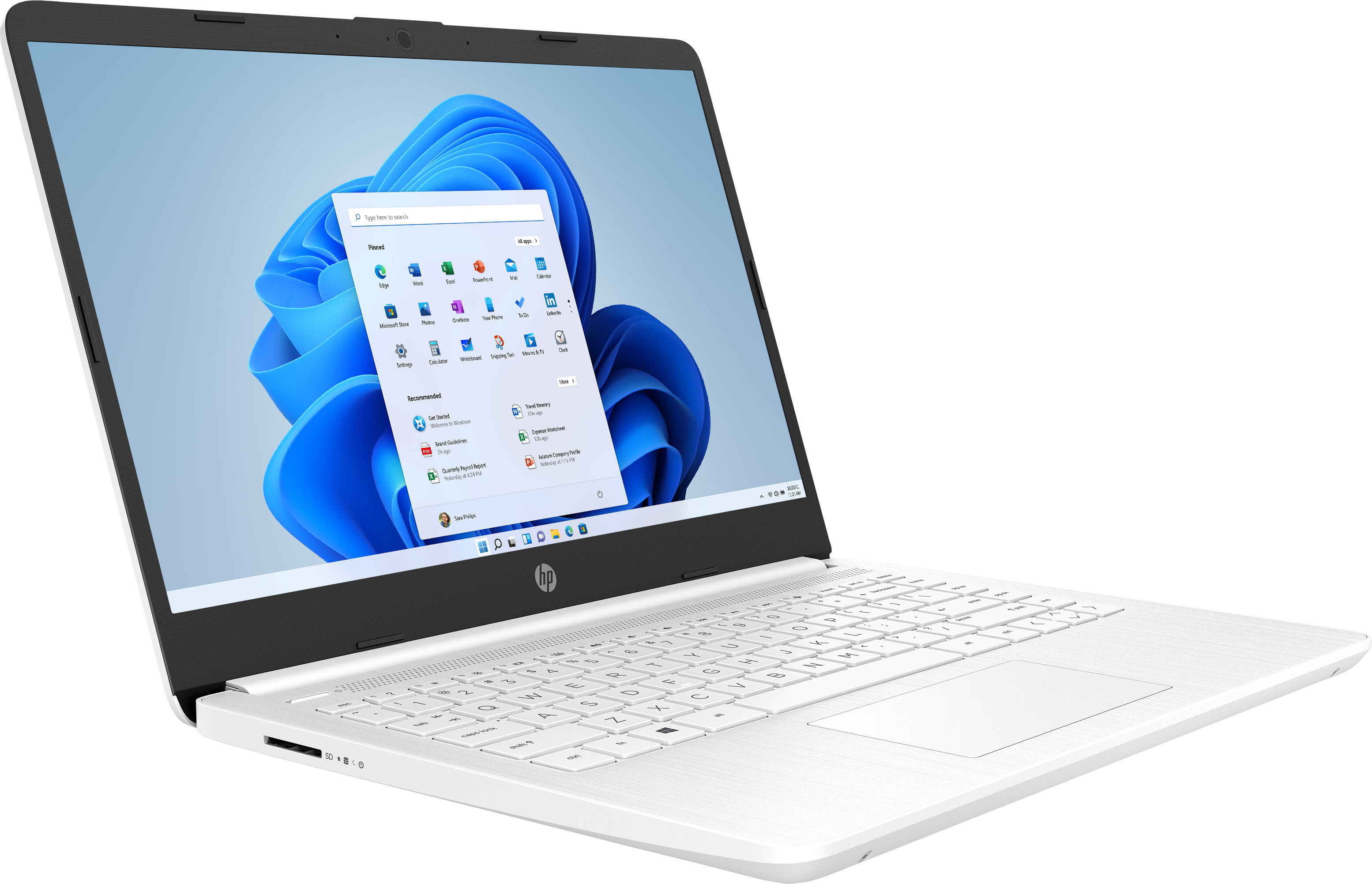
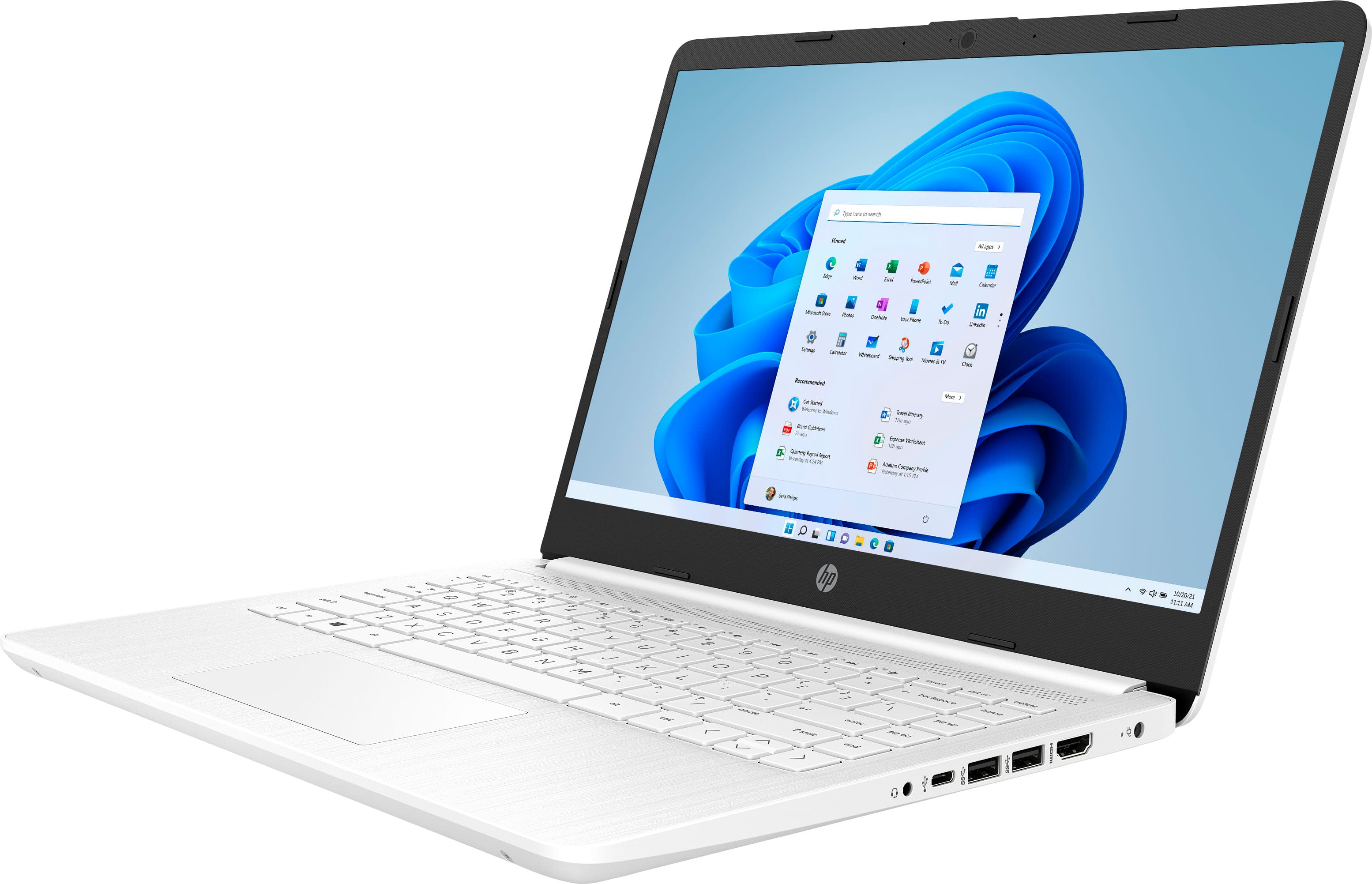
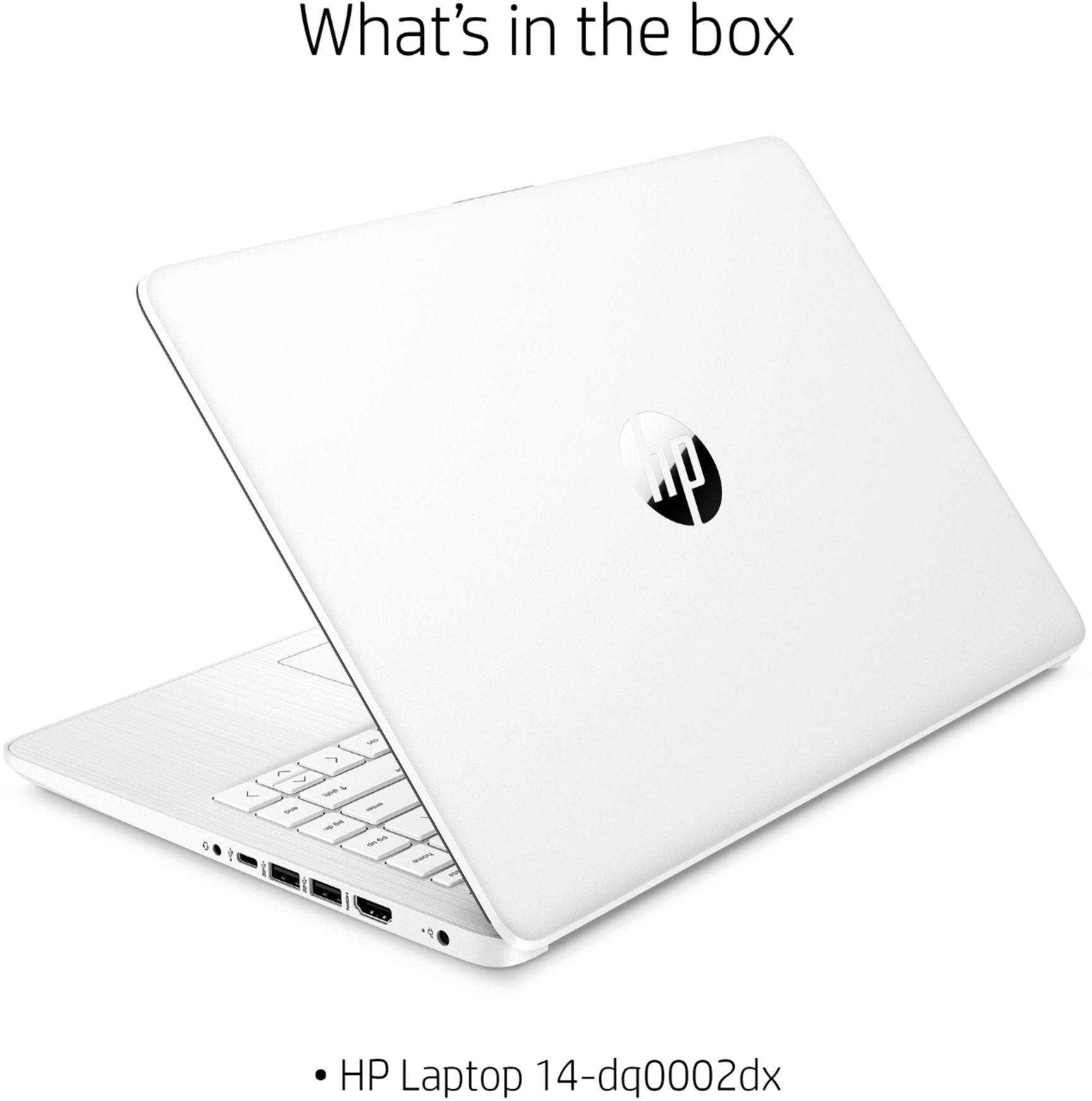
A:AnswerThis laptop cannot handle Adobe Creative Cloud. You need a computer with at least Intel i5 or Ryzen 5 processor or better with 8 GB or 16 GB of RAM and a discrete graphics card with 2 gigabytes or more of video memory to run the Adobe programs. They are big programs that require a lot of processing power to run.
A:AnswerHi Pere! You can use any current HP printer with this laptop. Here is one I would suggest for home use:
https://www.bestbuy.com/site/hp-envy-6055-wireless-all-in-one-instant-ink-ready-inkjet-printer-white/6404827.p?skuId=6404827
A:AnswerYes, it can. The laptop has Windows 10 Home in S mode. It just takes a minute or 2 to switch out of S mode. Here is a link to the process: https://support.microsoft.com/en-us/windows/switching-out-of-s-mode-in-windows-10-4f56d9be-99ec-6983-119f-031bfb28a307
A:AnswerDONT WAIST YOUR MONEY AND TIME BUYING THIS COMPUTER, IT LAST ONLY A MONTH BEFORE START GIVING ME PROBLEMS AND EVEN TOUGH THAT YOU CAN CALL HP THEY ARE NOT CAPABLE TO FIX SIMPLE ISSUES CUZ THE PEOPLE ANSWERING THE PHONE DONT KNOW MUCH ABOUT THEIR COMPUTERS,,, BE AWARE, GOOD LUCK
A:AnswerThis laptop has Windows 10 in S Mode. That means you can only download apps from the Microsoft Store and use the Microsoft Edge browser. Once you switch out of the S mode, you cannot go back to the S Mode.
A:AnswerYes this would work for coding. I would check with software you are using however, regarding RAM requirement. Some software may require more than 4GB of RAM.
A:AnswerHi! Yes, you can. . It is very simple to do. You just need to be careful when doing so. Here is a link to switching out of S mode: https://support.microsoft.com/en-us/windows/switching-out-of-s-mode-in-windows-10-4f56d9be-99ec-6983-119f-031bfb28a307
Here are some instructions from microsoft:
On your PC running Windows 10 in S mode, open Settings > Update & Security > Activation.
In the Switch to Windows 10 Home or Switch to Windows 10 Pro section, select Go to the Store. (If you also see an "Upgrade your edition of Windows" section, be careful not to click the "Go to the Store" link that appears there.)
On the Switch out of S mode (or similar) page that appears in the Microsoft Store, select the Get button. After you see a confirmation message on the page, you'll be able to install apps from outside of the Microsoft Store.