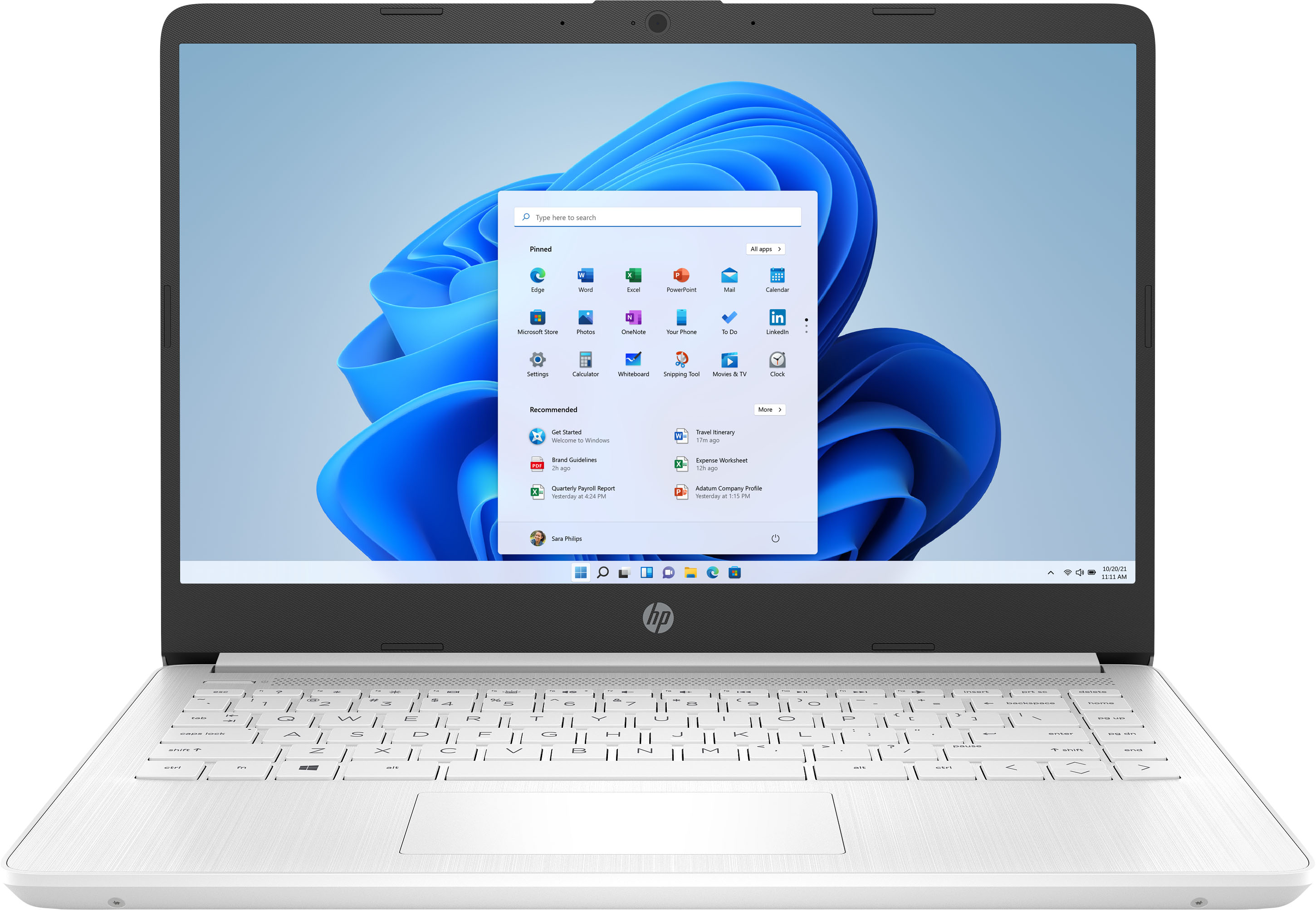
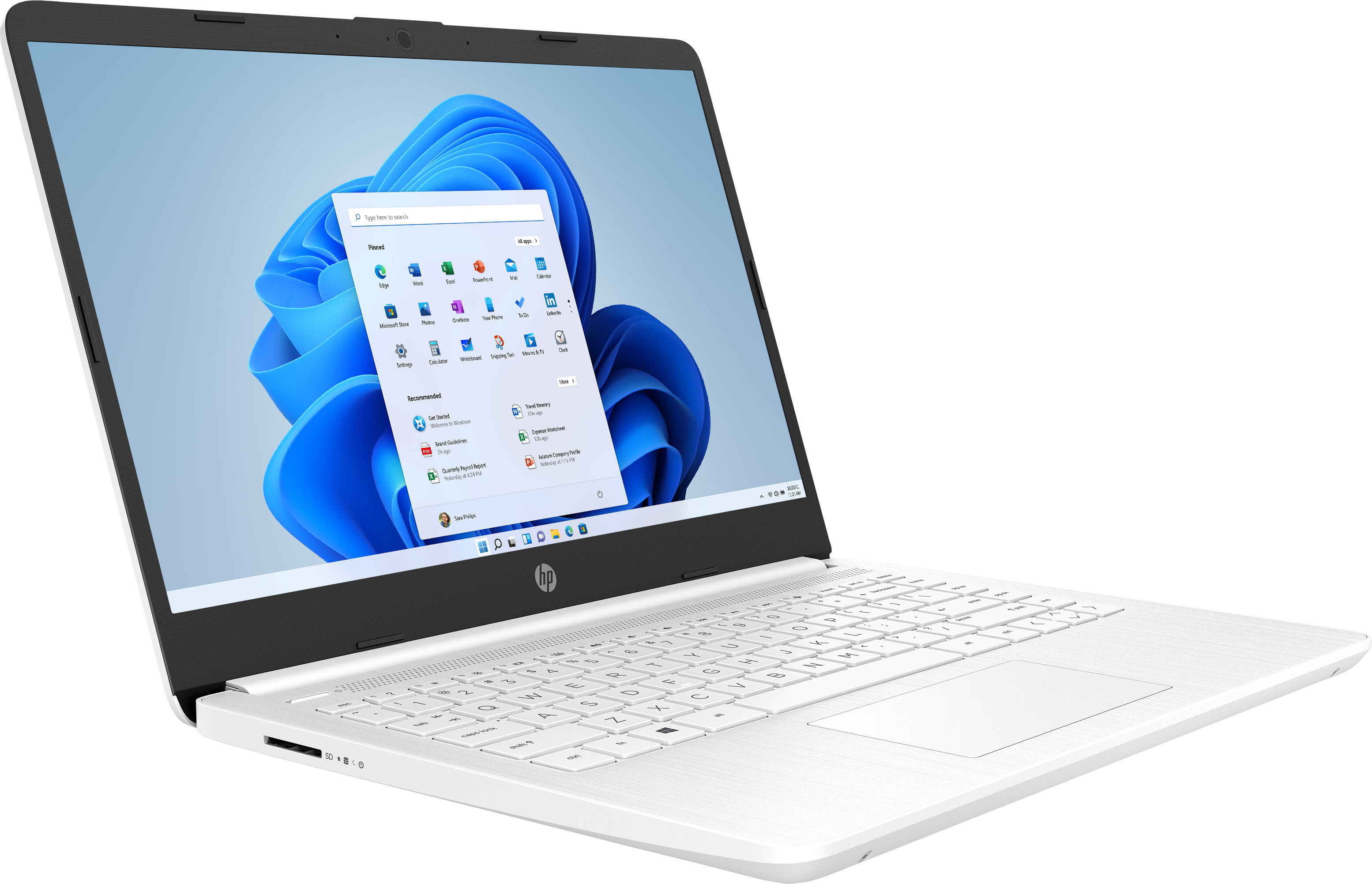
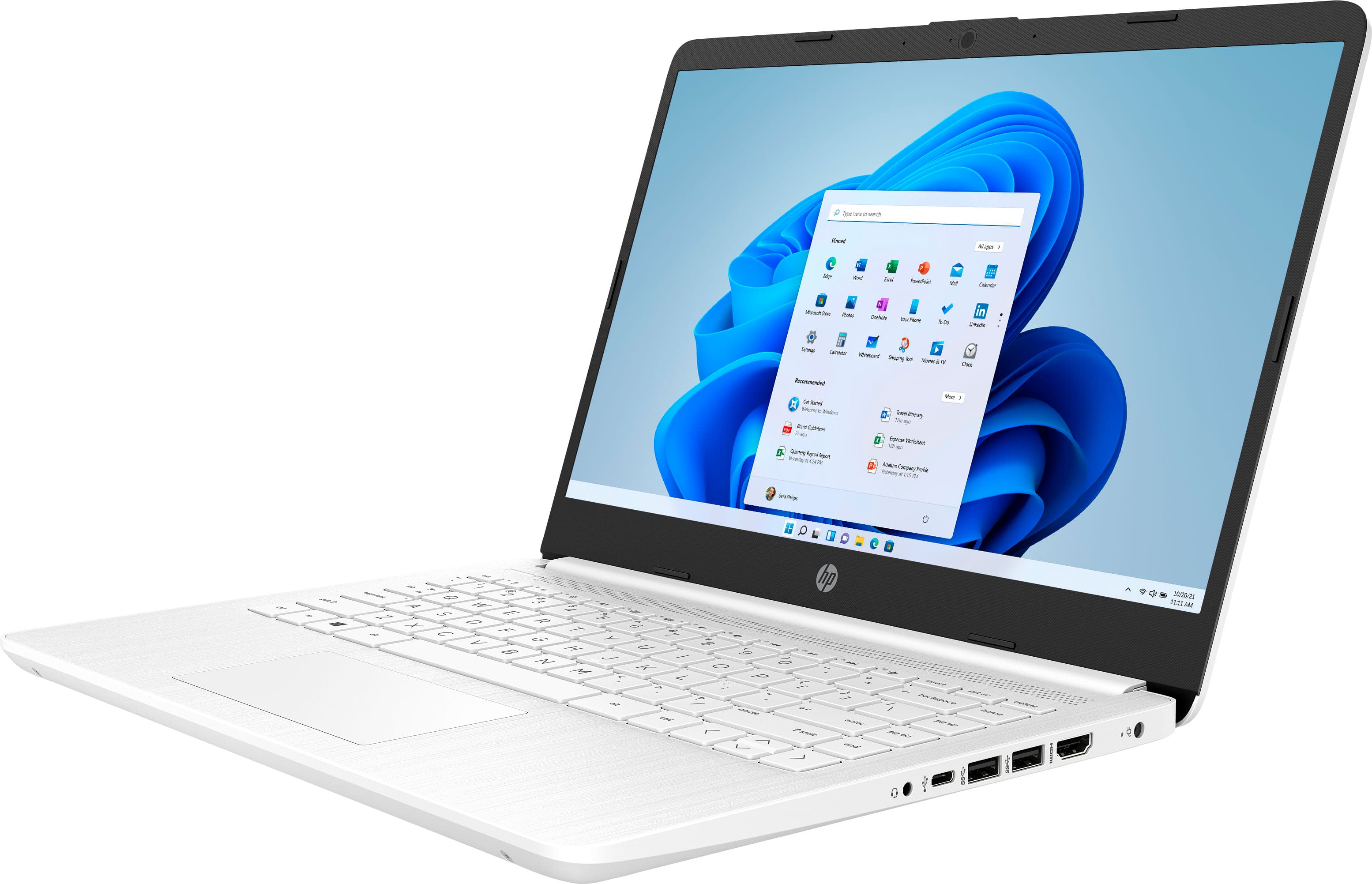
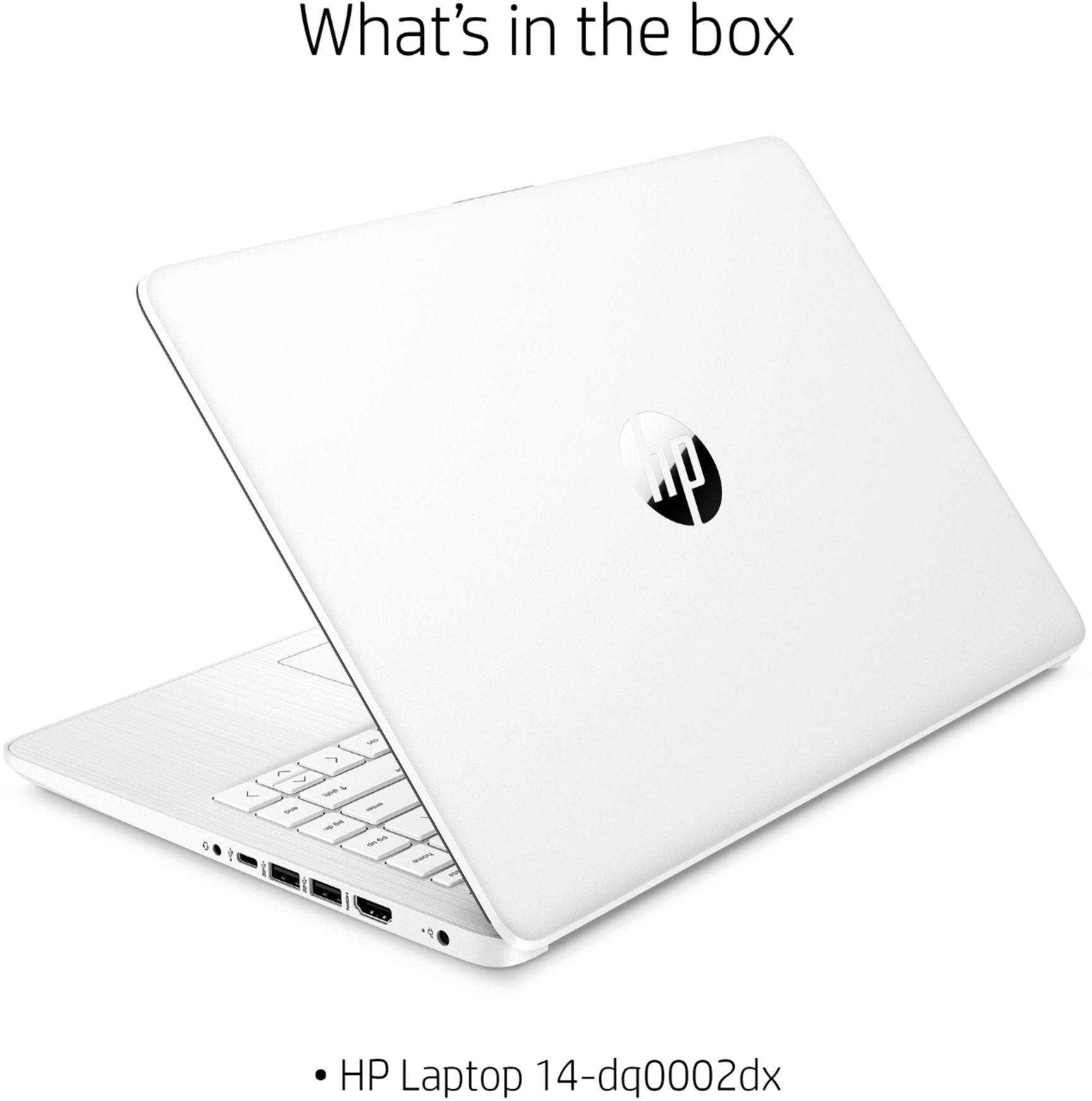
A:AnswerThis is a basic laptop that does allow you to read and respond to emails and browse the web through the Microsoft Edge browser. You can also watch YouTube and Netflix. There is a 30 day trial of Microsoft Office on this laptop, which includes Word, Excel, and PowerPoint. We recommend purchasing Microsoft 365 Personal with this laptop to save $20 on Microsoft Office.
A:AnswerYes it does. The processor is an Intel® Celeron® N4020 (1.1 GHz base frequency, up to 2.8 GHz burst frequency, 4 MB L2 cache, 2 cores) which has the integrated Intel® UHD Graphics 600. OpenGL version supported is 4.4
A:AnswerThis laptop was made so you get online and use apps from the Microsoft Store (app store). You need a computer with at least Intel i5 or Ryzen 5 processor or better with 8 GB or 16 GB of RAM and a discrete graphics card with 2 gigabytes or more of video memory to run the Adobe programs. They are big programs that require a lot of processing power to run.
A:AnswerThis laptop cannot handle Adobe Illustrator. You need a computer with at least Intel i5 or Ryzen 5 processor or better with 8 GB or 16 GB of RAM and a discrete graphics card with 2 gigabytes or more of video memory to run the Adobe programs. They are big programs that require a lot of processing power to run.
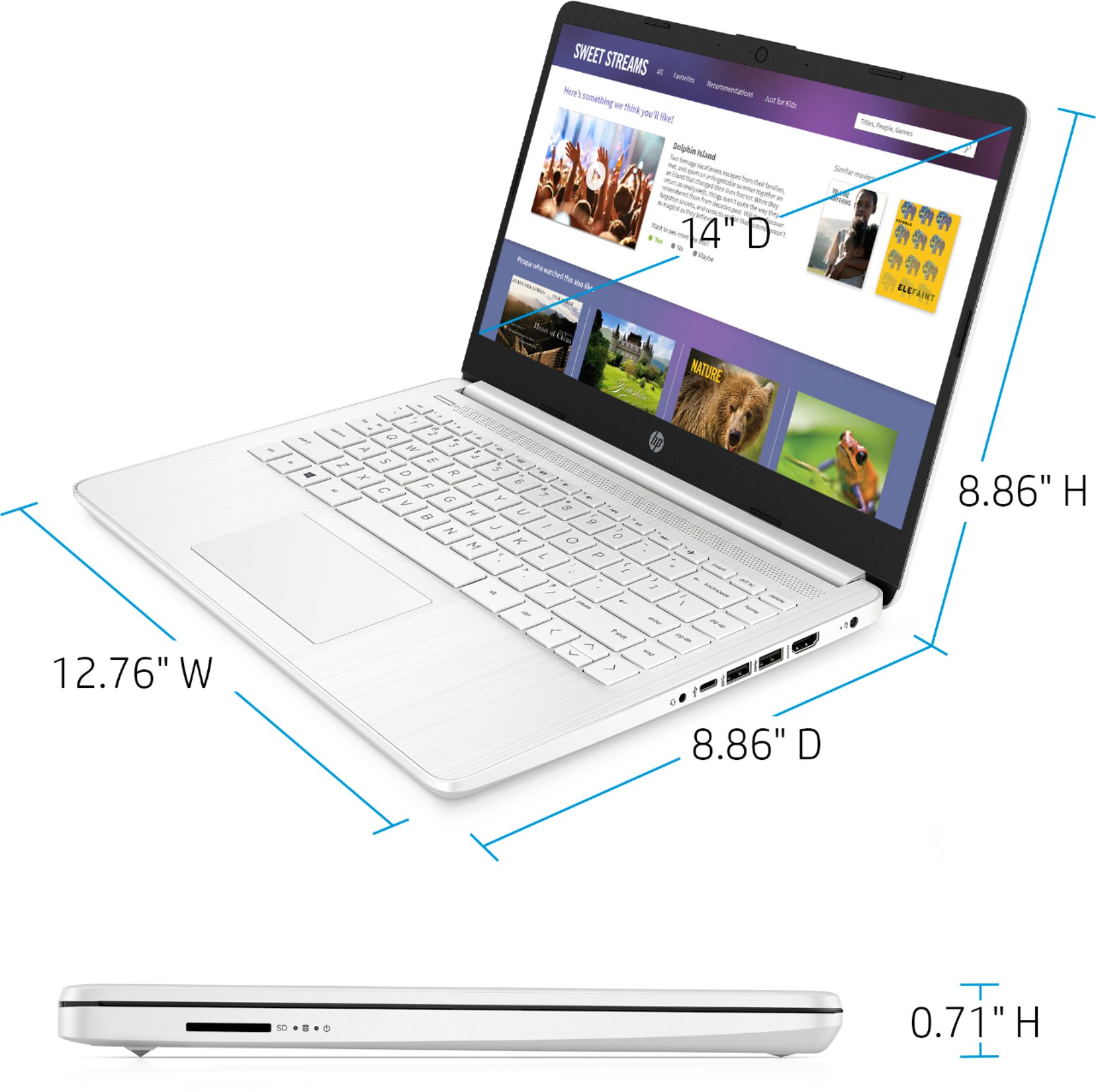
A:AnswerIt's so light it's like just having a book on your lap. I'm used to larger and heavier laptops and this one is great (and easy to carry with you).
A:AnswerYes, this laptop is wireless. So, you can connect to your wireless network. We recommend Googling your printer model to see if there are drivers for Windows 10. For example, HP Deskjet 3755 printer drivers.
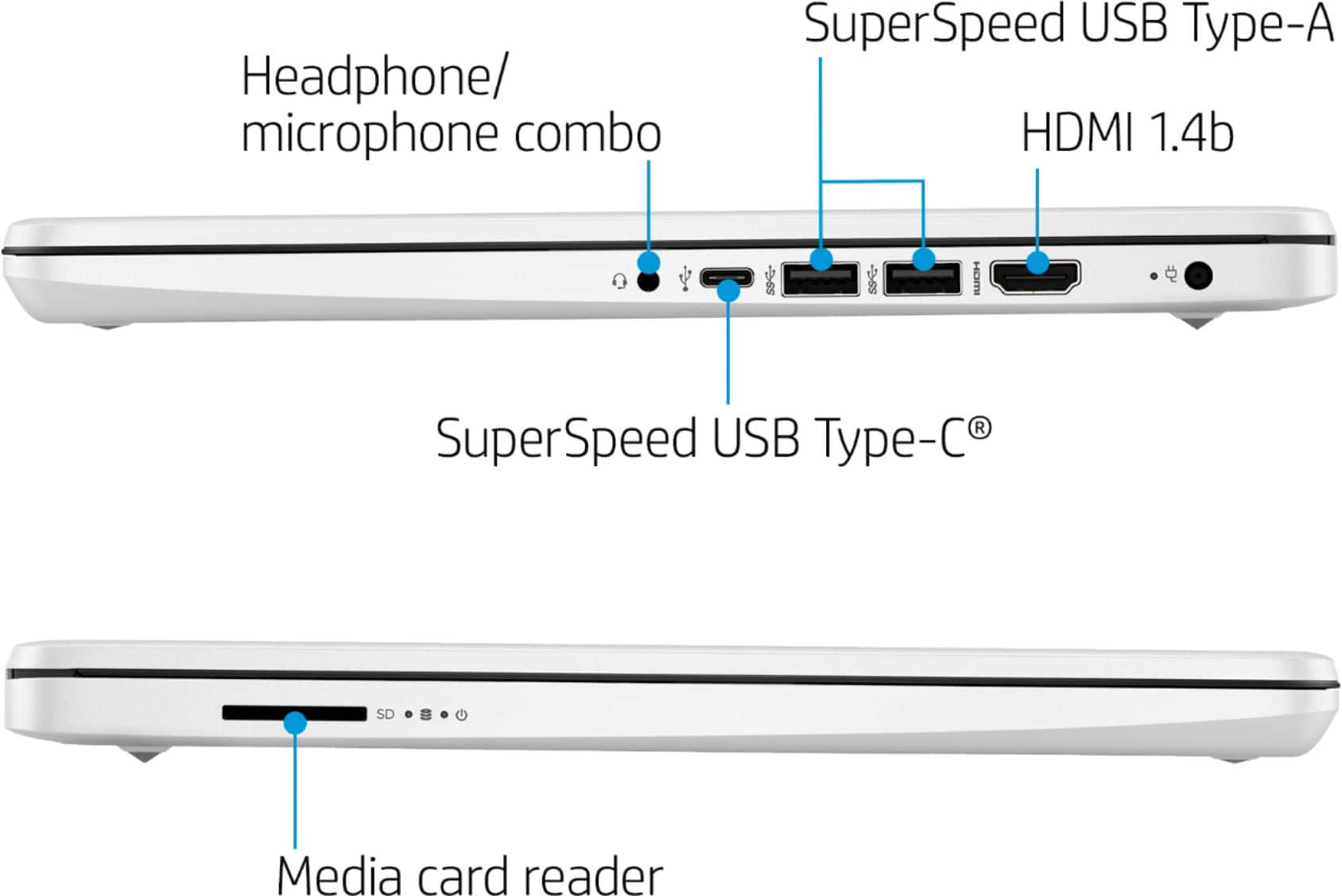
A:AnswerThis laptop does not have a disc drive. This laptop has Windows 10 in S Mode. You would need to switch out of the S Mode to install any software onto this laptop. Here are instructions on how to get out of S Mode: https://bit.ly/3laywG1 Then, you can use an external USB CD/DVD drive to install any software onto this laptop.