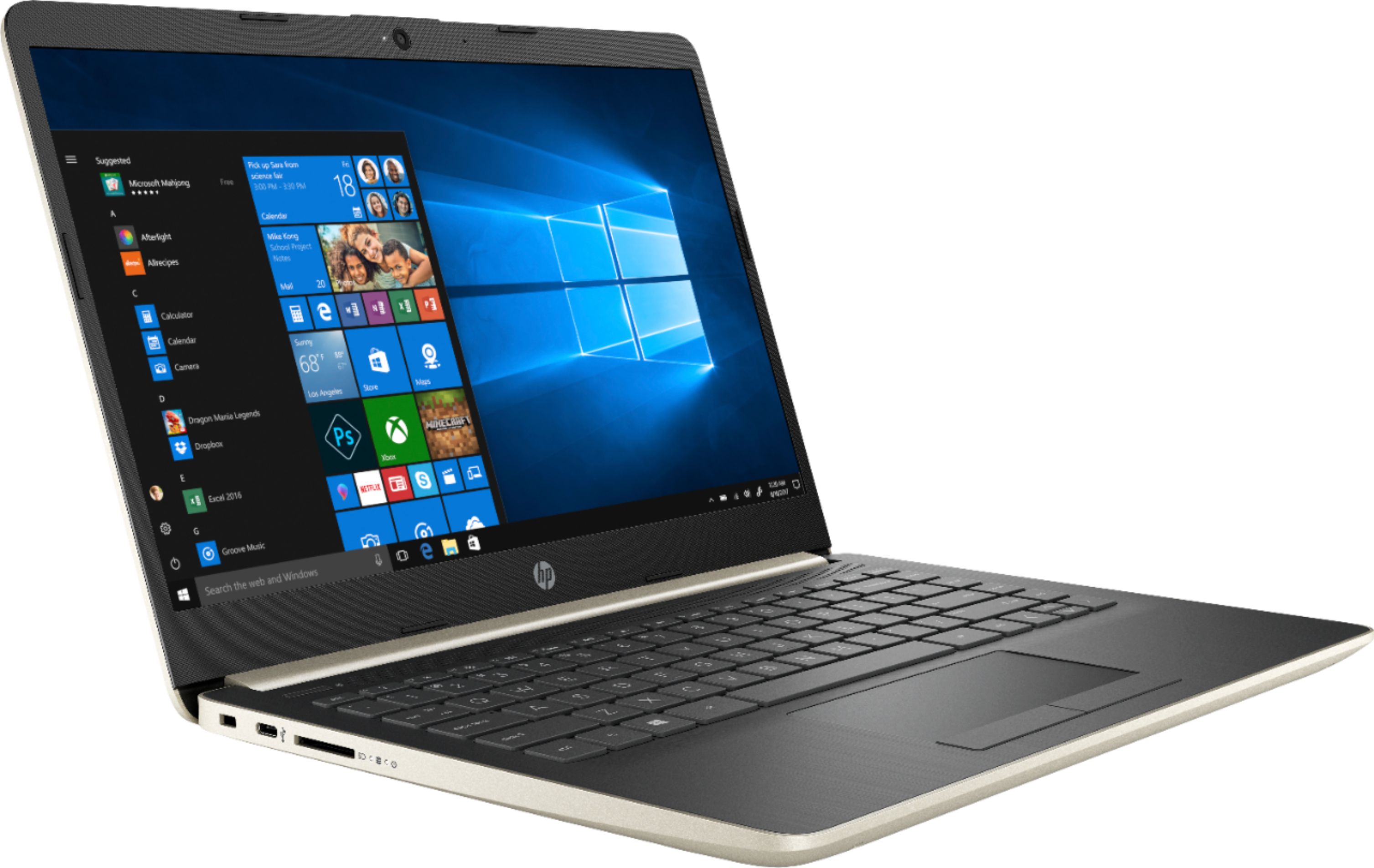
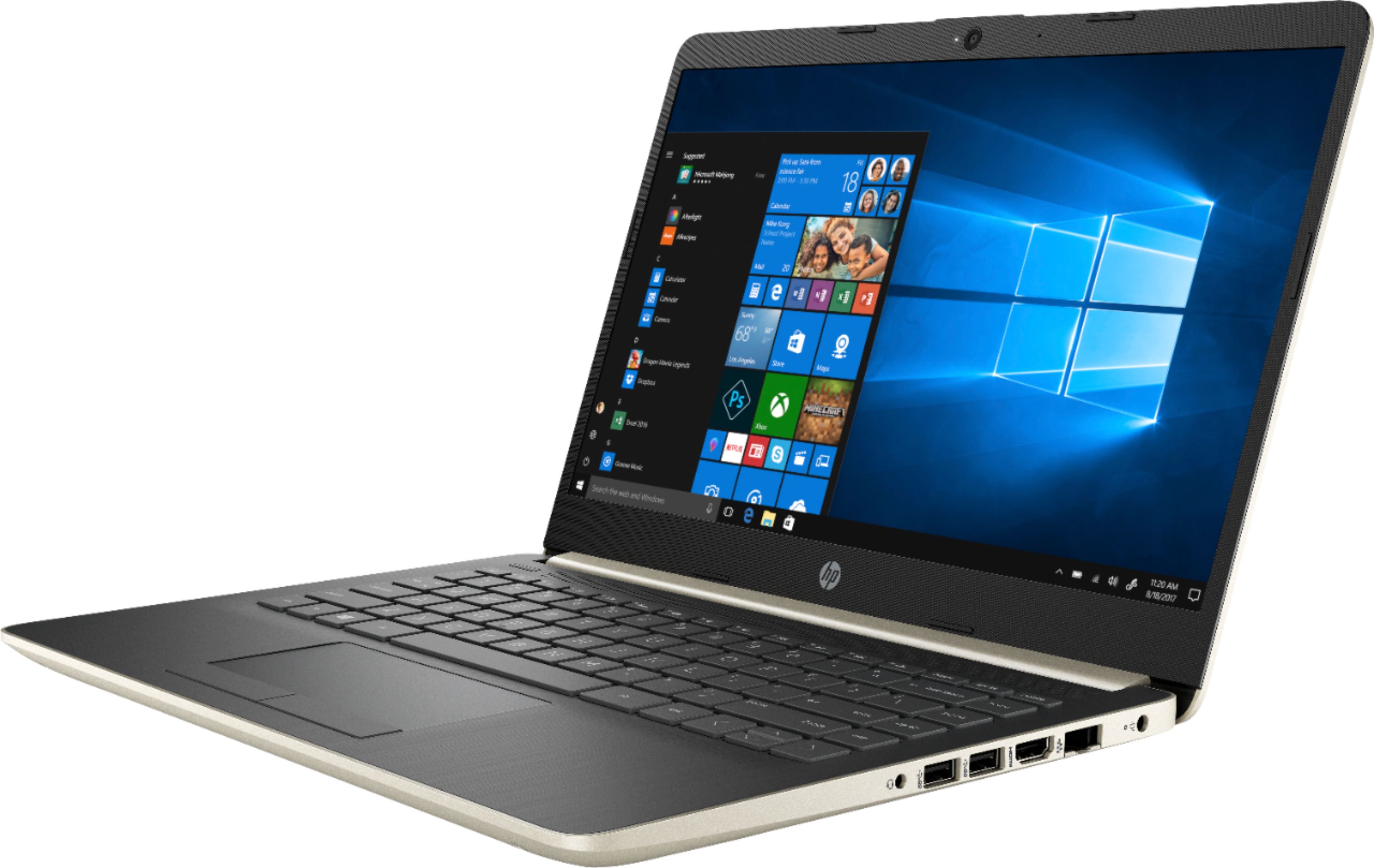
A:AnswerThis PC should be fine internally for that but you need to remember the size of the keyboard. It does not have the numberpad on the right side. From my experience, you need a numberpad on the right side for excel. NEED IT.
This 14" will only have the row of numbers above your letters.
A:AnswerUnfortunately no, this laptop's design does not accommodate additional storage. You are welcome to upgrade the solid state for additional space, utilize an external hard drive, or use cloud-based storage.
A:AnswerSolid state drives serve the same function as a traditional hard drive except they have no moving parts. They have several advantages. 1. Use less power 2.Faster data access 3. Higher reliability
A:AnswerAs a college student myself, this is great. The 14" size is great to take to class everywhere. It does everything you want except handle demanding video games or video editing. If you're in a video editing type of major, you gotta spend more but if you're just using excel or word like myself, this is great.
Keep in mind this 14" size does not have the numberpad on the right hand side. Only numbers on the top row.
A:AnswerDepends on the game. It probably can do low req games like minecraft. Nothing like a Grand Theft Auto, Call of Duty, or higher end game. It just depends on the game really.
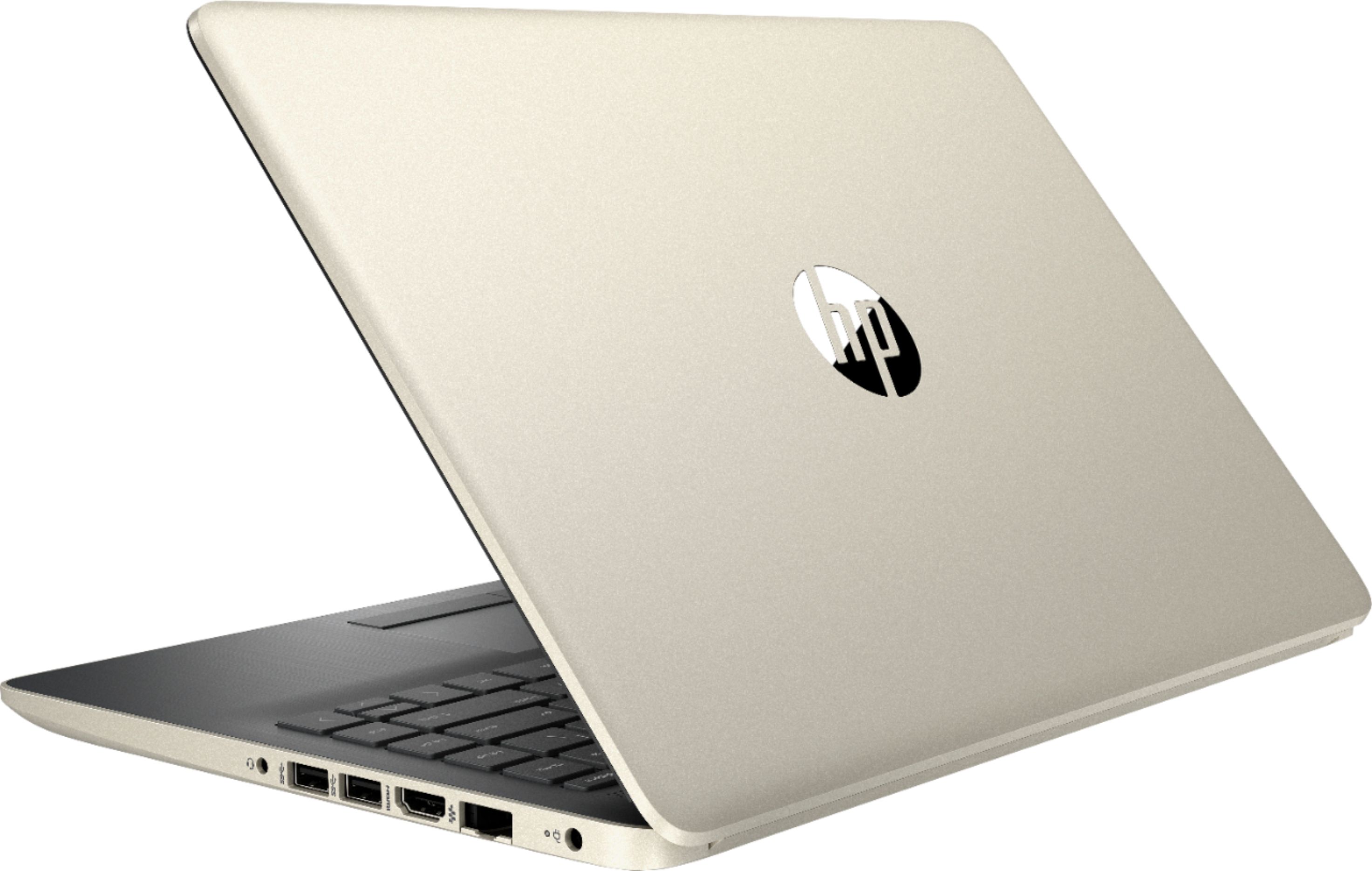
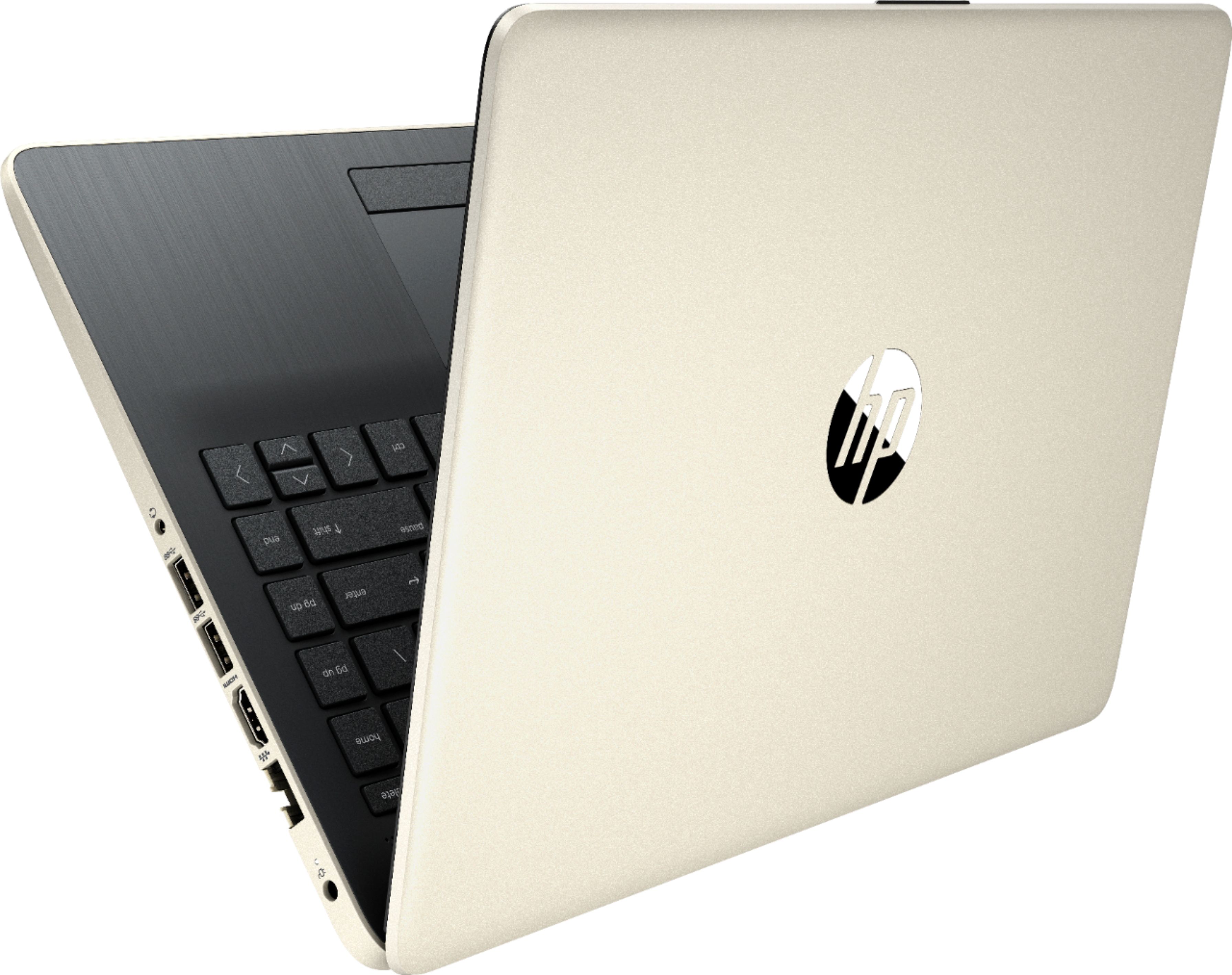
A:AnswerHi Alex! You have to remove the two rubber strips underneath the laptop gently pry them up and peel them off they have light adhesive on them. After that remove the 6 screws on the bottom of the laptop and carefully pry the bottom cover off then you can assess the memory and SSD. I actually just upgraded my SSD to a WD Blue 3D NAND 1TB drive and my RAM to 16 GB of Corsair Vengeance DDR4 2400Mhz memory.
A:AnswerUp to 10 hours or so, depending on usage. It's like having a Chromebook but with Windows installed. This laptop matches the battery life on my Samsung Chromebook 3.
A:AnswerUnfortunately no, the current line of HP laptops from our Notebook, Pavilion, Envy, and Spectre series do not have compatibility with snap/lock-in style docking stations. You can use a port replicator or a hub that plugs in via USB, though.