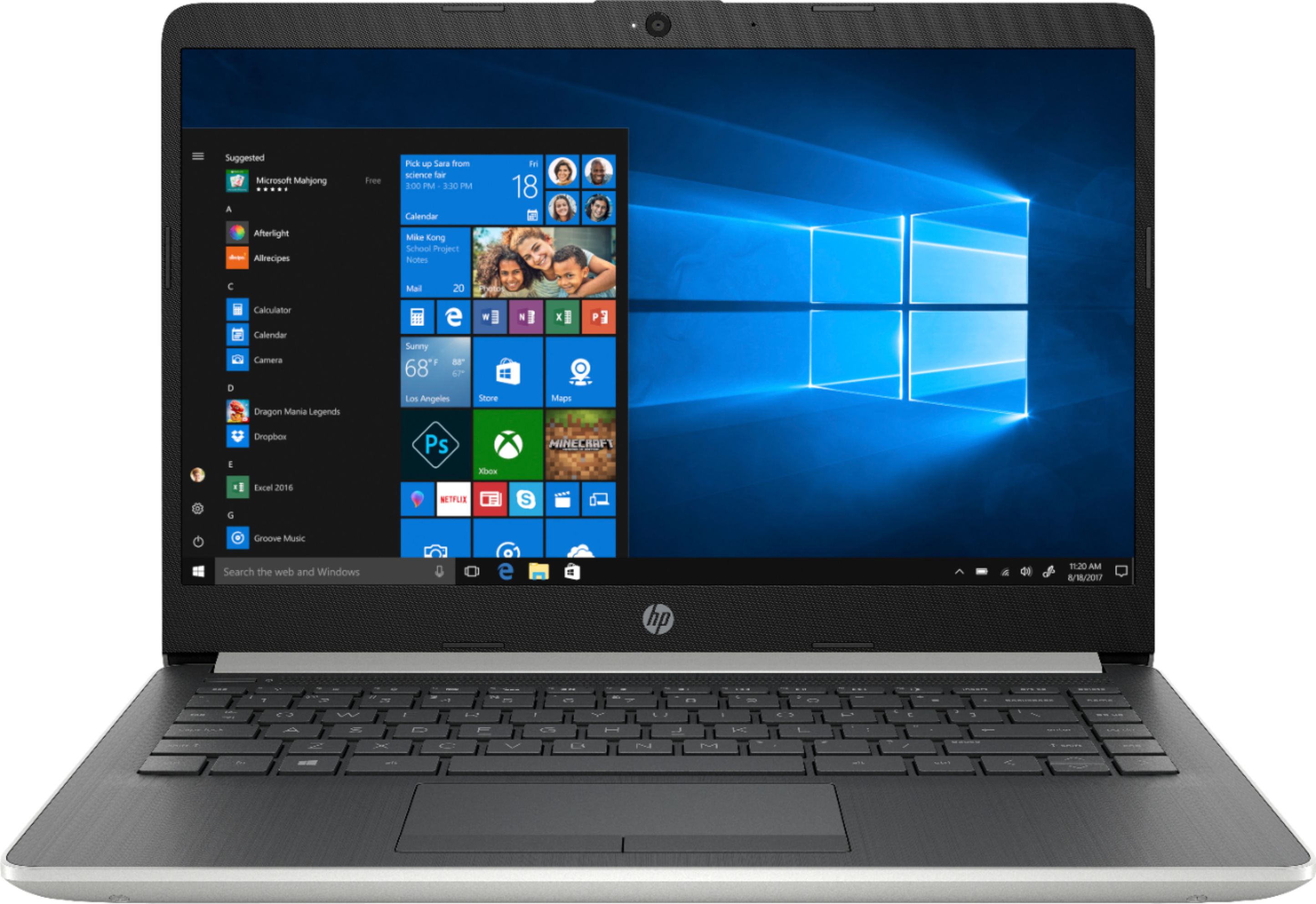
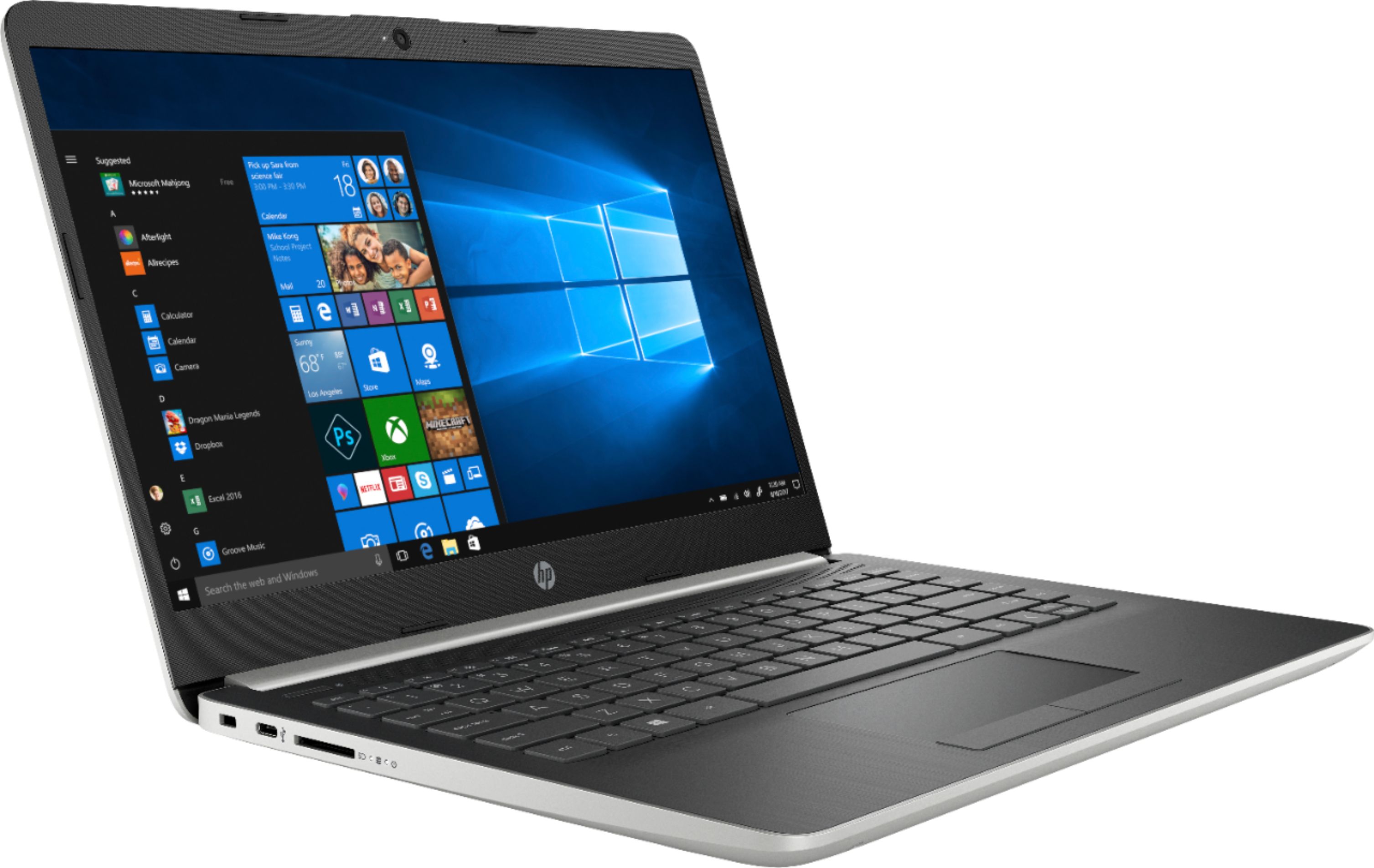
A:AnswerThis laptop comes in Windows 10 S Mode, which means you can only download apps from the Microsoft store or use Microsoft Edge browser. Microsoft Office, which includes Excel, is not included on this laptop.
A:AnswerThis link from Microsoft explains how to switch out of S mode in Windows 10. https://support.microsoft.com/en-us/help/4456067/windows-10-switch-out-of-s-mode
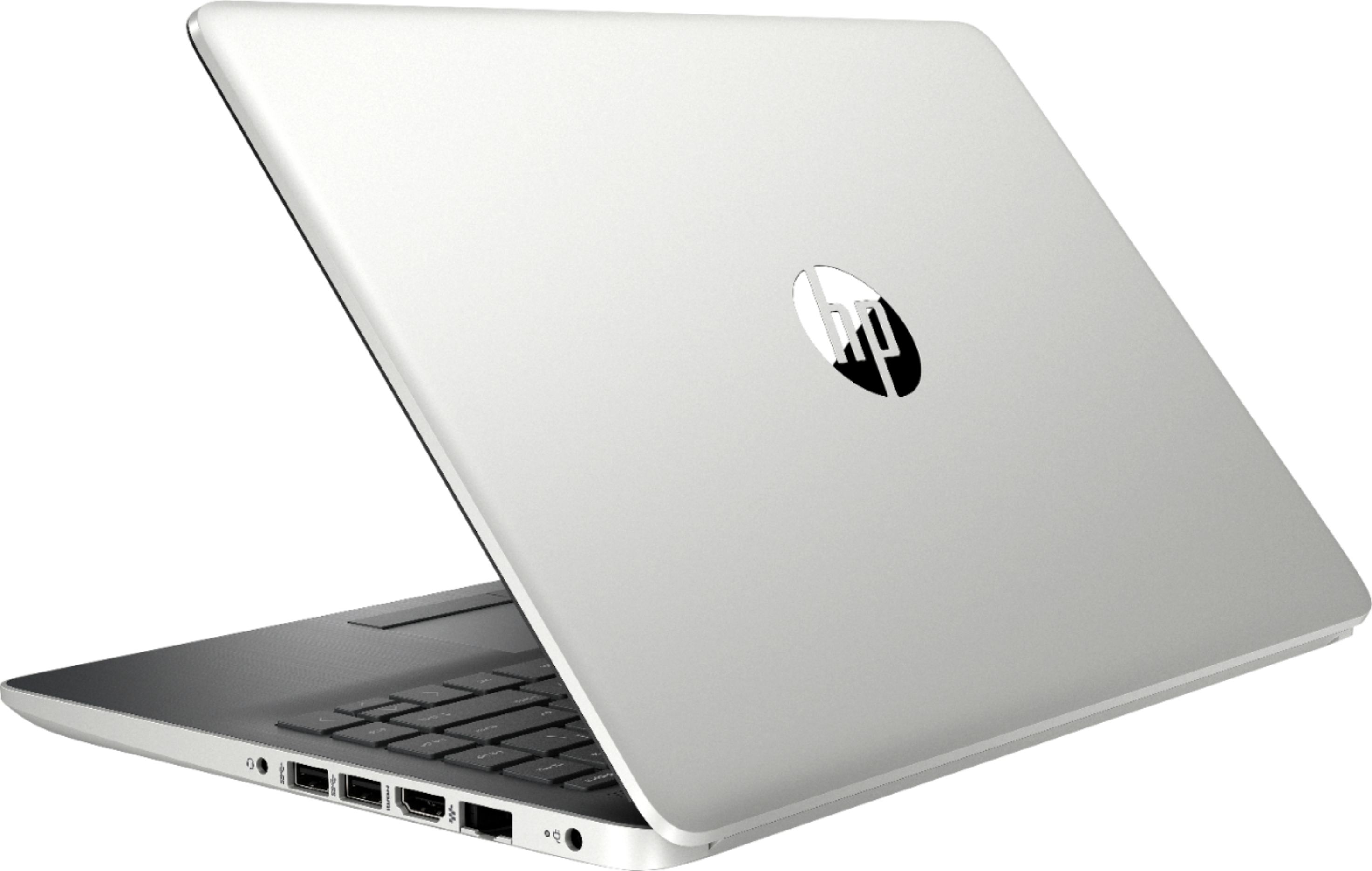
A:AnswerThis model does not have a DVD drive. Here is a link to some external DVD drives that connect with USB: https://www.bestbuy.com/site/searchpage.jsp?_dyncharset=UTF-8&id=pcat17071&iht=y&keys=keys&ks=960&list=n&sc=Global&sp=%2Bcurrentprice%20skuidsaas&st=external%20dvd%20drive&type=page&usc=All%20Categories
Here's a great deal on a laptop from Best Buy with a DVD drive. https://www.bestbuy.com/site/hp-15-6-touch-screen-laptop-amd-ryzen-5-8gb-memory-128gb-solid-state-drive-natural-silver-ash-silver-vertical-brushed/6273508.p?skuId=6273508
A:AnswerThis laptop comes in Windows 10 S Mode, which means you can only download apps from the Microsoft store or use Microsoft Edge browser. Yes, this laptop has wireless capabilities.
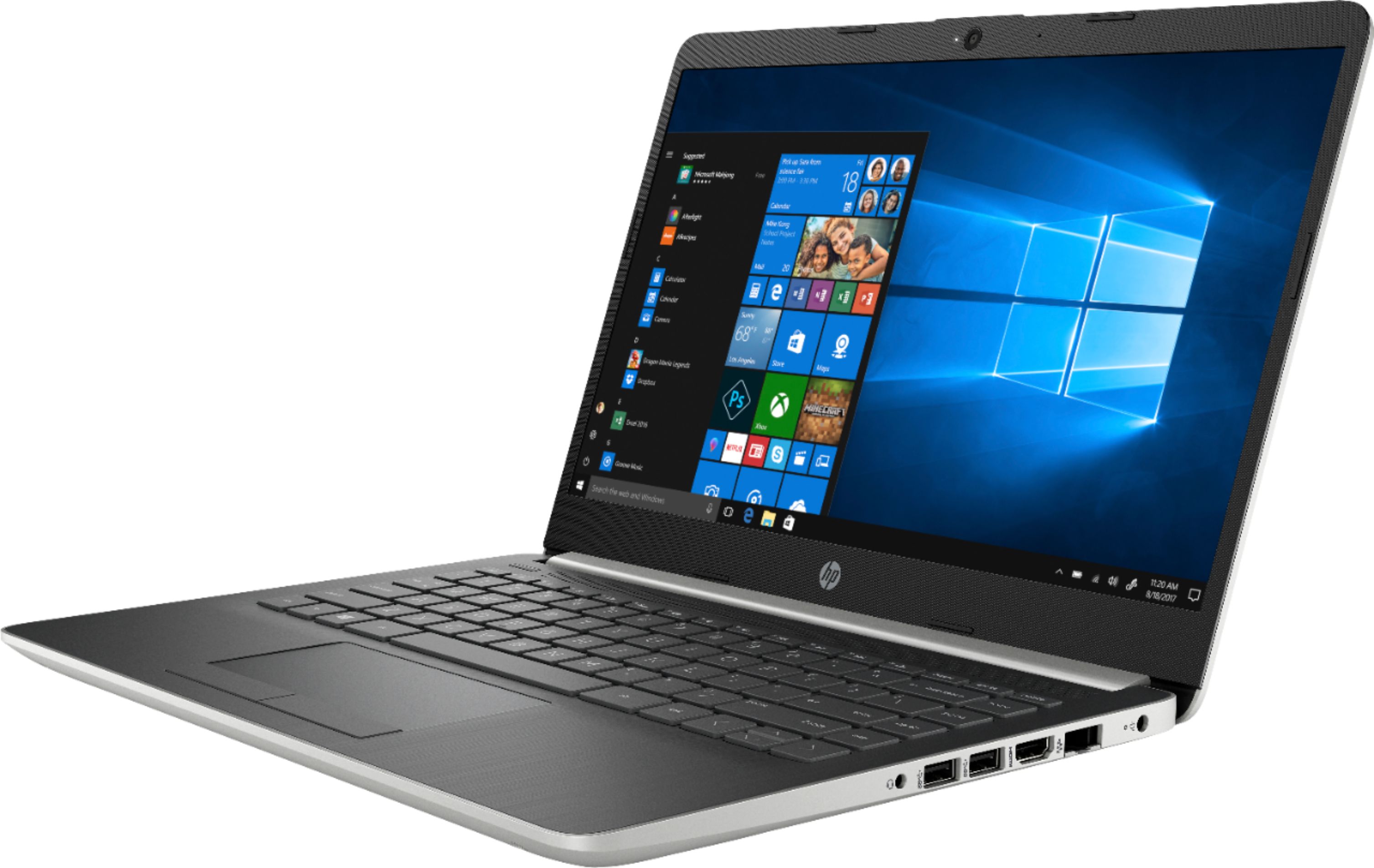
A:AnswerTo get an image from this laptop onto an external monitor, you will need an HDMI cable, which is not included.
This laptop has an HDMI port so you will need to make sure that your monitor also has an HDMI port.
A:AnswerUnfortunately, this is not an i5 or better. The only Intel processors that fall into that category will be the Intel Core i5 processor or the Intel Core i7 processor.
A:AnswerYou either take your Chromebook to a local Best Buy and check the trade in value at the customer service desk. Or you can get an estimate from their website: https://tradein.bestbuy.com/client/#/catalog If you have any further questions about Best Buy's trade in program, I would suggest reaching out to their customer service team.