A:AnswerMost likely, from the moment you turn this device on, you will have to, at some point or another, read and agree to the terms of use, with the device, if you would like to use the device, in the way it is meant to be used.
A:AnswerYou can, at least in theory. However, because the computer only has 32 gigabytes of storage, you may run into issues unless you use something like an SD card or a USB drive to provide additional storage space.
A:AnswerYou can do most of this work, but Office 365 requires windows. There are android versions of Office. The easiest way to get Microsoft Office on Chromebook is to download the Office apps that are available for Android and Chromebooks.
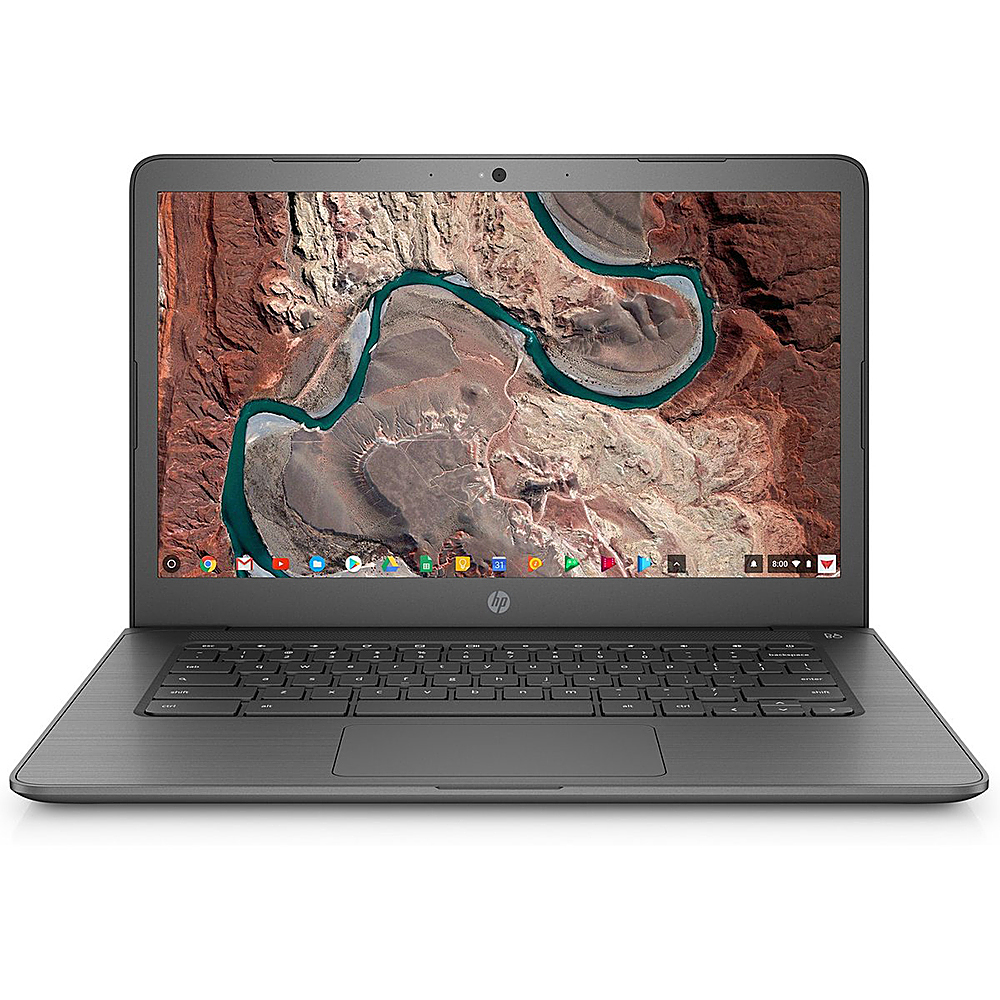
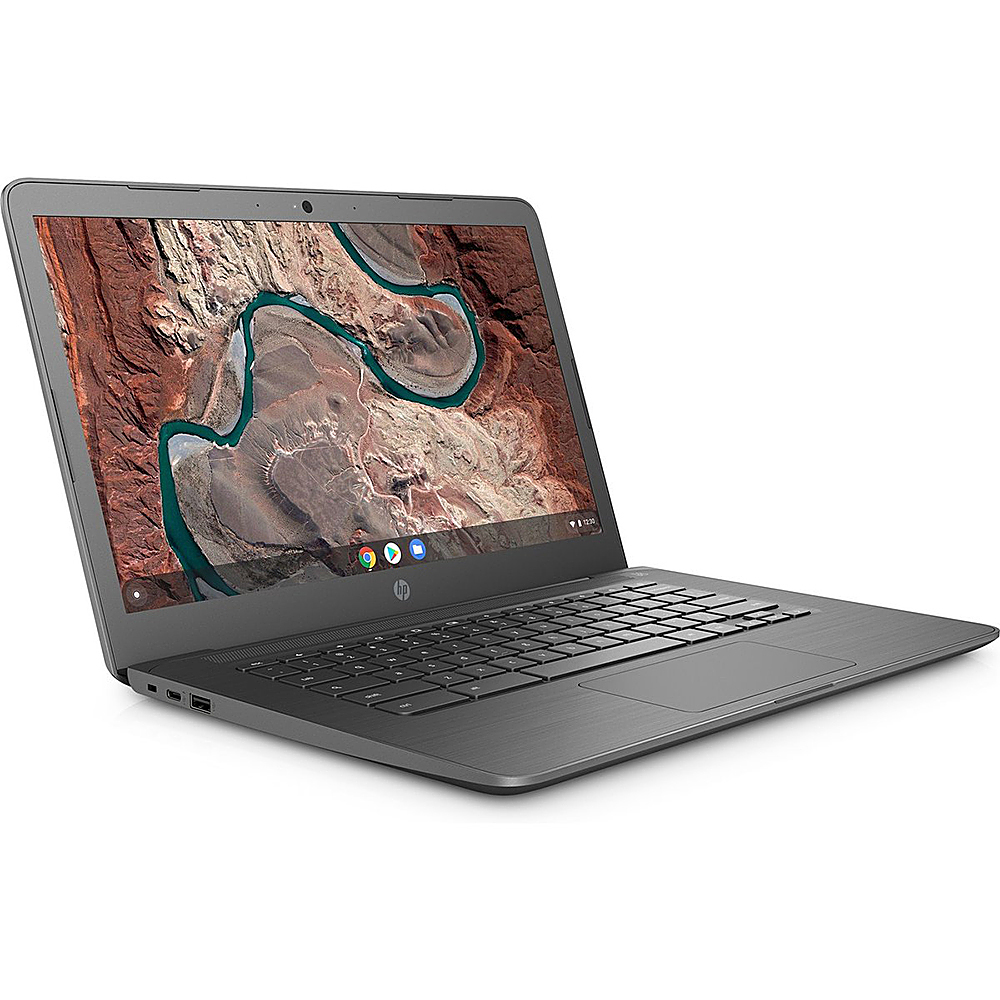
A:AnswerHi John, thank you for the question. The 14-DB0060NR Chromebook does not have a backlit keyboard. It does have an HD SVA WLED-backlit multitouch-enabled edge-to-edge glass display.
A:AnswerThank you for the question! Most HP printers are compatible with Chromebooks. This HP OfficeJet Pro 8025e can print, copy, scan and fax. https://www.bestbuy.com/site/hp-officejet-pro-8025e-wireless-all-in-one-inkjet-printer-with-6-months-of-instant-ink-included-with-hp-white/6450663.p?skuId=6450663
A:AnswerHi Mattma, thank you for the question. No, I'm sorry. To play Overwatch, you'll need a laptop with Windows 10 as the operating system, a dedicated graphics card, and an i3 or better processor.