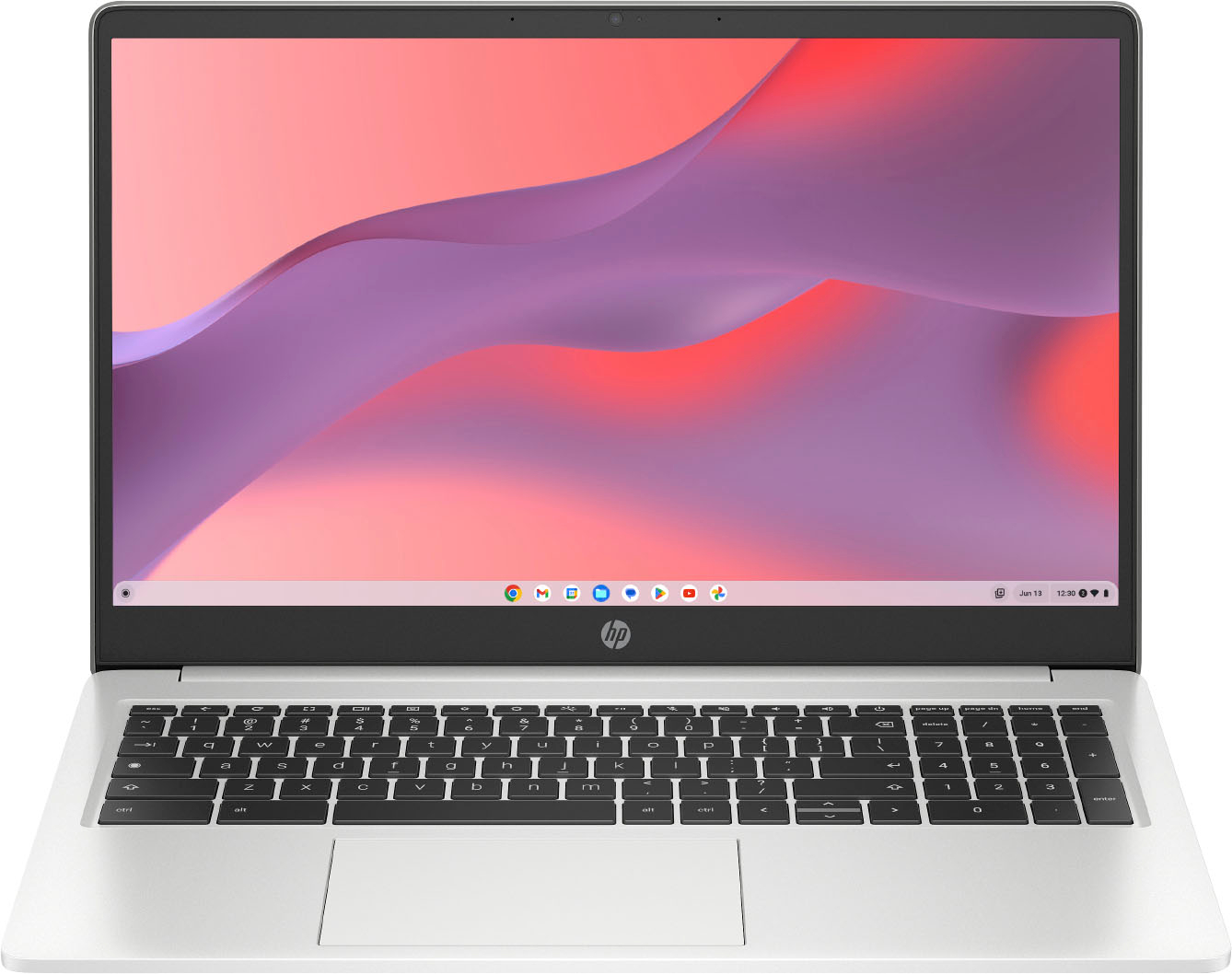
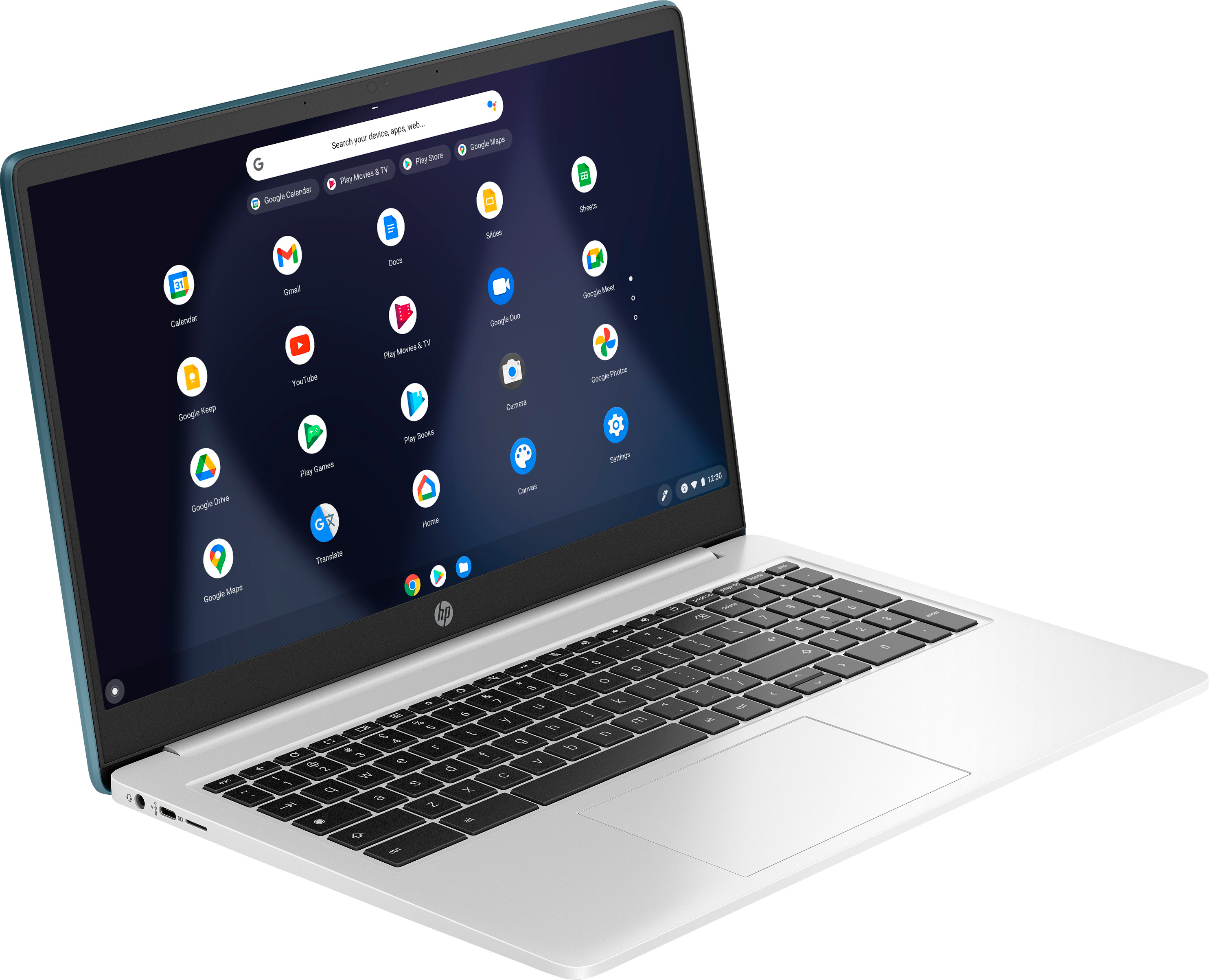
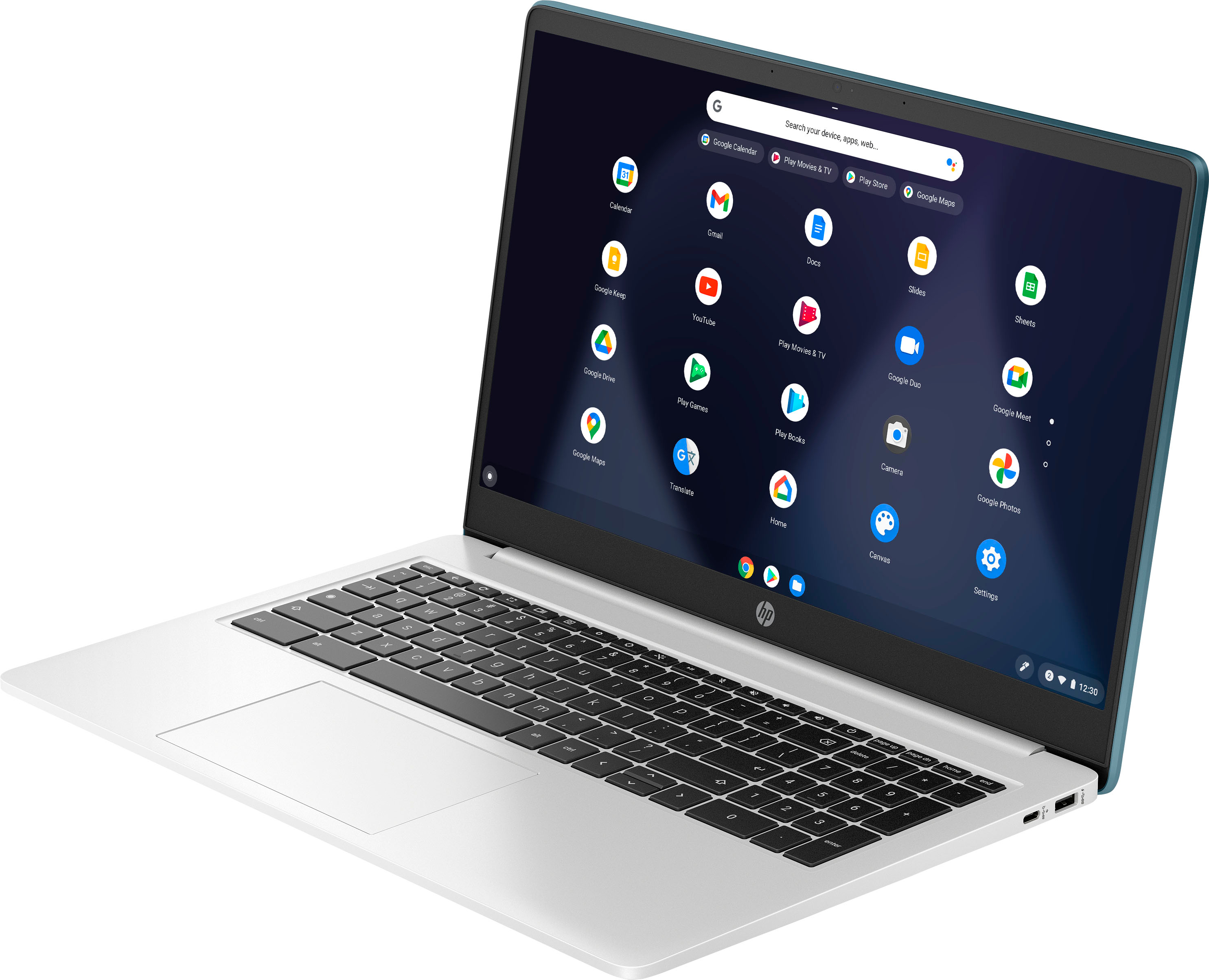
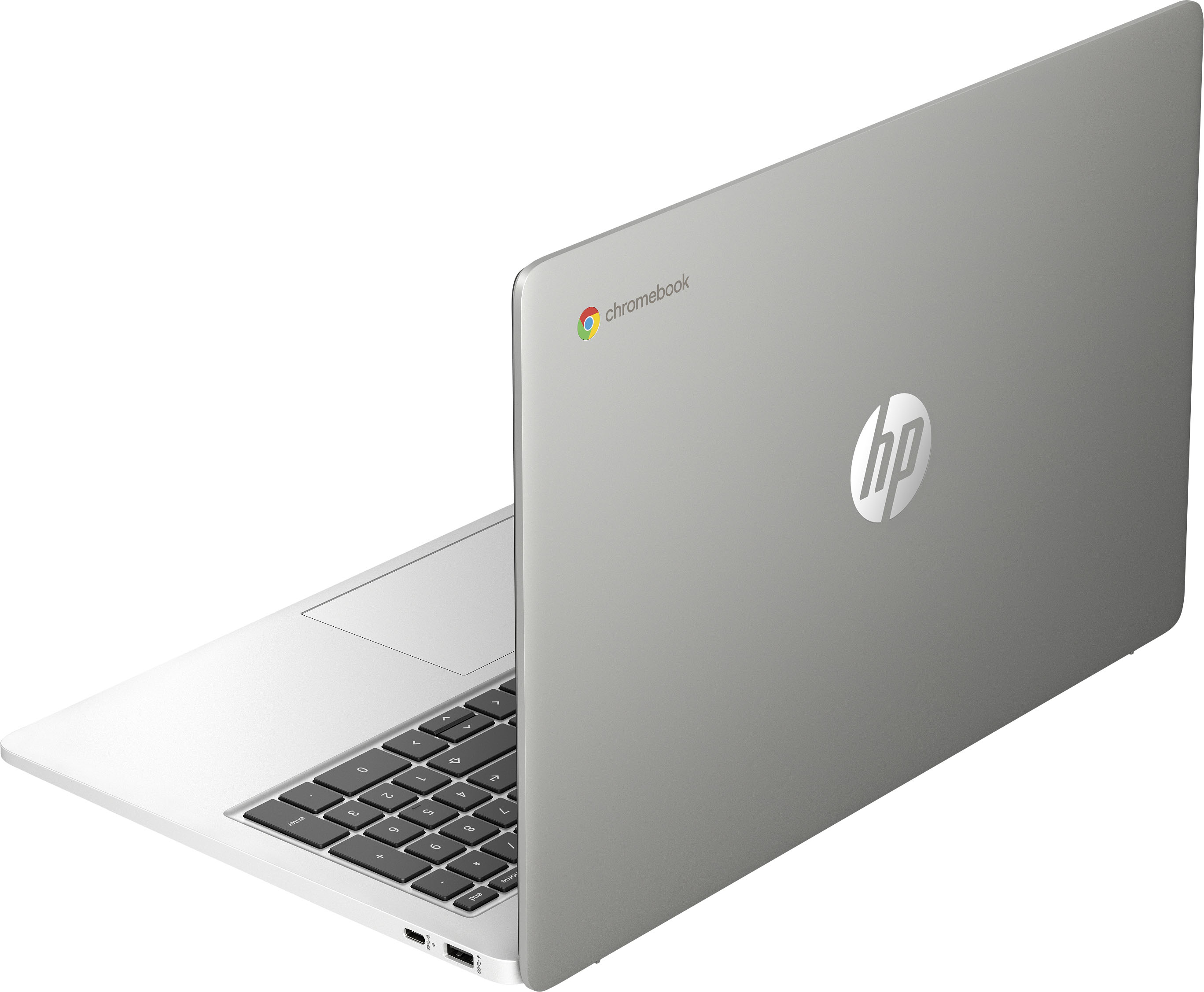
A:Answer Thank you for the question. You can access your Microsoft 365 apps on a Chromebook from the web — including Word, Excel, PowerPoint, Teams, OneNote, OneDrive, and Outlook. To save documents, you'd want to have an external drive, flash drive, or SD card, since Chromebooks typically do not have a lot of onboard storage. And you can also save files to the cloud. Google also has a suite of applications that will work - Google Docs (their version of Word), Google Sheets (their version of Excel), and Google Slides (their version of PowerPoint).