A:AnswerThank you for the question. Please review the system recommendations for apps you'd like to use, to verify that this system will work for your needs. You will likely need to attach an external hard drive via USB.
A:AnswerHello. Thanks for your question. According to VUDU, first, you would download the movie in the VUDU app on your smartphone. Then, you will be able to access your downloaded movie offline. It is recommended to connect your Chromebook to the WiFi before you go offline to make sure your library is updated. If you need further assistance, we recommend reaching out to the VUDU customer support team.
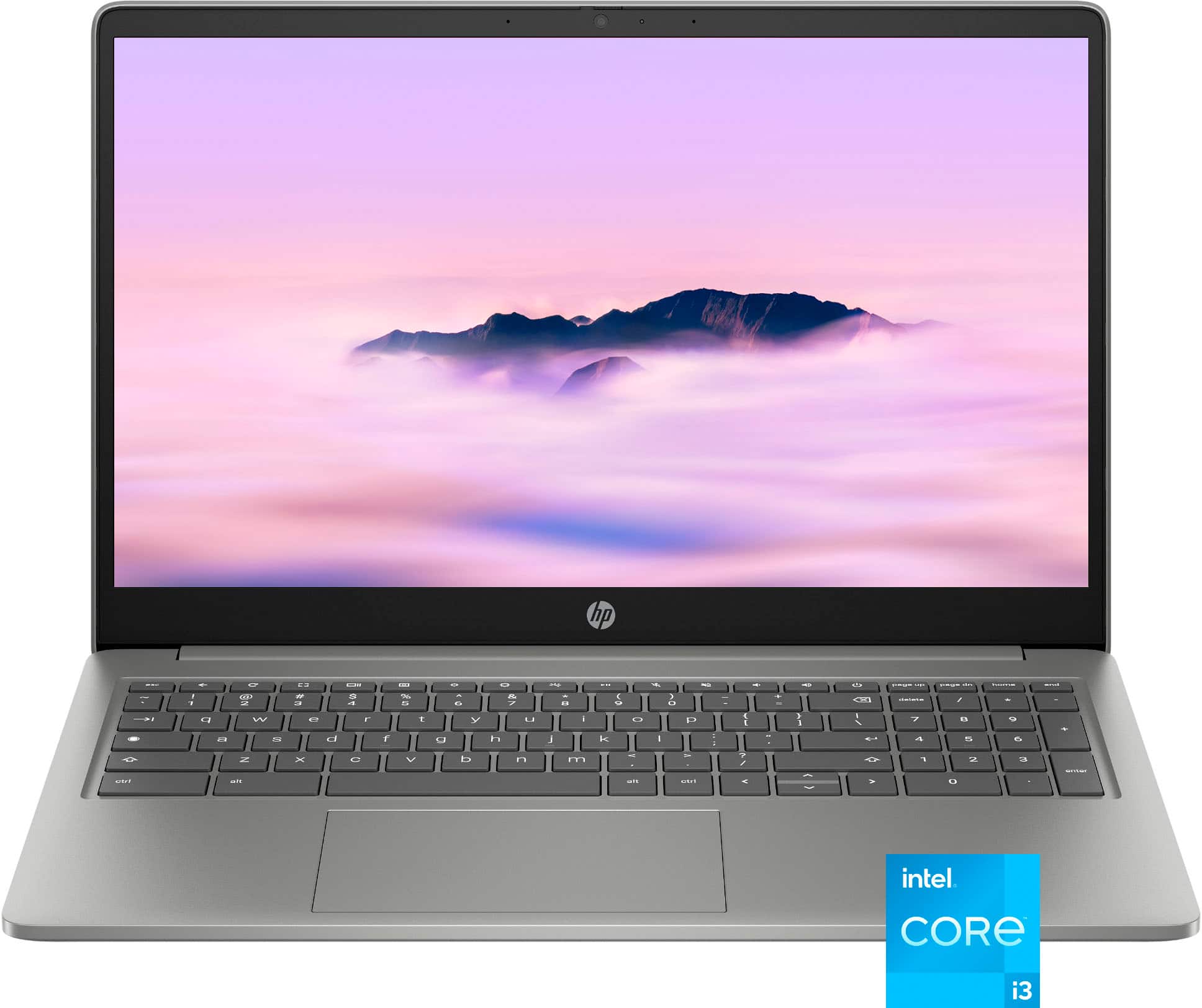
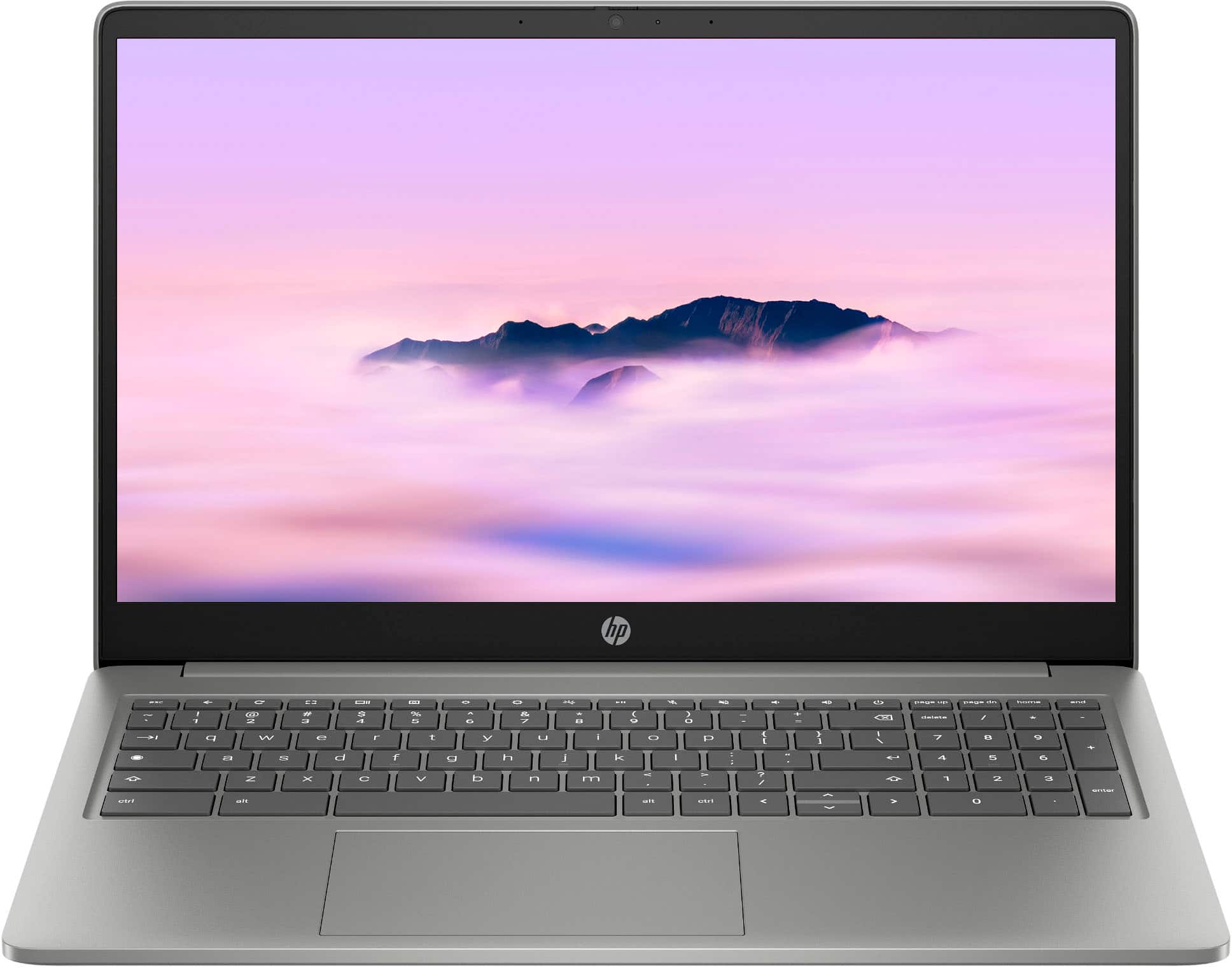
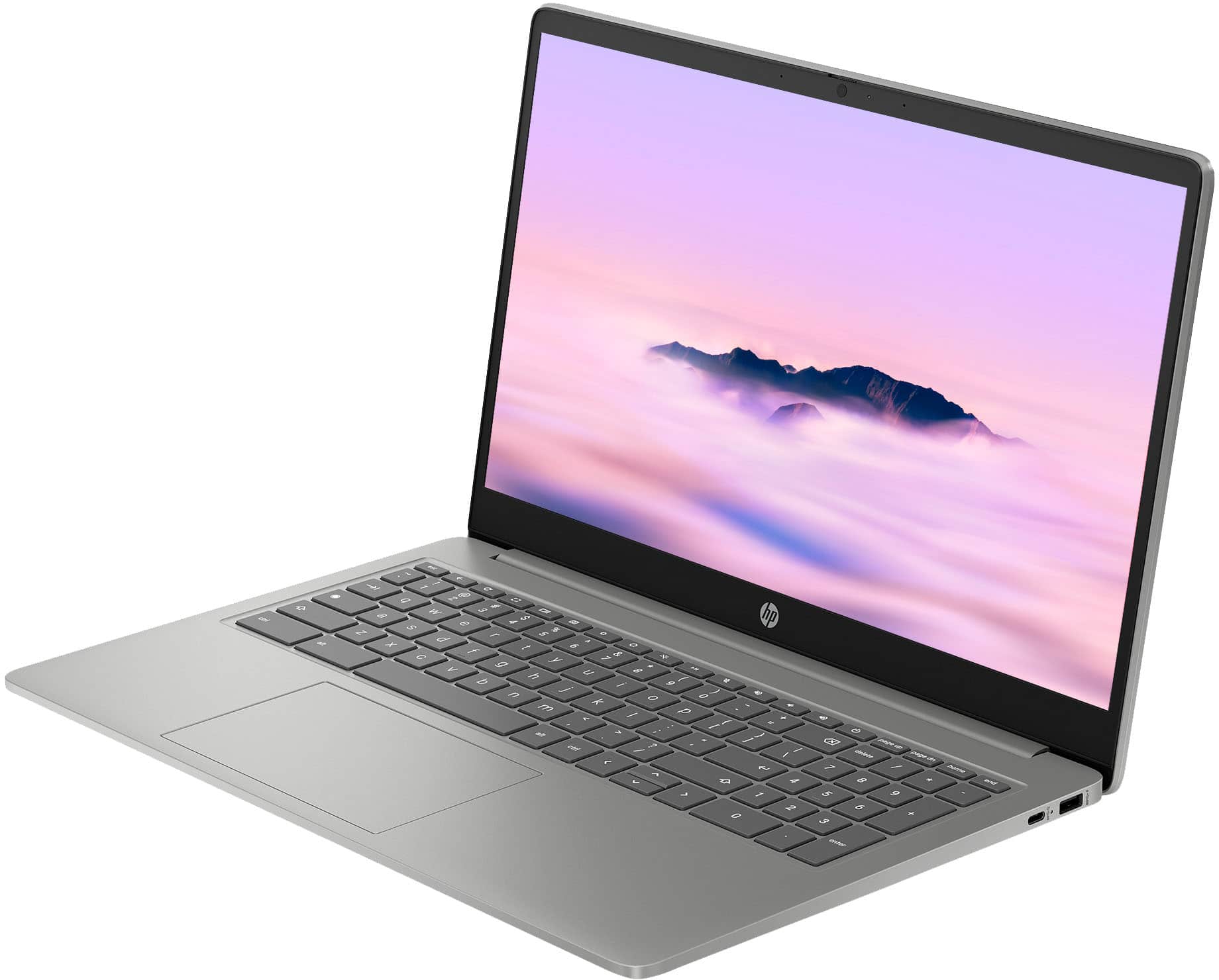
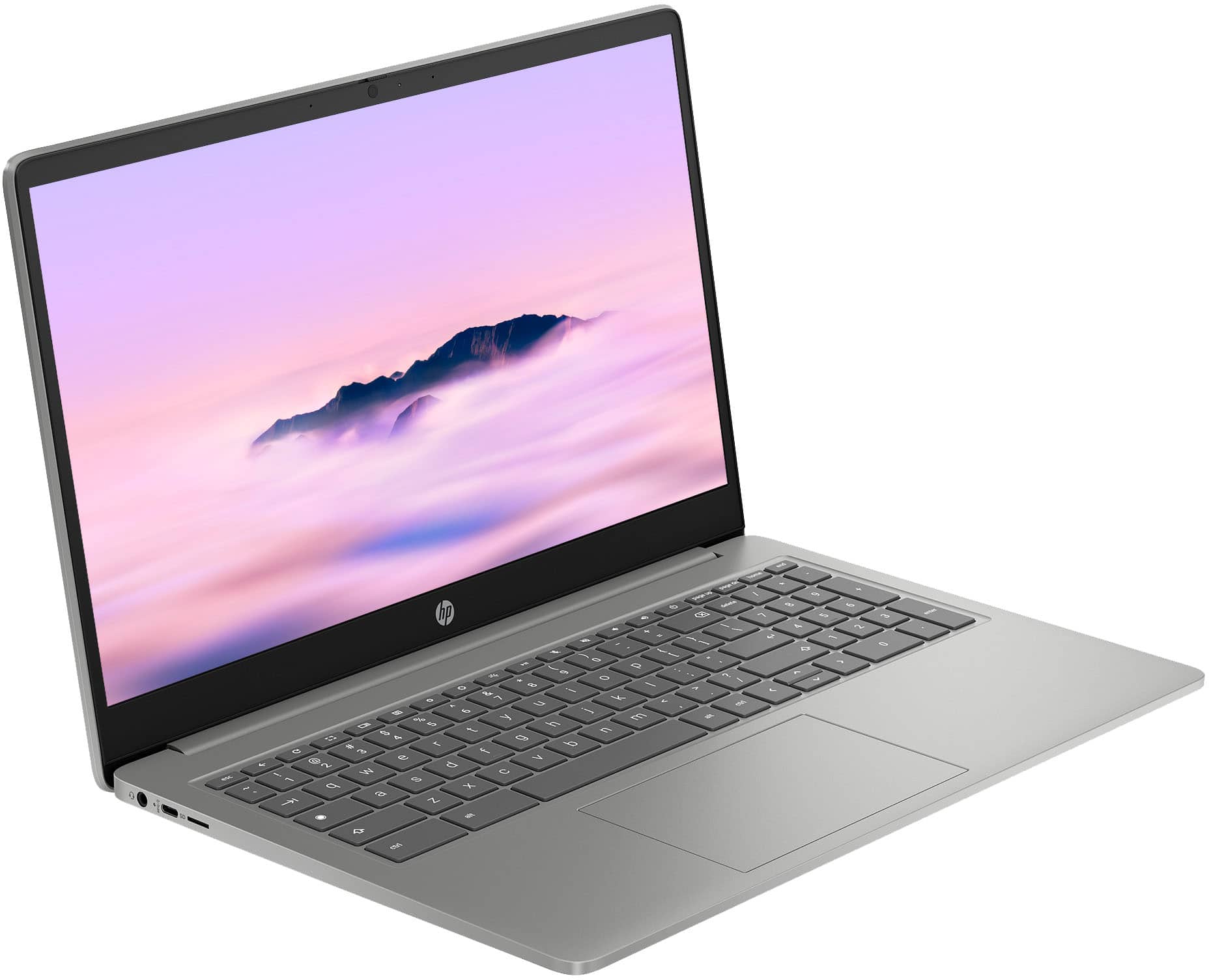
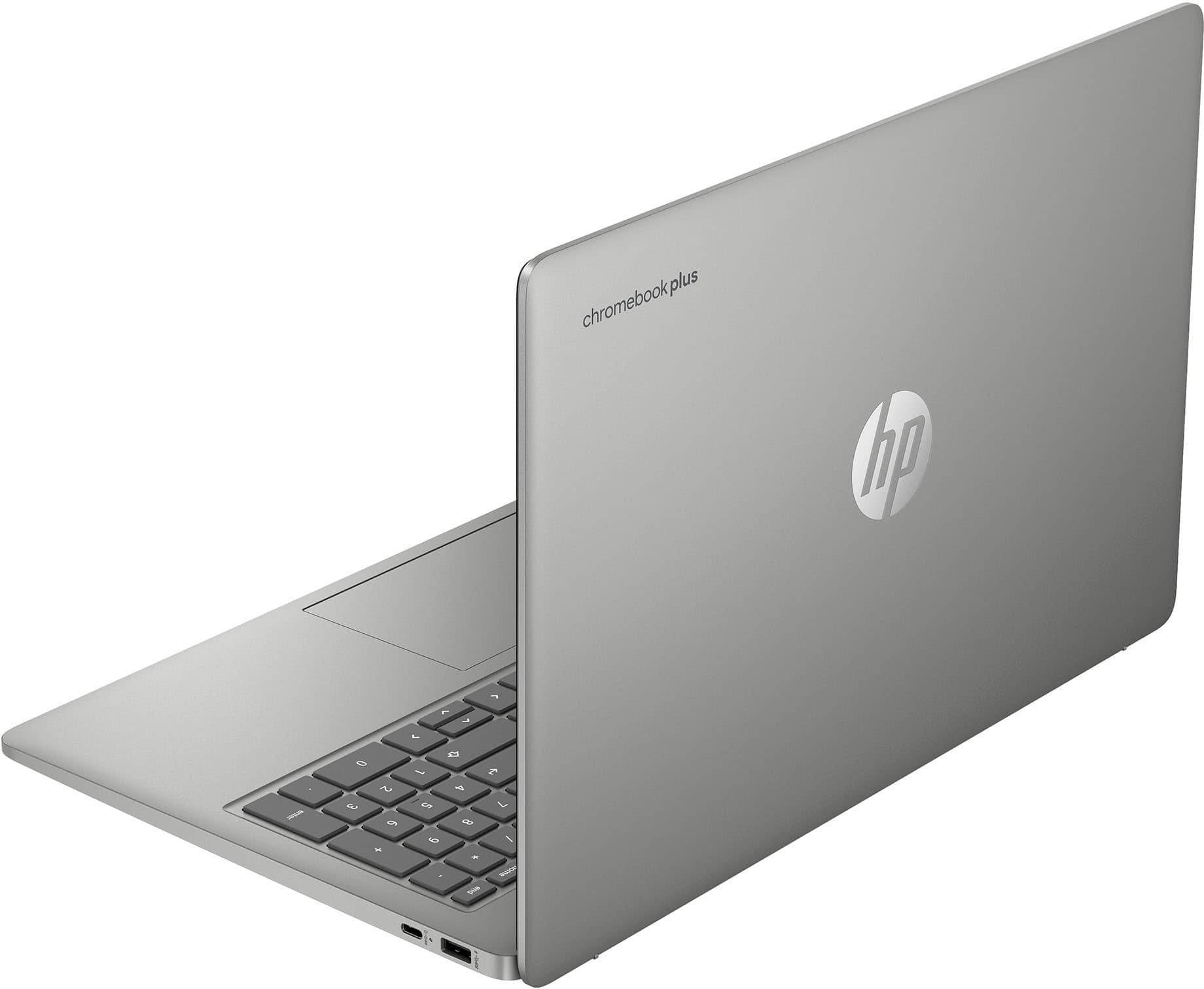
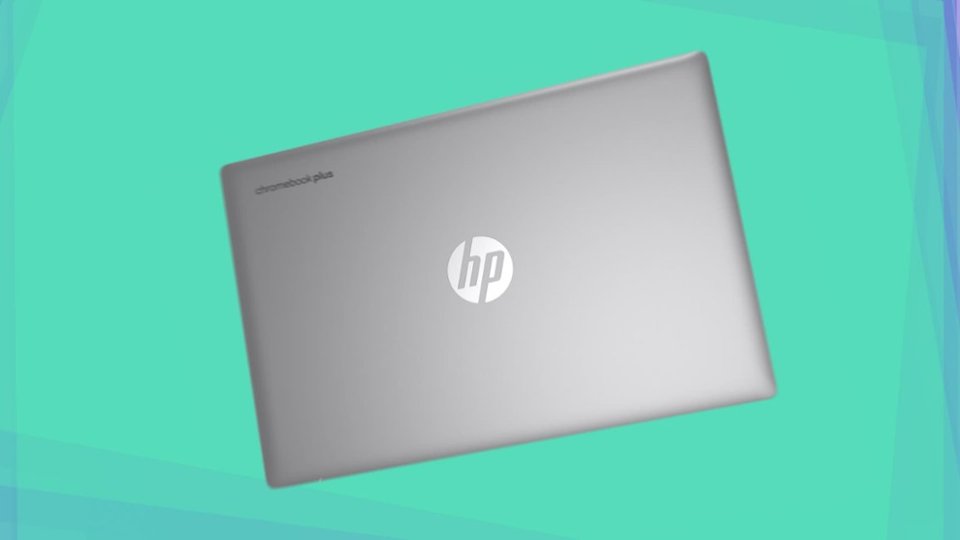
A:AnswerThank you for your question regarding the HP - 15.6" Full HD Chromebook Plus Laptop 15a-nb0033dx. For any software, you would want to check the system requirements from the publisher's website and make sure the device you want to run it on meets the requirements for the setting you would like to use. Updates can change the requirements which can impact what settings you run it on or if you can run it at all. For software that always require online or for sections that are online, your connection type and speed can also affect how well it runs.
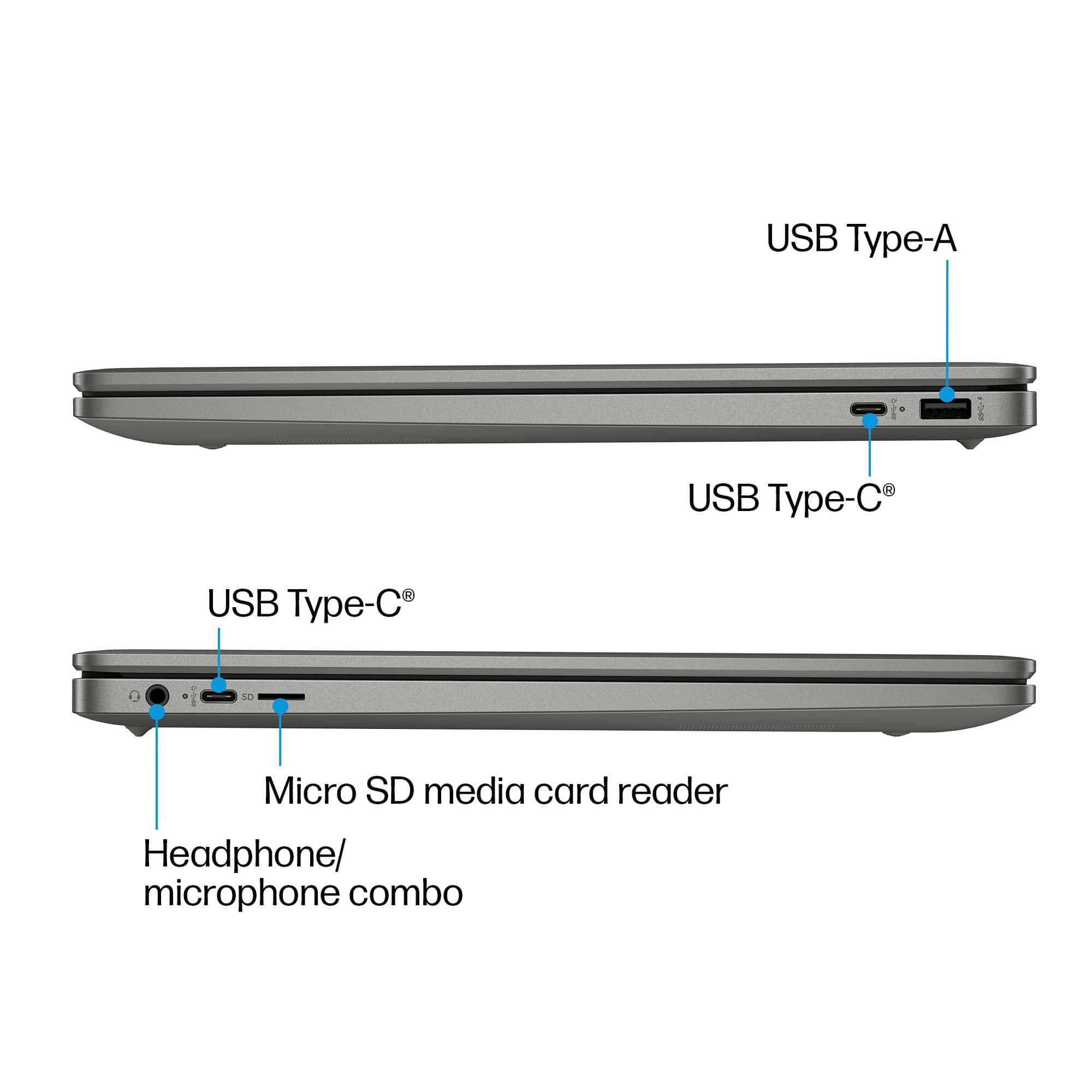
A:AnswerThank you for the question. Yes, you can connect the Chromebook to your Wi-Fi network or with a USB printer cable connected directly to the Chromebook and printer.
A:AnswerHi WesleyS, thanks for your question! This HP 15.6" Chromebook Plus laptop has a limited 1-year hardware warranty and 90 days of limited technical support for software and initial setup.
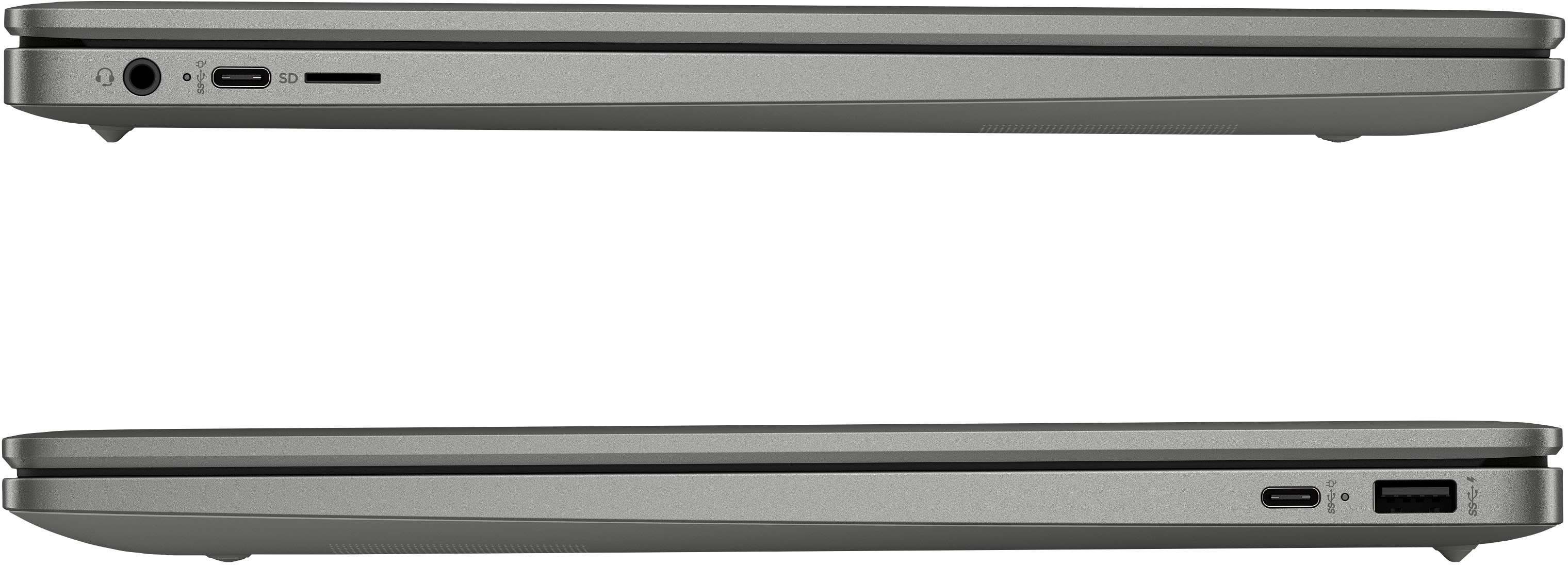
A:AnswerHello, Daniel. Thanks for your question. The RAM on this HP Chromebook cannot be upgraded. If you need more storage, you can use a USB flash drive or a SD card.
A:AnswerCareful - the specs for this Chromebook say:
Display Connector(s) No external display connection
So how would one be able to use even ONE monitor?